
You have poured energy into content, built an audience, and earned the taps, but the moment someone taps the one link in your Instagram or TikTok bio, the journey either converts or collapses. In 2026, the right link in bio tool is not a convenience; it is a conversion machine and some of your most valuable digital real estate. Treat it casually and you leave real money on the table.
Carrd is the most-named one-pager out there, but it is far from the only option. If you have outgrown a single scrollable page, eight Carrd alternatives built for the next step up are worth comparing on pricing and the features that start to matter past the one-page mark.
This guide breaks down the 15 best link in bio tools of 2026, with honest features, pricing, and pros and cons for each. You will find a side-by-side comparison table, picks by use case, and a clear view of which tool fits your goals, whether you want a simple link hub or a full storefront that turns followers into income. Creators whose income relies on brand-affiliate deals specifically may also want to weigh ShopMy alternatives, a parallel category of creator tools built around partnership marketplaces rather than link curation.
Key Takeaways
- Best link in bio tool overall: brandID is free and turns your bio into a full store with products, tips, affiliate, and bookings
- 15 tools compared: From Linktree and Beacons to Taplink, Carrd, Stan Store, and The Leap
- “Free” is not always free: Many tools add transaction fees or lock key features; brandID keeps fees low or zero
- Match the tool to your goal: Selling, simple link hubs, design-first pages, or marketing and retargeting
- What to check: Monetization, fees, customization, analytics, and ease of use
Why You Need a Link in Bio Tool
Social platforms like Instagram, TikTok, and X give you one clickable link. A link in bio tool turns that single slot into a page that points to everything you offer: your store, content, newsletter, booking page, and more. Used well, the best link in bio tools help you:
- Beat the one-link limit: send followers to many destinations from a single URL that works across every platform, so you only update one place when you change your Instagram bio or refresh a campaign.
- Drive traffic and conversions: guide people to the exact action you want, instead of hoping they find it.
- Monetize your audience: sell products, take tips, offer subscriptions, and run affiliate offers straight from your page.
- Strengthen your brand: a clean, on-brand page looks more professional and builds trust.
- Understand your audience: analytics show what people click so you can double down on what works.
How We Chose the Best Link in Bio Tools
To keep this list useful, we judged every tool against the same criteria that decide whether a bio page actually performs:
- Monetization: can you sell products, take tips, run subscriptions, and earn from affiliates directly?
- Fees and pricing: the real cost, including transaction fees that quietly eat into “free” plans.
- Customization: templates, design control, and custom domains to keep your page on-brand.
- Analytics: clicks, conversions, and traffic sources, ideally with Google Analytics or pixels.
- Ease of use: how quickly a non-technical creator can build, edit, and publish.
- Reliability and support: uptime, responsiveness, and the track record behind the platform.
Best Link in Bio Tools Compared at a Glance
Here is every tool side by side. Use it to shortlist two or three, then read their full reviews below.
| Tool | Standout feature | Free plan | Monetization | Fees / price | Best for |
|---|---|---|---|---|---|
| brandID | All-in-one monetization + 5M-product affiliate marketplace | Yes (full) | Products, subs, tips, affiliate, billboards, bookings | 5% free / 0% on Creator ($9/mo) | Creators serious about earning |
| Linktree | The original, simple link hub | Yes (limited) | Basic (higher tiers) | ~12% commerce on free; $6-$30/mo | Simple link lists |
| Beacons | All-in-one creator page + email marketing | Yes | Store, tips, email | Seller fees (0% on Store Pro) | Creators wanting analytics + email |
| Taplink | High-converting landing pages & forms | Yes (Basic) | Digital products & payments | Low; from $3/mo | IG/TikTok landing pages |
| Carrd | Flexible one-page site builder | Yes | Sell with 0% commission (Pro) | $9-$49/year | Budget custom one-pagers |
| Lnk.bio | Simple unlimited links + tip jar | Yes | Tip jar | Cheap; from $0.99/mo | Minimalist link sharing |
| Pallyy | Social scheduling + bio link | Yes | Weak | $25/mo | Social media schedulers |
| Shorby | Messaging-first bio (WhatsApp, Telegram) | No | Tips & links | From $12/mo | Contact/DM-first brands |
| Bio Sites | Squarespace mobile-first bio page | Yes | Downloads & tips (8% fee) | Free (8% fee) | Mobile-first aesthetics |
| HeyLink | Link hub with ad-revenue “Earn” | Yes (restricted) | Ads, basic store | 9.9% free / 3.9% Pro | Ad-revenue seekers (with caution) |
| Campsite | Generous free link page + team plans | Yes | Tips only | $7-$24/mo | Creators & agencies |
| Stan Store | Storefront + bio for coaches | No (trial) | Products, courses, coaching | No commission; $29/mo | Coaches & digital sellers |
| The Leap | AI digital-product storefront | Yes (3 products) | Digital products | No commission; $19-$59/mo | Beginners selling digital products |
| Milkshake | Mobile card-style mini-site | Yes | None | From $2.99/mo | Pretty mobile pages |
| Replug | Marketing bio with retargeting | Yes (2 links) | Via smart links | $9-$79/mo | Marketers & retargeting |
The 15 Best Link in Bio Tools: Reviewed
Link in bio tools have moved far beyond basic link lists. The best ones now bundle payments, design, analytics, and marketing, so your page can do real work. Below is each tool in detail, starting with our top pick.
1. brandIDBest Overall
brandID is an all-in-one creator monetization platform and a completely free link in bio tool. What sets it apart is its focus on earning, not just organizing links. Your bio page becomes a storefront where you can sell digital products, take subscriptions and tips, run an affiliate business, rent out ad space, and take paid bookings, all from one link.
Because it is built for business, brandID lets you sell digital products like videos, audio, ebooks, and downloads with no coding, keeping more of what you earn. It pairs that real marketing suite: email marketing, lead capture, a built-in CRM app for managing contacts and audience data, in-platform blog, promo codes, QR codes, and giveaways — making it especially useful for creators who want mobile CRM functionality without switching between multiple platforms.
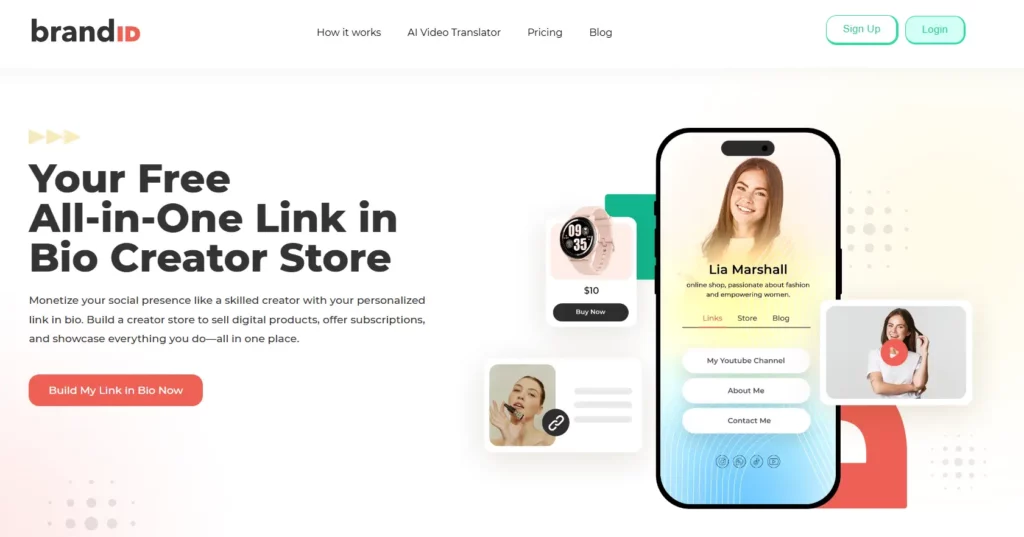
Best for: Creators, influencers, and businesses who want to turn their bio link into real, diversified income.
brandID Key Features
- Built-in affiliate marketplace: browse over 5 million products from 2,000+ brands through the brandID affiliate program and add them in one click, with commissions up to 65% and weekly payouts.
- Sell anything digital: videos, audio, ebooks, templates, and downloads, with no file-size limits and unlimited inventory on paid plans.
- Subscriptions, memberships, and tips: recurring revenue and direct fan support on every plan.
- Paid bookings: sell 1-on-1 sessions and webinars with brandID bookme, synced to Google, Outlook, and Apple Calendar.
- Digital billboard rentals: let brands rent ad space on your page, with up to 3 slots you approve.
- Real marketing suite: email marketing, lead capture, CRM, in-platform blog, promo codes, QR codes, and giveaways.
- Full analytics: views, clicks, conversions, traffic sources, and per-product performance, plus Google Analytics and Meta Pixel.
- Design freedom: hundreds of niche templates, drag-and-drop editing, custom branding, and custom domains.
brandID Pricing
brandID is free to use with full access to templates, the editor, and monetization tools, no locked features. It earns money only when you do: the free plan takes 5% if you connect your own Stripe or PayPal (10% with brandID’s gateway), and the Creator plan at $9/month drops that to 0% with your own gateway. Turbo Creator ($15/month) lowers the built-in gateway fee to just 3% and unlocks unlimited email subscribers.
brandID Pros and Cons
- Truly free to start with no locked core features
- The widest monetization set here: products, subscriptions, tips, affiliate marketplace, billboards, and bookings
- Keep more of your earnings (0% fees on Creator with your own gateway)
- Built-in affiliate marketplace with millions of products
- Full marketing suite (email, CRM, blog, promo/QR codes) included
- AI video translator for reaching global audiences
- Works on web and mobile with custom domains and rich design control
- So many tools that pure minimalists may only need a fraction
- Getting the most from monetization features rewards a little setup time
Sell products, collect tips, run affiliate offers, and grow your brand from one free page.
Try brandID for Free2. Linktree
Linktree is the original link in bio tool and still the most recognized. It popularized the idea of turning one social link into a landing page of many. You can list unlimited links, reorder and highlight them, and add icons, thumbnails, and a QR code. It covers the basics well, but it leans on external platforms for selling and locks most useful features behind paid tiers.
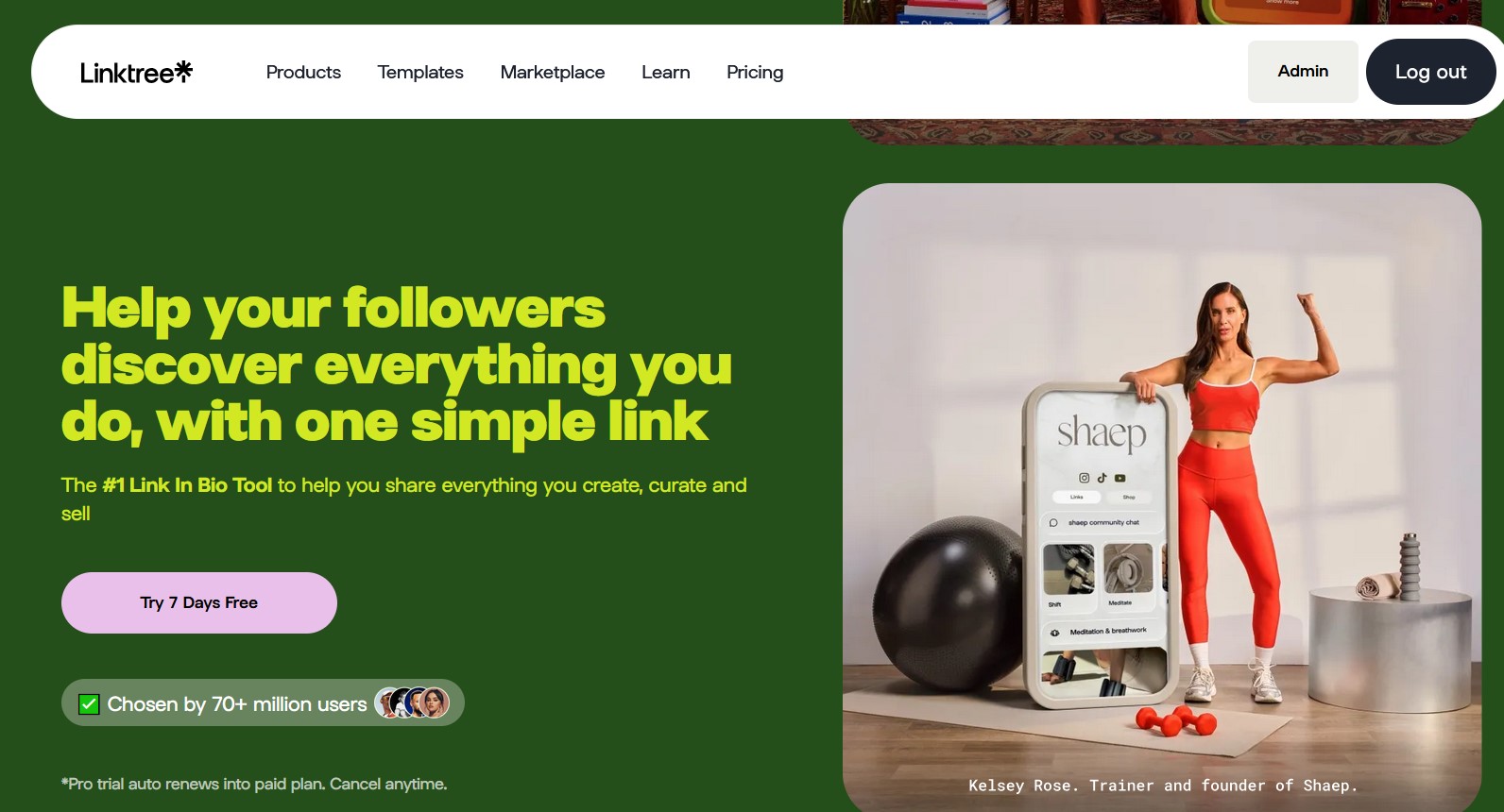
Best for: Anyone who wants a simple, recognizable link hub and does not need built-in selling.
Linktree Key Features
- Unlimited links with custom themes and layouts
- Basic analytics and social media integrations (Shopify, SoundCloud, and more)
- QR code generator and accessibility options
- Custom domains on paid plans
Linktree Pricing
Linktree has four tiers: Free (basic tools), Starter (about €6/month) for custom themes and scheduling, Pro ($12/month) for advanced analytics and integrations, and Premium ($30/month) for teams with 0% seller fees. Note that the free plan carries Linktree branding and a commerce fee on sales.
Linktree Pros and Cons
- Easy to use with a clean, intuitive interface
- Unlimited links on every plan
- Integrations with major platforms and tools
- No custom domain on the free plan
- Analytics and scheduling need a paid plan
- Limited free customization and forced branding
For a deeper look, read the full Linktree review.
3. Beacons
Beacons.ai is more than a link page; it gathers your content, store, and audience tools into one personalized page. Its strengths are analytics and growth: a native dashboard plus GA4 integration, email capture, and a media kit generator. It is a capable all-in-one for creators who want data and email built in.
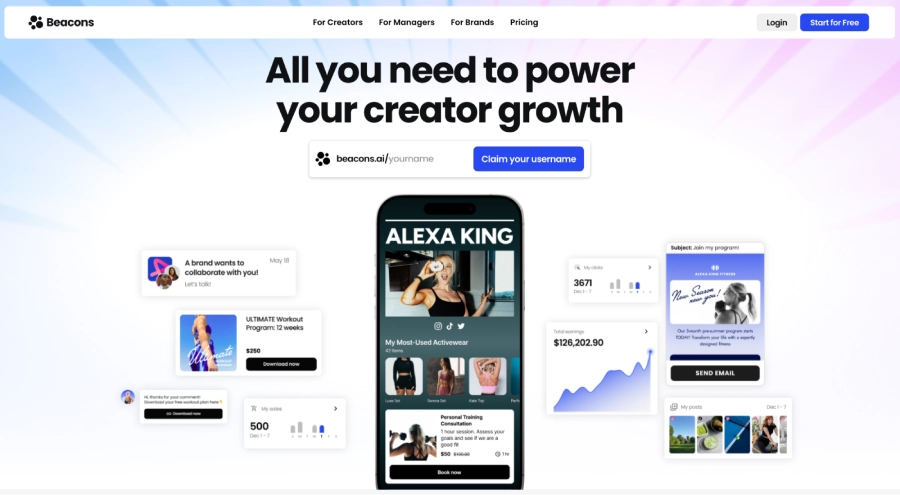
Best for: Creators who want built-in analytics, email marketing, and a media kit in one place.
Beacons Key Features
- Drag-and-drop page builder with unlimited links and media embeds
- Native analytics dashboard plus Google Analytics integration
- Email marketing automation and lead capture
- Media kit generator, custom domains, and mobile templates
Beacons Pricing
Beacons offers a free plan, with paid plans starting around $8.33/month; the Store Pro tier adds 0% seller fees. Advanced features and higher email limits sit on the paid tiers, and some reviews flag transaction cuts on the free store.
Beacons Pros and Cons
- Advanced customization and design elements
- Built-in email marketing automation
- Strong analytics with GA integration
- Free plan restricts customization and templates
- Custom domains and unlimited email need paid plans
- Store fees can eat into free-plan earnings
For a deeper look, read the full Beacons review.
4. Taplink
Taplink is one of the best link in bio tools for Instagram and TikTok when you want more than a list of links. It builds high-converting landing pages with image sliders, videos, FAQs, forms, and price lists, and you can sell digital products directly, turning your profile into a micro-website that drives clicks and sales.
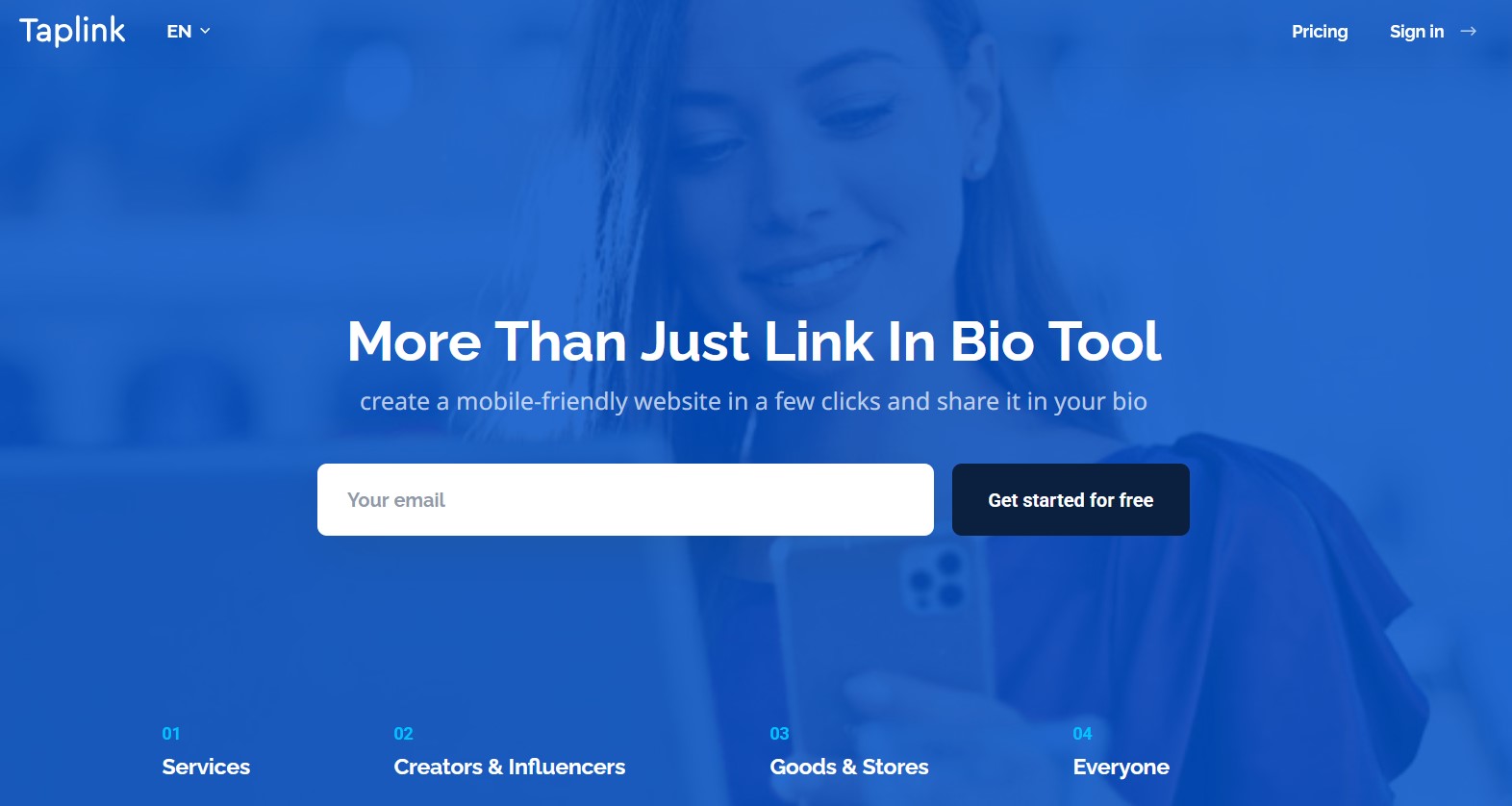
Best for: Instagram and TikTok creators who want a conversion-focused landing page with payments.
Taplink Key Features
- 100+ ready-made page templates
- Rich content blocks (video, music, forms)
- Built-in lead capture and payments
- Advanced design and branding controls
- Custom domains and logo removal
Taplink Pricing
Taplink has a free Basic plan with unlimited links and themes, a Pro plan at about $3/month for rich media and analytics, and a Business plan at about $6/month that adds payments, CRM, automations, and custom domains, strong value for a selling-focused bio page.
Taplink Pros and Cons
- Gathers links, content, and services into one mini-website
- Highly customizable with attractive templates
- Quick to set up and update
- Affordable, with forms, payments, and analytics bundled
- Some users report billing issues when plans lapse
- Occasional design or integration quirks (carousels, backgrounds)
For a deeper look, read the full Taplink review.
5. Carrd
Carrd is a favorite for building fully custom one-page sites, and it doubles as one of the best bio link platforms. With 264+ responsive templates and deep design control, you can craft a page that matches your brand exactly. It also charges 0% commission on digital product sales, which makes it appealing for sellers on a budget.
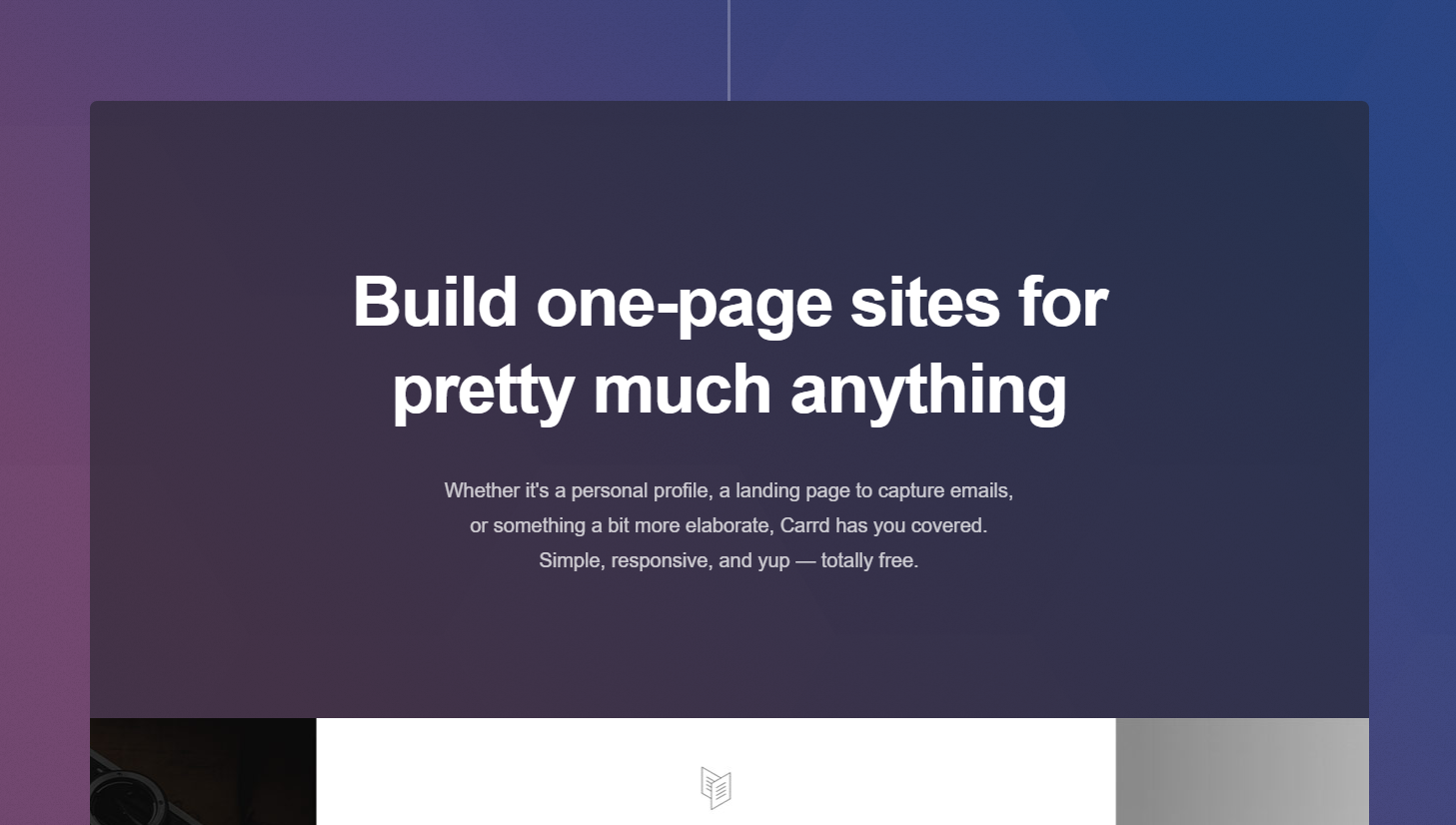
Best for: Design-minded creators who want an affordable, fully custom one-page site.
Carrd Key Features
- Responsive templates with a drag-and-drop editor
- Custom domains on paid plans
- Embed widgets and media on your page
- GA4 tracking and custom meta tags for SEO
Carrd Pricing
Carrd is one of the most affordable options: a generous free plan plus yearly tiers. Pro Lite is $9/year (3 sites), Pro Standard $19/year (10 sites, custom domains, forms), and Pro Plus $49/year (25 sites, code embeds, and payments).
Carrd Pros and Cons
- Highly customizable layouts, fonts, and colors
- Builds portfolios and landing pages, not just link hubs
- Very budget-friendly with custom domains on paid tiers
- Premium templates, GA, and monetization need higher tiers
- Slightly more setup and a small learning curve
For a deeper look, read the full Carrd review.
6. Lnk.bio
Lnk.bio is a straightforward link in bio tool for creators who want a clean, clutter-free page. You can add unlimited links, embed music and videos, and turn on a tip jar so fans can support you directly. It skips advanced e-commerce and deep analytics, but it nails the essentials and is a solid way to make the most of the one link in your TikTok bio.
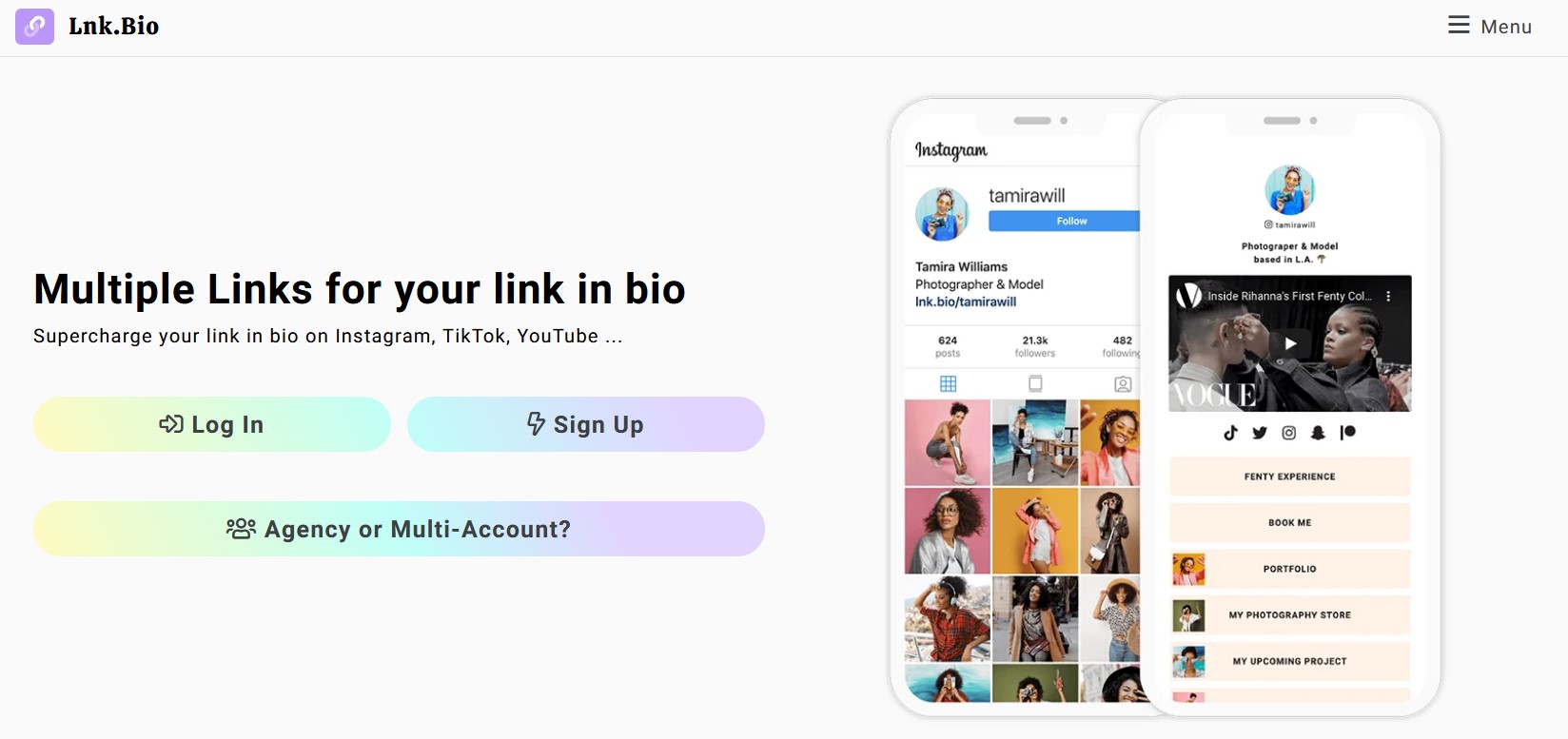
Best for: Minimalists who want unlimited links and a tip jar without a monthly fee.
Lnk.bio Key Features
- Unlimited links, even on the free plan
- Music and video embeds
- Link tracking and a tip jar
- Email newsletter integration
Lnk.bio Pricing
Lnk.bio has a free plan plus low-cost paid options: Mini Monthly ($0.99/month), Mini One-Time ($9.99), and Unique One-Time ($24.99), which is unusually cheap for a link in bio tool.
Lnk.bio Pros and Cons
- Unlimited links on the free plan
- Simple, easy-to-manage interface
- Cheap one-time payment options
- Free plan limits customization to basic themes
- Scheduling and advanced analytics are paywalled
- Transaction fees apply to sales, and no free custom domain
For a deeper look, read the full Lnk.bio review.
7. Pallyy
Pallyy started as a social media management platform and folds a solid link in bio tool into its ecosystem. It is built for influencers, marketers, and small businesses who want a clean page that also connects to scheduling and an Instagram feed, so you can even add links to Instagram posts and keep your social presence consistent from one hub.
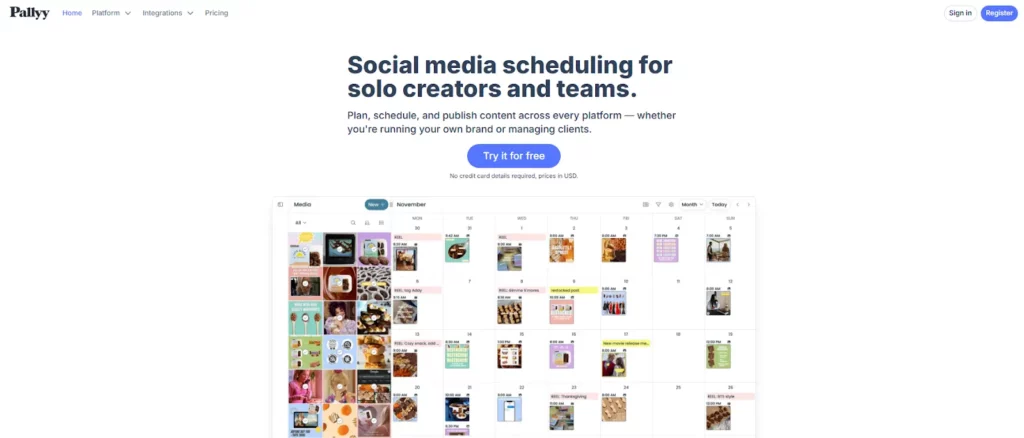
Best for: Creators and marketers who already schedule social content and want a matching bio page.
Pallyy Key Features
- Drag-and-drop editor with mobile-optimized design
- Instagram feed integration
- Post scheduling and calendar management
- Social media monitoring
Pallyy Pricing
Pallyy has three plans: Free, Pay As You Go ($25/month), and Unlimited ($199/month), scaling from basic posting and analytics to unlimited users and advanced tools. A 14-day trial lets you test the paid features.
Pallyy Pros and Cons
- Budget-friendly with a free plan
- 14-day trial of the social tools
- Clean page tied to social scheduling
- Free plan limits features and scheduled posts
- Analytics and unlimited scheduling are paywalled
- Weak on monetization
For a deeper look, read the full Pallyy review.
8. Shorby
Shorby is a link in bio tool built for messaging and quick campaigns. Its standout feature is direct-message integration: add clickable buttons for WhatsApp, Telegram, Messenger, or a phone call, so followers can reach you instantly. It suits small businesses and marketers who treat their bio link as a contact hub.
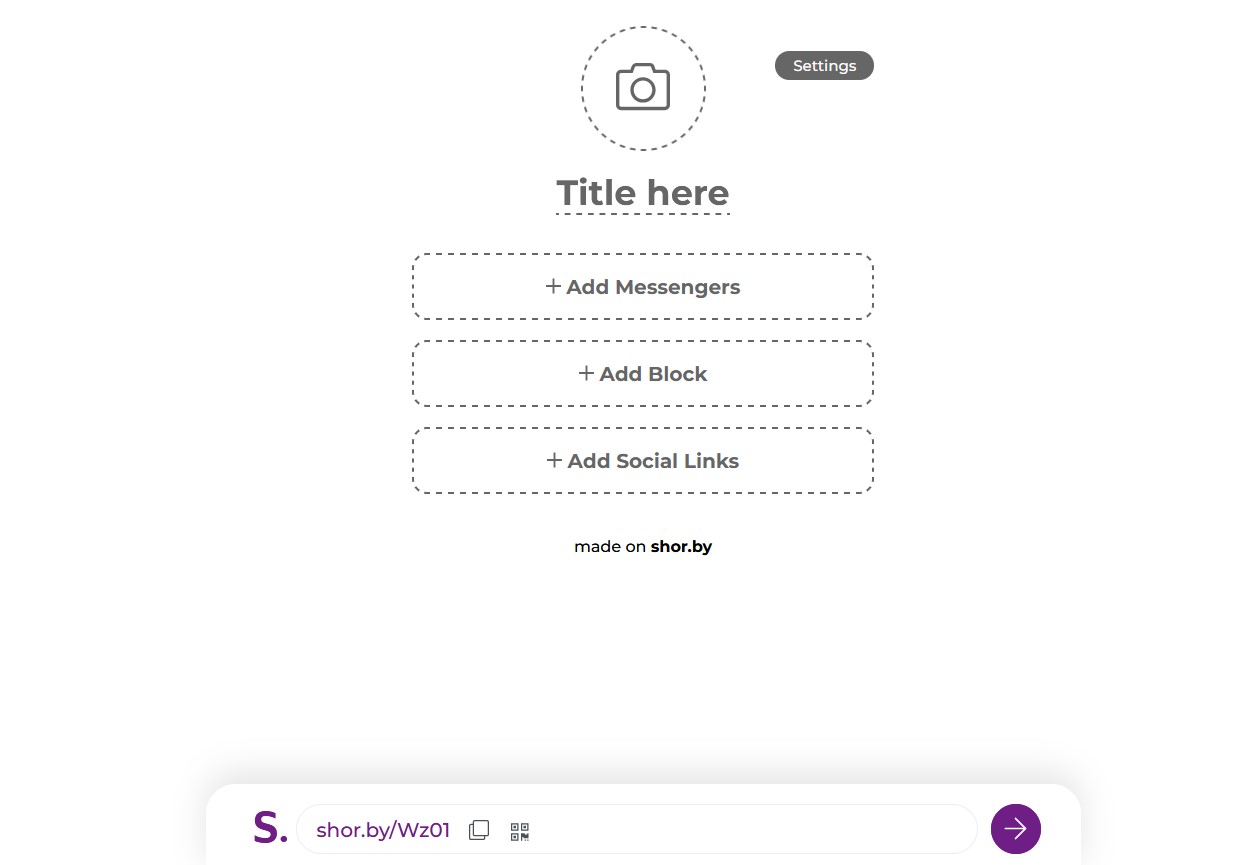
Best for: Small businesses and marketers who want a contact-first, messaging-driven bio page.
Shorby Key Features
- Messaging app integration (WhatsApp, Telegram, Messenger)
- Link tracking and Google Analytics
- Support for dynamic feeds
- Smart pages and retargeting pixels
Shorby Pricing
Shorby has no free plan. Paid plans start at $12/month and unlock its advanced features and customization, which makes it one of the pricier options for casual users.
Shorby Pros and Cons
- Fast to set up for quick marketing campaigns
- Supports retargeting pixels for advertising
- Clean, user-friendly interface
- No free plan; upfront cost required
- Limited value outside Instagram and messaging
- Higher pricing and limited analytics on basic plans
For a deeper look, read the full Shorby review.
9. Bio Sites
Bio Sites is Squarespace’s free link in bio platform (part of the Unfold app) that turns one URL into a mobile-first mini-site. It aggregates links, media, and products with modern templates and a drag-and-drop editor, plus built-in tools to sell downloads, take tips, and collect leads.
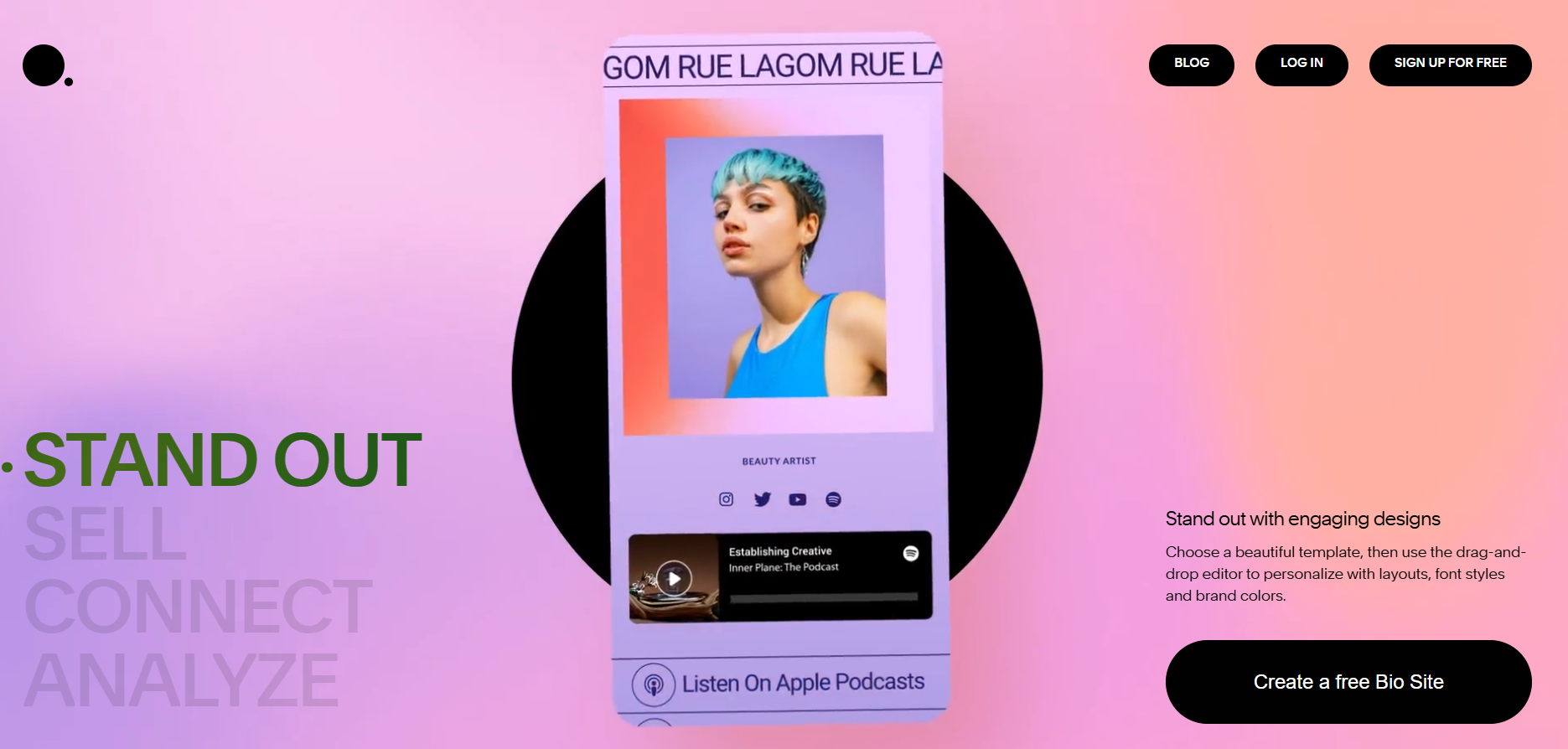
Best for: Mobile-first creators in the Squarespace ecosystem who want a quick, good-looking page.
Bio Sites Key Features
- Link blocks, carousels, galleries, countdowns, and “Support Me” sections
- Mobile-optimized templates with embeds (YouTube, Spotify, IG, TikTok)
- Sell digital downloads, take tips/donations (Stripe/PayPal), and add affiliate links
- Basic analytics and up to 10 pages per account
Bio Sites Pricing
Bio Sites is free (the separate Pro tier has been discontinued), but it charges an 8% transaction fee on free-plan sales and donations, dropping to 5% and then 0% on higher plans. Free pages use a bio.site subdomain with an Unfold watermark.
Bio Sites Pros and Cons
- Free core with rich content sections
- Integrated monetization (downloads, tips, affiliate links)
- Up to 10 pages and quick, mobile-first setup
- Customization is locked to preset styles
- Mobile-only editing via the Unfold app
- 8% transaction fee on the free plan and basic analytics
For a deeper look, read the full Bio Sites review.
10. HeyLink
HeyLink.me is a link in bio platform that consolidates your profiles, store, and content on one page and adds an unusual “Earn” feature that runs Google AdSense ads for passive revenue. It offers templates, analytics, and a basic store, though user feedback raises real concerns around support, billing, and security.
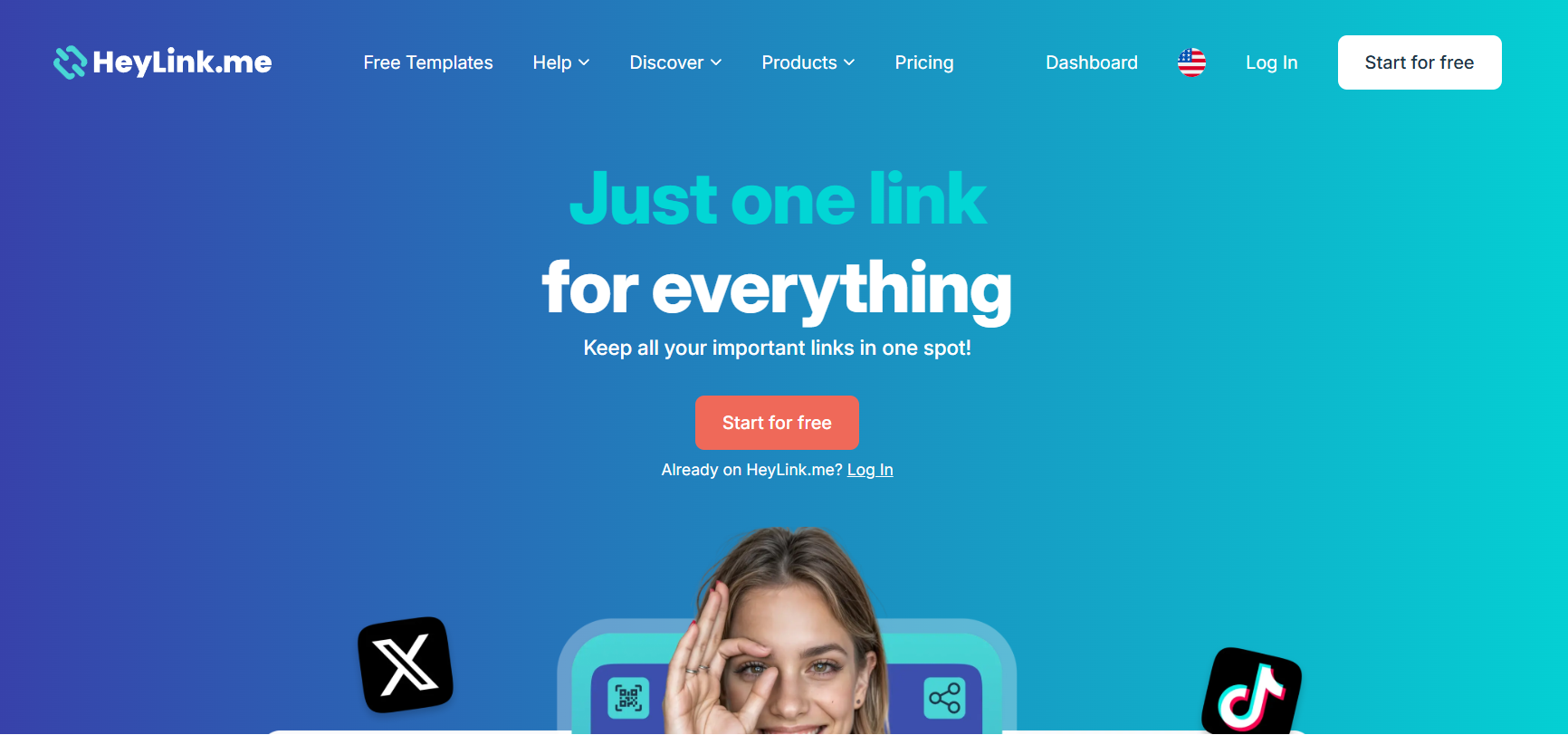
Best for: Budget creators curious about ad revenue on a link page, with the caveats above in mind.
HeyLink Key Features
- Link aggregation (50 links free, 100 on Pro) with customizable templates
- Real-time analytics with geographic and device data
- “Earn” ads, a basic store, and tip jar for monetization
- QR codes plus Apple/Google Wallet digital cards
HeyLink Pricing
HeyLink has a free Starter plan (50 links, 9.9% + $0.30 per sale, HeyLink logo) and a Pro plan at $9/month (100 links, custom branding and domain, advanced analytics, and a lower 3.9% + $0.30 fee).
HeyLink Pros and Cons
- All-in-one link page with a free tier
- Ad-revenue “Earn” option plus tips and a store
- Plenty of customizable templates
- Frequent complaints about support and billing
- Security reports of hacked or changed URLs
- High 9.9% transaction fee on the free plan
- Low overall reputation (2.6/5 on Trustpilot)
For a deeper look, read the full HeyLink review.
11. Campsite
Campsite.bio is a mobile-optimized link in bio tool with a genuinely generous free plan. It focuses on fast, high-converting pages and is one of the few tools with organization accounts for teams and agencies managing multiple profiles.
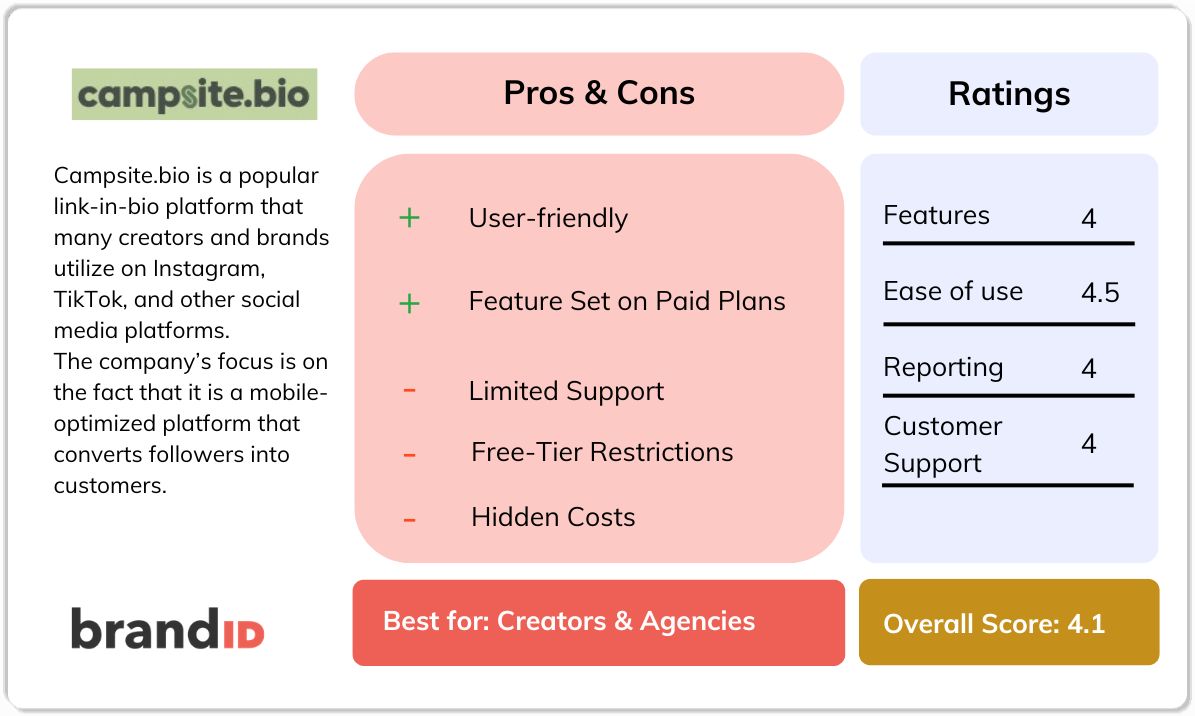
Best for: Creators and agencies who want a generous free page with team and profile management.
Campsite Key Features
- Unlimited links and content blocks (carousels, embeds, forms, Instagram grid)
- Customizable design with link scheduling and grouping
- Tip jar and support links for monetization
- Analytics with Google Analytics and pixels on paid plans
- Organization plans for teams
Campsite Pricing
Campsite has a free plan (unlimited links, 14-day analytics, custom themes), Pro at $7/month (scheduling, 60-day analytics, hide branding, pixels), Pro+ at $24/month (more profiles and collaborators), and Organization plans from $14 to $29/month.
Campsite Pros and Cons
- Easy setup with a generous free plan
- Advanced analytics and scheduling on paid tiers
- Rare organization and team accounts
- Slow or unresponsive support and occasional downtime
- Free tier adds a watermark and locks some design options
- No built-in store or affiliate program; add-on profiles cost extra
For a deeper look, read the full Campsite review.
12. Stan Store
Stan Store is a creator storefront that doubles as a link in bio hub, optimized for turning Instagram, TikTok, and YouTube traffic into sales. It bundles a mobile-first storefront, booking and coaching tools, course hosting, and email marketing, and it takes no commission on your sales.
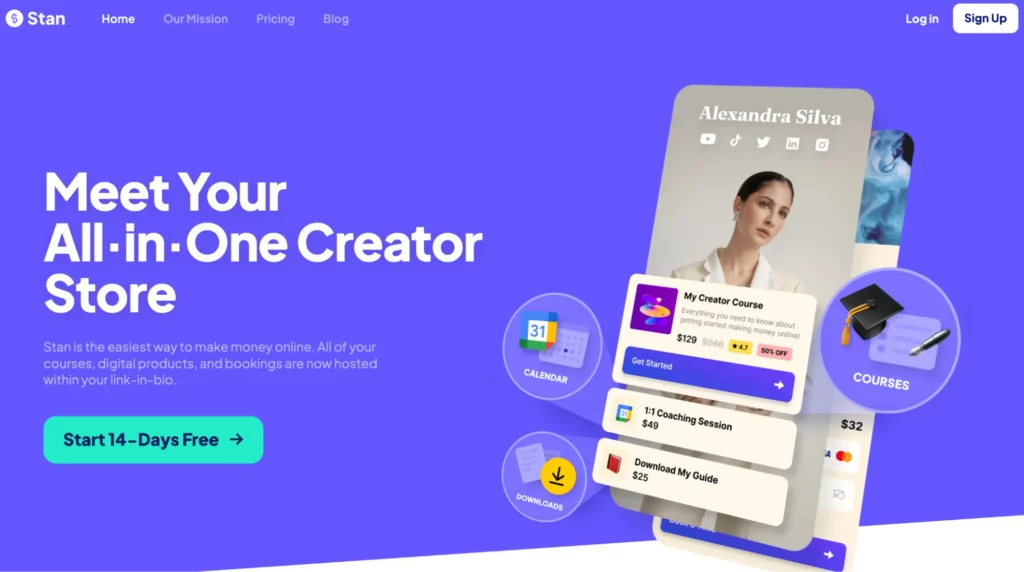
Best for: Coaches and digital-product sellers who want a simple storefront-first bio link.
Stan Store Key Features
- Sell digital downloads, courses, and memberships with one-click checkout
- Built-in booking and coaching tools with calendar scheduling
- Password-protected course and membership hosting
- Email marketing automation with audience segmentation
Stan Store Pricing
Stan Store has no free plan and its 14-day trial requires a credit card. The Creator plan is $29/month (or $300/year) and Creator Pro is $99/month (or $948/year), which unlocks upsells, discount codes, affiliate tools, and full email flows. It takes no sales commission beyond processor fees.
Stan Store Pros and Cons
- Beginner-friendly with no sales commission
- Strong for coaches, consultants, and digital sellers
- Booking and course tools built in
- No free plan and a credit card is needed for the trial
- Limited customization and digital-only (no physical goods)
- No tipping or ad options; some reports of delayed payouts
For a deeper look, read the full Stan Store review.
13. The Leap
The Leap, built by Thinkific, is an AI-powered link in bio storefront for creators who want to build and sell digital products fast. Its AI assistant drafts mini-courses and guides, and every new product is added to your storefront automatically with its own sales page.
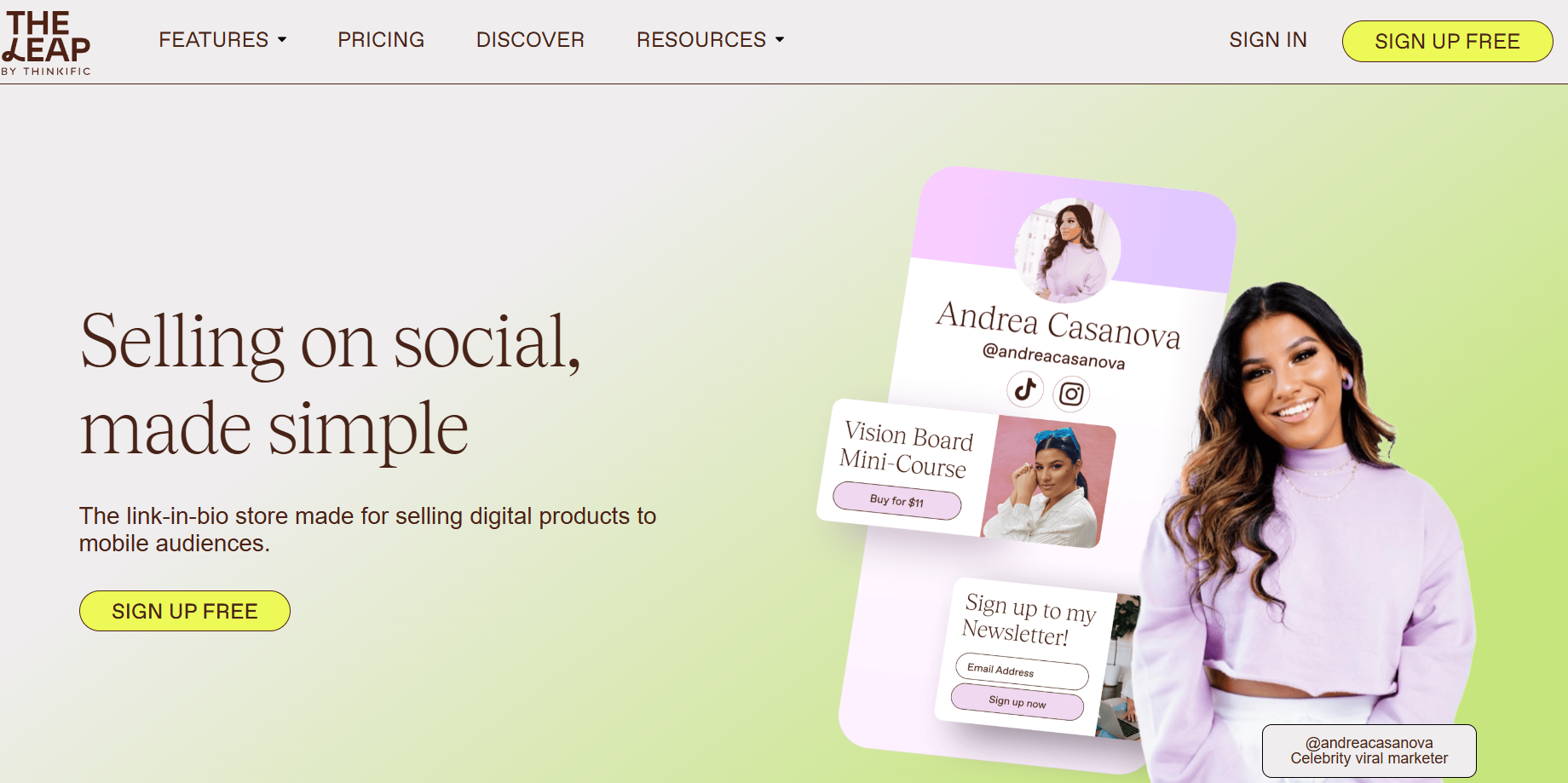
Best for: Beginners who want a quick, free storefront to launch digital products.
The Leap Key Features
- AI product builder for mini-courses, ebooks, and challenges
- Link-in-bio storefront with auto-generated sales pages
- Standalone landing pages and built-in email marketing
- Mobile-optimized with calendar booking and basic analytics
The Leap Pricing
The Leap has a free plan (3 live products, 500 email contacts, branding), a Pro plan at $19/month (25 products, 5,000 contacts, Zapier, exports), and an Elite plan at $59/month (100 products, 25,000 contacts). It takes no sales commission but is Stripe-only.
The Leap Pros and Cons
- Free plan includes most core features
- User-friendly and fully mobile-optimized
- Bundles storefront, landing pages, and email
- Limited customization and no custom domain
- Digital-only with no affiliate marketplace
- Basic AI and analytics; Stripe-only payments
For a deeper look, read the full The Leap review.
14. Milkshake
Milkshake is a mobile-first link in bio tool for creators who prefer to build straight from their phone. Instead of a plain list, it creates a swipeable “Insta website” from cards, so the focus is on design and visual presentation rather than analytics or selling.
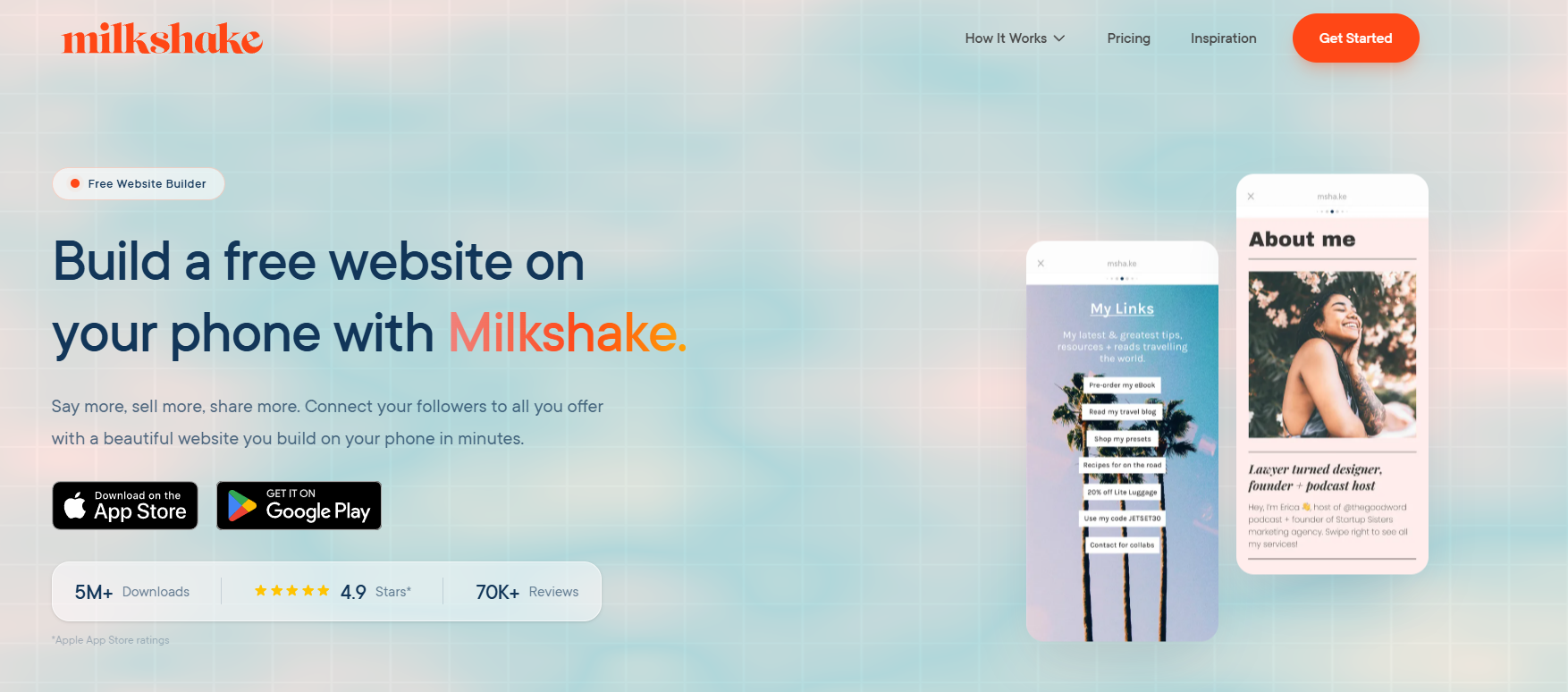
Best for: Creators who want a beautiful, visual mobile page and do not need selling tools.
Milkshake Key Features
- Mobile-only app for building on the go
- Card-based, swipeable mini-website design
- Simple customization with no design skills needed
- Custom domains on paid plans
Milkshake Pricing
Milkshake has a free plan for basic features, with paid plans starting at about $2.99/month for more tools and customization.
Milkshake Pros and Cons
- Mobile-first design made for smartphone users
- Simple and quick to set up
- Affordable paid plans
- Limited customization versus richer competitors
- No built-in monetization or advanced integrations
- Mobile-only editing and basic analytics
15. Replug
Replug is a link in bio tool built for marketers. Beyond a drag-and-drop page builder, it adds retargeting pixels, deep linking, A/B testing, and white-label branding, which makes it closer to a marketing suite than a simple link hub.
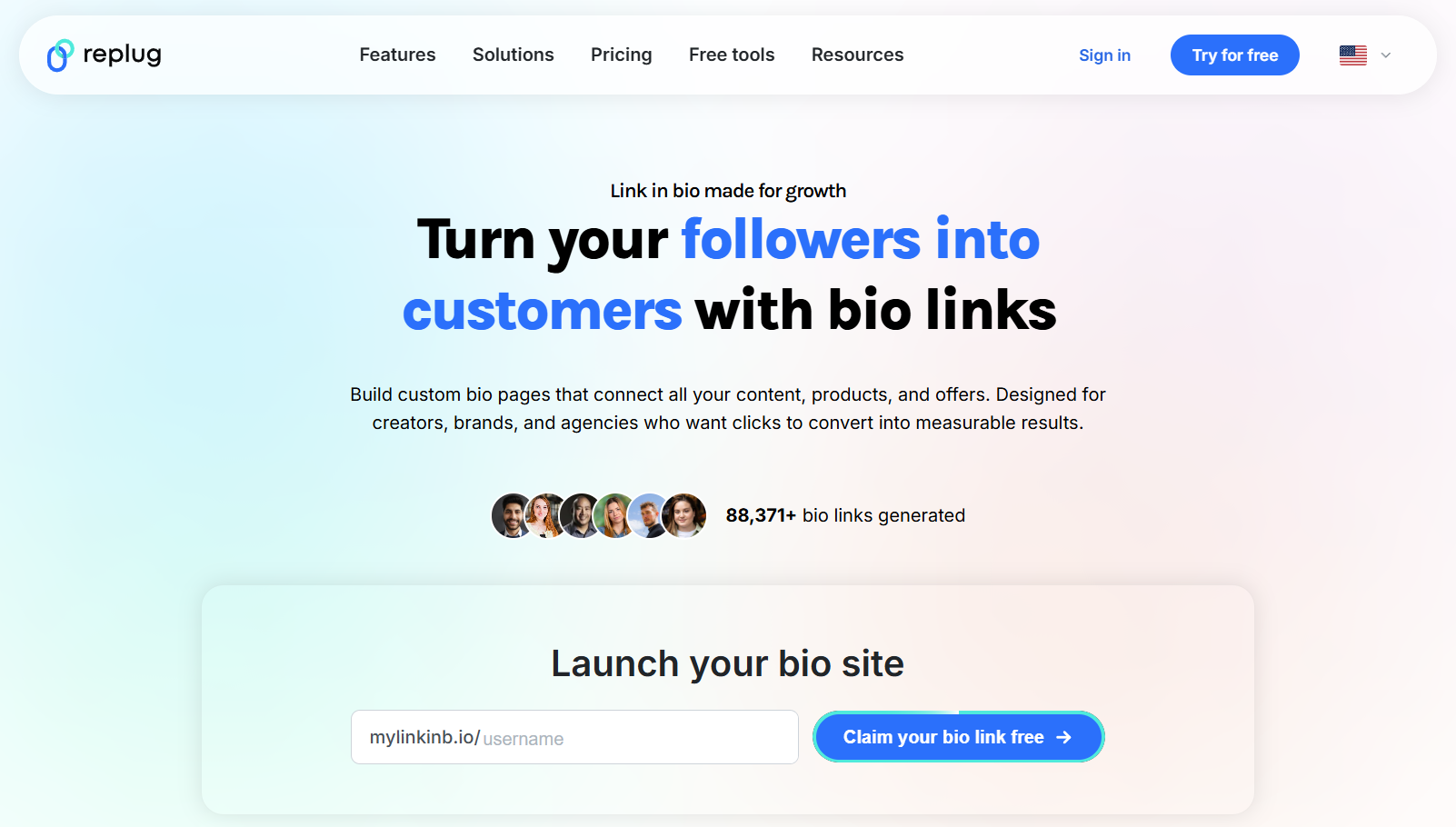
Best for: Marketers who want retargeting, analytics, and campaign tools baked into their bio link.
Replug Key Features
- Customizable landing pages with a drag-and-drop editor
- Retargeting pixels and audience building
- Advanced analytics with UTM support and detailed reporting
- RSS automation, deep linking, A/B testing, and QR codes
- Custom domains and white-label branding
Replug Pricing
Replug has a free plan (2 bio links, 1,000 clicks), Essentials at $9/month (10 links, 10,000 clicks), Scale at $23/month (unlimited links, 50,000 clicks), and Agency at $79/month (250,000 clicks and white labeling).
Replug Pros and Cons
- Retargeting pixels and audience building from a bio link
- White-label branding and custom domains
- Advanced analytics with full UTM tracking
- RSS automation and deep linking into apps
- Can feel complex for a simple link list
- Free plan is very limited
- White-label and top features sit on the agency tier
The Best Link in Bio Tool for Each Goal
There is no single winner; the right tool depends on what you want your page to do.
1. For Selling and Monetization
If you want to earn, brandID leads: it combines a store, subscriptions, tips, bookings, ad rentals, and a built-in affiliate marketing marketplace on a free plan. Stan Store and The Leap are strong for digital-product-only storefronts, and Bio Sites adds basic selling for mobile-first creators.
2. For a Simple, Free Link Hub
If you just need to organize links, Linktree is the recognizable default, Lnk.bio offers unlimited links for almost nothing, and Campsite has one of the most generous free plans with team options.
3. For Design and Landing Pages
For a page that looks exactly how you want, Carrd gives deep one-page design control, Taplink builds conversion-focused landing pages with payments, and Milkshake creates visual, card-based mobile sites.
4. For Marketing and Analytics
Marketers who care about data should look at Replug for retargeting and deep linking, Beacons for analytics plus email, and Pallyy or Shorby for social scheduling and messaging-first pages.
Conclusion: Which Link in Bio Tool Should You Choose?
Every tool here helps you beat the one-link limit, but they are built for different jobs. Choose Linktree or Lnk.bio for a simple hub, Carrd or Taplink for design and landing pages, Stan Store or The Leap for a digital storefront, and Replug or Beacons for marketing and analytics.
For creators, influencers, and brands who want their bio link to actually generate income, brandID is the standout. It bundles a store, subscriptions, tips, affiliate marketplace, bookings, and marketing tools into one free page, and keeps fees low or zero while some competitors lean on outdated models. Start with brandID today and turn your single link into your most valuable digital real estate.
FAQs
What Is a Link in Bio Tool and Why Is It Essential?
A link in bio tool is a customizable landing page that lives behind the one link you are allowed in a social profile. Instead of sending followers to a single destination, it shows all of them at once: your shop, blog, newsletter, booking page, and more. That lets creators and brands overcome platform limits, improve the visitor experience, drive traffic, and monetize their audience from one URL.
Which Link in Bio Tool Is Best for Monetization?
brandID is the top pick for monetization. It is built for creators, with digital product sales, subscriptions, tips, an affiliate marketplace, ad-space rentals, and paid bookings, all from one free page. You keep more of your earnings thanks to low or zero transaction fees, and you do not need any technical setup.
What Is the Best Free Link in Bio Tool?
brandID is the most capable free option because its core tools and monetization features are not locked behind a paywall. Linktree, Beacons, Taplink, Carrd, Campsite, and Bio Sites also have free plans, though many add transaction fees or reserve key features for paid tiers.
Do I Need a Website to Use a Link in Bio Tool?
No. A link in bio tool hosts your landing page for you, so you do not need your own website or any hosting. You get a single link that leads to a page with all your important destinations, ready to drop into any social bio.
Can I Use One Link in Bio for Both Instagram and TikTok?
Yes. One of the main benefits of these tools is a single URL you can place in your Instagram, TikTok, YouTube, or X bio. Update the page once and every platform points to the latest version.
How Does Linktree Compare to Other Link in Bio Tools?
Linktree is user-friendly and great for organizing links, but it is light on built-in monetization and locks analytics, custom domains, and branding behind paid plans. If you want to actually sell and earn, a tool like brandID offers digital products, subscriptions, tips, and affiliate tools that Linktree leaves to external platforms.
Are “Free” Link in Bio Tools Really Free?
Not always. Many free plans add transaction fees on sales and donations (for example, 8% on Bio Sites or around 12% on Linktree’s free commerce), carry branding, or restrict links and features. brandID’s free plan keeps fees to 5% with your own payment gateway and unlocks the full toolset.
How Do I Choose the Right Link in Bio Tool for Me?
Start with your goal. If you only need to share links, a simple free hub works. If you want to design a custom page, prioritize customization. If you plan to earn, choose a tool with strong built-in monetization, low fees, and good analytics, which is where brandID stands out for creators and businesses.
 Summarize this article with:









