HeyLink Review 2026: Pros, Cons & Better Alternatives
HeyLink.me is a link-in-bio platform suitable for content creators, influencers, and small businesses. It lets users build a single landing page for all their online content and monetize it. HeyLink functions as a mini-website for social bios, offering link aggregation, analytics, and even an ad-sharing “Earn” feature.
When looking for the top link-in-bio tools, creators often come across HeyLink as one of the popular options. But popularity doesn't always mean quality. While HeyLink provides many tools, user feedback shows some concerns about its support, security, and billing.
This complete HeyLink review will examine its features, pricing, and compare it to better alternatives like brandID. So, let's start.
What Is HeyLink?
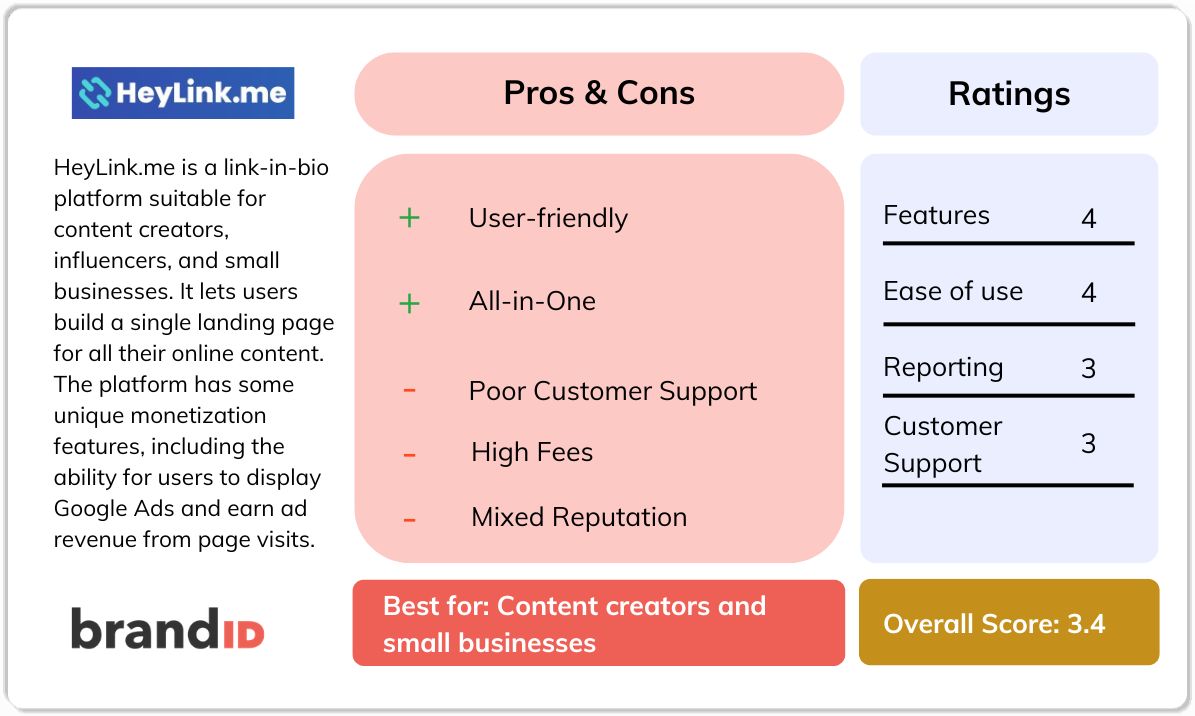
As mentioned earlier, HeyLink.me is a link-in-bio platform that enables creators to consolidate all their social media profiles, websites, stores, and other content into a single landing page. While it positions itself as an all-in-one solution for link management and monetization, its core offering remains a relatively standard link aggregation service.
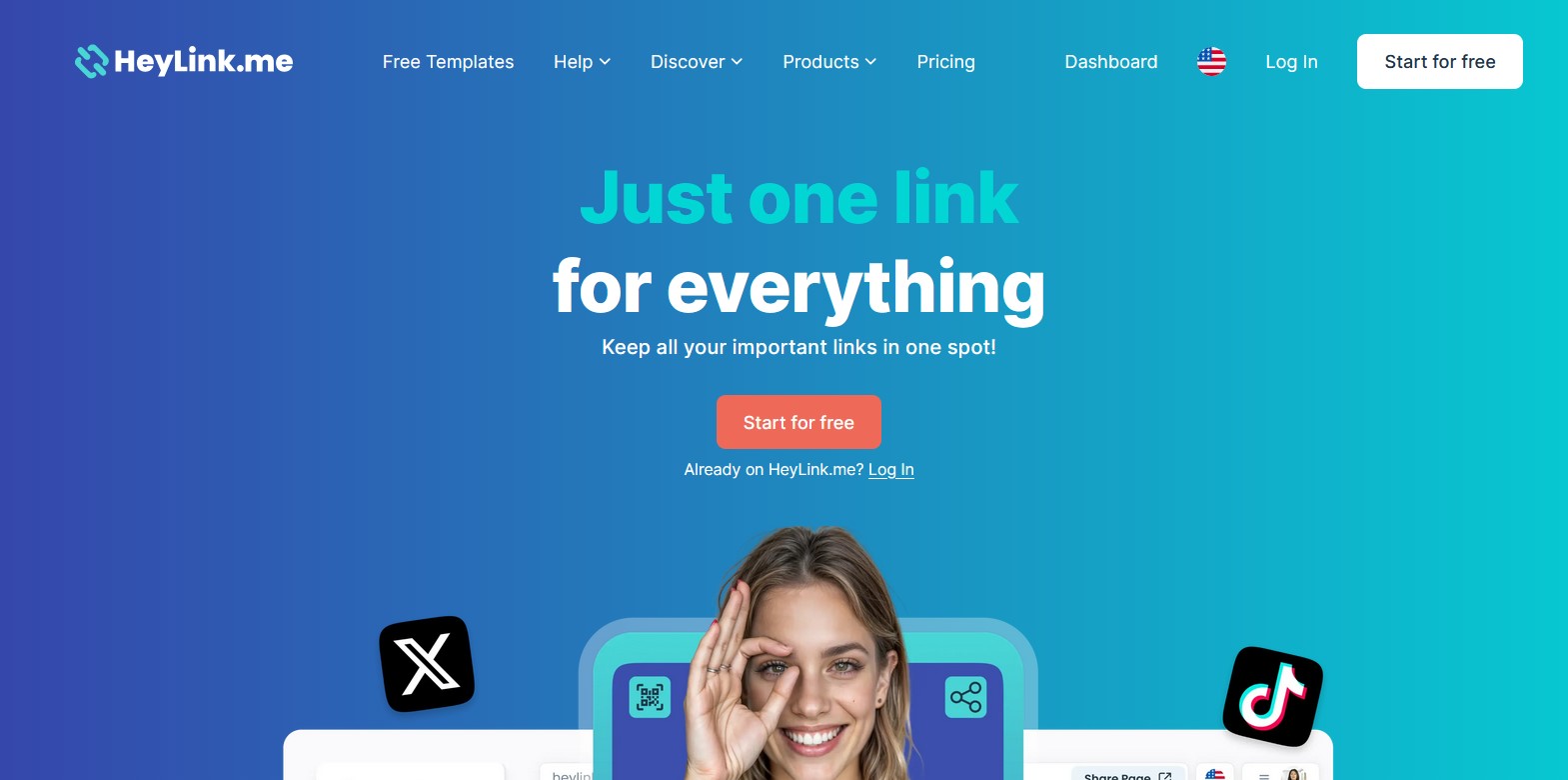
The platform has some unique monetization features, including the ability for users to display Google Ads and earn ad revenue from page visits.
HeyLink Overview
Let's have a quick view of the platform and its basic information:
At a Glance
- Launch Year: Founded in 2018.
- Headquarters: Based in Copenhagen, Denmark.
- User Base: Popular with creators like artists, writers, and podcasters who want to have a page for all their profiles.
- Platform Focus: It enables selling affiliate products, integrating donation or store widgets, and running ads on the creator's profile page.
- Company: Part of the Exabytes group, which is a web hosting and marketing services company.
HeyLink Features
Here are some of the core features you can find with Heylink.me:
Multiple Link Aggregation
HeyLink pages let you list your links to any content on the internet. All links appear on one page, so followers click the HeyLink page and then select which content to visit. Users can reorder, label, and iconize links for a customized interface.
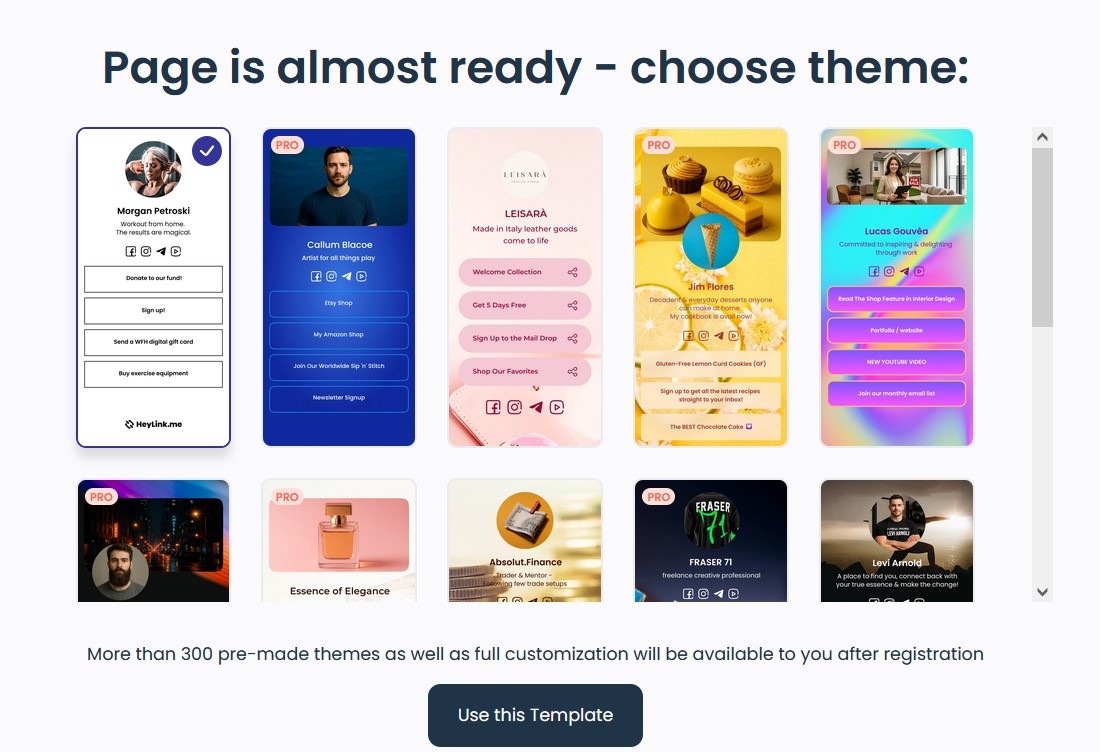
Customizable Templates & Design
The platform offers many template layouts. You can choose a visual template and customize fonts, backgrounds, avatars, and more. This will help to create unique pages for different profiles.
Analytics & Tracking
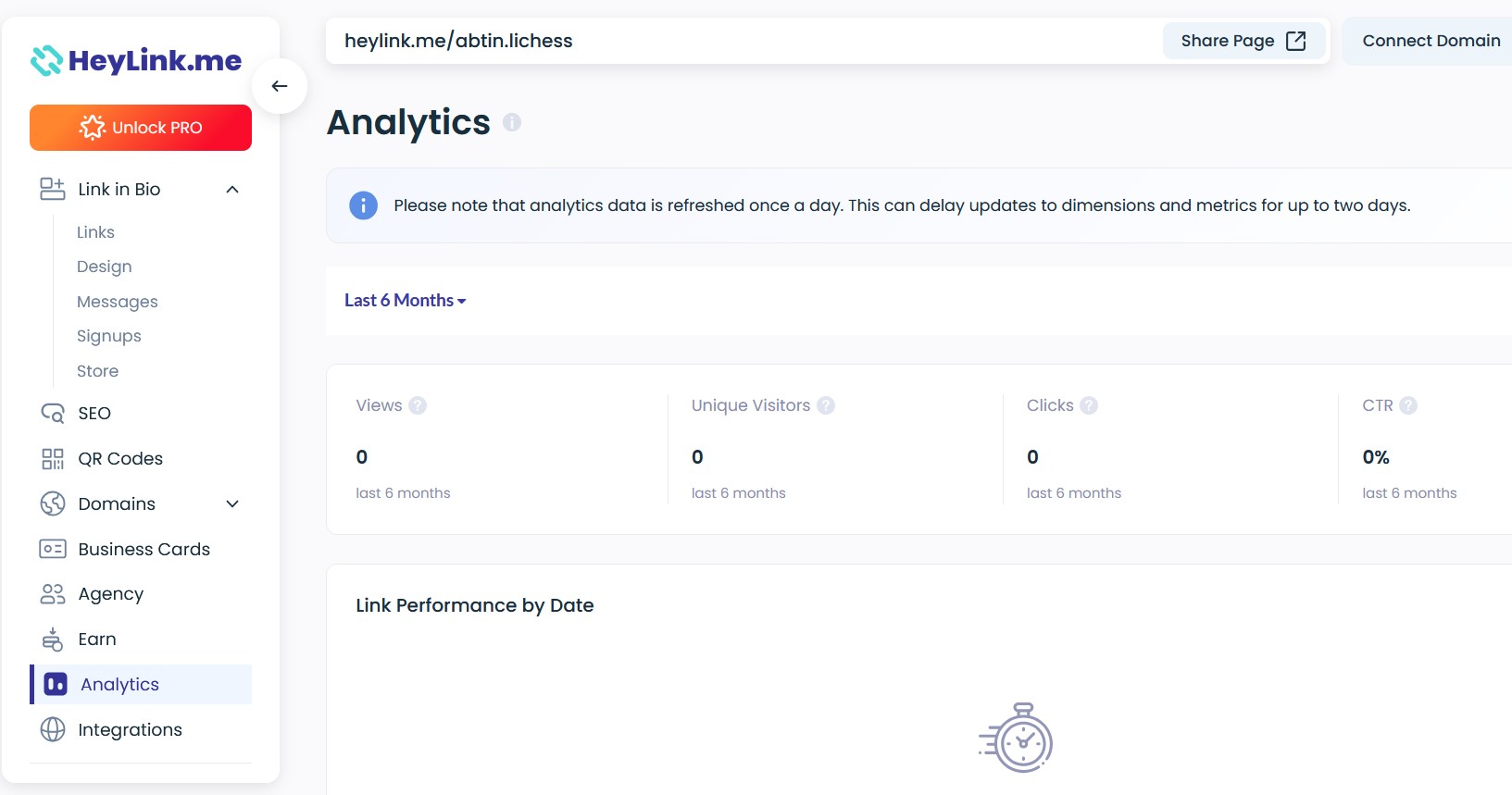
HeyLink provides real-time click analytics, showing which links are performing, geographic breakdowns, device data, and referral sources. The main use of these built-in stats is for understanding audience behavior.
Monetization & Commerce
The Earn (Ads) Feature lets you run Google AdSense ads on your page. There is also a basic Store feature for selling digital products or downloads with a transaction fee (9.9% on free, 3.9% on Pro). You can also add donation or “tip jar” widgets for fan support.
Social & Media Integration
HeyLink supports linking directly to top social platforms like Instagram, TikTok, and YouTube. You can embed music players or videos, add menus, location info for restaurants or stores, and list leads or sign-up forms.
QR Codes & Digital Cards
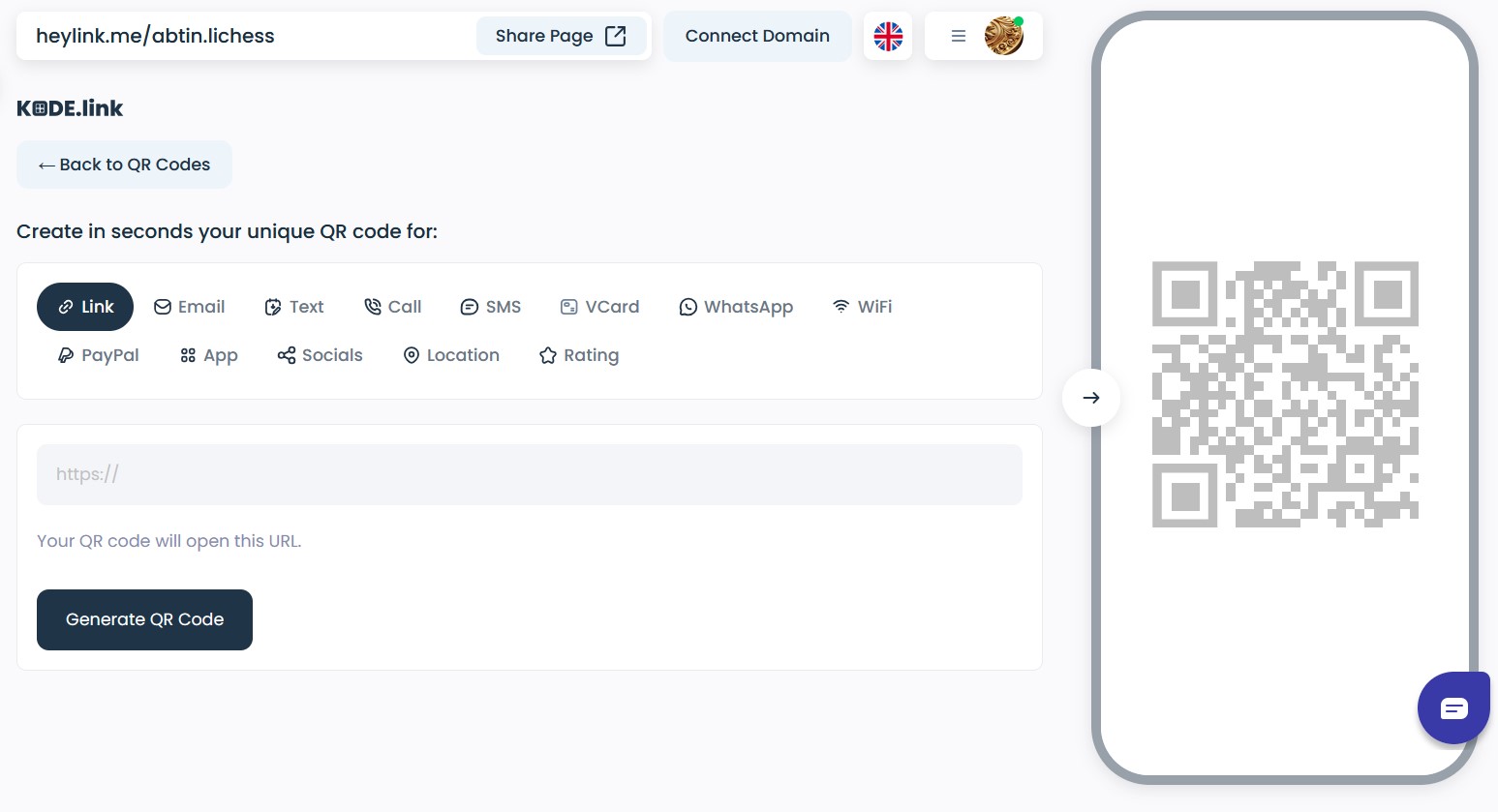
HeyLink integrates with KODE.link for custom QR code generation. It also offers Apple/Google Wallet card creation and digital business card features. This helps users promote their link page offline via scannable codes.
Multi-Account Management
For agencies or multi-brand users, HeyLink supports managing multiple pages from one dashboard.
HeyLink.me Pricing
HeyLink's pricing is tiered and as follows:
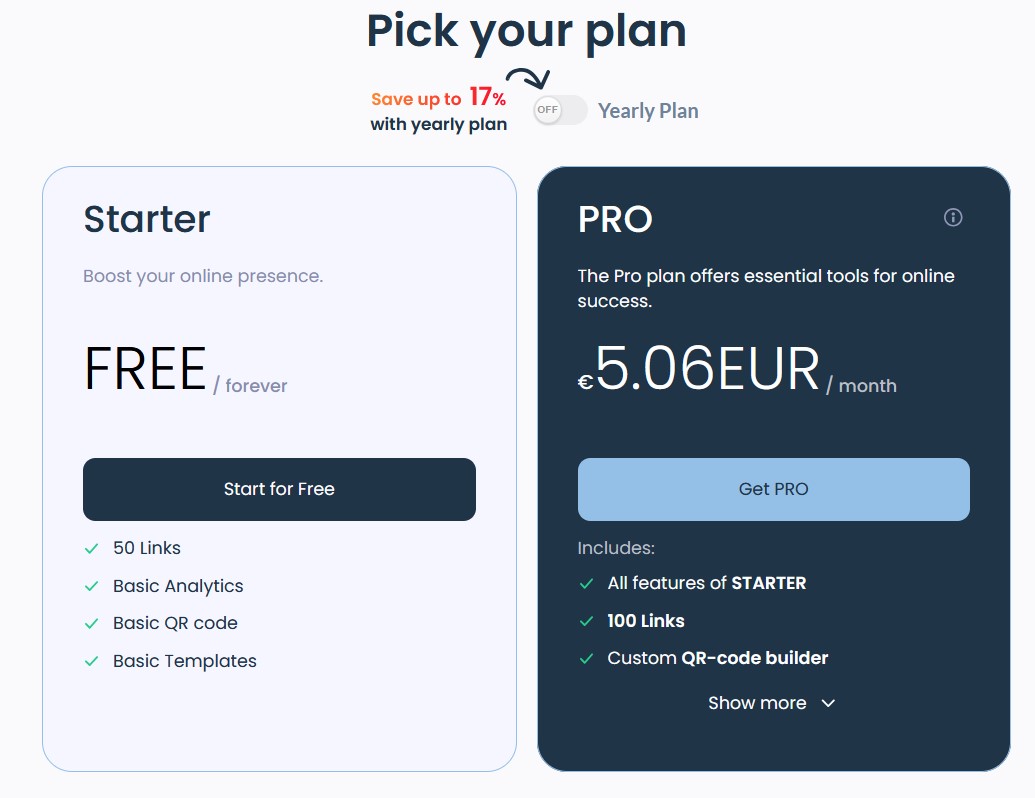
- Starter (Free): This plan includes up to 50 links, unlimited page views, basic link analytics, and core features like free templates, CV page, basic store, and the Earn (ads) option.
- Pro: $9.00 per month. The Pro plan expands to 100 links, custom branding, custom domains, advanced link analytics, extra design elements, and a lower transaction fee for 3.9% + $0.30 per sale).
HeyLink claims that no long-term contracts are required, and you can cancel anytime. However, some users report difficulties cancelling or removing billing info. In summary, HeyLink offers a limited Free plan with many restrictions, like link number, HeyLink logo, high transaction fee, etc. This forces many users to go Pro to get rid of all the restrictions.
HeyLink Reviews: Customer Feedback
On Trustpilot, HeyLink.me holds a very low rating of 2.6/5 stars based on user reviews. Out of 20 reviews, 65% are 1‑star, mentioning widespread complaints. Here are some of the common issues:
1. Unauthorized Charges & Billing Problems
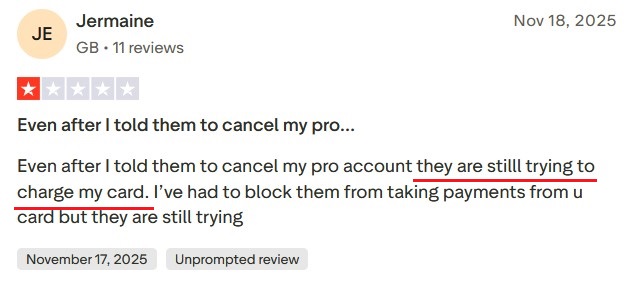
Multiple reviewers say HeyLink continued charging their cards after cancellation, and that downgrading or removing payment info was impossible. For example, Jermaine had problems with HeyLink trying to charge him even after canceling his pro account. Another said upgrading to Pro was a “waste of money” since they couldn't revert to free or remove their card.
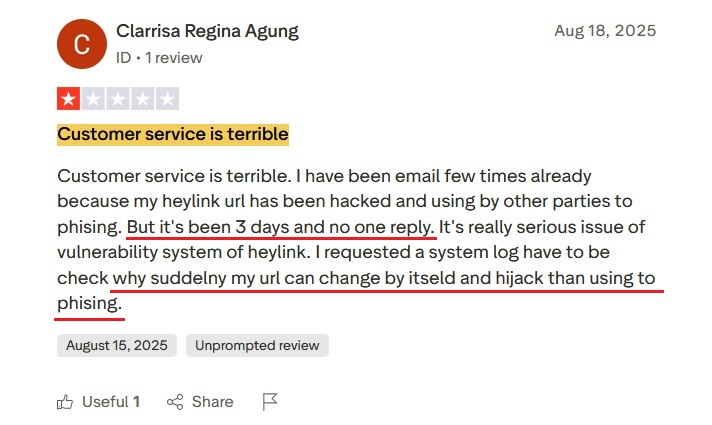
2. Poor Support
Many reviews mention unresponsive or confusing support. Clarrisa reported that their HeyLink URL was “hacked” and changed
3. Glitches & Restrictions
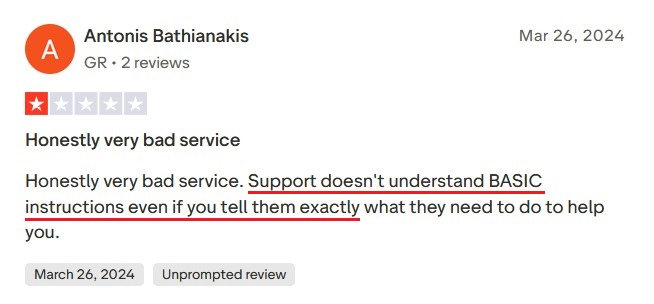
Some users complain about bugs and limitations. For instance, on Trustpilot, Antonis said customer service “doesn't understand basic instructions”, implying unresolved bugs or miscommunication.
4. Being Scam
There are many reviews stating that the platform acts like a scam. Baru has paid for account recovery, ended up with no help and a flat refusal to refund, concluding his review with “extremely unprofessional and misleading.”
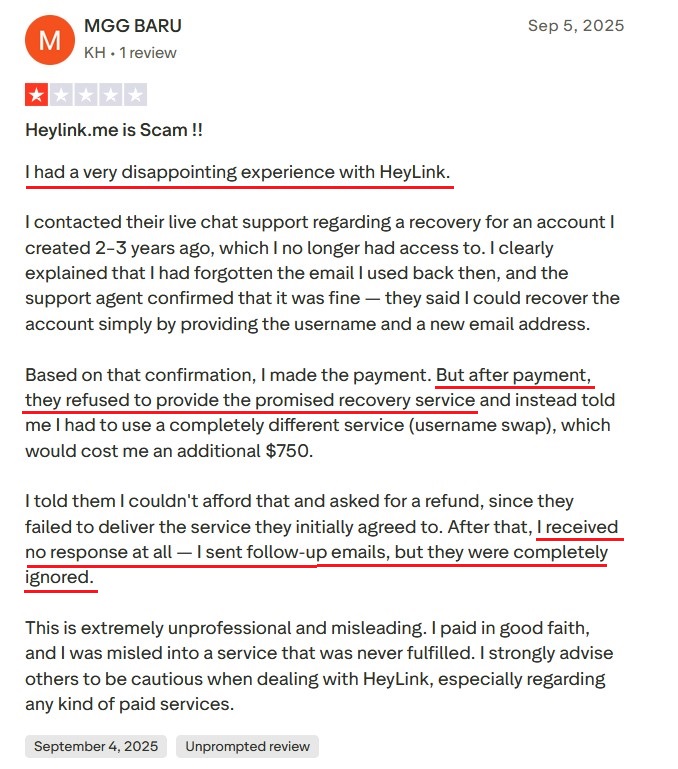
In short, customer experience is largely negative. ScamAdviser notes HeyLink has “received mainly negative reviews” despite finding it “very likely not a scam”. This feedback section must be a warning flag for potential users.
HeyLink Pros and Cons
To have an easier time for comparison, here is an overview of the pros and cons of Heylink:
Pros
- All-in-One Link: HeyLink combines multiple links into one page, saving the hassle of constantly updating social bios.
- Free Tier: A free plan with up to 50 links, including analytics, templates, a mini store, a donation/tip jar, and ad monetization.
- Monetization Options: You can run ads, accept payments or tips, and sell products. This attracts creators who want to earn from their link traffic.
- Design & Templates: Offers lots of customizable templates and design tools for higher plans, allowing for attractive pages without coding.
Cons
- Poor Customer Support: HeyLink's support is unresponsive. Complaints of ignored emails, live chat that doesn't follow through, and slow or no responses are common.
- Security Issues: Several reports of accounts being “hacked” or links stolen raise major security concerns.
- Billing/Refund Problems: Reviews frequently mention unexpected charges and an inability to cancel or downgrade.
- High Fees on Free Plan: The free Starter plan charges a hefty 9.9% + $0.30 per transaction. Only the Pro plan cuts it down to 3.9% + $0.30. This is higher than many competitors, so costs add up for sellers on the free tier.
- Mixed Reputation: The average Trustpilot rating is only 2.6 out of 5. Online, HeyLink is often described negatively, which is a red flag in itself.
- Limited Free Plan Capacity: Free accounts are capped at 50 links. Heavy users may find this restrictive and be forced into the Pro plan for more links.
brandID: The Best HeyLink Alternative
brandID is one of the best link-in-bio platforms that focuses heavily on monetization. It positions itself as creators All-in-One Creator Store and Free Link-in-Bio. Unlike HeyLink, brandID is completely free to use with no hidden fees. Its business model is to offer powerful selling and monetization tools and take a commission only when creators actually earn money on the platform.
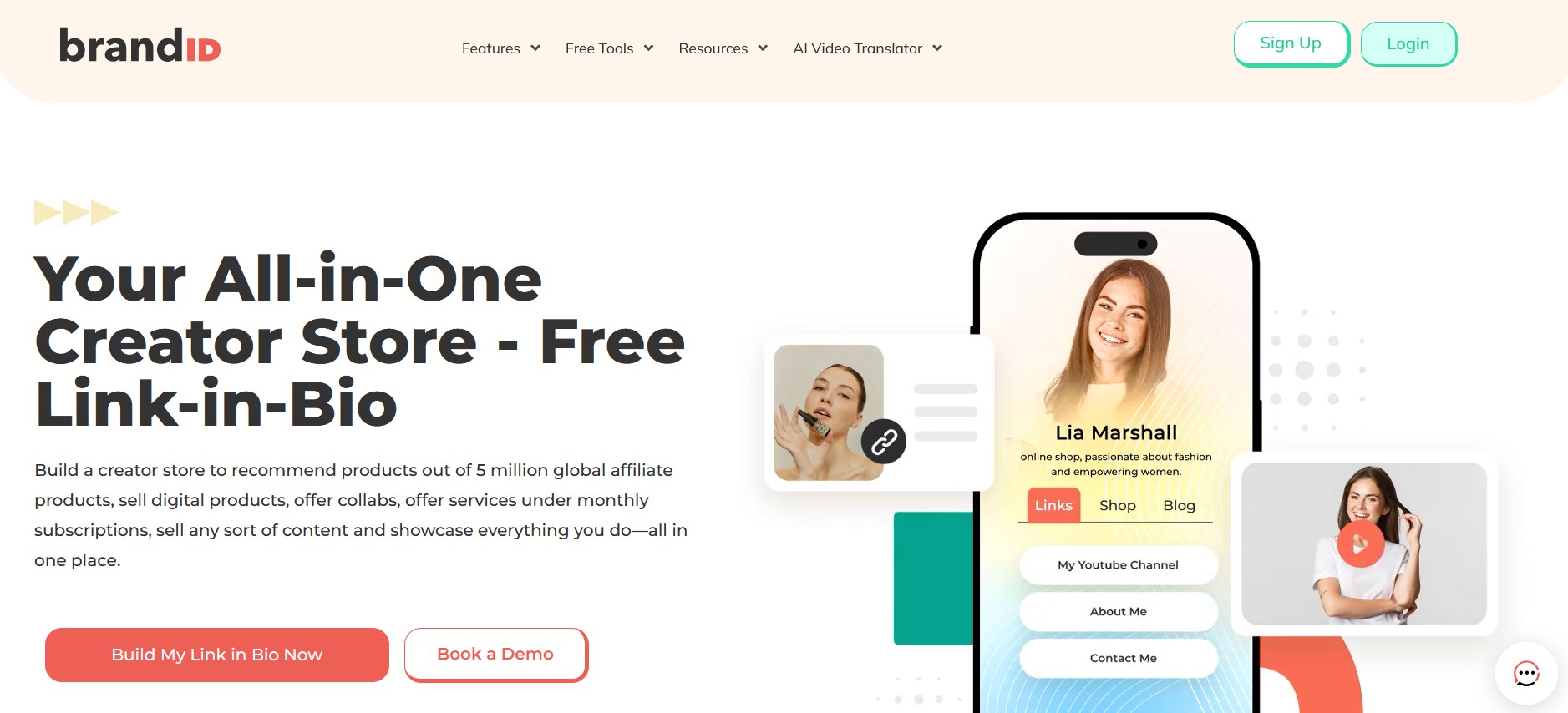
brandID allows creators to sell digital products and subscriptions, take tips, sell digital billboards, and run an advanced affiliate program all from one page.
It integrates a built-in affiliate marketplace with over 5 million products from 2000+ brands, so creators can instantly add products to their page and earn up to 75% commission.
Comparison to HeyLink
- Monetization: brandID offers far more monetization streams out of the box. HeyLink's main tool is ads on your page, while brandID provides product sales, affiliate commissions, subscriptions, tips, and even ad billboards. A creator on brandID can open a mini-store and earn directly from fans, whereas HeyLink only shares passive ad revenue.
- Pricing: brandID is free to use with all features available. HeyLink charges $7–9/month for full access and high fees on the free plan. This means creators keep much more of their earnings on brandID.
- Features: Both platforms offer link aggregation and customization, but brandID has many more features, like blog posting, email capture, and an enormous affiliate catalog. HeyLink lacks a built-in marketplace or advanced marketing tools.
- Reputation: brandID has mostly positive reviews among its users. In contrast to HeyLink's trust issues, brandID emphasizes safety and creator control and is openly transparent about being free with only commission as revenue.
- Email Marketing and CRM: brandID has built-in email marketing, lead capture forms, and a CRM. This means that you own your audience data and can run campaigns from inside the platform. Which is undoable on HeyLink.
brandID is a superior choice for creators who want a free, monetization-optimized link page. It outperforms HeyLink by offering unlimited earnings opportunities and keeping everything open with no upgrade needed for core tools.
HeyLink vs brandID
| Feature | HeyLink | brandID |
|---|---|---|
| Starting Price | Free (With Restrictions) | Free |
| Affiliate Program | Very basic | Yes (all plans) |
| Link Management | Yes | Yes |
| Booking & Scheduling | No | Yes |
| AI Video Translator | No | Yes |
| Link in Bio Page | Yes | Yes |
| Secure Inbox | No | Yes |
| Collect Tips | Yes | Yes |
| Giveaways | No | Yes |
| Promo Codes and QR codes | Yes | Yes |
| Digital Billboard Rentals | No | Yes |
| CRM & Email marketing | No | Yes |
Other HeyLink Alternatives
Here are some of the other popular choices on the market if you want more options to compare and figure out which one is the best for you.
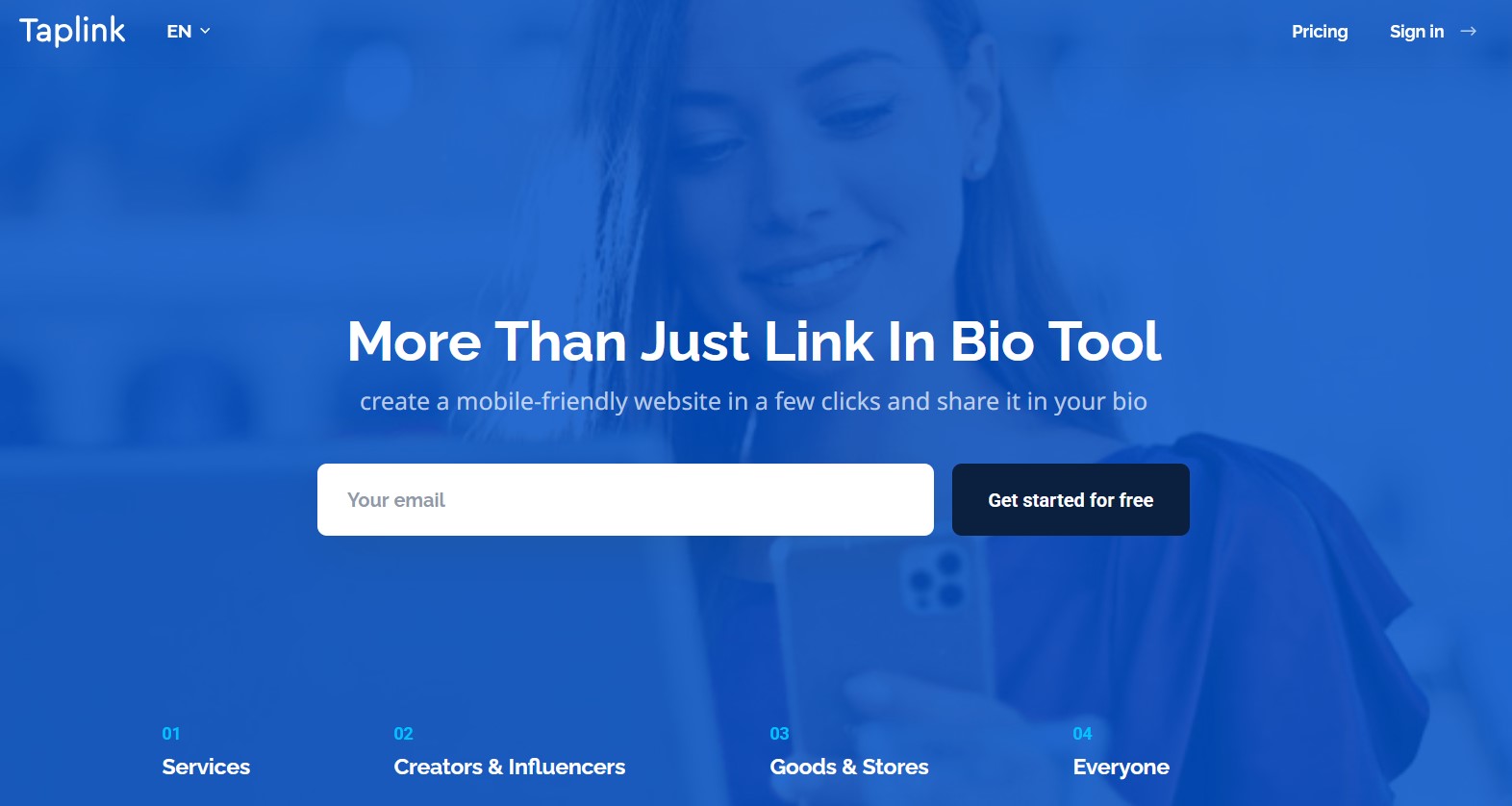
1. Taplink
Another link-in-bio service that is popular in some regions is Taplink. It has more complex features compared to HeyLink, like payment buttons and forms, but reviews point out that it can get glitchy, and the free plan is very limited.
Users have complained about its UI and customer support, similar to HeyLink. It must be said that there is more to Taplink, and you can find out in our deep Taplink review.
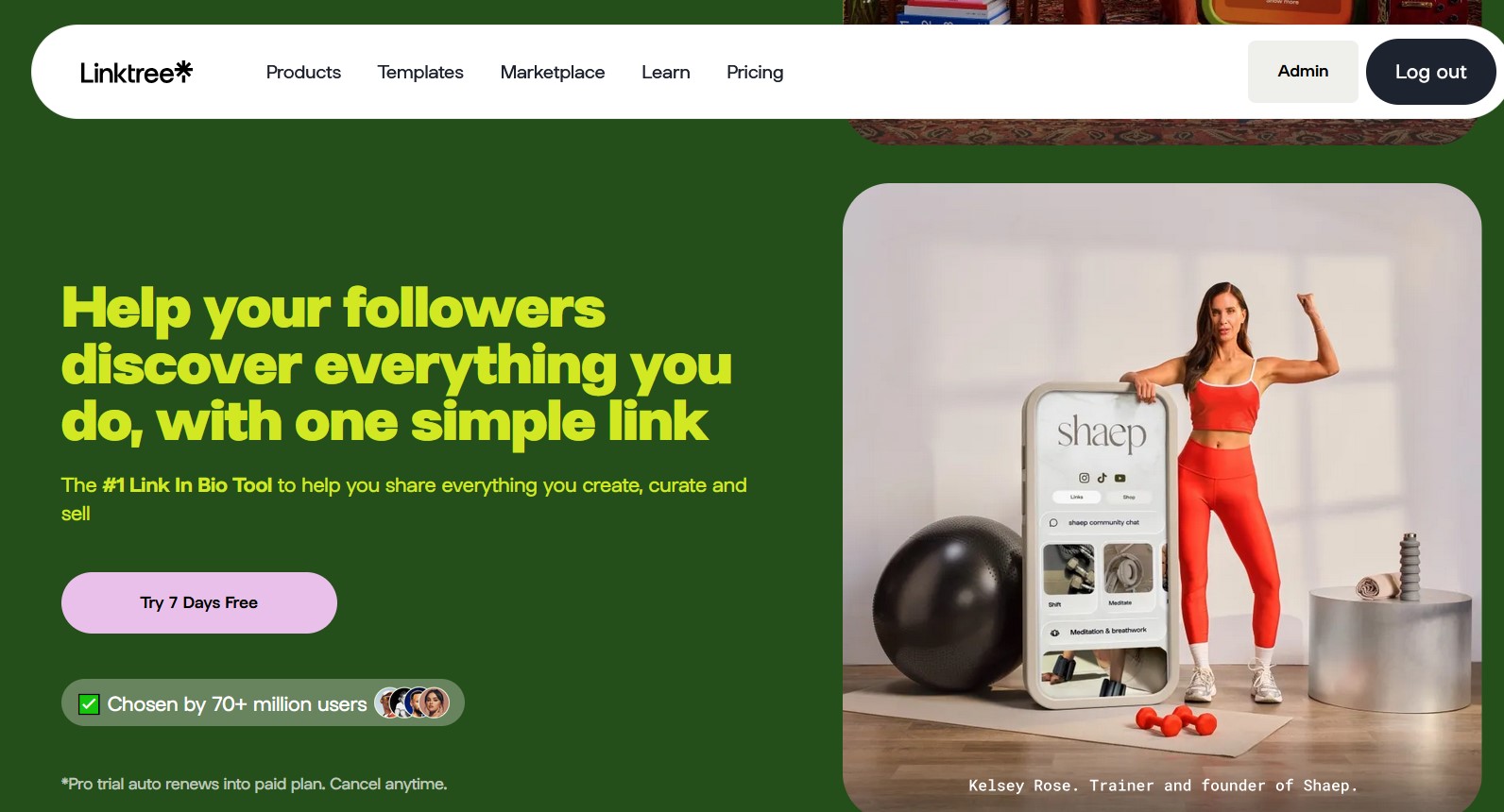
2. Linktree
Linkree is a famous link page builder. Its free tier allows unlimited links, but every page shows Linktree's branding. Many useful features like custom themes, analytics, and removing branding are locked behind paid plans starting around $8–$9/month.
Users find Linktree too basic unless upgraded. In other words, you often hit a paywall and still pay a monthly fee for features that brandID offers for free. If you want to learn more about this platform, our complete Linktree review will be a great start.
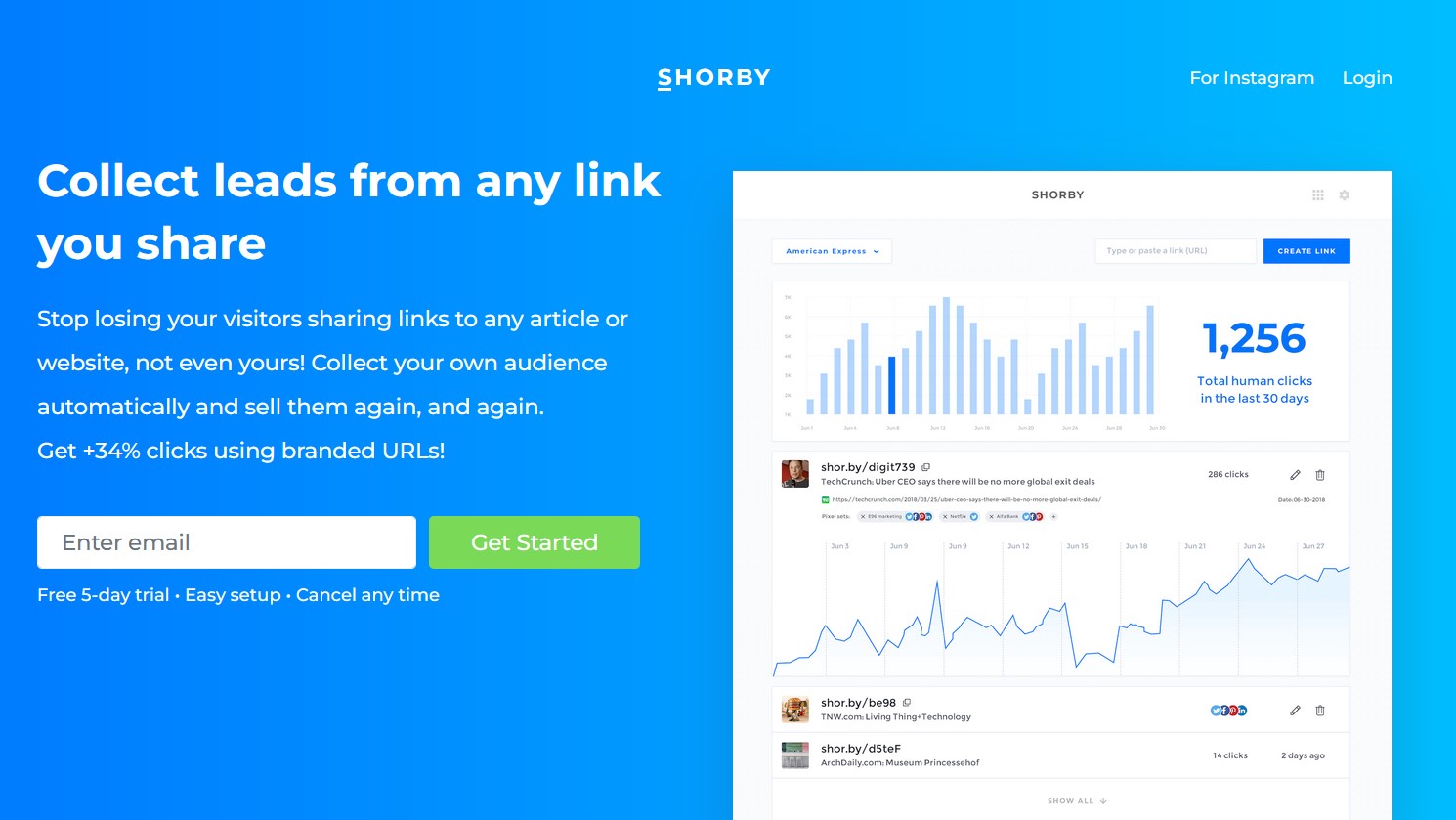
3. Shorby
While Shorby has a clean interface, it has no free plan. To even try Shorby, you must sign up and then pay at least $12/month. This premium pricing drove many users away. Why pay for a link page when other platforms like brandID are free? Users also complain that Shorby is not transparent before signing up. In short, Shorby can be easy to use, but it doesn't offer a free plan, making it costly for casual users.
Conclusion
HeyLink.me offers a link-in-bio page with analytics and ad‑sharing tools, and it has attracted many users globally. However, its business and support practices have raised red flags, such as poor customer service, billing issues, and security vulnerabilities, which are repeatedly cited by users.
In contrast, brandID emerges as a far better alternative. It is truly free, packed with monetization options like affiliates, digital products, subscriptions, tips, and has no hidden charges.
FAQs
Ready to try the all-in-one HeyLink alternative?
Start with brandID — Free