
Carrd Review: Is This One-Page Website Builder Worth It?
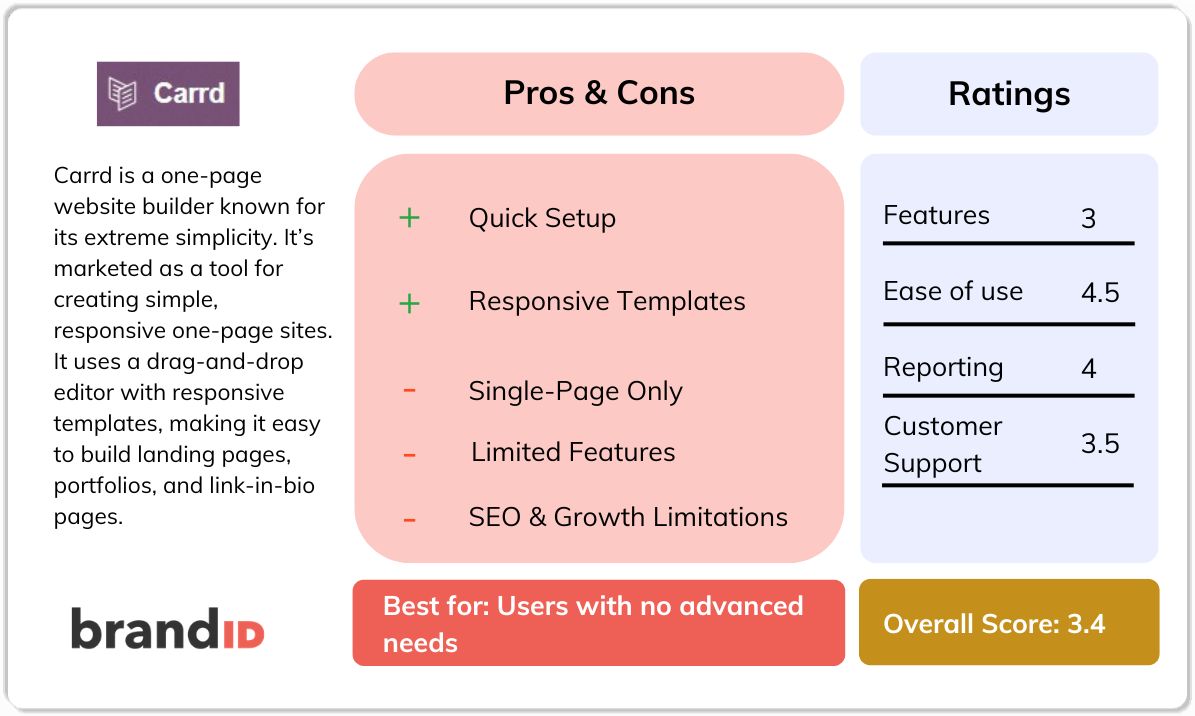
Carrd is a one-page website builder known for its extreme simplicity. It's marketed as a tool for creating simple, responsive one-page sites for pretty much anything.
In practice, Carrd delivers on affordability and ease of use, but it comes with severe limitations. It only supports single-page sites, offers no built-in content management, has few monetization tools, and lacks many features that competing builders include as standard.
In this Carrd review, we examine its features, pricing, customer feedback, and how it stacks up against alternatives like brandID. Let's start.
What Is Carrd?
Carrd is a simple no-code website builder focused on creating single-page websites. It uses a drag-and-drop editor with responsive templates, making it easy to build landing pages, portfolios, link-in-bio pages, event pages, and simple storefronts without coding.
The platform offers a free plan with basic features, and a paid plan unlocking more advanced features like custom domains and custom code.
Carrd Overview
At a Glance
- Carrd was developed by Andrew “AJ” Wilkinson as a project under his Tiny Holding company. It launched in the late 2010s.
- Affordable pricing attracts many users but reflects the platform's limited functionality.
- Operated by a very small team, reportedly only 2 people.
- Small team size may contribute to slow or limited customer support.
- Best suited for quick, simple one-page websites, not full-featured websites or complex platforms.
Carrd Features
Here are the core features that Carrd has to offer:
One-Page Layout (Single-Page Design)
The main feature of Carrd is that it supports single-page websites. This means that you cannot create multiple pages or nested sections beyond the one-page format. Every section appears on one long page. This is fine for a landing page or simple resume, but it inherently limits content, navigation, and SEO.
Drag-and-Drop Editor and Templates
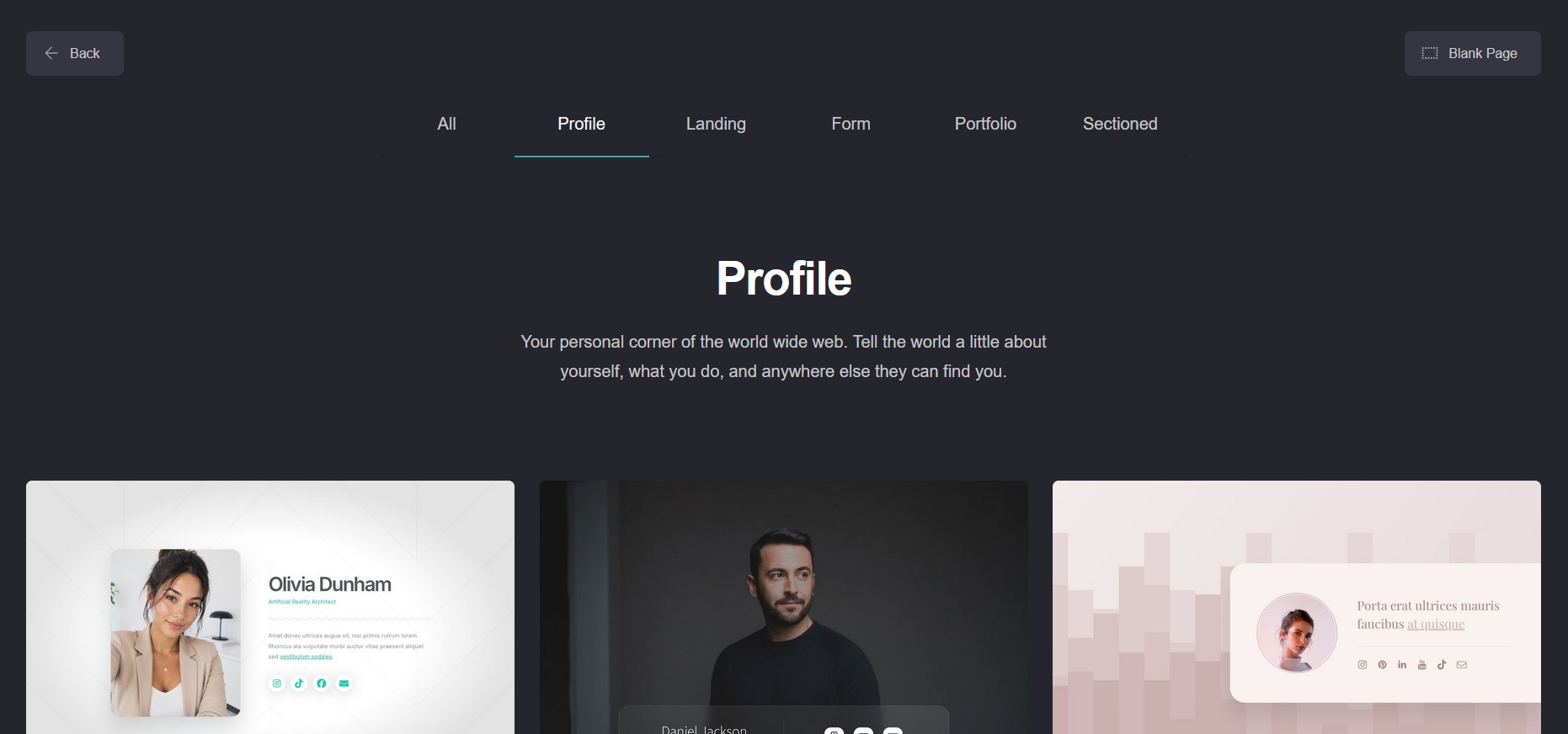
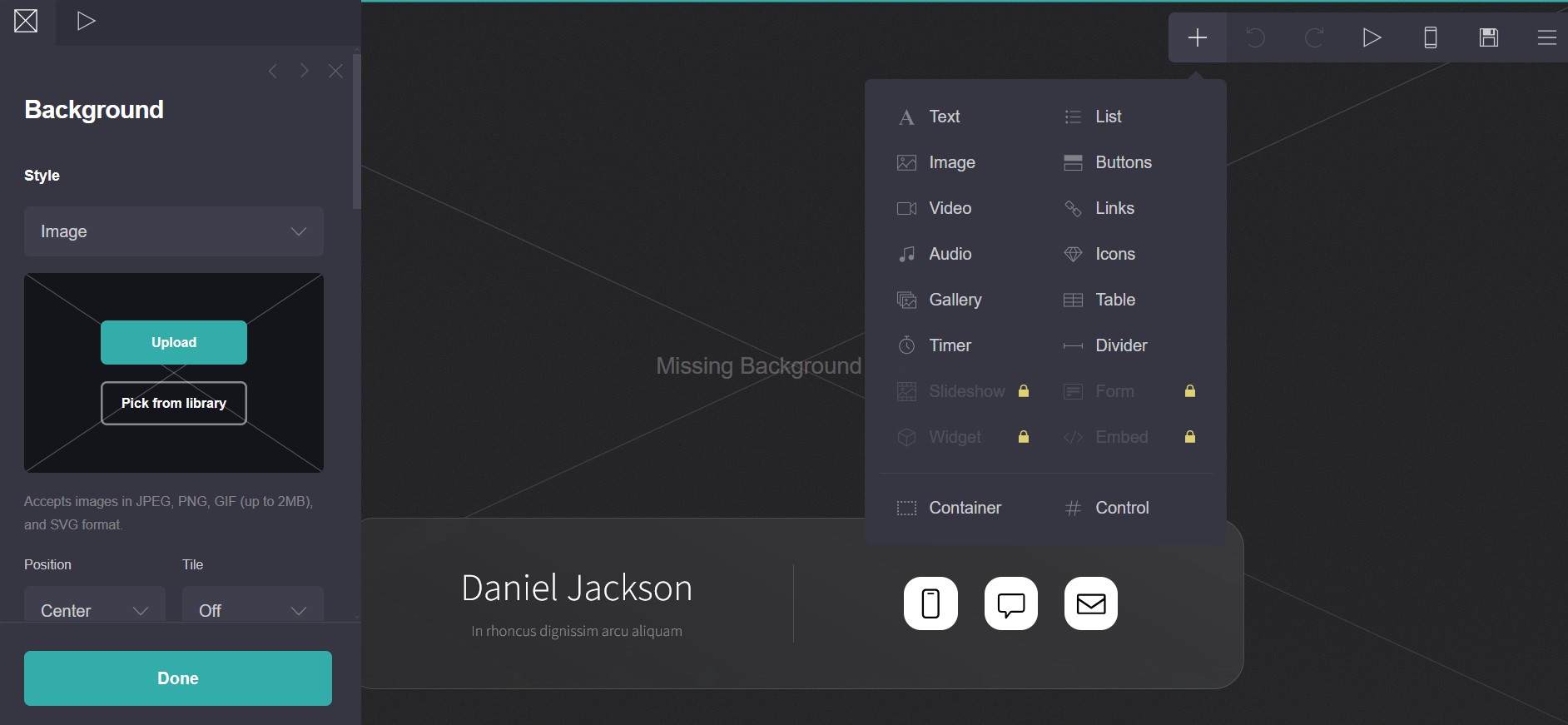
Carrd features a straightforward editor that allows you to add and arrange elements. You start from a blank canvas or pick from lots of templates Carrd has to offer. The templates range from professional profiles to simple product pages. Editing is intuitive for basic tasks, but power users find it limited.
Free Site Allowance
The free plan lets you build up to 3 separate sites. This is unusually generous compared to others. However, your free sites have Carrd's subdomain and Carrd branding on their footing. You also have a fixed limit on “elements” per site. The free tier is useful for trial or personal hobby pages, but for anything professional, you'll probably want to upgrade.
Payment and Widgets (Pro)
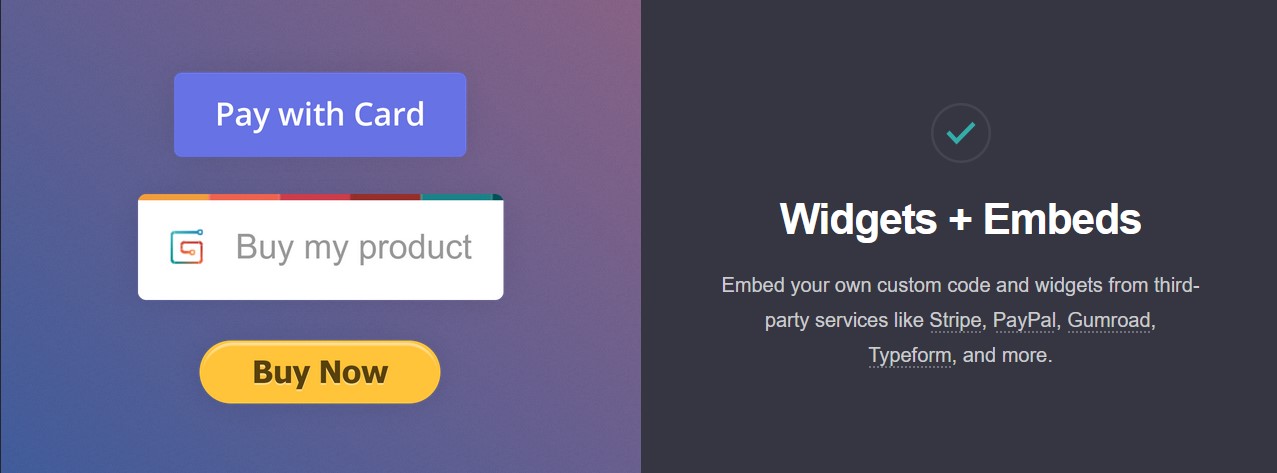
You can embed payment buttons and widgets via third-party services. Carrd supports Stripe and PayPal buttons with a custom checkout flow, allowing simple one-off purchases or donations.
That said, this is far from a full e-commerce setup. There's no shopping cart, no inventory management, and no ability to sell digital products natively. You're simply placing external checkout pages onto your one-page site.
Analytics & Tracking (Pro)
Carrd has some of the common analytics tools that you can use only on the Pro plan. These are Google Analytics, Plausible, and Matomo. It must be mentioned that free users get no built-in analytics. Note that even with Google Analytics, you only track a single-page visitor funnel, which limits insight.
Third-Party Embeds & Code
Pro plans let you insert third-party codes like HTML/CSS/JS into your page. For example, you can embed Google Maps, Airtable bases, Calendly links, YouTube videos, or custom widgets. This makes Carrd extensible.
Forms & Data Collection
Carrd offers built-in form elements that integrate with email marketing tools. Even on lower plans, you can add signup or contact forms and connect them to services like Mailchimp, ActiveCampaign, or ConvertKit.
Carrd Pricing
Carrd's pricing is simple but can be confusing to new users:
- Free Plan: With this plan, you will get up to 3 sites and 50 elements each. Carrd branding remains. No custom domain or advanced features are included in the free plan.
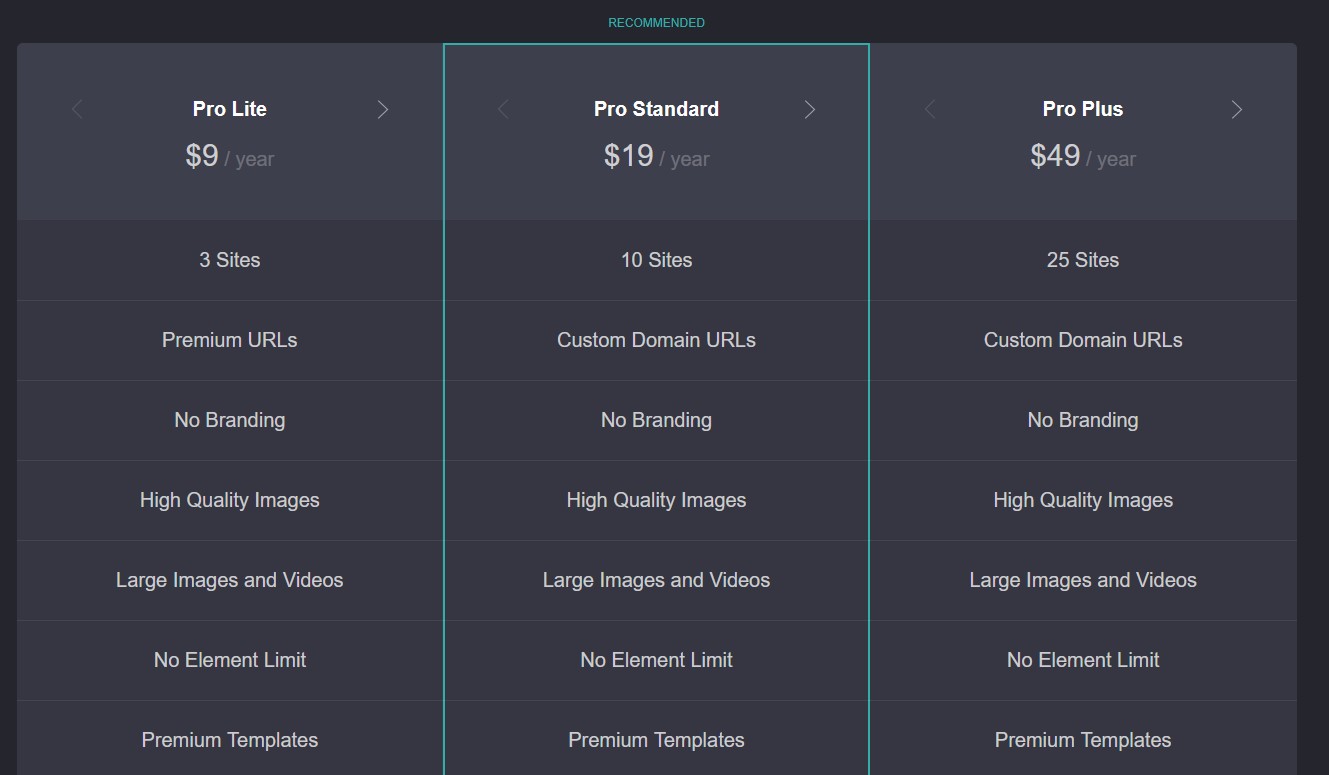
- Pro Lite – ~$9–29/year: This is the baseline for the Pro plan. It allows up to 3 custom-domain sites, SSL for those domains, and basic integrations. You also remove the Carrd footer. It also includes basic forms like Mailchimp.
- Pro Standard – ~$19-599/year: This mid-tier plan increases your limits for pages up to 10 sites, adds advanced form integrations, basic analytics, and more embeds. Many consider this the best option from Carrd.
- Pro Plus/Max – ~$49–1000/year: The highest tier supports 25+ sites, advanced features like exporting code, URL redirects, variable management, and priority support. If you truly need dozens of landing pages, this is the only way to have that many under one account.
All paid plans require an annual payment with no monthly option, and the listed prices are for yearly billing. There are minimum amount and a maximum for each plan that basically only increases the number of pages you can have. Carrd's pricing is cheap, but buyers should double-check what features each tier truly unlocks.
Carrd Reviews: Customer Feedback
User reviews of Carrd are extremely mixed. Some highlight how easy it is to build a basic page for cheap, and others leave negative feedback about the platform's limitations and bugs. Let's go through some of them:
1. Account Deletions / Site Takedowns
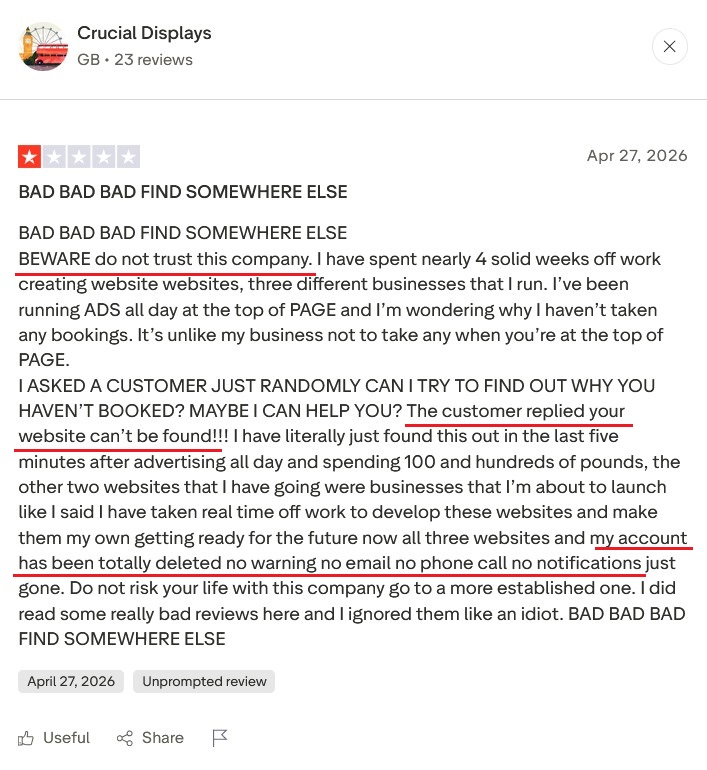
Shockingly, several users have had entire sites or accounts deleted without warning. Crucial Display on Trustpilot said that after months of work, “all three websites and my account have been totally deleted, no warning… just gone”. Apparently, Carrd's content filters can mistakenly trigger, removing content for unreal reasons.
2. Crashed/Clunky Editor
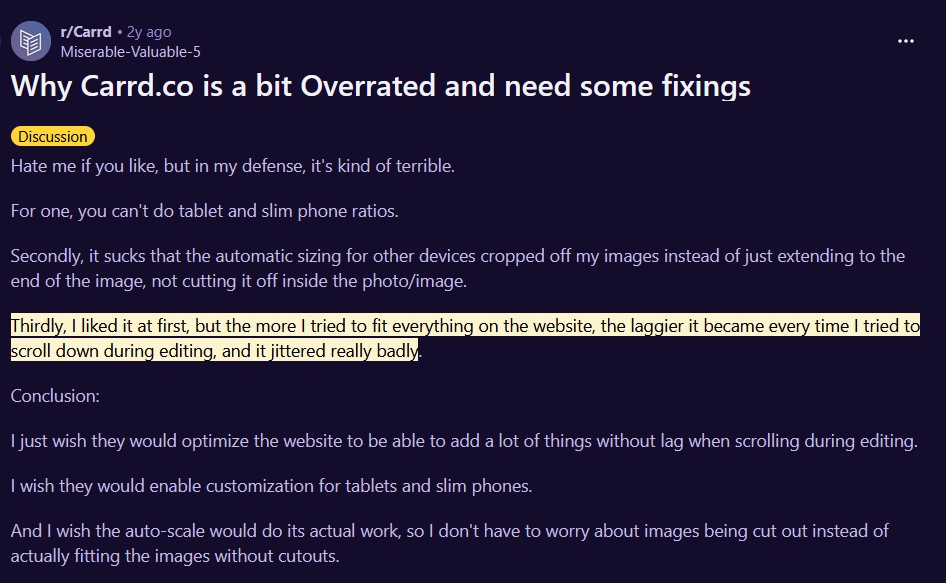
Multiple Carrd reviews note the editor can lag or freeze, especially as pages grow. One Reddit user wrote that Carrd became “laggier” and “jittered really badly” as they added content. On mobile, the complaints increase: the mobile editing view can be unresponsive or awkward.
3. Pricing and Template Traps
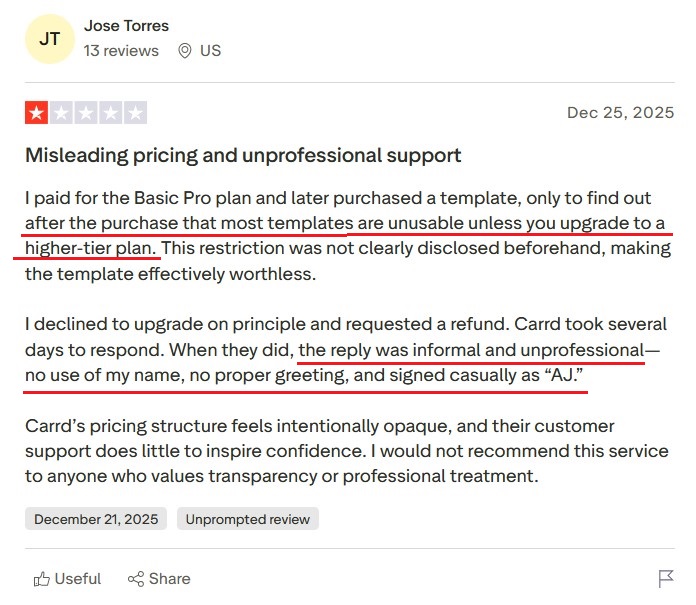
Some reviewers felt tricked by pricing. For example, after buying a basic Pro plan, Jose Torres found the purchased template useless unless you upgrade. In their Carrd review, users have complained that the upgrade costs weren't clearly explained up front, and Carrd's emails were informal and slow.
4. Lack of Support
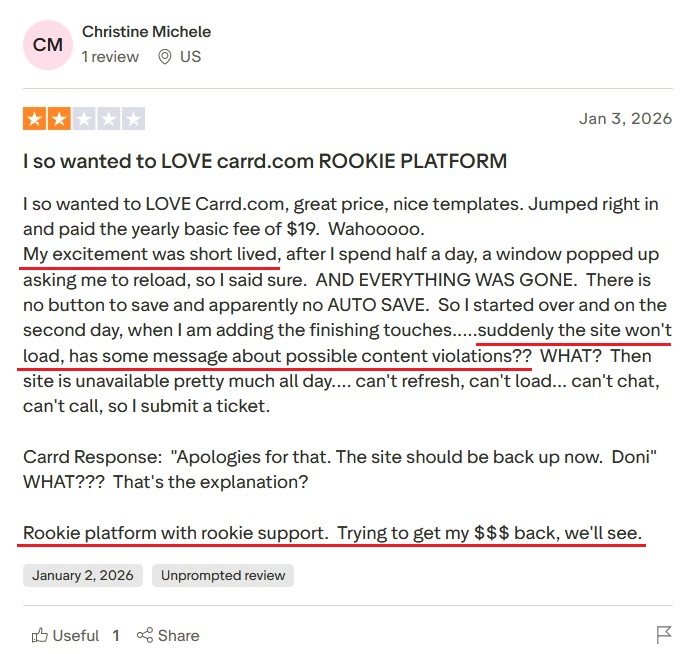
Carrd only offers email support, and replies can be rare. In her Carrd review on Trustpilot, Christine reported losing a site to an unexplained content violation and got a one-line apology in return. Others say tickets take days, and sometimes Carrd just suggests starting over somewhere else instead of fixing issues.
Carrd Pros and Cons
Pros
- Low Cost: Carrd's annual pricing (starting ~$19/yr) is one of the cheapest in the industry.
- Simplicity: For a true beginner building a single-page landing site, Carrd can be easier and faster than other platforms.
- Responsive Templates: Dozens of modern templates are included, and sites automatically look decent on phone and desktop.
- Quick Setup: You can have a live one-page site in minutes; no database or backend to worry about.
- Integrations: Native support for forms, payments (Stripe/PayPal), and embeds means you can get a simple sign-up or sales page working without coding.
Cons
- Single-Page Only: Carrd can't do multipage sites. You're out of luck if you need a blog, shop, or multiple sections.
- No Autosave / Unstable Editor: There's no draft saving. Crashes or timeouts can wipe out hours of work.
- Limited Features: No built-in e-commerce beyond basic payment buttons. No membership, no blogging, no advanced SEO tools. Any complex functionality needs external hacks.
- Content Moderation Issues: Some users have seen their sites taken down by overzealous filters or accounts disabled with no explanation.
- Support & Communication: Only email support, often slow or unhelpful. Complaints of terse, unprofessional replies are common.
- Free Plan Limits: Key features are locked behind higher tiers, sometimes without clear notice.
- SEO & Growth Limitations: One-page sites perform poorly on SEO and can't scale content.
brandID: the Best Carrd Alternative You Need
If Carrd sounds too restrictive, brandID is the platform you need to check out.
While it starts as a link-in-bio tool, it's far more than that. It's a full creator monetization platform. And although you work from a single branded page, you can organize it into multiple tabs under a menu, each serving a different purpose: one for your content, one for your blog, one for your products, one for bookings, and so on.
That means you get the clean simplicity of a one-page experience without the content limitations that make Carrd frustrating.
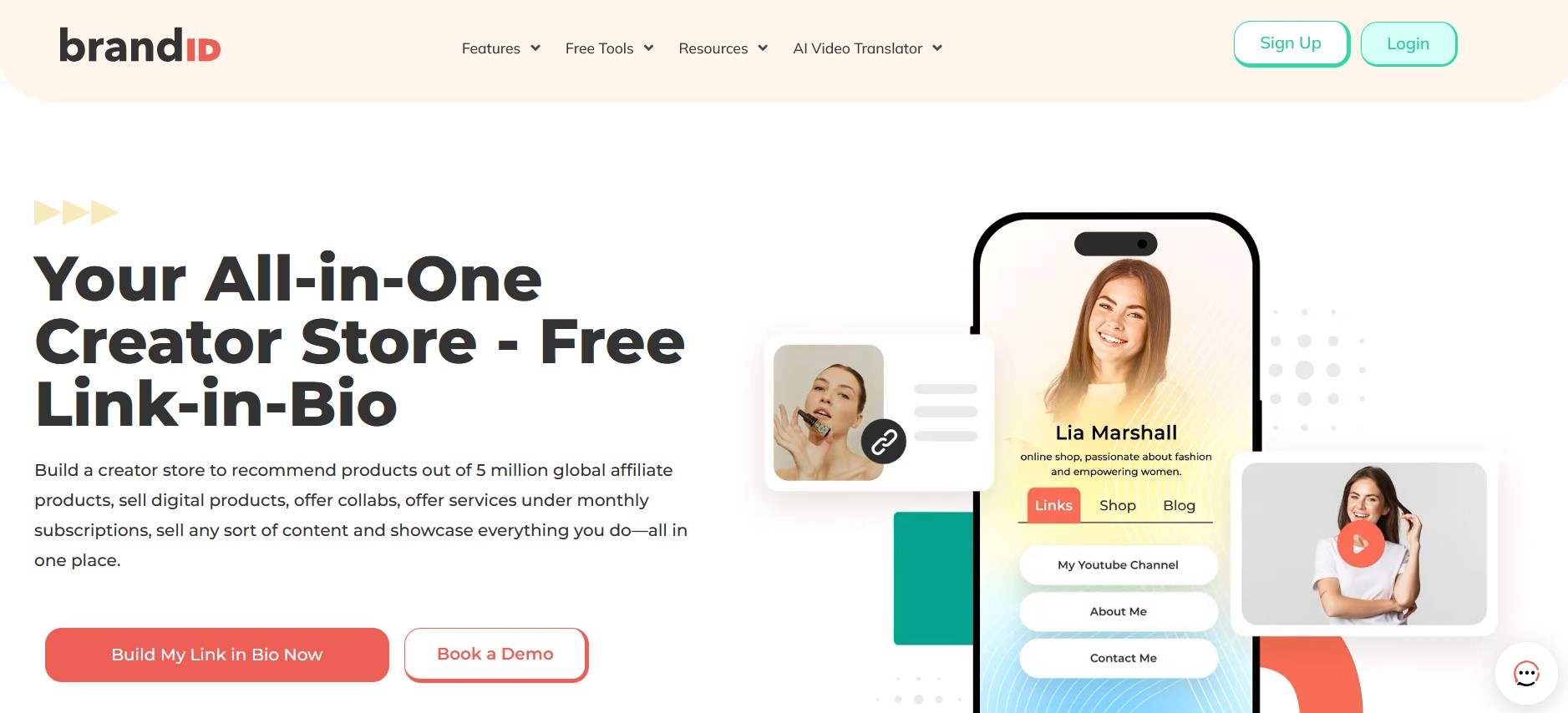
brandID lets creators sell subscriptions, digital products, audio, video, downloads, and even promote affiliate products or accept tips, all from one customizable page. In contrast, Carrd's selling tools are minimal and include just an embedded Stripe/PayPal button.
Now, let's compare some of the main features that are available on both platforms and see what more brandID has to offer:
1. Built-In Monetization
brandID is designed from the ground up for creators who want to make money. You can sell digital products (ebooks, courses, templates, audio, video, presets), offer subscriptions and memberships, accept tips, and take paid bookings, all without touching a third-party tool. Carrd, by contrast, treats payments as an afterthought, requiring external setups for anything beyond a static checkout button.
2. Affiliate Marketplace
This is one of the biggest gaps between the two platforms. Carrd has no affiliate features at all. brandID includes a built-in affiliate marketplace with over 5 million products from 2,000+ brand partners, commission rates up to 65%, and auto-generated trackable links that can be added to your page in one click. Turbo Creator users also get access to a Super Premium catalog and direct chat with brand partners, something no other link-in-bio tool offers.
3. Bookings and Scheduling
Carrd has no native scheduling tools. brandID includes a full booking system (called brandID bookme) that supports 1-on-1 paid sessions, group events and webinars, calendar sync with Google, Outlook, and Apple Calendar, and automatic payment collection via Stripe or PayPal at the time of booking.
4. Pricing and Transparency
brandID's free plan lets you test the platform without a credit card. The Creator plan is $9/month with unlimited products, full design control, and 0% transaction fees when you connect your own Stripe or PayPal.
The Turbo Creator plan is $15/month and unlocks unlimited subscribers, premium affiliate access, and the lowest gateway fee in the category at 3%. Plans are available monthly, annually, or as a lifetime purchase, which is rare flexibility in this space.
Carrd's paid plans, while cheap on the surface, lock key features behind higher tiers without always making that clear upfront, and several users have reported feeling misled about what each tier actually includes.
5. Support and Stability
Carrd is run by a very small team and only offers email support, which users consistently describe as slow, terse, or unhelpful. Some have had entire accounts deleted without warning due to overzealous content filters.
brandID users report responsive customer support and regular feature updates, a meaningful difference when your business depends on the platform.
6. Ease of Use
Both are simple, but brandID's interface is better suited to non-tech creators. It also has templates optimized for social profiles, whereas Carrd's templates lean toward basic portfolios.
Carrd vs brandID
| Feature | Carrd | brandID |
|---|---|---|
| Starting Price | Free | Free |
| Sales Cap | None | None |
| Affiliate Program | No | Yes (all plans) |
| Link Management | No | Yes |
| Booking & Scheduling | No | Yes |
| Link in Bio Page | Yes | Yes |
| Secure Inbox | No | Yes |
| Collect Tips | No | Yes |
| Giveaways | No | Yes |
| Digital Billboard Rentals | No | Yes |
| CRM & Promo Codes | No | Yes |
| Physical Products | No | No |
Other Carrd Alternatives
Besides brandID, there are several other platforms that people consider instead of Carrd. None is perfect, and each has its own downsides. Let's go through some of them:
Carrd vs Linktree
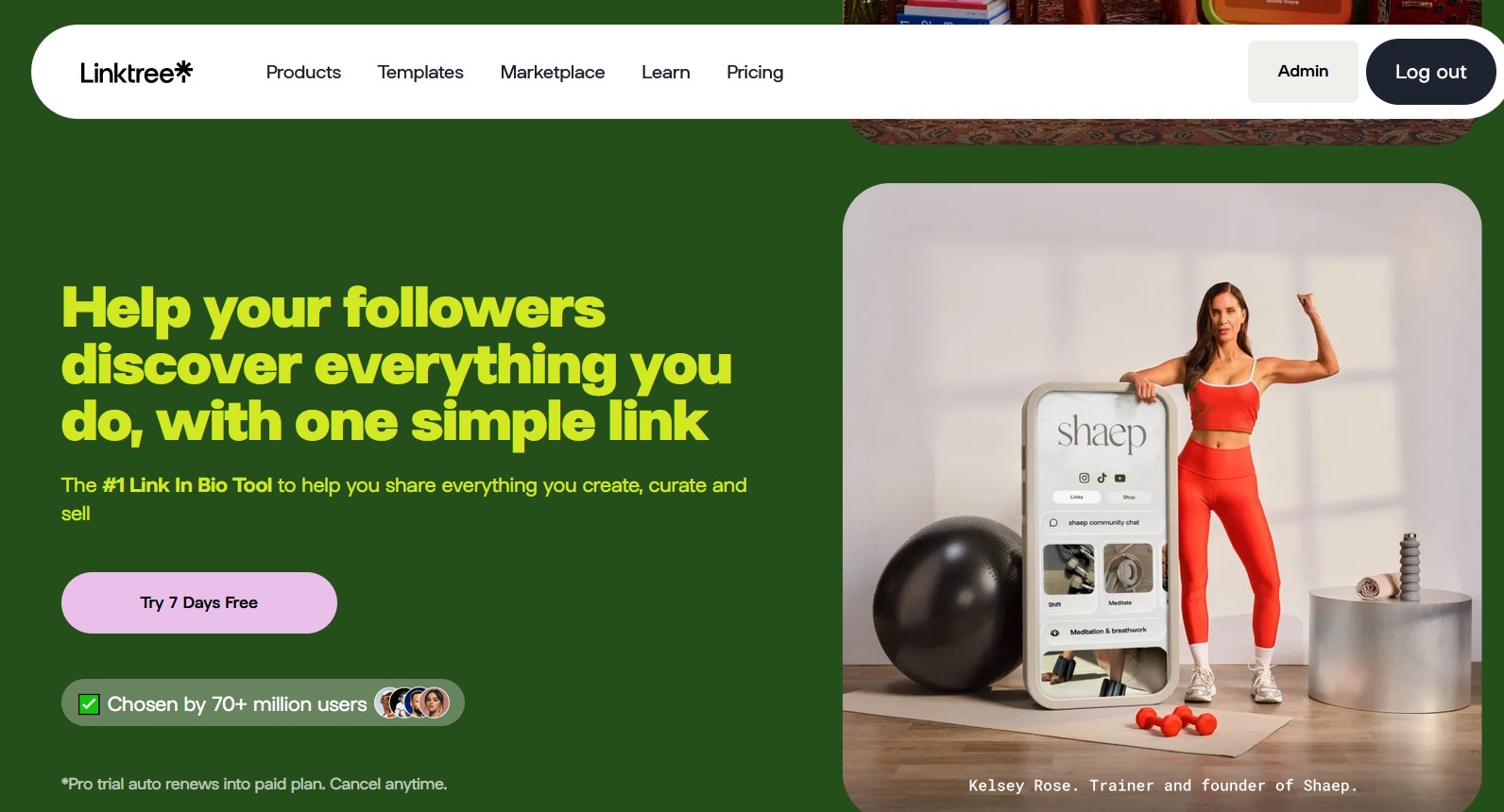
Linktree is simple and one of the oldest link-in-bio tools on the market. It's the simplest of alternatives, but that simplicity is the problem. Unfortunately, the Linktree free version is as basic as just a list of links, and the Pro plan is relatively pricey for what it adds.
Essentially, Linktree is the opposite of Carrd: it has almost no features, so any user wanting a truly custom mini-site will find it constraining.
You can read our detailed Linktree review to understand the platform better.
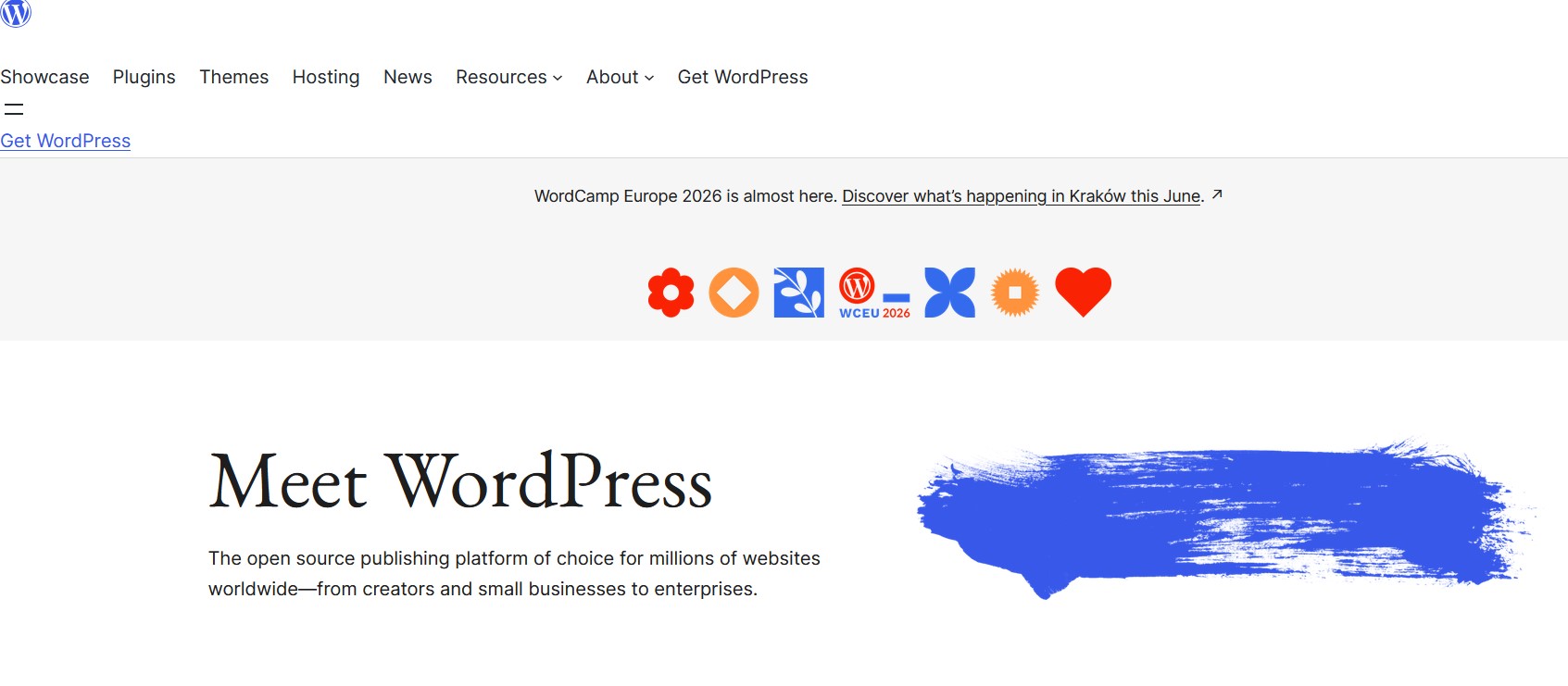
WordPress.com
WordPress is the go-to blogging and site platform. However, it's too powerful for most Carrd users. WordPress can be free, but real use of its features requires paid hosting, premium themes, and plugins – costs that can add up quickly.
Another point about WordPress is that its learning curve is steep, and maintaining a WordPress site, like updates and security, can be a full-time job. A blog or complex site will outgrow Carrd, but WordPress's complexity can overwhelm many basic users with little need.
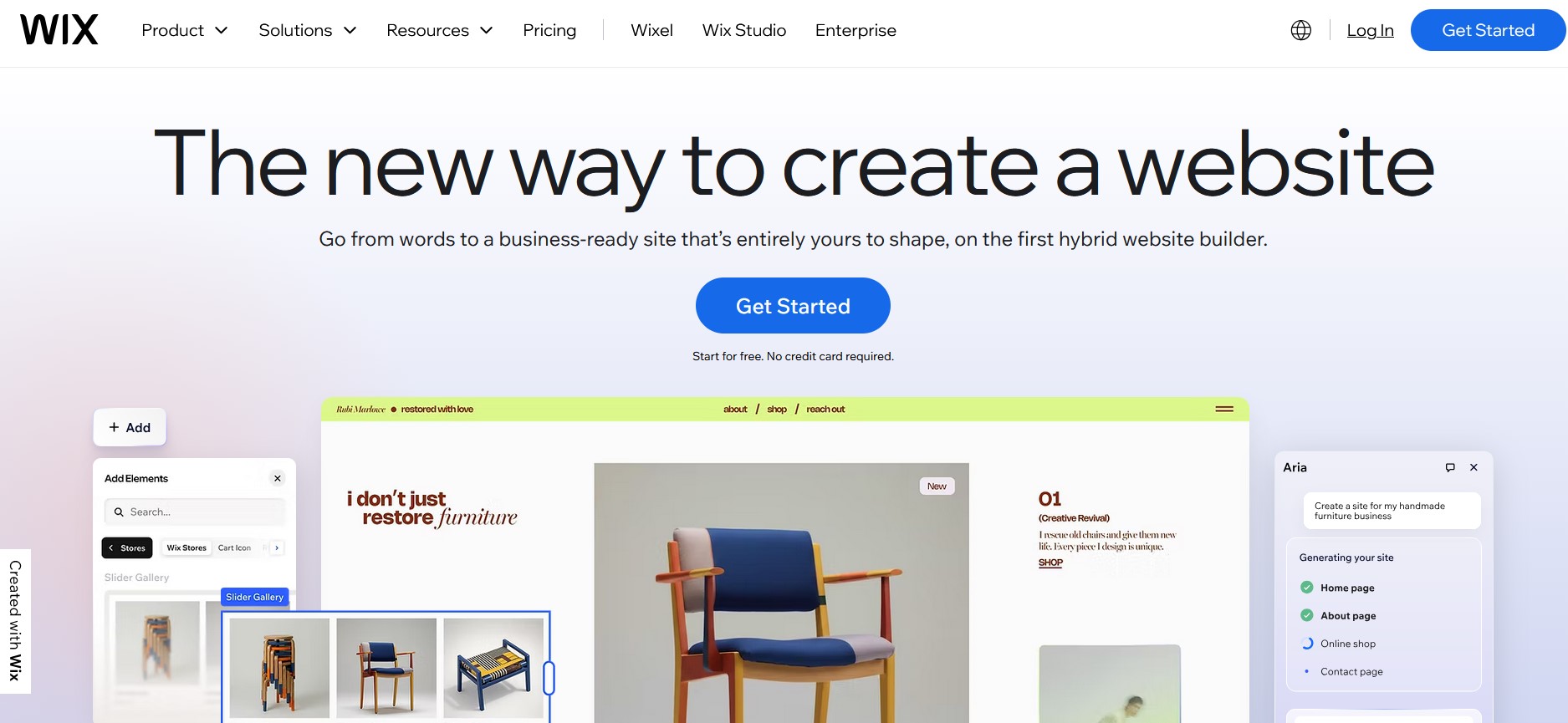
Wix
Our next option is a full drag-and-drop website builder. Wix allows unlimited pages and far more flexibility, but it's also expensive and overwhelming. Its plans start around $16 per month, which is far more than Carrd's yearly fee.
Another aspect of Wix is that its interface gives too much freedom that makes beginners often create cluttered, unprofessional layouts without guidance. For those who want Carrd's simplicity but with pages, Wix can be too much: it can build very complex websites, but that's not what most small users need.
Conclusion
As we said, you can get a pretty page up online almost instantly and practically free with Carrd. For straightforward use cases like a personal profile or a simple landing page, Carrd can be the answer. Its pricing is low, and simple users can appreciate its simplicity.
However, that very simplicity is Carrd's downfall for anything beyond the basics. Its single-page means you hit limits on content, SEO, and features immediately.
This is where newer alternatives like brandID with their advanced and up-to-date technology can save the day. If you have needs other than a basic page, you should definitely check out these alternatives
FAQs
Yes and no. Carrd offers a free tier where you can create up to 3 websites with basic features. However, key features like custom domains, no branding, and advanced forms require a Pro plan. In practice, Carrd is free for simple use, but if you need a little more your usually need to pay to remove limitations.
No. Carrd is strictly a single-page builder. All content goes on one long page. You can link to sections of the page or open new browser tabs, but Carrd doesn't support true multi-page navigation.
Building a Carrd is a simple process. Just follow the instructions mentioned below:
- Sign up for an account on Carrd.
- Choose a template or start with a blank page.
- Use the drag-and-drop editor to add elements like texts, images, and buttons.
- Preview the site on desktop and mobile views.
- Publish the site
No. Because a Carrd site only has one URL, it can't target multiple keywords or topics effectively. Google and other search engines prefer multi-page sites with focused content. Carrd does allow you to set the page title and meta description, but beyond that, there's no blogging, no dynamic content updates, and no sitemaps.
Ready to try the all-in-one Carrd alternative?
Start with brandID — Free