
How to have an AI assistant build a campaign
Ask a connected assistant to draft a campaign for you. It shows you the exact copy first, saves the campaign paused, and you decide when to publish.
Before you start
- An assistant connected to DMpro
- <strong>Campaigns</strong> set to <strong>Can see, build and edit</strong> under What assistants can touch
- An Instagram, TikTok, Telegram or Discord account (Facebook, WhatsApp and LinkedIn are coming soon)
Give the assistant build access
On the AI Assistant (MCP) page, find Campaigns under What assistants can touch and set it to Can see, build and edit. With Can see the assistant can only read.
Describe the campaign
Tell the assistant the platform, the trigger, the keyword and the result you want. It will ask for any missing details. Facebook, WhatsApp and LinkedIn campaigns are not available yet, so choose Instagram, TikTok, Telegram or Discord.
Draft a comment-to-DM campaign for my Instagram account.
Trigger: someone comments the word GUIDE on my latest Reel.
Response: reply to the comment publicly, then send a DM with this link: https://example.com/guide
Before you save anything, check that the word GUIDE is not already used by another live campaign, and show me every word of the copy.
Save it paused only after I approve the copy. Do not publish it.Read the exact copy and the checks
The assistant shows you every word of the message copy before saving, because it goes to your audience under your handle. Read it carefully. It also checks whether your keyword is already used by another live campaign, because two live campaigns on the same keyword both fire.
Ask for changes in plain language:
Shorten the DM to two sentences and remove the exclamation marks. Show me the new copy before saving.Approve the copy and let it save
When the copy is right, tell the assistant to save it:
The copy is approved. Save this campaign as paused, with no publishing.If you have no social account connected yet, the assistant can still save the campaign without one. It then shows Add a social account to start on the Campaigns page, and it cannot be published until you add an account in DMpro.
Find the paused campaign in DMpro
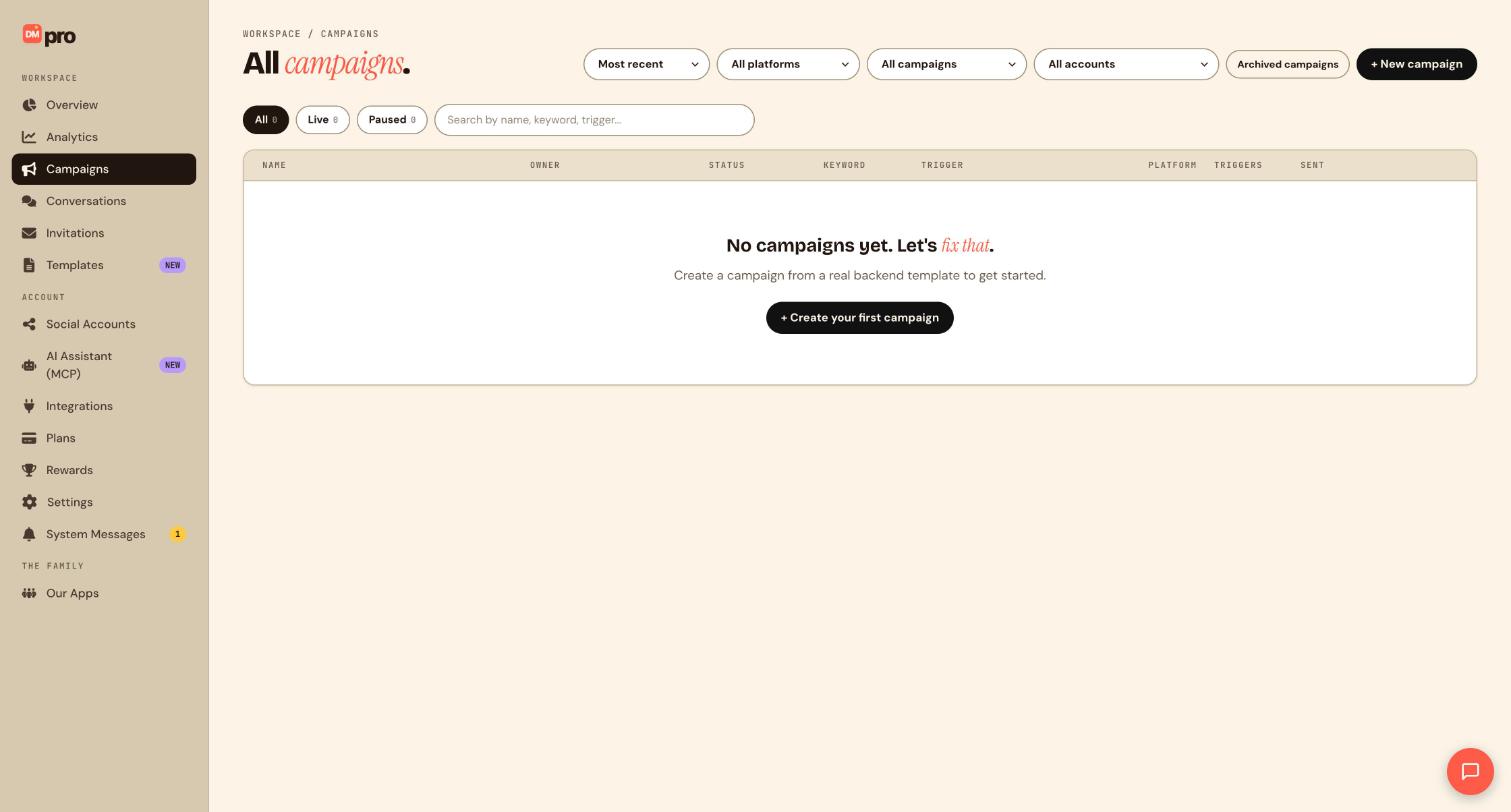
Click Campaigns in the sidebar and open the Paused tab. The campaign is listed there with its trigger, keyword and platform. Open it to check every step before you go live.
Publish it yourself when you are ready
Publish from the campaign in DMpro. If you would rather ask the assistant, it first shows you exactly what would happen and waits for your yes in the chat. Changing a single character voids that approval.
Show me exactly what publishing this campaign would do, then wait for me to confirm.Tips
- Pausing a campaign needs no confirmation. Ask the assistant to pause or archive one any time.
- Archiving keeps the history and can be reversed. Deleting is permanent, so prefer archive.
- On Instagram a DM that answers a comment is a private reply, and a comment can have only one. Keep the first DM step plain text.
- The Free plan allows one social account per campaign.
If something goes wrong
The assistant says it cannot build campaigns.
Set Campaigns to Can see, build and edit and make sure the master switch reads AI assistant access is on.
Publish is blocked or the campaign shows Add a social account to start.
Connect and select an account for the campaign in DMpro, then publish. If you are on Free, a campaign can use only one social account.
Two campaigns answer the same keyword.
Overlapping live campaigns on the same account fire together. Pause one or use a different keyword, and ask the assistant to check keyword overlap first.
Related how-to guides
Still stuck? We’re happy to help.
Create your DMpro account, see pricing, or reach out to support directly.




