
Koji Review 2026: What Went Wrong and the Best Alternative for Creators
Koji was among the best link-in-bio tools aimed at creators and influencers. Koji allowed users to build a “link in bio” page on Instagram, TikTok, YouTube, Twitter, and other social media platforms. This page could include multiple links, media embeds, and interactive “apps” or templates to engage followers and sell content.
However, in late 2023, Koji was acquired by Linktree, the leading link-in-bio company. Koji's platform has since been shut down – new sign-ups are disabled, and existing withkoji pages are being deactivated.
In this Koji review, we will see what features the platform had that made it a good target for Linktree, and the best alternatives to it.
What Is Koji?
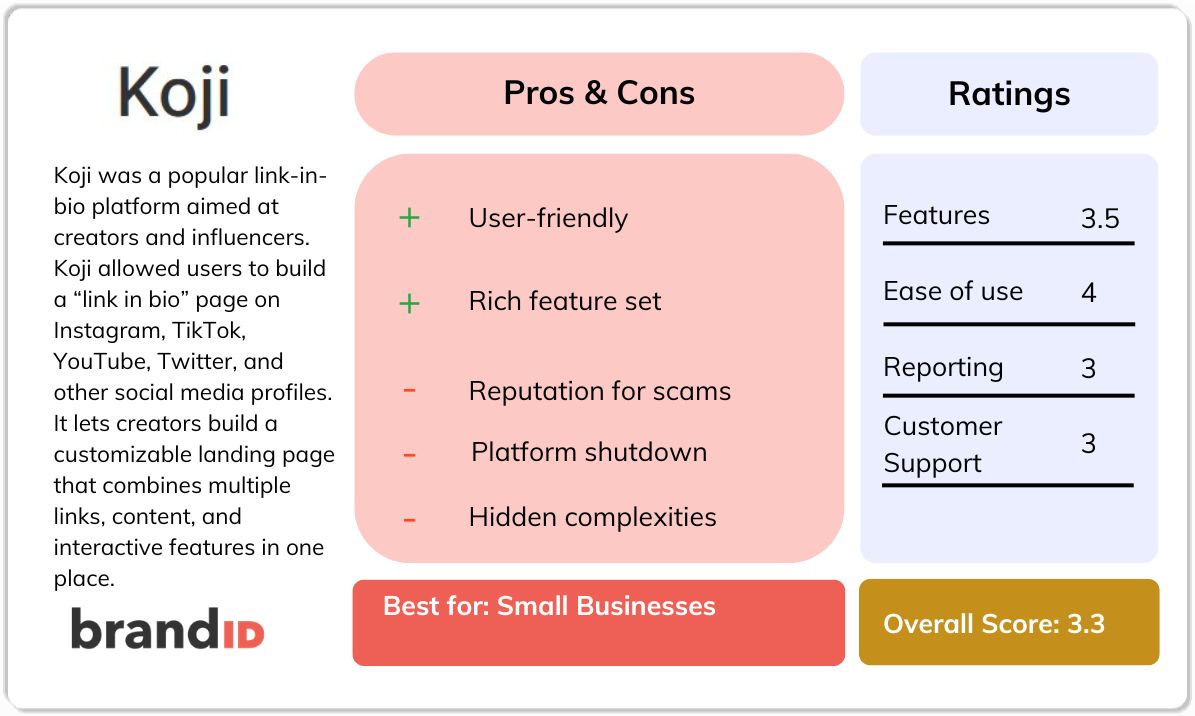
Koji was a creator-focused link-in-bio platform, and it let creators build a customizable landing page that combines multiple links, content, and interactive features in one place.
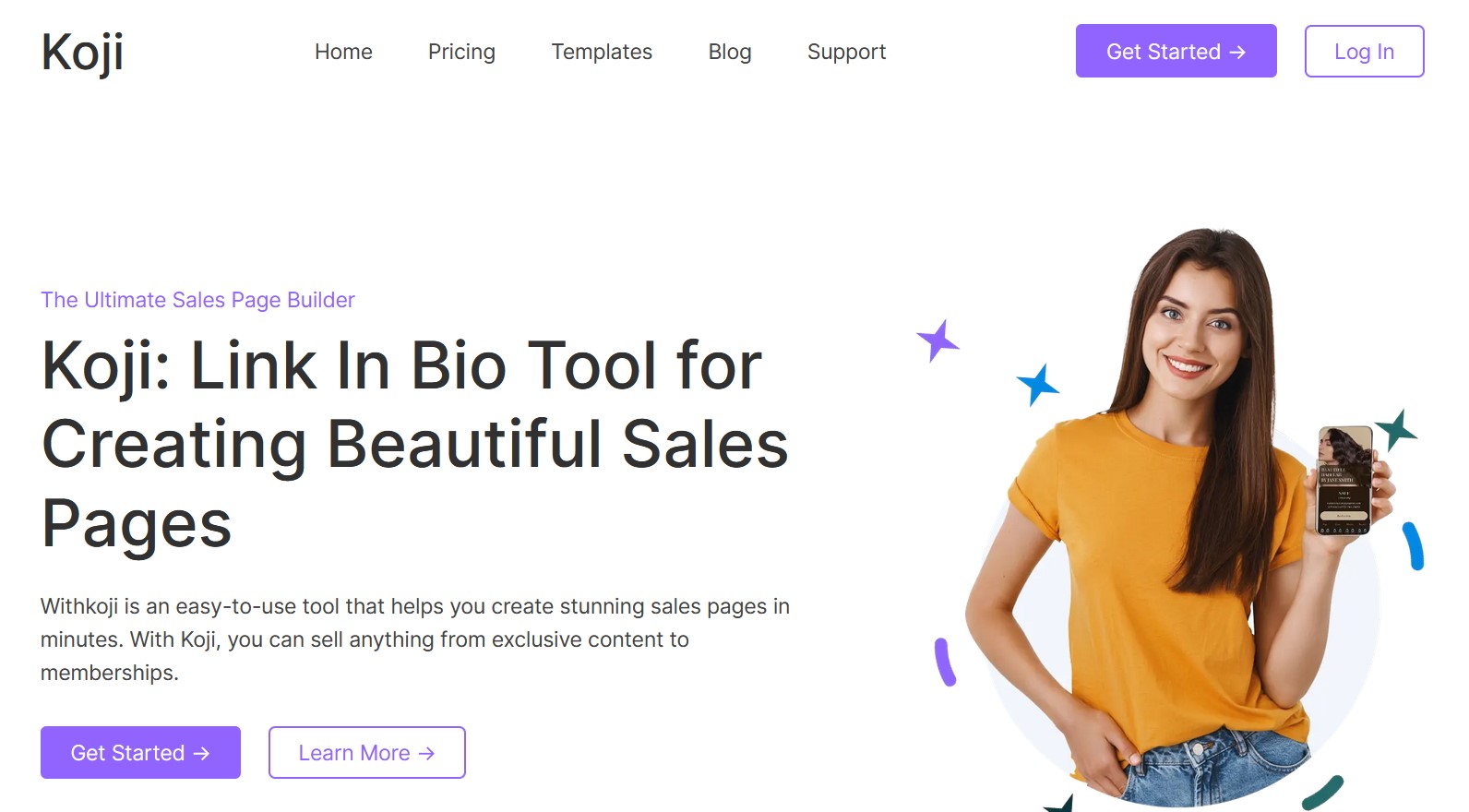
Its key innovation was a marketplace of plug-and-play mini-apps (called templates), such as paid Q&As, donation tools, video shoutouts, polls, and digital product sales. These tools helped creators engage with followers and earn money directly from their audiences.
Koji focused heavily on monetization, enabling creators to sell digital products, subscriptions, services, and exclusive content while also offering marketing tools to increase engagement and sales.
Koji Overview
At a Glance
- Launch Year: 2016
- Founders: Dmitry Shapiro and Sean Thielen.
- Business Model: Ad-free platform; revenue solely via transaction fees on creator sales.
- Key Features: Customizable templates. Integrations with popular social networks enabled creators to easily direct followers to their Koji page. Detailed analytics tracked link clicks and conversion data.
- Company Status (2023): Koji was acquired by Linktree and subsequently shut down. Sign-ups have been disabled, and Koji's site recommends users switch to other platforms.
Koji Features
Here are some of the main features you can expect while using Koji:
Customizable Page Editor
Koji provided a drag-and-drop builder for creating a “link in bio” landing page. Users could choose from professionally designed templates and styles. Every aspect – fonts, colors, layouts, backgrounds – could be customized without coding. This easy editor made it simple for anyone to make a polished multi-link page for social profiles.
Interactive Content & Social Embeds
Beyond plain links, Koji's templates allowed creators to embed rich media and interactive elements. You could insert Instagram/TikTok posts, YouTube videos, Spotify playlists, audio players, and image galleries directly on your page. Koji also supported polls, quizzes, check-ins, and other engagement tools.
Commerce & Storefront Apps
Koji offered a suite of e-commerce features. Creators could sell digital downloads and physical products directly from their page. Each product listing could include images, descriptions, and a checkout option. Koji handled the entire transaction process through integrated payment gateways like Stripe and PayPal.
Digital Monetization Features
In addition to stores, Koji had apps for monetizing content and services. Creators could set up Memberships, Paid Posts & Services like personalized shoutouts or coaching, and Link Locker, which is password-protected content accessible only to paid subscribers. For donations and fan support, apps like Tip Jar+, Gift Me, and Love Jar let followers tip money toward specific goals.
Affiliate & Marketing Tools
Koji recognized affiliate marketing as a revenue stream. It provided Affiliate Links to promote affiliate products. Plus, marketing helper apps helped creators boost sales and customer loyalty.
Social Media Integration
Koji easily integrates with major social networks – for instance, the Koji link could be added to Instagram, TikTok, YouTube, Twitter, and Facebook bios. Koji enabled embedding Instagram posts, TikTok videos, and even dynamic embeds from Facebook/Vimeo/etc. This meant a Koji page could function as a centralized hub for all content.
Analytics
Creators could track how many visitors clicked their page, which buttons or apps were most popular, and view sales metrics. Users could see audience demographics, conversion rates, and revenue breakdowns in real time. This data was useful for affiliate marketing and verifying which content resonated with fans.
Koji Pricing
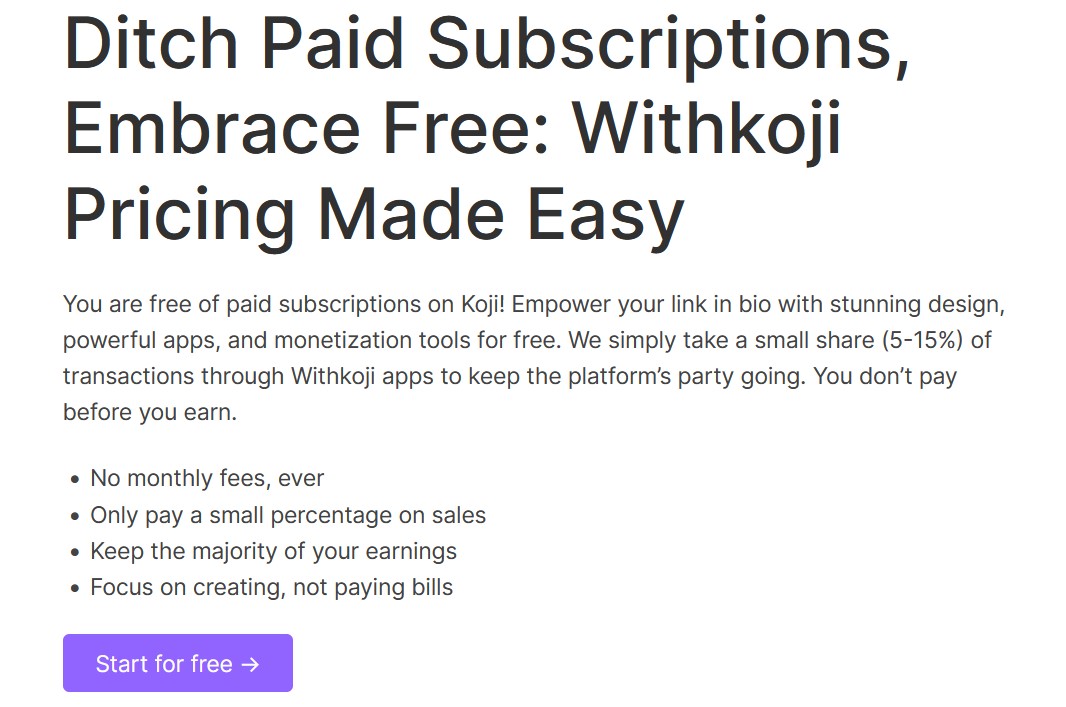
Koji offered its core service entirely for free. Creators could build pages and add apps without paying anything up front. Koji's revenue came from a transaction fee, which is a percentage of each sale made via Koji's apps. That fee ranged from 5% to 15%, depending on the specific Koji app or plan.
Koji did occasionally promote special deals, but for most users, the standard free model applied. In summary, Koji's pricing was straightforward: 100% of features were free, and Koji earned money by taking a slice of every transaction. By contrast, many competitors like Linktree charge monthly plans for advanced features.
However, it's worth noting that in reality, these fees had a downside. Several creators felt the commissions were high and that Koji's customer support did not justify them.
Koji Reviews: Feedback from Users
Despite its ambitious feature set, user feedback on Koji has been overwhelmingly negative in recent years. Trustpilot shows Koji rated only 2.3 out of 5 stars as of mid-2023. The majority of detailed comments complain about scams, technical failures, and poor support. Let's have a look at some of them:
1. Alleged Scams and Stolen Funds
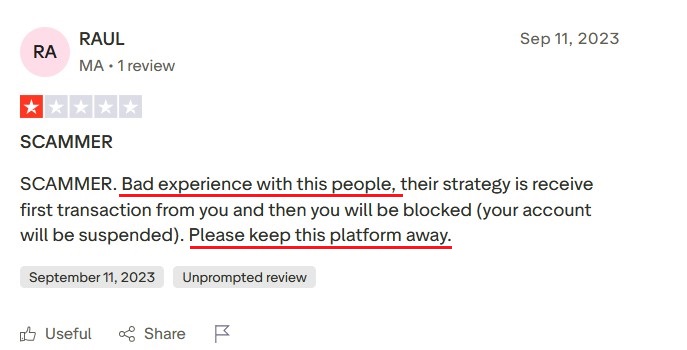
Multiple users explicitly labeled Koji a “SCAM” and warned others to avoid it in their reviews.
2. Technical Data Losses
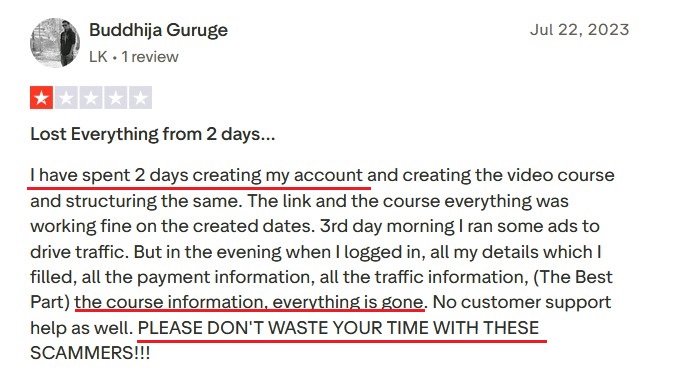
Some creators said Koji lost their content or payment details. For instance, one Koji review describes that they have lost all of their data and account after customizing it for over 2 days.
3. Non-Functional Apps
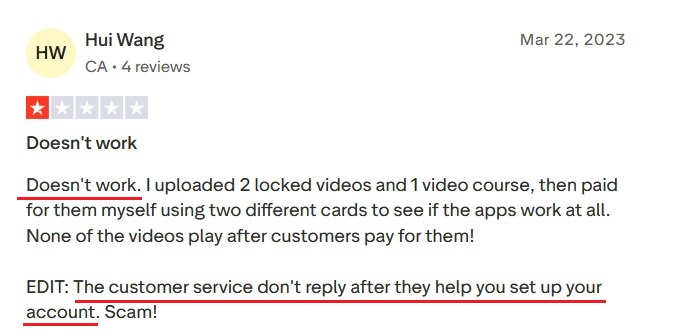
There are reports that key features simply failed. Hui Wanggave had problems with videos, and they won't play for his audience. And the sad part is that the customer support provided no solution for it.
4. Poor Customer Support
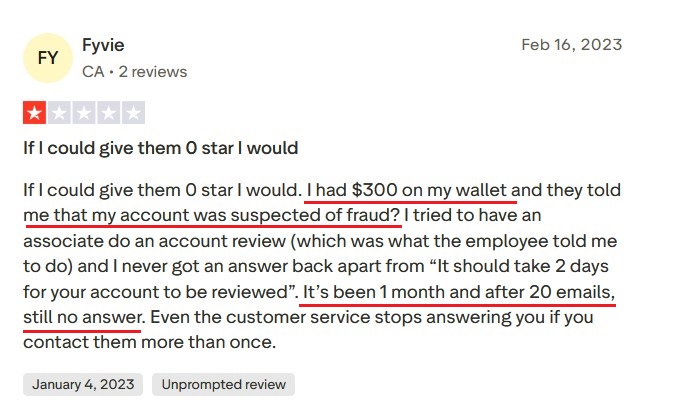
Many users complained that Koji's support was unresponsive. One person said Koji kept $300 and then froze their account on fraud suspicions, and despite “20 emails, still no answer”. Another reviewer wrote: “I messaged them on email, support, and even on Instagram!” after a theft claim, but got no response.
Koji Pros and Cons
Now is the time to go over the pros and cons of Koji and compare them really fast:
Pros
- Rich feature set: Koji did offer an extremely versatile toolset.
- No subscription fees: Koji's free pricing was an attractive pro.
- Beginner-friendly: The platform was designed to be easy for non-tech users.
- All-in-one commerce: Koji combined things that usually require multiple tools (polls, stores, tipping, email capture) in one place.
Cons
- Reputation for scams: The number one con is the scam accusations. Many real users claim Koji took money and left them with broken pages.
- Unreliable platform: Numerous reports of lost content, disappearing pages, and malfunctioning apps suggest Koji was buggy and unstable.
- Poor customer support: When problems did occur, users found Koji's support unresponsive or nonexistent.
- Hidden complexities: Using all of Koji's mini-apps could be complicated. For example, handling product delivery or compliance (CRO needs) might require juggling multiple Koji settings and third-party accounts.
- Fees on earnings: The 5–15% transaction cut meant creators never truly got 100% of sales. For high-volume sellers, this fee drag could be significant.
- Platform shutdown: Perhaps the biggest con now is that Koji has been shut down. New users cannot even sign up. All existing pages are being retired. Any effort to build on Koji today is essentially wasted, as Linktree is phasing it out.

brandID as the Best Koji Alternative
Now that you know everything about Koji, if you're looking for a reliable link-in-bio platform to replace it, brandID stands out as a top choice.
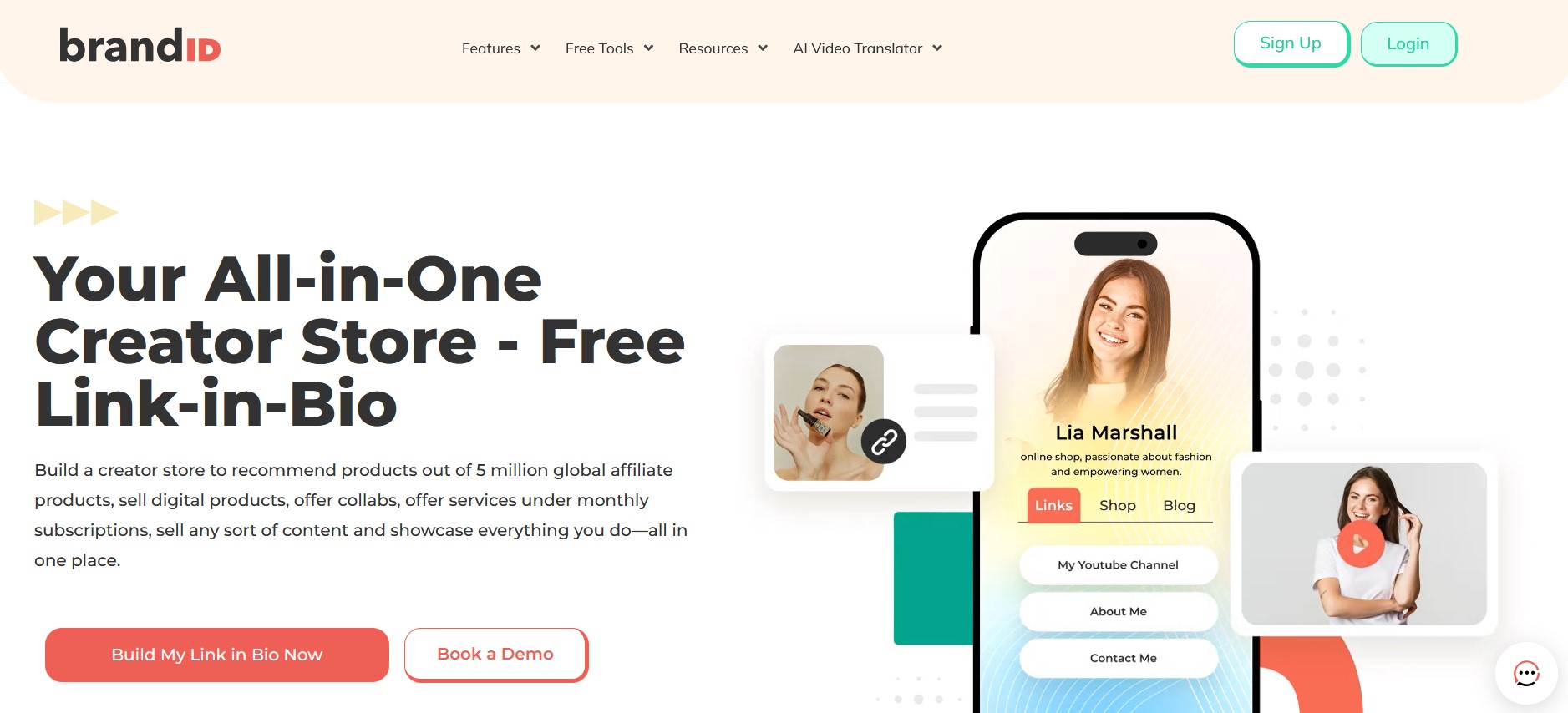
brandID is built around a customizable bio link page that doubles as a complete creator business hub. It bundles a digital storefront, an affiliate marketplace, paid bookings, subscriptions, tips, email marketing, and an AI video translator into one platform. It's used by content creators, influencers, coaches, freelancers, and small business owners who want one stable, well-supported tool to run their entire creator business from.
brandID Features
Here's a feature-by-feature breakdown of how brandID stacks up against what Koji used to offer.
1. Customizable Page Builder
Both platforms gave you a drag-and-drop editor with templates. Koji's was decent for its time. brandID's offers hundreds of niche-specific templates plus full design control: custom branding, advanced backgrounds (image, video, gradient), custom typography, and sectioned layouts. The drag-and-drop builder works on both web and mobile, where Koji was primarily mobile-first.
2. Digital Product Sales
Koji let you sell digital downloads and physical products with Stripe and PayPal integration. brandID does the same for digital products (ebooks, courses, templates, presets, audio, video) with no file-size limits, plus support for unlimited inventory on paid plans. The big difference is the fees, which we'll cover below.
3. Subscriptions and Memberships
Both platforms supported recurring subscriptions and gated content. brandID's Creator plan ($9/month) gives you unlimited subscription tiers with 0% transaction fees when you connect your own Stripe or PayPal. Koji's memberships were tied to its 5-15% transaction cut.
4. Tipping and Fan Support
Koji had Tip Jar+, Gift Me, and Love Jar apps. brandID has native tipping built into every plan, including the free trial, without forcing you to install separate “apps” to enable it.
5. Built-In Affiliate Marketplace
Koji offered affiliate link features, but you had to find and apply to each affiliate program yourself. brandID has a built-in marketplace with over 5 million products from 2,000+ brand partners. You browse, pick the products that fit your audience, and add them to your page in one click.
Commission rates go up to 65% on qualifying products with weekly payouts and no minimum withdrawal threshold. This is what affiliate marketing should look like in 2026, and it's the single biggest feature upgrade from Koji's manual approach.
6. Paid Bookings and Scheduling
Koji didn't have native booking or scheduling features. For coaches, consultants, photographers, or anyone selling time-based services, brandID includes brandID bookme: paid 1-on-1 sessions, group events, webinar bookings, calendar sync with Google/Outlook/Apple, automatic confirmations and reminders, and payment collection at the time of booking.
7. Digital Billboard Rentals
A revenue stream that didn't exist on Koji at all. brandID lets brands rent ad space directly on your bio page, with up to 3 slots available across all plans. Brands submit rental offers and you approve or reject. It's a built-in sponsorship marketplace for the real estate on your page.
8. AI Video Translator
Another feature Koji never offered. brandID dubs your videos into 200+ languages while preserving your original voice. Available on web, iOS, Android, and as a Chrome extension. For creators who want to reach global audiences, this turns a multi-thousand-dollar localization process into a few clicks.
9. Email Marketing
Koji had no built-in email marketing. You had to capture emails on Koji and then export to Mailchimp or ConvertKit separately. brandID includes native email marketing on the Creator plan.
10. Promo Codes, QR Codes, and Giveaway Tools
Koji had basic promo code functionality. brandID includes promo codes, downloadable QR codes for offline promotion, and giveaway tools for audience growth campaigns, all native to every plan.
11. Secure Inbox
brandID's “Email Me” feature consolidates brand inquiries, fan messages, and partnership requests into one inbox. Koji had no equivalent.
12. Analytics
Koji had basic analytics. brandID provides full analytics on the Creator plan: page views, link clicks, conversion rates, traffic sources, per-product and per-affiliate-link performance data, plus Google Analytics and Meta Pixel integration.
brandID vs Koji
The Pricing Difference (And Why Koji's “Free” Wasn't Really Free)
Koji marketed itself as 100% free, but took 5-15% on every transaction. For a creator selling $1,000 in digital products through Koji, that meant $50-150 lost on every $1,000.
brandID's free trial charges 5% with your own Stripe/PayPal or 10% with brandID's gateway. The Creator plan ($9/month) drops to 0% with your own gateway. The Turbo Creator plan ($15/month) drops the brandID gateway fee to just 3%, the lowest of any tier.
On $1,000 in monthly sales:
- Koji: $50-150 in fees
- brandID Free: $50 (own gateway) or $100 (brandID gateway)
- brandID Creator ($9/mo): $0 (own gateway) or $50 (brandID gateway)
- brandID Turbo Creator ($15/mo): $0 (own gateway) or $30 (brandID gateway)
For any serious seller, brandID's $9/month Creator plan pays for itself many times over compared to Koji's transaction fees.
The Reliability Difference
This is the part of the comparison that matters most for former Koji users. Koji's biggest problems were never about features. They were about trust. Lost data. Frozen accounts. Missing funds. Support that took weeks to respond or never replied at all.
brandID is actively maintained, transparently operated, and has responsive support. It's part of a broader ecosystem of products (brandID bookme, contactID, Chatgram, brandID Translator) backed by a company with public leadership, real customer service, and a public roadmap. The risk profile is fundamentally different.
Koji vs brandID
| Feature | Koji | brandID |
|---|---|---|
| Starting Price | Free (With Higher Transaction Fee) | Free |
| Affiliate Program | No | Yes (all plans) |
| Link Management | Yes | Yes |
| Booking & Scheduling | No | Yes |
| AI Video Translator | No | Yes |
| Link in Bio Page | Yes | Yes |
| Secure Inbox | No | Yes |
| Collect Tips | Yes | Yes |
| Giveaways | No | Yes |
| Promo Codes and QR codes | Yes | Yes |
| Digital Billboard Rentals | No | Yes |
| CRM & Email marketing | No | Yes |
Other Koji Alternatives
Several other link-in-bio services can serve as Koji alternatives. Unlike Koji, which is now closed, these options are stable:
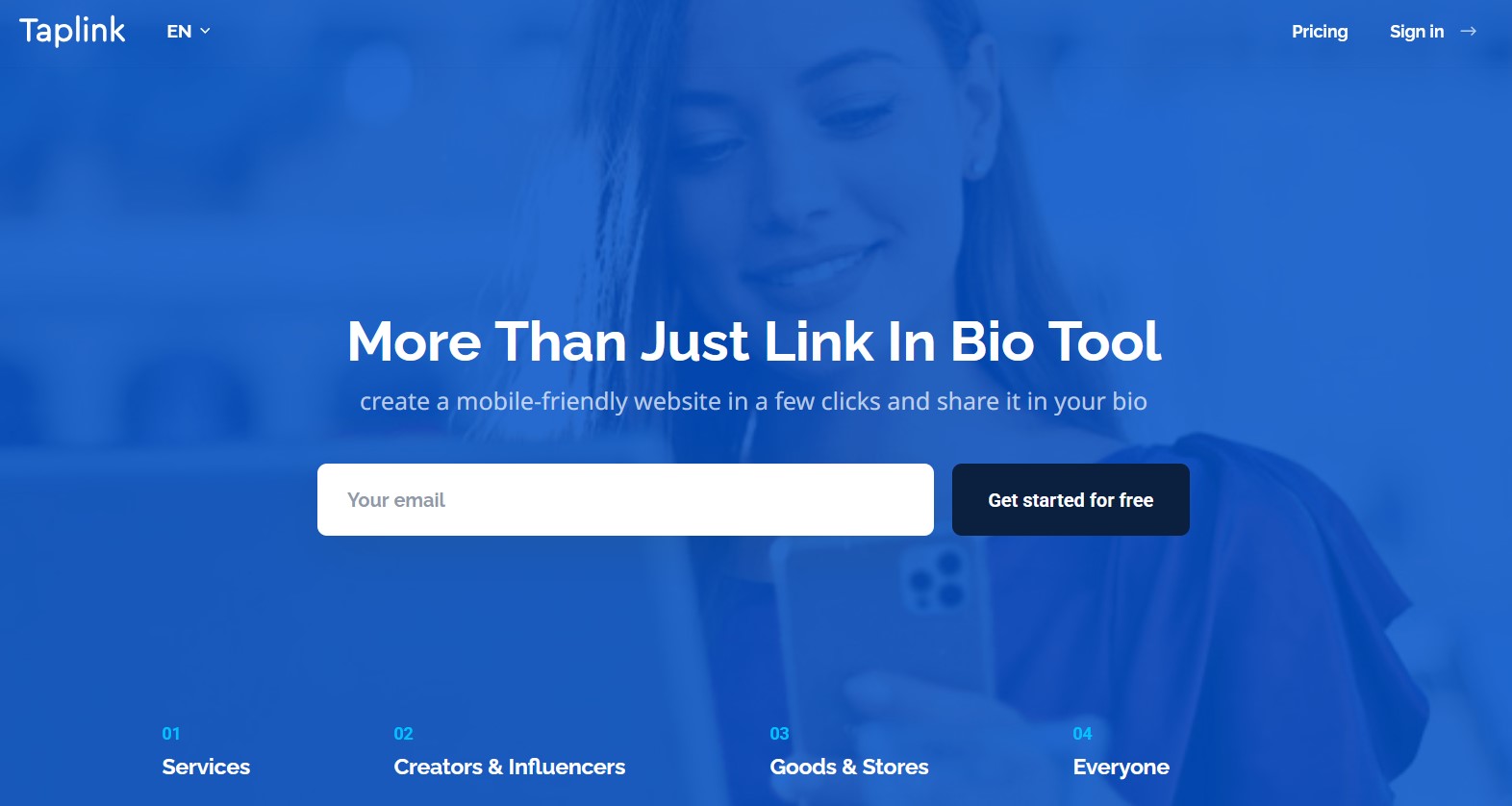
1. Taplink
Taplink provides unlimited links, up to multiple pages, and a variety of content blocks to build landing pages. It includes built-in payment forms and QR codes. The free plan covers basic pages and unlimited links, while paid tiers unlock advanced features like digital products, CRM tools, custom domains, and no Taplink branding.
In contrast to Koji's shutdown, Taplink remains fully operational and offers more modern templates. However, Taplink does require a subscription on higher tiers to sell digital products, whereas Koji's model was always free – but with Koji gone, Taplink is one of the alternative options. You can learn everything about Taplink in our deep Taplink review.
2. Linktree
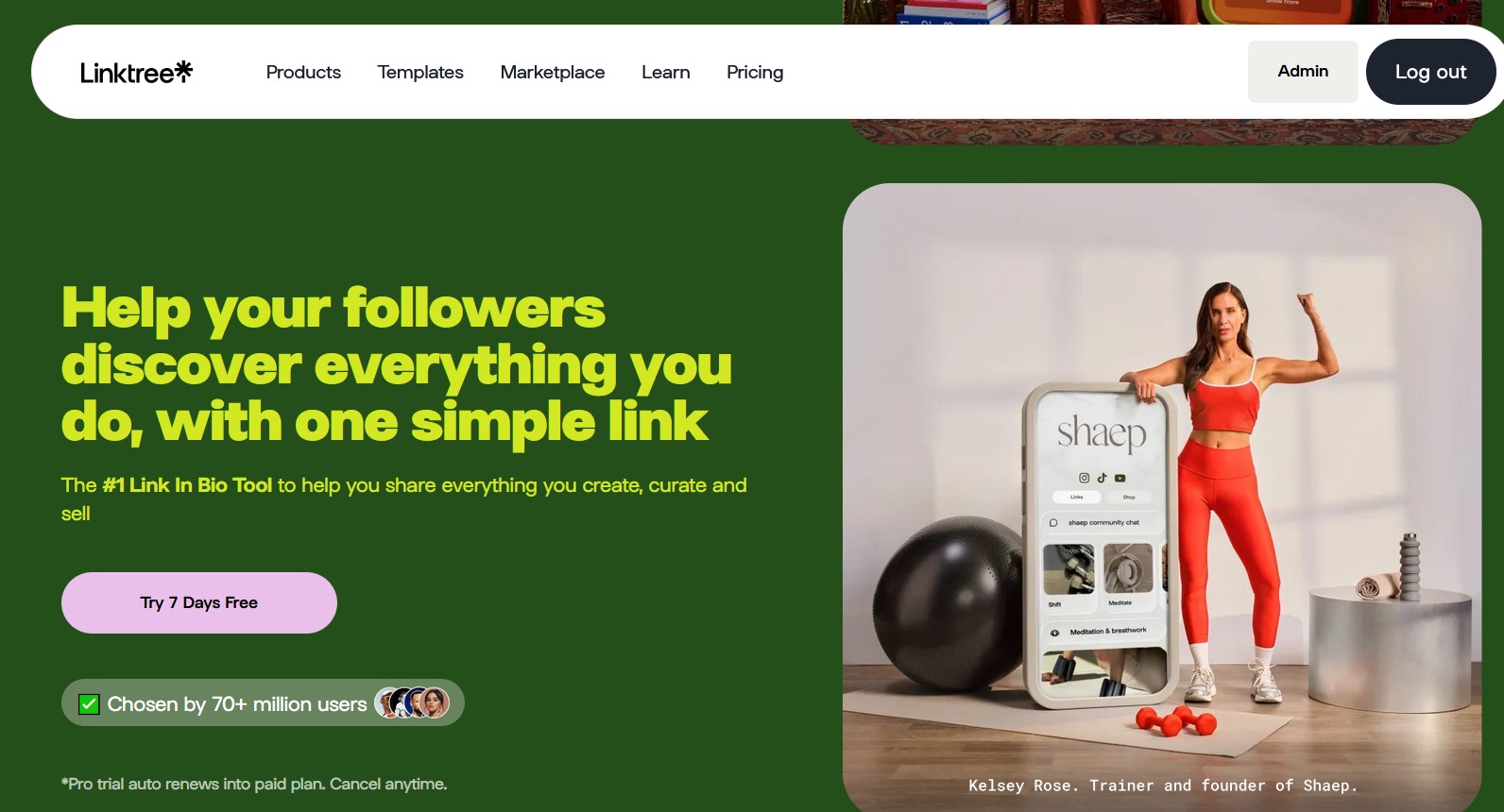
Linktree is directly responsible for the downfall of Koji. Linktree lets you create a simple list of links with a chosen theme. It's easy to set up and integrates basic payment options on its higher-priced plans.
However, Linktree relies heavily on paid tiers: custom domains, removing Linktree branding, and even analytics are locked behind Pro plans. Linktree often costs more over time than Koji's free model. You can figure out more easily if Linktree is a suitable option for you by reading this complete Linktree review.
3. Beacons.ai
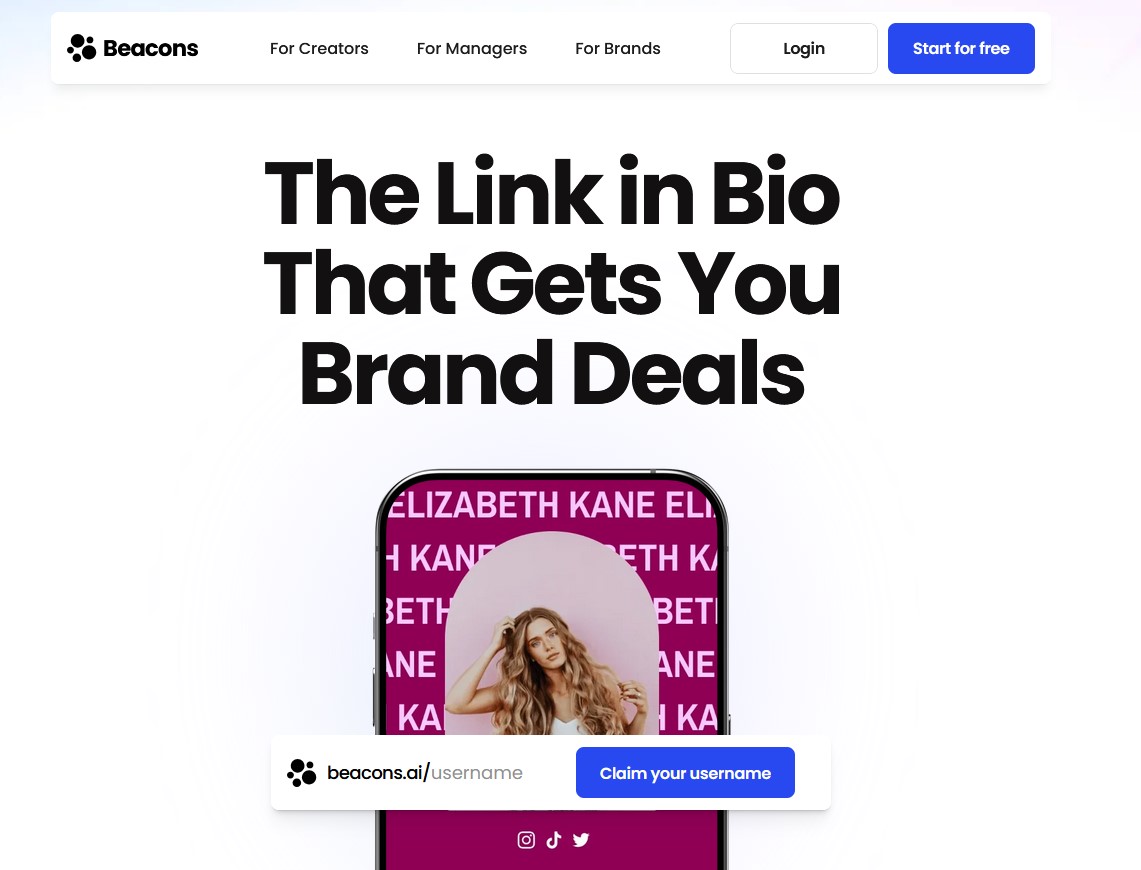
Beacons offers drag-and-drop page building, unlimited links and embeds, advanced analytics, and email marketing tools. Its free plan provides basic page setup, and paid plans, which start around $8–$12/month, unlock features like removing seller fees and adding custom domains.
Like brandID, it includes donation/tip functionality and can embed YouTube/TikTok content. Users should note that Beacons segments features by plan, so some advanced options may require payment.
If you're curious to know more about Beacons, read our Beacons.ai review.
Conclusion
Koji began as an innovative link-in-bio and storefront platform for social creators. It offered an impressive suite of apps for selling digital products, running promotions, and interacting with fans.
However, many creators encountered broken features, missing funds, and locked accounts. Koji's own site now bluntly states the service has “been shut down after Linktree acquired it” and recommends moving to other platforms.
For creators seeking a link-in-bio solution, safer alternatives are available in the market. In particular, brandID offers a very similar and even richer feature set without the hidden pitfalls. You should consider these platforms instead of risking Koji.
FAQs
Ready to try the all-in-one Koji alternative?
Start with brandID — Free