
Bento Review 2026: Features, Pricing, and the Best Alternative After the Shutdown
Bento was one of the most beautiful link-in-bio tools ever built, and as of February 13, 2026 it no longer exists. Linktree, which quietly acquired it back in 2023, closed it for good and pointed every bento.me link at its own platform. If you are here after searching for Bento, you are probably looking for one of two things: a clear record of what Bento offered, or a replacement that gives you the same clean look without the risk of it disappearing again.
This review covers both. It explains what Bento did well, where it fell short, why it shut down, and what its users should switch to now. It compares Bento against the tool we recommend for former users, brandID, along with three of the other best link in bio tools worth considering, so you can choose based on what you valued about Bento.

What Is Bento?
Bento (bento.me) was a link-in-bio tool that launched around 2023 and became a favorite among designers and visual creators. Instead of the usual stack of full-width buttons, it let you build a profile page from modular “cards” that could be resized and arranged into a mosaic. Links, images, uploaded videos, text, maps, and section titles all sat as blocks on a flexible grid, so a Bento page looked more like a portfolio or magazine-style layout than a plain list of links. That “bento box” style became a small design trend of its own, it was free, and it took only minutes to set up.
What Bento did not have was almost everything else. There were no built-in analytics beyond raw view counts, no custom domains, no third-party integrations, no email capture, and no way to sell anything or take a payment. Customization stopped at arranging and resizing blocks, with no themes, font controls, or custom colors beyond the basics.
Behind the scenes, Bento had already changed hands. Linktree acquired Bento in June 2023 and let it run largely untouched for about two and a half years. Then, in late 2025, Linktree announced that Bento would shut down on February 13, 2026. On that date, Bento profiles and user data were permanently deleted, and existing bento.me links were set to redirect to Linktree, with a migration path and a discounted Linktree Pro offer. Users had only a short window to export their content first, so if you missed it, your page is gone. One note to avoid confusion: a separate site called bentome.link uses a similar name and advertises paid plans, but it is not the original Bento covered in this review.

Bento Overview
At a Glance
- Launched around 2023 and acquired by Linktree in June 2023.
- Known for its “bento box” mosaic grid, a visual, card-based page instead of a plain list of links.
- Was 100% free with no paid tiers and no watermark on your page.
- Offered no monetization, no custom domains, and only basic view-count analytics.
- Shut down on February 13, 2026. Data was deleted and old links now redirect to Linktree.
Below we go through what Bento offered, why it was closed, and where its users should go next.
Why Bento Shut Down
Bento did not fail because people stopped using it. It shut down because keeping it running no longer made business sense for its owner. Linktree is the largest link-in-bio company in the world, and when it acquired Bento in 2023 it gained a design-led product with a devoted following and a distinctive layout style it did not have itself.
For a while, running both made sense. But maintaining a second free product with no revenue model is a cost, and the strategic value was in the ideas, not the standalone app. Across 2025, Linktree rebuilt its own editor with visual layouts and richer media blocks that borrowed heavily from Bento's playbook. Once those features shipped, Bento largely duplicated Linktree's own product.
This is not the first time Linktree has run this play. It acquired Koji, another creator-tools startup, and shut it down in early 2024, moving users onto Linktree. Bento followed the same pattern: acquire a rival, adopt its best features, retire the brand, and move its users onto Linktree.
The takeaway for creators is practical. A free tool with no revenue model is not a stable place to build your online presence. It can be acquired and shut down, and your page, links, and data go with it. When you choose Bento's replacement, treat long-term durability as a feature in its own right, not an afterthought.
Bento Features
Bento did a handful of things well and deliberately skipped almost everything else. Here is a breakdown of what it offered, feature by feature, with an honest caveat on each.
The Bento-Box Mosaic Layout
This was the main reason to use Bento. Instead of a single column of identical buttons, you arranged content into cards of different sizes, horizontal, vertical, or square, and snapped them into a grid. A large image could anchor the page while smaller link cards filled in around it, which produced a balanced layout that stood out from standard list-style pages.
Six Content Block Types
You could add links, images, uploaded videos, plain text, maps, and section titles. Each block could be styled lightly and linked out, and the image and video blocks are what gave pages their visual richness.
Drag-and-Drop Simplicity
Bento was genuinely easy. You could sign up and have a finished, good-looking page in under ten minutes with no tutorial, no template selection, and no design decisions beyond dragging blocks around. For many people, that speed and the guaranteed-decent result was the entire appeal.
Basic View Analytics
Bento showed you how many views your page and blocks received, which is enough to know whether anyone is looking.
Fast, Mobile-First Pages
Because Bento pages were essentially static, they loaded almost instantly, and on a phone the grid rearranged into a clean, app-launcher-style layout that looked deliberate rather than cramped. For a channel that lives in Instagram and TikTok bios, that speed and mobile polish mattered.
Free, Watermark-Free Pages
Unusually for a free tool, Bento did not stamp its own logo across your page. Your bento.me profile looked like yours, not like an ad for Bento, which is rare in a category where free plans almost always carry branding.
Bento Pricing
Bento's pricing was as simple as pricing gets: it was 100% free, with no paid tiers at all. Every user got the same complete feature set for $0, with nothing to upgrade to and nothing held back behind a paywall. In a category where custom domains, analytics, and branding removal are almost always the paid hooks, a genuinely free, watermark-free tool was refreshing, and it is a big part of why Bento spread so quickly.
It is worth putting that in context against paid competitors. Linktree charges roughly $8 to $9 a month for its Pro tier, Beacons sits around $10, and brandID's Creator plan is $9 a month. Those fees look like a downside next to Bento's $0, until you weigh what they buy: a revenue model that keeps the product alive, plus analytics, custom domains, and, in brandID's case, the ability to actually earn from the page.
One more note on price: the site bentome.link, which advertises a paid plan around $5 a month, is a separate lookalike and not the Bento reviewed here. Do not sign up for it expecting the original.
Bento Reviews: What Users Said
Bento was not just used, it was loved, and that affection is the clearest signal of what it got right. On Product Hunt it earned near-perfect ratings, with users repeatedly describing it as “fast, intuitive, and polished.” The praise almost always centered on two things: how good the pages looked and how little effort it took to get there. People called the layouts “gorgeous” and “designed by designers,” and founders described the whole experience as “delightful to use.”
Reviewers highlighted how flexible the format was in practice. Creators used Bento for portfolios, daily updates, changelogs, resource collections, and personal landing pages, and the common thread was that it made a plain link page feel considered and on-brand. For a free tool, that was a high bar to clear.
The criticism was just as consistent, and it was almost entirely about what Bento lacked. The most requested additions were real analytics, a dark mode, more color and theme control, and, above all, some way to monetize. Users liked the page they had built and wanted it to do more, which Bento never allowed.
The loudest reaction came at the very end. When the shutdown was announced, Reddit and Product Hunt threads filled with genuine grief, “so sad, Bento was the perfect platform,” alongside a scramble for alternatives. That level of reaction is unusual, and it shows what any replacement needs to get right first: the look and the ease of use.
Bento Pros and Cons
Pros
- A beautiful, distinctive mosaic layout that stood out from list-style rivals.
- Free with no watermark, rare for a tool in this category.
- Extremely easy to set up, with a good-looking result in minutes.
- Fast, lightweight pages that loaded instantly and looked sharp on mobile.
- Flexible block sizing that let you build a real visual hierarchy.
- Well-suited to portfolios and personal landing pages.
Cons
- Discontinued and unusable as of February 13, 2026, with data deleted.
- Only a short export window before everything was removed.
- Zero monetization: no products, subscriptions, tips, bookings, or affiliate tools.
- Analytics limited to raw view counts.
- No custom domains, integrations, or email capture.
- Only six content types and minimal styling control.
If you read this Bento review and recognized what you are about to lose, the clean design, the ease, a page that felt like yours, the next question is simple: where do you rebuild it so this does not happen again?
brandID: The Best Bento Alternative
brandID offers the same clean, template-driven design that made Bento worth using, and it adds the business features Bento never had. It works as more than a link page. It is a mini storefront that sits at the top of your Instagram or TikTok bio and can sell products, take bookings, collect emails, and track results.
Where Bento gave you a beautiful page and nothing more, brandID gives you a working creator business, and it runs on a real revenue model, so it is not going to disappear the way Bento did. Here is how it covers each thing former Bento users are looking for.

How brandID replaces Bento
It keeps the design you came for
brandID ships 100+ designer-made templates organized by niche, plus a drag-and-drop builder with full styling control: colors, fonts, image and video backgrounds, and spacing. On paid plans you can remove brandID branding entirely and connect a custom domain. If you valued how good Bento looked with little effort, brandID matches that and gives you more room to customize.
It turns the page into income, seven ways
This is the core difference. From a single brandID page you can run seven distinct revenue streams:
- Digital products: sell ebooks, presets, courses, music, or art with checkout built in.
- Affiliate commissions: recommend products and earn on every sale.
- Subscriptions and memberships for premium content or a community.
- Tips and donations, so fans can support you directly with one tap.
- Paid bookings and scheduling for calls, sessions, or appointments.
- Digital billboard ad slots you can rent on your page to sponsors.
- Brand sponsorships, packaged with a built-in media kit.
Bento offered exactly none of these. brandID makes all of them native to the same page that holds your links.
A real affiliate marketplace
Even if you sell nothing of your own, brandID's built-in affiliate marketplace gives you a way to earn immediately. You can browse over 5 million products from 2,000+ brands, add any of them to your page in a couple of clicks, and earn commissions up to 75%, with weekly payouts and no minimum threshold. For a creator who has an audience but no product yet, this alone can justify the switch.
Analytics that show what works
Where Bento showed raw view counts, brandID's paid plans give you click-throughs, traffic sources, and conversion data, so you can see which links and products earn and which fall flat. This lets you make decisions based on data instead of guesswork.
The tools Bento never had
Alongside monetization, brandID includes a custom domain, built-in email marketing and CRM, QR codes, an AI video translator covering 200+ languages, and booking and scheduling. It is closer to an all-in-one creator hub than a link page, so it can replace several separate subscriptions at once.
It is built to stay
This point matters most for creators affected by the Bento shutdown. brandID is an actively developed platform with a real revenue model, so it is not a free experiment likely to be acquired and closed. The main risk you experienced with Bento, the product disappearing, is much lower here.
Pricing: brandID is free to start, so you can rebuild your Bento page at no cost. Creator is $9 a month (0% transaction fees with your own Stripe) and Turbo is $15 a month (lower fees, unlimited CRM, premium affiliate catalog). Annual and lifetime options are available.
Bento vs brandID
| Feature | Bento | brandID |
|---|---|---|
| Status | Discontinued (Feb 13, 2026) | Active and maintained |
| Templates | None | 100+ designer templates |
| Design control | Minimal | Full (colors, fonts, branding removal) |
| Monetization | None | 7 revenue streams |
| Affiliate marketplace | No | Yes (5M+ products) |
| Analytics | Views only | Clicks, sources, conversions |
| Custom domain | No | Yes |
| Email / CRM | No | Yes |
| AI Video Translator | No | Yes |
| Pricing | Free (now gone) | Free, then $9/mo, then $15/mo |
| Long-term durability | Shut down by owner | Backed by a real revenue model |
How to Migrate From Bento to brandID
Because Bento only ever held links and simple blocks, moving to brandID is quick. You are not rebuilding a website, just re-adding a short list of links and a few images into a better home. If your Bento page is already gone, you can recreate it from memory or from any screenshot you saved.
Sign up for brandID free
Claim your handle, so your new page has a clean URL to share everywhere your old bento.me link used to live.
Pick a template that matches your Bento look
Choose one close to your niche so the layout starts most of the way to finished.
Re-add your links and media
Drop in the same links, images, and videos your Bento page carried. This is usually the longest step, and it is still only a few minutes.
Update the link everywhere it appears
Swap it across Instagram, TikTok, X, YouTube, and your email signature, before the old redirect starts sending visitors to Linktree instead of to you.
Switch on the parts Bento never had
Add a product, a tip jar, a booking, or a few affiliate items. This is the step that turns the page from a display into something that earns.
That is the full process. The design takes minutes and the monetization takes a few more, and the page you build sits on a platform that is not scheduled to close.
Other Bento Alternatives
brandID is our top recommendation for creators who want to earn from their page, but it is not the only option. Depending on what you valued about Bento, these three are worth weighing.
1. Linktree
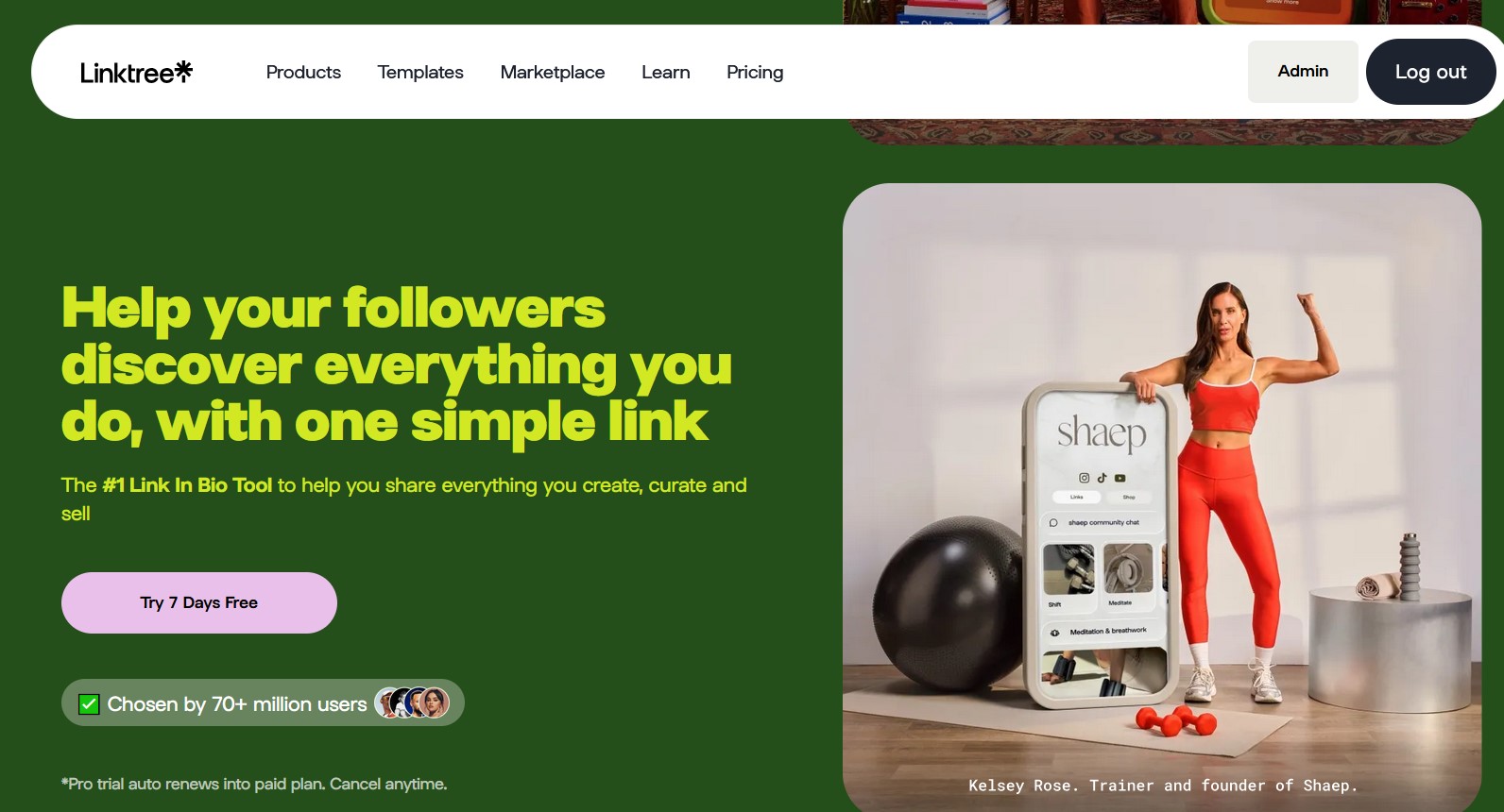
Linktree is the obvious default, partly because it is where your bento.me link now redirects on its own. It is the most recognized name in the category, it is reliable, and its free plan is fine for a basic list of links. The trade-offs: its paid plans run roughly $8 to $9 a month and up, its fees on sales are higher than brandID's, and its default look is plainer than Bento's grid. It is also the company that shut Bento down, so if the shutdown is your main concern, note that you would be moving onto the platform responsible for it. Read our full Linktree review for the complete breakdown.
2. Beacons
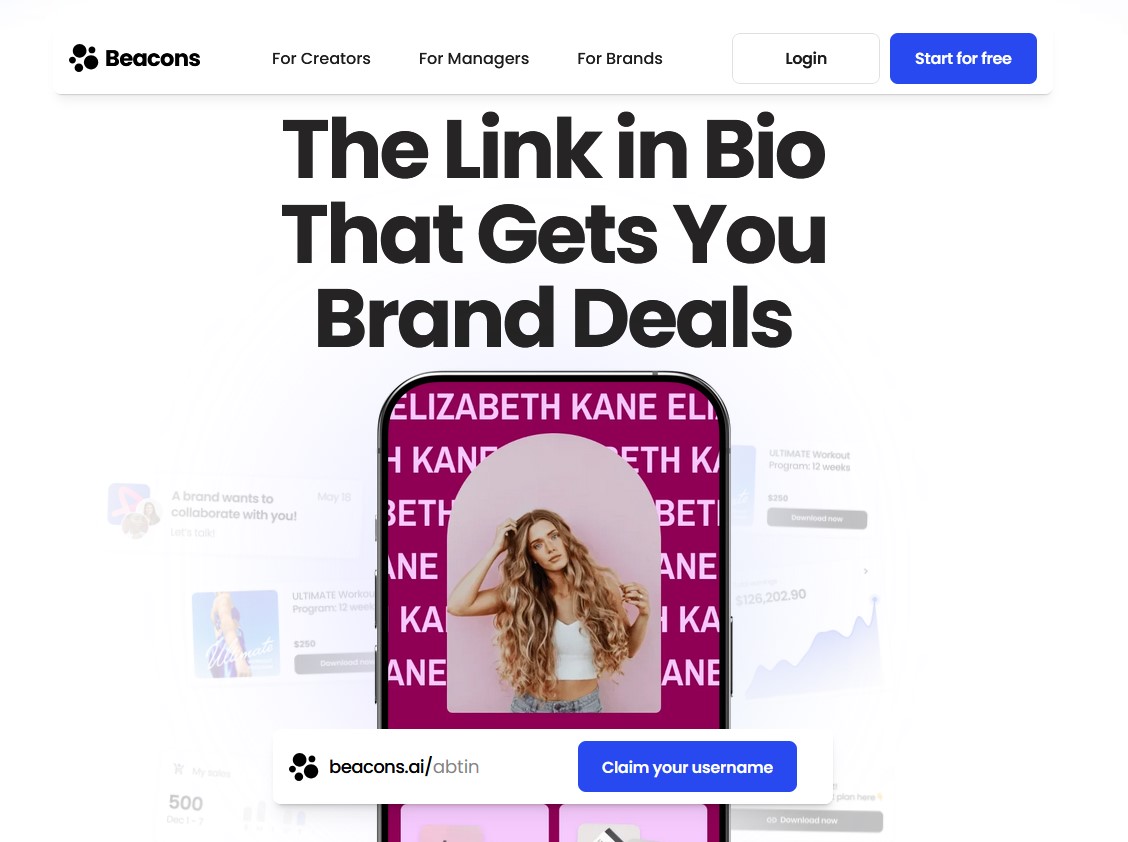
Beacons is the closest thing to an all-in-one rival, aimed at creators who want monetization plus a stack of AI tools in a modern builder. It can sell products, build media kits, and send email, and its free plan is usable. The trade-offs: it can feel cluttered next to Bento's restraint, and the most useful features sit behind higher tiers that start around $10 a month, so the real cost climbs as you use more of it. We covered it in depth in our Beacons review.
3. Taplink and Milkshake
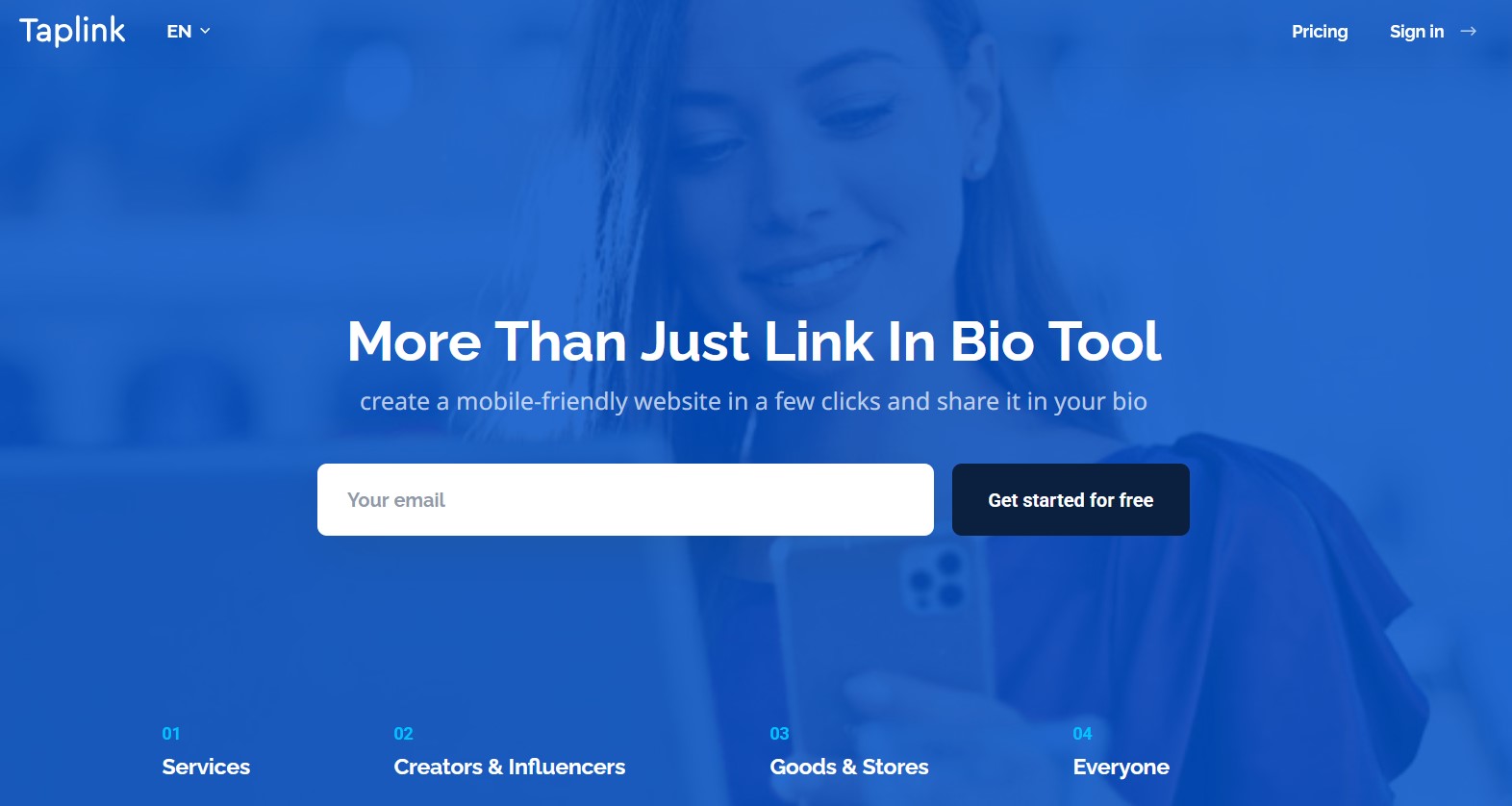
Taplink and Milkshake are the picks if what you loved was simplicity and speed rather than commerce. Both let you build a clean, mobile-first page fast, and both are cheap, with paid tiers starting at a few dollars a month. The trade-off is that their monetization and analytics are limited, so they are closer to a prettier link list than a business hub. Our full Taplink review has the details if you want a closer look. Whichever you choose, keep the main lesson from Bento in mind: pick a tool with a stable business model over the one that is only the cheapest today.
Conclusion
As a design tool, Bento was close to a 4.5, since few link-in-bio pages ever looked this good. But as a tool you can actually use in 2026, it scores a zero, because it no longer exists. Averaged against its severe limits and its discontinuation, our verdict lands at 3.2 out of 5.
There is no real way to answer “should you use Bento?” now, because it is no longer available. So the real question is where its users should go, and the answer depends on what you valued. If Bento was just a tidy place to park a few links, Linktree, which is where your old link already points, or a low-cost tool like Taplink will cover you.
Most people did not use Bento only to store links. They used it because it looked good, it was easy, and the page felt like their own. If that describes you, and especially if you want the page to earn rather than just sit there, brandID is the best option for former Bento users. It matches Bento on design and ease of use, offers far more on everything else, and runs on a business model that lowers the risk of another shutdown.