
How to check your monthly bookings and overage
Each plan includes a number of bookings per month. This guide shows where to see how many you have used, how many are left and what an extra booking costs.
Before you start
- A bookme account.
Open Upgrade plan
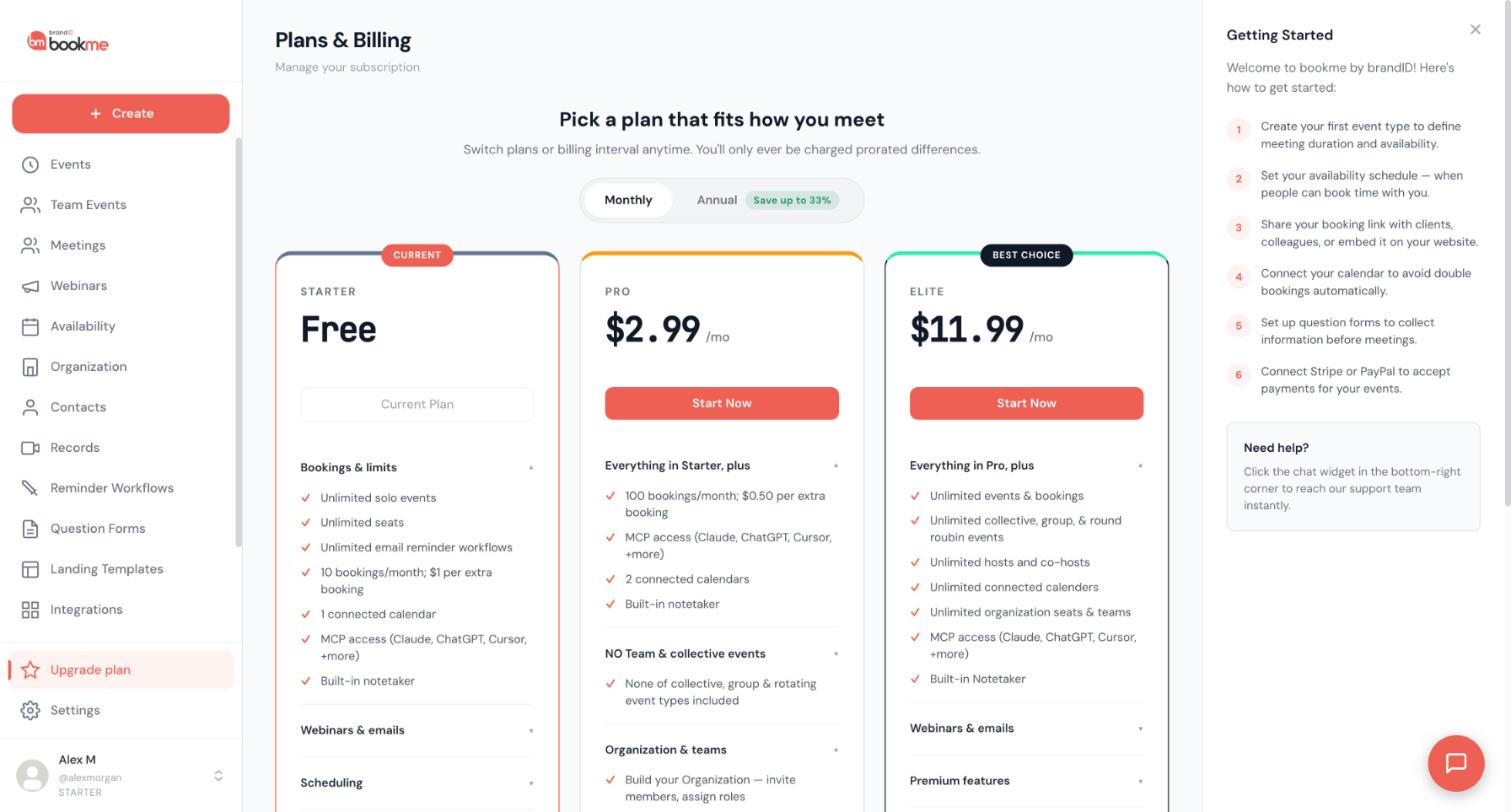
Click Upgrade plan in the sidebar. This opens Plans & Billing.
Find the Usage This Month box
On the same page, look for the Usage This Month box. It shows three things: Bookings (your count for the month so far), Free left (how many free bookings remain) and Overage (what you have used beyond the free ones). On Starter the free allowance is 10 bookings.
The box is for the current calendar month, so you see a fresh count each month.
Know what counts as a booking
The count covers meetings that are confirmed or completed and that start in the calendar month. A meeting counts in the month it starts, not the day it was booked. For example, a meeting booked in October for a day in November counts in November.
Know your plan’s allowance and price
Each plan includes a number of bookings, and extra bookings cost money:
- Starter: 10 bookings per month, $1 per extra booking.
- Pro: 100 bookings per month, $0.50 per extra booking.
- Elite: unlimited bookings.
Cross-check against your Meetings page
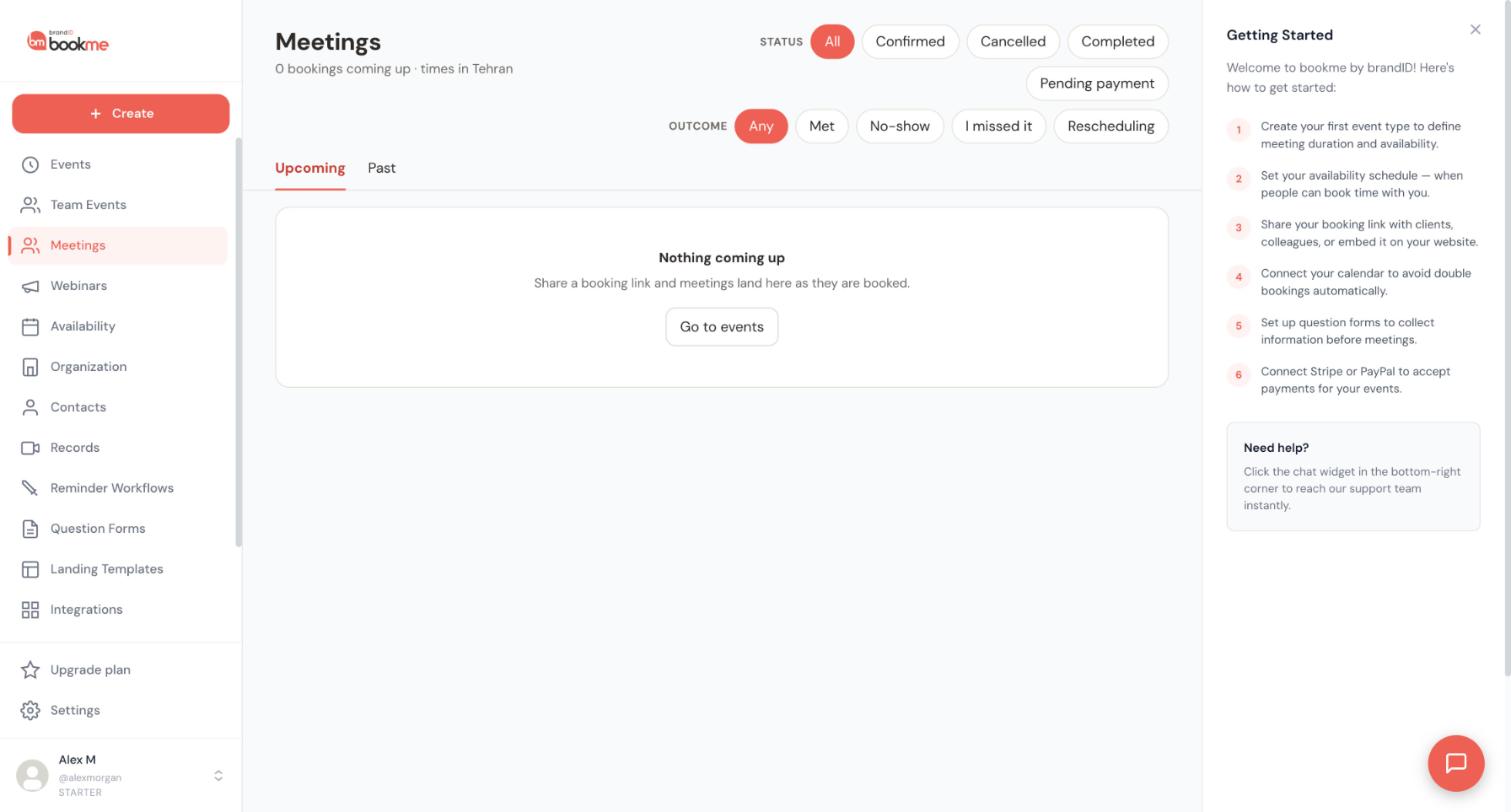
Open Meetings and use the Status filters (All, Confirmed, Cancelled, Completed, Pending payment). Choose Confirmed or Completed and look at the dates in the Upcoming and Past tabs to see the meetings that start in the month. The box on the Upgrade plan page is the number that counts.
Decide what to do if you are close to the limit
If you often go over, compare the plans: a higher plan raises the free bookings, and Elite has no limit. The guide on comparing plans explains the cards.
Tips
- Check Usage This Month around the middle of the month, before your busiest weeks.
- If your own tally and the box disagree, the box is the number that counts.
- The Help Center billing article says extra bookings are billed at the start of the following month, with an email notice listing the count and amount.
If something goes wrong
The number looks higher or lower than I expected.
Where do I find a receipt for an overage charge?
I keep going over the free bookings.
Related how-to guides
Still stuck? We’re happy to help.
Create your bookme account, see pricing, or reach out to support directly.




