
How to create a comment-to-DM campaign on Instagram
Build a campaign that sends a private DM, and optionally a public reply, whenever someone comments your keyword on an Instagram post or Reel.
Before you start
- An Instagram Business or Creator account connected in Social Accounts
- The post or Reel you want to watch, a keyword (for example GUIDE) and the link or message to send
Start a new Instagram campaign
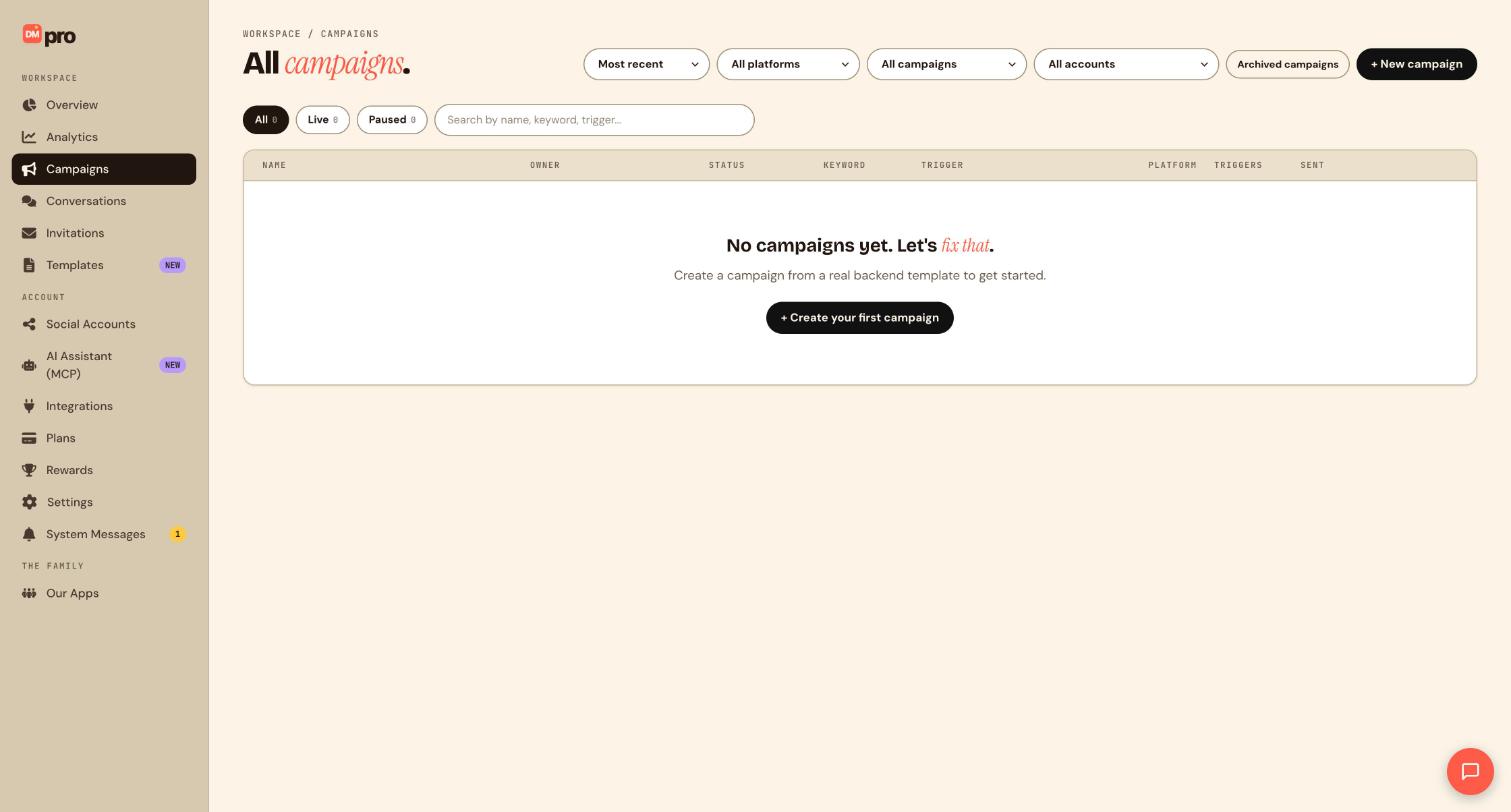
Click Campaigns in the sidebar, then + New campaign at the top right, and choose Instagram as the platform. The builder opens with an empty canvas. If you prefer a head start, open Templates and use the Reel comment or Product drop template, then follow the steps below to adjust it.
Name it and pick your account
Give the campaign a name you will recognize later, such as Free guide, Reel 12. Then choose your connected Instagram account from the account menu in the builder header. The Free plan allows one account per campaign.
Set the Comment on a post or Reel trigger
Add the trigger that fires when someone comments on a feed post, carousel or Reel. Then set two things:
- Which post: all posts, one specific post (paste its URL or pick it from your recent posts), or only your next post. Reels and feed posts use the same trigger.
- The keyword and how it is matched: exact, contains or any comment. Leave the keyword empty to match every comment.
Use a short, memorable word fans will type, such as GUIDE. You can also tell DMpro to skip comments that are very short or only a link, media, email or phone number, or that contain words you list.
Write the DM
Add a Send DM step. A DM that answers a comment is a private reply: Instagram allows one private reply per comment, and the first message has to be plain text before anything rich such as cards.
Example message: Thanks for commenting! Here is the free guide you asked for: {{affiliate_link}}
The {{affiliate_link}} placeholder is replaced with a tracked link when the message is sent, so clicks show up in your analytics. If you want a tappable button, add it to the DM and type the real https address in the button, not the placeholder.
Add a public reply (optional)
Add a Reply on comment step to answer publicly under the comment, for example Sent! Check your DMs. A flow can hold one public reply. Because the commenter sees this reply, keep it short and friendly, and do not put links in it that you do not want everyone to see.
Check the rules that apply
Remember what the Instagram platform allows:
- A DM can only go out within 24 hours of the fan’s last message. After that the thread is closed until they write again.
- The Only followers rule is for DM and story triggers. It cannot be combined with a comment trigger.
- Add a Frequency cap if you do not want the same person to trigger the flow again and again.
Preview, then publish
Use the live preview on the right and type your keyword into the simulator to walk through the flow. Fix anything the red banner at the top lists. When it looks right, click Publish campaign.
Then comment your keyword on the chosen post from another account and confirm the DM and the public reply arrive.
Tips
- Use a different keyword or a different post for each live campaign on the same account. DMpro warns you about trigger conflicts before you publish.
- Put the important link in the very first DM. Instagram allows one private reply per comment, so you cannot send a second one to the same comment.
If something goes wrong
I published but nothing is sent when I comment.
Check that the campaign is live in Campaigns, that the keyword and match mode fit what you typed, that the post you scoped is the one you commented on and that the account still shows as connected. Open Conversations and look for an Ignored webhook on the thread for the reason.
The second DM to the same comment fails.
Instagram allows one private reply per comment. Design the flow with a single DM after the comment, and use Reply on comment for anything public.
Only some fans receive the DM.
Look for an Only followers rule or a Frequency cap in the flow, or for trigger exclusions that skip short comments, links or words you listed.
The Publish campaign button is greyed out.
Read the red banner in the builder: a missing trigger, an empty message or no connected account are the usual causes.
Related how-to guides
Still stuck? We’re happy to help.
Create your DMpro account, see pricing, or reach out to support directly.




