
Instagram Automation
Connect Instagram, all trigger types, comment/DM/story/mention flows, Meta limits, sending cards and commerce.
Instagram trigger picker, 4 trigger types with example flows.
🔒
Official Instagram Graph API, no password requiredDMpro connects to Instagram through the official Meta Graph API for Instagram Professional accounts. You authorize via Meta’s own login screen: DMpro never sees or stores your Instagram password. You approve exact permissions (read comments, send DMs, read insights) and can revoke access any time from Instagram → Settings → Apps and Websites.
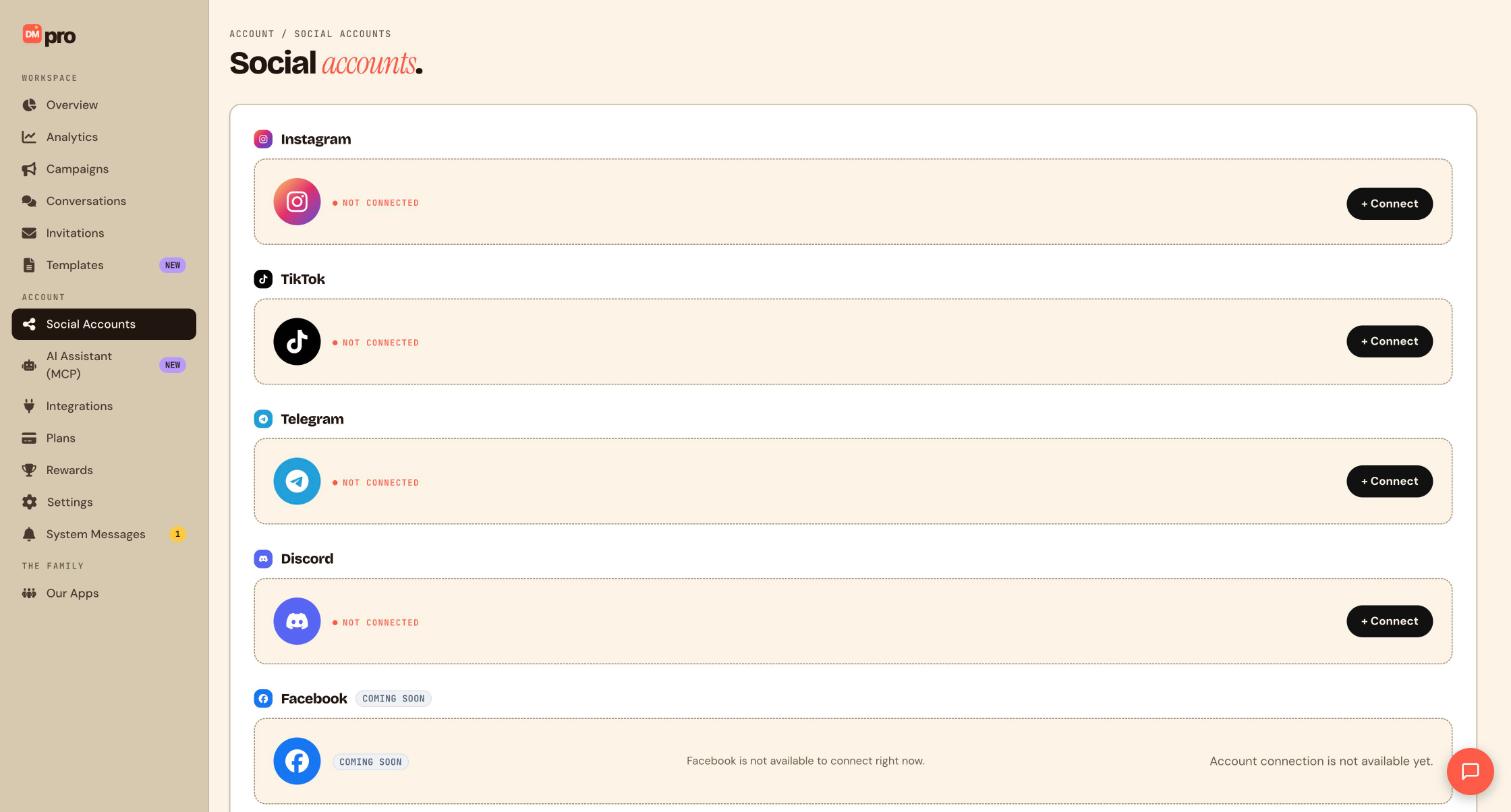
Connect Instagram
- Go to
/settings#accountsor/onboarding. - Click + Connect Instagram (onboarding: Connect with Instagram).
- Meta OAuth popup requests scopes:
instagram_basic,instagram_manage_messages,pages_show_list,pages_manage_metadata,pages_read_engagement. - Select your Facebook Page linked to the Instagram Professional account.
- Confirm Connected status with username and last-sync timestamp.
Requirements: Instagram Business or Creator account linked to a Facebook Page. Personal accounts cannot receive API messages.
Comment on Post trigger
- In
/campaigns/instagram/new, drag Comment on Post onto the canvas. - Set Keyword (exact, contains, or any comment).
- Add Send DM or Reply on comment + private reply flow.
- Meta limit: One private reply per comment, DMpro enforces this; duplicate private replies to the same comment are blocked.
- Optional: add Send products or
{{affiliate_link}}in DM body.
Direct Message trigger
- Drag Direct Message trigger.
- Set keyword match mode (exact / contains / any message).
- Optional: add Must follow account ground rule before actions.
- Chain Send DM, Send attachment, Send cards, Send buttons, or AI Response.
Story Reply trigger
- Drag Story Reply trigger.
- Set keyword for story text replies.
- Must follow account ground rule available for story triggers.
- Respond with Send DM containing link, product cards, or affiliate URL.
Mention triggers
- Mention in Reel and Mention in Story are separate trigger blocks you can drag onto the canvas.
- Mention triggers fire automatically on any qualifying mention; there’s no keyword filter for them (keyword matching is only available on the Comment on Post trigger).
- Auto-DM the mentioning fan with a thank-you message or offer.
Mention in Post is not available yet. It appears in the trigger list for future use, but it’s currently switched off on our end, so posts that mention your handle won’t start a campaign. Use Mention in Reel or Mention in Story instead.
Meta limits reference
| Rule | Detail |
|---|---|
| Private reply per comment | One automated private reply per comment thread |
| 24-hour messaging window | Applies to user-initiated conversations |
| Human agent tag | Required for responses outside standard window (manual in native app) |
| Product cards | Up to 10 products via Meta Commerce catalog |
| Attachment types | Image, video, audio, PDF in DMs |
Send cards and commerce
- Drag Send cards or Send products action.
- In inspector, open Product source: choose Meta Commerce catalog synced via Integrations (
/integrations). - Select up to 10 products per message.
- Preview carousel in live preview panel.
Share your Instagram post in a DM
- Drag the Send Instagram post action onto a Direct Message or Comment on Post flow.
- Pick one of your own posts to send inside the fan’s DM thread.
- Combine it with Send DM to add a text message before or after the shared post.
Private reply limitation: when you share an Instagram post through a private reply on a comment trigger, Meta only allows one post and no caption text alongside it. For a richer message with multiple posts or caption copy, use the Send DM action instead of private reply.
AI response
AI response on Instagram can run as a one-time reply or stay continuous for back-and-forth conversation. You also choose where the reply lands: as a DM, or as a public comment reply on comment-triggered flows. See Affiliate Tracking & AI Response for training and setup steps.
Post scope (which posts trigger)
- Click the trigger node inspector.
- Post scope options: All posts, Specific post (paste post URL or pick from recent), Next post only.
- For Reels, use the same Comment on Post trigger, scope applies to Reels and feed posts.
Live preview
- The right panel shows Instagram DM thread mockup.
- Toggle Fan view / Creator view.
- Type a test keyword in Simulate trigger to walk through the flow.
- Affiliate links render as tracked short URLs in preview.
Publish Instagram campaign
- Select connected Instagram account in header dropdown.
- Resolve all validation banner errors.
- Click Publish campaign.
- Test by commenting your keyword on a scoped post or sending a DM.
Still stuck? We’re happy to help.
Create your DMpro account, see pricing, or reach out to support directly.




