
To sell clipart, create coordinated sets of graphics, export them as transparent PNG and SVG files, set clear licensing terms, then list them for instant download from your own store and link in bio. Clipart is one of the most beginner-friendly things to sell online because you draw a set once and sell the same files to crafters, teachers, small businesses and print-on-demand sellers for years.
This guide covers how to sell clip art end to end: how to make clipart to sell, which file formats and licenses to offer, how to price and bundle, how AI fits in for 2026, and who your buyers really are. Clipart is one of the best digital products to sell because it is quick to produce and sells on repeat.
- Sell sets, not singles: the way to sell clipart profitably is coordinated packs and mega bundles, not one image at a time.
- Deliver the right files: transparent PNG at 300 DPI plus SVG covers most buyers, and SVG opens up the huge Cricut and Silhouette craft market.
- Licensing is your pricing lever: a personal license is the base, and commercial, extended and print-on-demand licenses can each multiply the price.
- Know your buyers: clipart sells to crafters, teachers, POD sellers and small-business owners, so design and license with them in mind.
- Keep the margin: selling clip art from a free brandID store and link in bio means 0 marketplace commission and full ownership of your buyers.
Can You Make Money Selling Clipart?
Yes, and the economics are excellent because clipart is made once and sold unlimited times with no printing or shipping. Individual graphics typically sell for $3 to $30, with bundles at the top of that range, so a single popular pack sold a few hundred times becomes real recurring income.
The reason clipart keeps selling is its buyers. Crafters turn it into Cricut projects, teachers drop it into worksheets, small businesses use it in branding, and print-on-demand sellers put it on mugs and shirts. That mix means steady demand all year, not a one-time novelty purchase.
How to Make Clipart to Sell in 6 Steps
The create side is where most guides go thin. Follow these six steps to make clip art that is actually sellable, not just pretty.
1. Pick a Niche and a Coordinated Theme
Choose one clear theme buyers search for, such as botanical florals or back-to-school icons, then plan a set of 10 to 30 pieces that work together in style, palette and line weight. A cohesive set sells far better than a random mix.
2. Choose Your Tool: Vector or Raster
Vector tools like Adobe Illustrator, Affinity Designer and the free Inkscape produce art that scales to any size and exports to SVG, which crafters need. Raster tools like Procreate on iPad and Photoshop are faster for hand-drawn and painterly styles but output pixels, so plan to vectorize them if you want SVG.
3. Draw a Set, Not a Single Piece
Build the full collection on one canvas so elements share a look, then separate each graphic onto its own layer. Buyers pay for a ready-to-use pack, so 15 matching pieces are worth many times more than one detailed illustration.
4. Export the Right Formats
Package multiple formats so every buyer can use your files. Transparent PNG at 300 DPI is the must-have, SVG opens up the craft-cutting market, and editable vector files serve designers.
| Format | What it is for |
|---|---|
| PNG (transparent, 300 DPI) | The ready-to-use graphic almost every buyer expects. |
| SVG | Scalable vector for Cricut and Silhouette cutting machines. |
| EPS or AI | Fully editable vectors for designers and agencies. |
| JPG | Flat previews and mockups for your listing. |
5. Set Your Licensing
Decide up front what buyers may do with your art, and state it in a short terms file included with every download. Licensing is covered in detail below, and getting it right protects your work and raises your price.
6. Bundle, Name and Price
Group your set into a named pack with keyword-rich titles, create a clean mockup that shows every piece, and price it as a bundle. The pricing model further down shows the tiers that work.
Clipart Licensing Explained
Licensing is the single biggest thing most clipart sellers get wrong, and the biggest untapped way to earn more. A license tells the buyer what they can and cannot do with your art, and each broader license justifies a higher price. Offer these tiers and include the terms as a file in every pack.
| License | What the buyer can do | Best for | Price approach |
|---|---|---|---|
| Personal use | Use in their own non-commercial projects only | Hobbyists and personal crafts | Base price |
| Standard commercial | Use in products they sell, up to a set unit limit | Small shops and freelancers | Base price or small uplift |
| Extended commercial | High or unlimited unit sales and client work | Growing businesses and agencies | 2 to 5x base |
| Print-on-demand and resell | Place the art on products sold through POD | POD and merch sellers | Premium add-on |
One rule matters above all: only sell clip art you created yourself or hold clear rights to. Copying another artist’s work or trademarked characters is illegal and gets shops shut down. Original art is the whole point, and it is what lets you license with confidence.
How to Price and Bundle Clipart
Price on the pack and the license, not the single image. This simple tier structure captures impulse buyers and bigger spenders at the same time.
| Offer | Typical price | What it includes |
|---|---|---|
| Single graphic | $2 to $5 | One clipart image, good as a low-risk entry |
| Small pack | $6 to $15 | 8 to 20 coordinated pieces, your core seller |
| Mega bundle | $18 to $40+ | 50+ pieces or several sets combined |
| Commercial or POD upgrade | +$10 to $50 | A license upgrade added to any pack |
How to Sell AI-Generated Clipart in 2026
AI is the biggest shift in clipart for 2026, both as a shortcut and as a rule to navigate. You can use tools like Midjourney to generate a base style fast, then vectorize, clean up and coordinate the set so it is genuinely yours and print-ready.
Two cautions matter. Selling policies for AI art differ by platform, so always disclose AI use where required and read the current rules before you list. And because purely AI-generated work can carry weaker copyright protection, adding real editing and original arrangement strengthens both your rights and your quality. The guide to selling AI art breaks the legal side down further.
Who Buys Clipart, and How to Sell to Them
Clipart has four big buyer groups, and designing for them is how you stand out. Match your files and licenses to who you want to reach.
1. Crafters: they cut SVGs on Cricut and Silhouette machines, so ship clean SVG files and simple, bold shapes that cut well.
2. Teachers: they build worksheets and resources, so offer PNG sets with a classroom-friendly commercial license, a huge and loyal market.
3. Print-on-demand sellers: they put art on shirts, mugs and stickers, so a POD or extended license is exactly what they will pay a premium for.
4. Small businesses and creators: they use clipart in branding, social posts and Canva templates, so cohesive, on-trend sets win them over.
How to Sell Clipart With brandID
brandID is a free, no-code creator store and link in bio, trusted by 10,000+ creators, and it is the simplest place to sell clip art while keeping the full margin. You upload your pack, set a price and license, and share one link, with no marketplace commission taken from your sales.
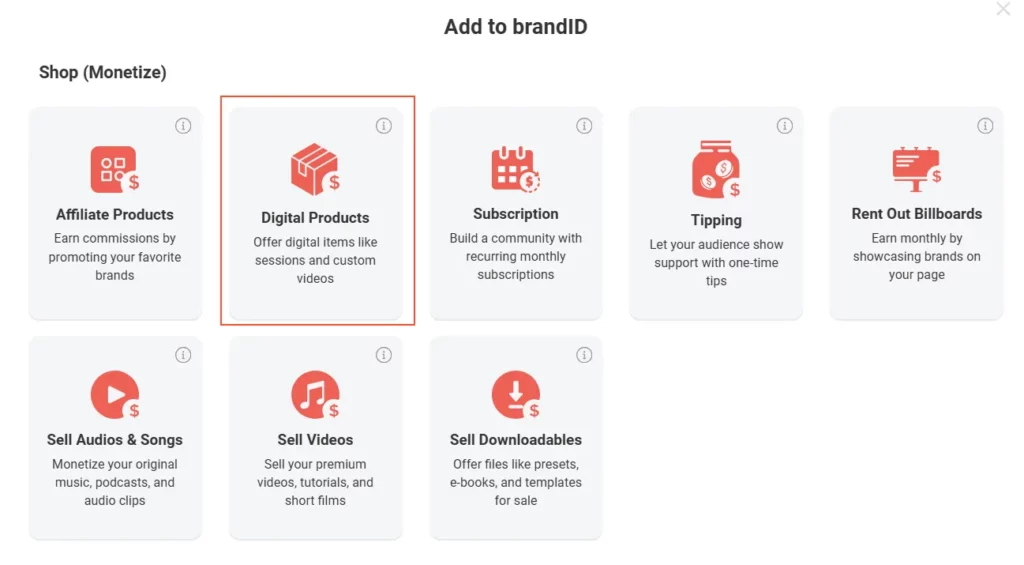
| brandID feature | What it does for a clipart seller |
|---|---|
| Free no-code store | Upload a clipart pack, set a price and start selling in under 3 minutes, with no marketplace fee. |
| Link in bio | Turn your Instagram, TikTok and Pinterest followers into buyers with one tap. |
| Instant automated delivery | Buyers get the download link the moment they pay, day or night. |
| One link for every buyer | Reach crafters, teachers and POD sellers from a single store, no separate marketplace accounts. |
| Collections and memberships | Organize sets into collections and offer a subscription so buyers get every new drop. |
Because you own the storefront and the customer, every promotion you run builds your audience instead of a marketplace’s. It pairs naturally with the way you already sell digital products online, so one link can carry clipart, templates and more.
Open a free brandID store, upload your first clipart pack, set your license, and share one link that sells it with instant delivery and 0% marketplace fees.
Start Selling FreeClipart Listing and SEO Tips
However you sell, buyers have to find your pack first. Four habits lift discoverability and conversions.
Write keyword-rich titles that name the theme, style and use, such as “Boho Floral Clipart Bundle, PNG and SVG, Commercial Use”.
Show a full mockup that displays every piece in the pack on a clean background, since the preview image sells the set.
List the formats and license clearly in the description so buyers know they get PNG, SVG and the commercial rights they need.
Group into collections so a buyer who likes one set easily finds your others, which raises average order value.
6 Trending Clipart Niches That Sell
Demand concentrates in a handful of evergreen and trending styles. These consistently sell, so they are a safe place to start a new set.
1. Floral and Botanical Clipart
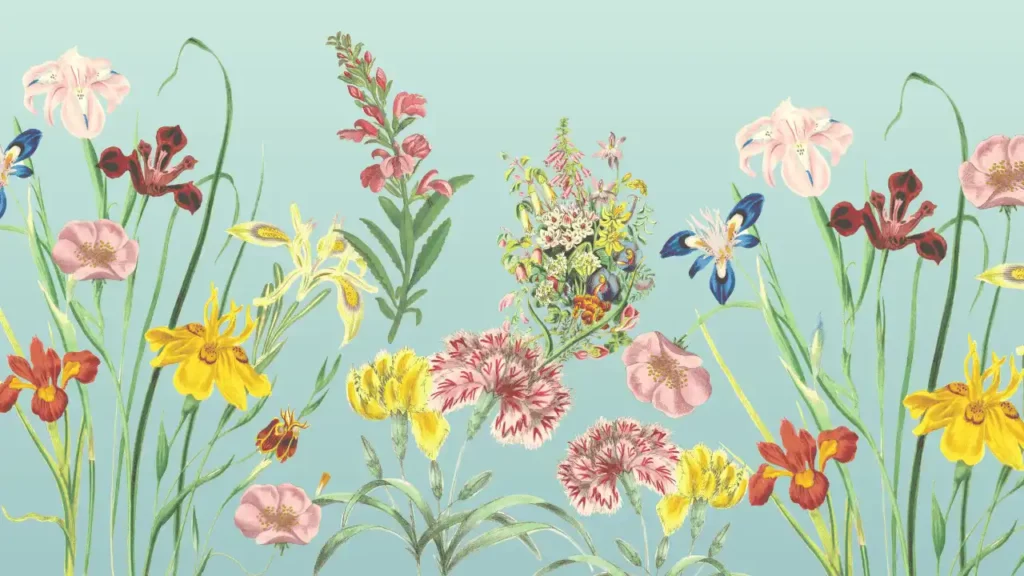
Watercolor blooms, greenery and wreaths are perennial best sellers for weddings, stationery and branding.
2. Hand-Drawn Lettering and Decorative Elements
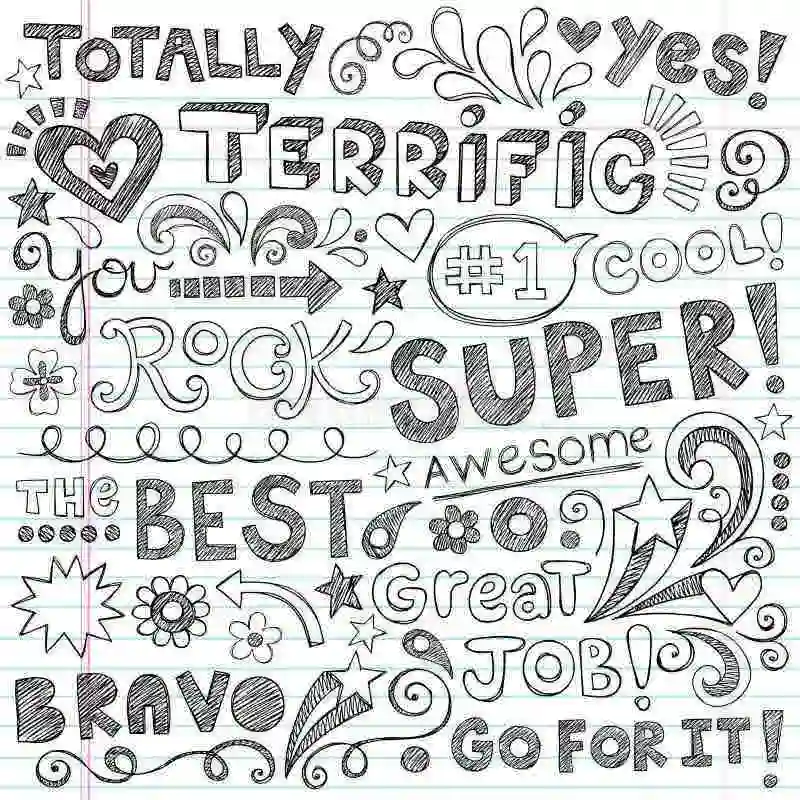
Quotes, banners, arrows and doodle accents pair with almost any project, making them easy add-on buys.
3. Seasonal and Holiday Clipart
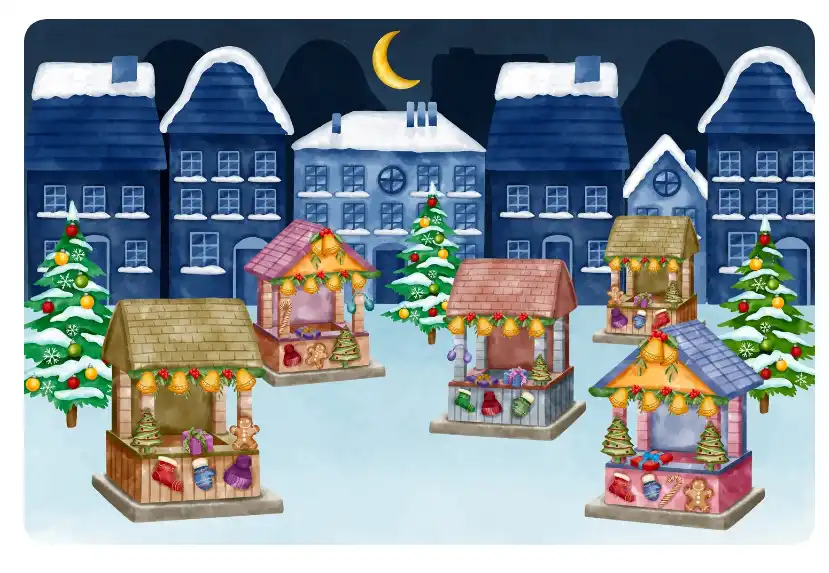
Halloween, Christmas and other holidays spike on a schedule you can plan for, which pairs well with seasonal digital products you already make.
4. Cute Animals and Pet Portraits
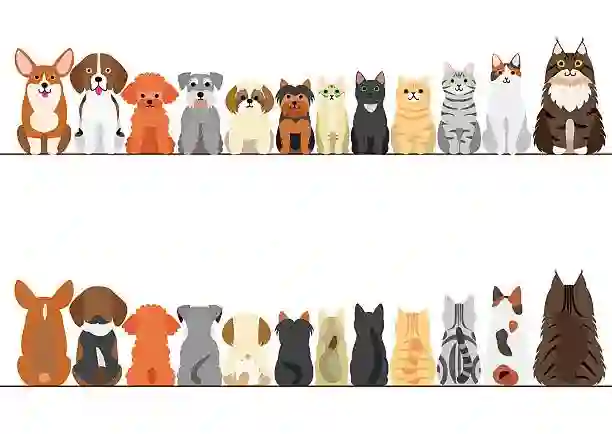
Kawaii creatures and breed-specific pet art sell to crafters, teachers and pet-brand shops alike.
5. Food and Drink Clipart
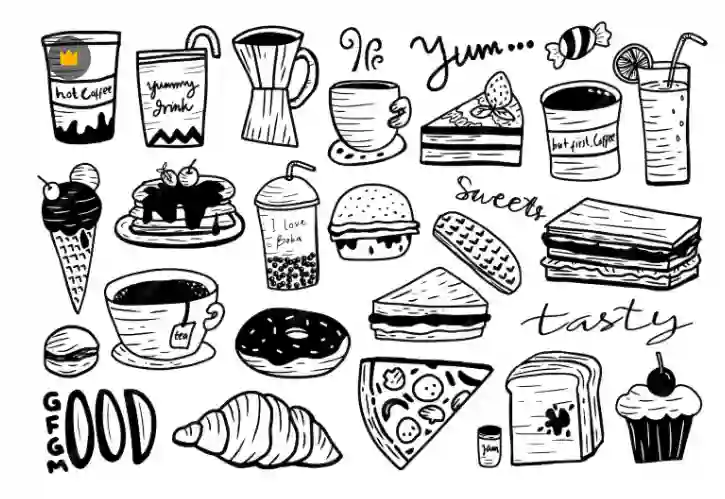
Coffee, desserts and cocktails are staples for cafes, menus, recipe cards and food bloggers.
6. Retro and Y2K Clipart
Groovy 70s type, 90s and Y2K motifs are riding a strong nostalgia trend across apparel and social templates.
5 Clipart Selling Mistakes to Avoid
1. Selling single images. One graphic at a time undercuts your value. Package coordinated sets and bundles instead.
2. Skipping licensing. No license terms means confused buyers and lost commercial sales. Include a terms file in every pack.
3. Shipping one format. PNG only shuts out the craft market. Add SVG and you reach Cricut and Silhouette buyers.
4. No niche. A random grab-bag is hard to market. Own one style buyers recognize you for.
5. Underpricing. Racing to $2 attracts the worst buyers and starves your margin. Charge for the pack and the license.
Bottom Line on Selling Clipart
Selling clip art rewards a simple system: make coordinated sets in a niche you own, ship PNG and SVG files, license them clearly, and price by the pack. Do that and one afternoon of design keeps earning from crafters, teachers and POD sellers long after.
Start with one tight set this week, deliver it as a proper pack with a license, and sell it from a store you control. The catalog and the income grow from there.
FAQs
1- Can you make money selling clipart?
Yes. Clipart is made once and sold unlimited times with no inventory, so margins are high. Packs typically sell for $6 to $40, and a popular bundle sold a few hundred times becomes steady recurring income. Your results track how well you market your sets more than the art itself.
2- How do I make clipart to sell?
Pick a niche, draw a coordinated set of 10 to 30 pieces in a vector tool like Illustrator or Inkscape or a raster tool like Procreate, then export transparent PNG at 300 DPI plus SVG. Bundle the set, add a license file, and list it with a clear mockup.
3- How much does clipart sell for?
Single graphics run about $2 to $5, small coordinated packs $6 to $15, and mega bundles $18 to $40 or more. Commercial and print-on-demand license upgrades can add $10 to $50 on top.
4- What file formats should clipart be sold in?
Transparent PNG at 300 DPI is essential, and SVG is the key second format because crafters need it for Cricut and Silhouette machines. Editable EPS or AI files are a bonus for designers.
5- Do I need a license to sell clipart?
You do not need a license to sell art you created, but you should include a license that tells buyers what they can do with it. Offer at least a personal and a commercial license, and add extended or print-on-demand terms for higher-value buyers.
6- Is it legal to sell clipart?
Selling clipart is legal as long as you created it or hold clear rights to it. Copying another artist’s work or trademarked characters is not legal and will get your shop removed, so only sell original art.
7- Can I sell AI-generated clipart?
Often yes, but rules vary by platform, so disclose AI use where required and check current policies before listing. Because purely AI work can have weaker copyright protection, editing and arranging it into an original set strengthens your rights and quality.
8- What kind of clipart sells best?
Floral and botanical, hand-drawn lettering and elements, seasonal and holiday, cute animals, food and drink, and retro or Y2K styles are consistent sellers. Cohesive, on-trend sets in a clear niche outsell random collections.
9- Where is the best place to sell clipart?
Selling from your own store keeps the full margin and lets you own your buyers. A free brandID store plus link in bio lets you sell clipart to crafters, teachers and POD sellers from one link with no marketplace commission.
10- How do I sell SVG clipart for Cricut?
Design or vectorize your art as clean, bold shapes, export true SVG files, and state in the listing that the pack is Cricut and Silhouette ready. The SVG craft market is one of the largest and most reliable clipart buyer groups.
 Summarize this article with:









