You are about to discover the most important factor holding back your lead generation on Chrome, and it all boils down to one thing you probably got wrong from day one.
It's your tool!
Or more precisely, it's your lack of a clear, automated extension that hinders your prospecting and keeps you from thriving! Let me guess what you have done: you've been completely ignorant about choosing a proper lead generation Chrome extension, and now you're manually scraping emails, hunting contacts, and juggling tabs, and you firmly believe this is more efficient and will provide better long-term returns, right?
Dead wrong!
In this article, we're going to explore what are the best Chrome extensions for lead generation and cover the most popular ones you can choose from in 2026, and introduce you to one of the best form-automation tools, ContactID, along with its valuable features designed to help you automate outreach in the best possible way. And if cold email is your main channel, pairing these extensions with the best cold email software gives you a complete outbound stack.
Key Takeaways
- Automate the grunt work: The best Chrome extensions for lead generation find emails, reveal phone numbers, scrape LinkedIn, and trigger outreach while you browse
- Match the tool to your channel: Pick by job: email finders, LinkedIn data, LinkedIn automation, scrapers, or contact-form outreach
- Most integrate with your CRM: Leading tools sync with HubSpot, Salesforce, and Pipedrive and pull publicly available data
- A channel most teams ignore: ContactID reaches decision-makers through website contact forms and only charges per successful submission
What Is a Lead Generation Chrome Extension?
To put it simply, imagine your browser as a Swiss Army knife, and a lead generation Chrome extension is the blade that cuts through the nonsense.
Instead of manually:
- Copying names from LinkedIn
- Hunting down emails
- Running outreach one message at a time
…a Chrome extension for lead generation does it for you automatically while you browse.
Pretty cool, right?
By using the right extensions, you transform your browser into a prospecting machine that helps you find leads, validate contacts, automate form submissions, and trigger outreach, all without leaving your tab.
Best Chrome Extensions for Lead Generation Compared
Here is a quick at-a-glance comparison of all 17 tools before the full breakdowns below, so you can jump straight to the ones that fit your workflow.
| Extension | Best for | Core strength |
|---|---|---|
| ContactID | Scaling outbound via contact forms | AI auto-fills and submits website contact forms |
| Apollo.io | High-volume B2B prospecting | Verified emails plus sequences from LinkedIn |
| Snov.io | All-in-one email outreach | Email finder, verification, and sequences |
| ContactOut | Recruiting and hard-to-find contacts | Highly accurate work and personal emails |
| Kaspr | Simple LinkedIn prospecting | One-click emails and phones on LinkedIn |
| Lemlist | Personalized email campaigns | Capture leads into Lemlist sequences |
| LeadLeaper | Budget LinkedIn email finding | Verified B2B emails and mobile numbers |
| Oppora.ai | AI lead discovery | Finds and prioritizes ICP-matched leads |
| Evaboot | Sales Navigator exports | Scrapes and cleans Sales Navigator lists |
| Lusha | Quick B2B lookups | Verified phones and emails, GDPR-ready |
| Instant Data Scraper | Free scraping on Reddit and forums | Point-and-click data extraction |
| Waalaxy | LinkedIn automation | Multi-step LinkedIn campaigns |
| Seamless.AI | Real-time contact search | Constantly updated direct dials and emails |
| Cognism | Compliant enterprise data | GDPR-friendly data plus intent signals |
| Hunter.io | Fast email finding and verifying | Domain search plus email verifier |
| RocketReach | Broad contact coverage | Emails and phones from a large database |
| Wiza | Bulk LinkedIn exports | Verified email export from Sales Navigator |
Top 17 Best Chrome Extensions for Lead Generation
Now that you know what these tools do, let's walk you through the 17 best Chrome extensions for lead generation that are actually worth installing in 2026, based on real-world use, efficiency, and how well they fit into a modern outbound and inbound strategy.
Keep in mind that these are not random tools thrown into a list. Each one solves a specific problem in your lead generation flow.
1- ContactID (formerly ContactUs AI)
1- ContactID (formerly ContactUs AI)Let's be honest, most outbound strategies live and die by cold emails and LinkedIn sequences. But what if I told you there's a channel almost every sales team still ignores… even though it converts?
We're talking about contact forms, the forms on business websites that most sellers see as "old school." The truth is, they still give you direct access to decision-makers because they go straight into a company's inbox or CRM, and manually finding, filling, and submitting them one by one feels like a full-time job.
Here's where ContactID, an AI contact-form outreach Chrome extension (formerly ContactUs AI), flips the game. It automatically finds, fills, and submits "Contact Us" forms on any website at scale, so your message lands directly in a prospect's inbox through their own website, with 100% deliverability and no domain-warming or spam filters to fight. Running quietly in the background, the AI handles form detection, field mapping, CAPTCHA solving, and personalized messaging from your prompts, so your team can focus on closing. Lists you unlock in the contactID dashboard can be sent to the extension so they are ready to run.
Its core features include:
- AI form detection that locates and accurately fills contact forms on any site, whatever the structure or language
- An AI message generator that personalizes each message from the target site's context and your custom prompt
- An automated CAPTCHA solver that clears over 99% of CAPTCHAs for high success rates
- Bulk submission to hundreds of domains at once, up to 400 targets at a time
- Real-time tracking of every successful submission, so you never resend by accident
The best part? Its pay-per-success model means you only pay when a form is successfully found, filled, and submitted, so there are no wasted credits and no subscription cost for outreach that never lands.
| ✓ Pros | ✗ Cons |
|---|---|
|
|
Best For: B2B sales teams, SDRs, agencies, and Shopify or app developers who want to scale outbound without cold-email limits, especially those targeting business websites.
Add the Extension to Your Chrome2- Apollo.io
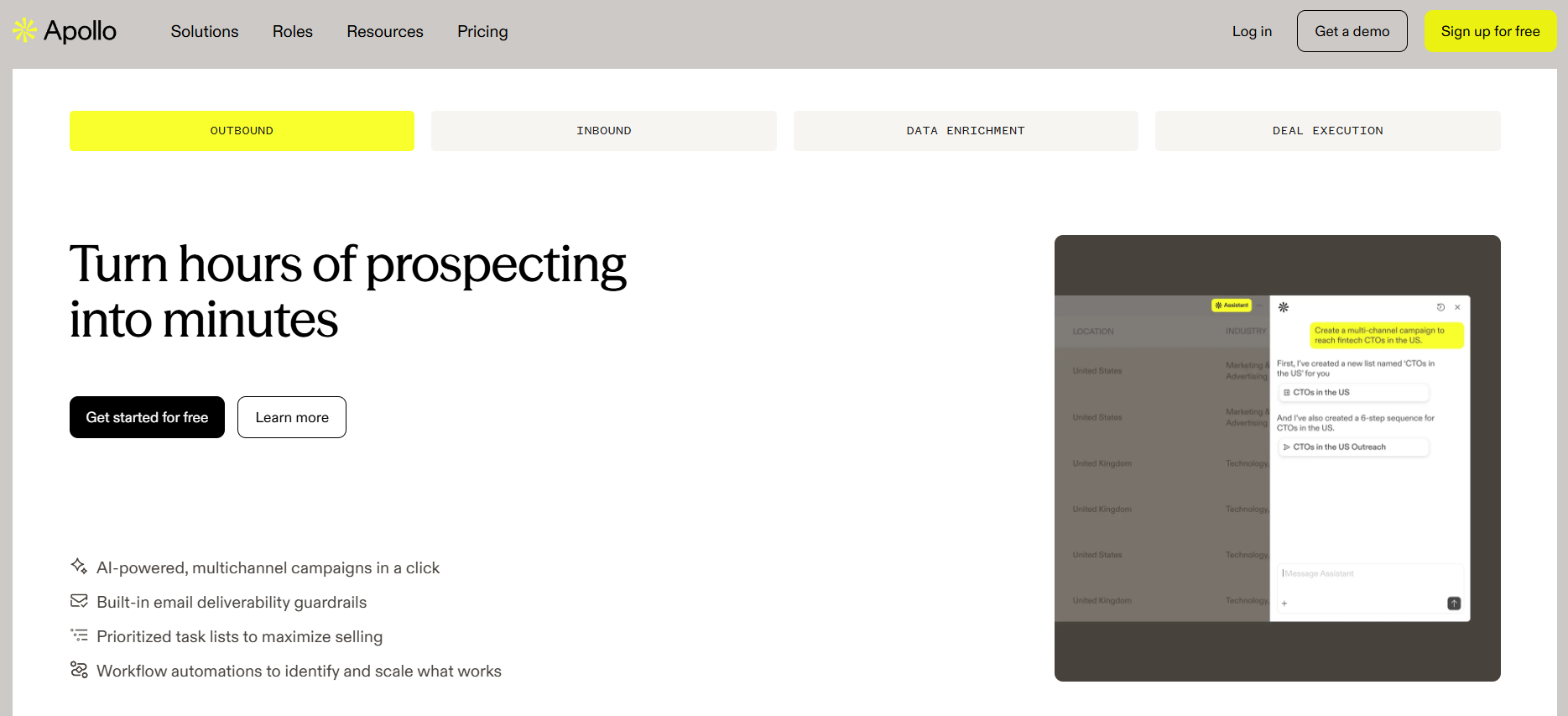
2- Apollo.ioApollo.io is another Chrome extension for lead generation that helps you find business contacts (like emails and job titles) and send outreach messages to them.
If you've ever felt like you're one good database away from explosive growth, Apollo.io is probably the tool you had in mind, whether you knew it or not. Apollo's Chrome extension lets you:
- Grab verified emails directly from LinkedIn and company sites
- View firmographic data (size, industry, funding, etc.) on the fly
- Push leads into multi-step sequences with just a few clicks
Think of Apollo.io as the bridge between "random browsing" and "systematic prospecting." Instead of just scrolling LinkedIn, you're building lists, enriching them, and sending them into campaigns without ever leaving your browser.
| ✓ Pros | ✗ Cons |
|---|---|
|
|
Best For: Mid-to-large B2B companies, SaaS vendors, and agencies needing high-volume lead generation.
🔍 Read our in-depth Apollo.io review for pricing, features, and alternatives.
3- Snov.io
3- Snov.ioBelieve it or not, as of Jan 2026, email finder-related tools are highly engaging. So if you thought scraping wasn't popular anymore, think again, because you are completely wrong.
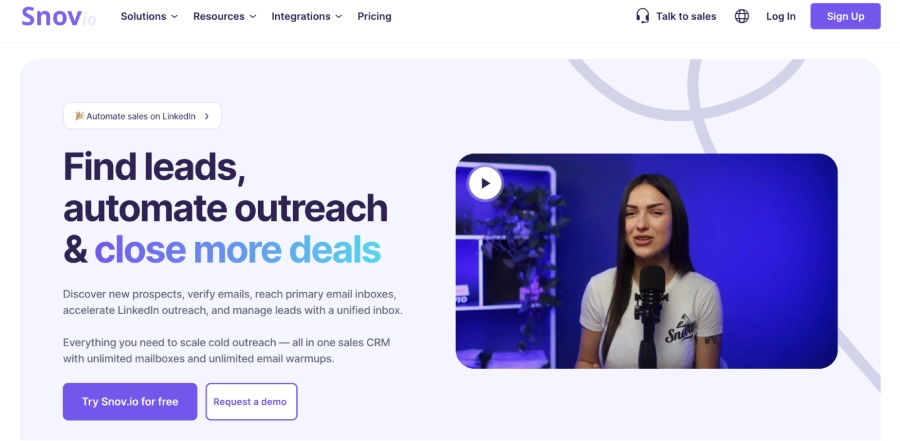
What you should know about Snov.io is that it's not just a lead generation Chrome extension. In fact, it's a complete outreach platform that helps you find emails with the Chrome extension, then build automated sequences, track opens and clicks, and manage follow-ups, all in one place.
Things that capture users' interest the most include:
- Email finder with real-time verification
- LinkedIn profile scraping
- CRM integration
| ✓ Pros | ✗ Cons |
|---|---|
|
|
Best For: Marketing teams and sales representatives.
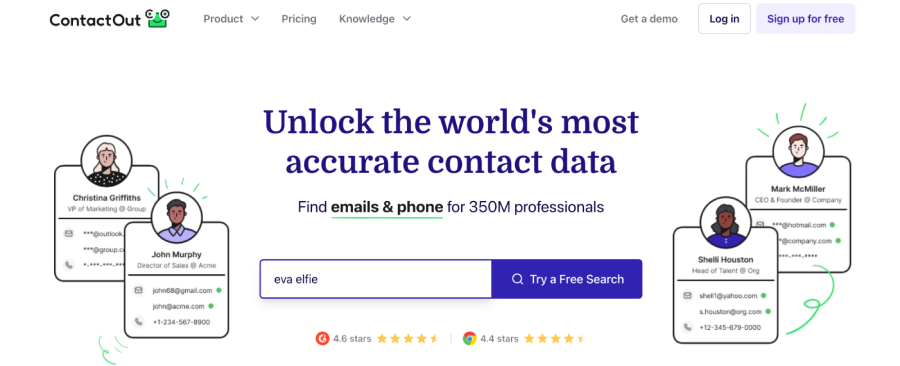
4- ContactOut
4- ContactOutAre you a recruiter working at a famous company and, as an HR professional, desperately looking for a tool, or one of the best AI extensions for Chrome, that can provide super accurate contacts to reach your ideal candidates? If so, ContactOut is a great option, especially for recruiters and HR managers.
Where many tools fall apart on accuracy, ContactOut focuses on delivering high-quality, highly accurate contact data, often including:
- Work email
- Personal email
- Sometimes, even phone numbers
Additionally, its Chrome extension sits on LinkedIn and GitHub, giving you enriched profiles in one click.
| ✓ Pros | ✗ Cons |
|---|---|
|
|
Best For: Recruiters, HR managers, and sales representatives.
5- Kaspr
5- KasprOne could safely argue that, in 2026, the Kaspr extension is more than just a trend; it's a lifestyle movement. If your day starts with "open LinkedIn" and ends with "how did I only get 10 leads today?", Kaspr can help turn that 10 into 100 without breaking a sweat.
With Kaspr, you can:
- Reveal emails and phone numbers from LinkedIn profiles and LinkedIn search results
- Build lists directly from Sales Navigator searches
- Push leads into sequences or export them to your CRM
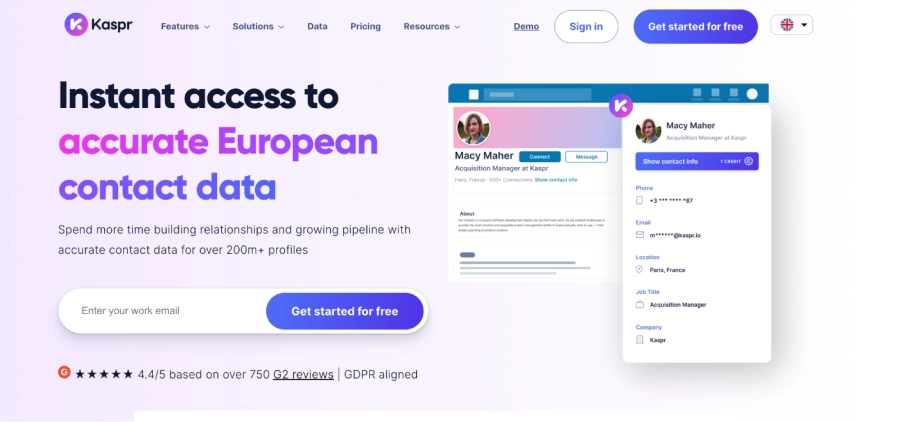
Kaspr's Chrome extension for lead generation sits right on top of LinkedIn, so you can grab verified emails and phone numbers with a single click while browsing profiles. No complex workflows, no cluttered dashboards, just open LinkedIn, click the Kaspr button, and export your contacts.
| ✓ Pros | ✗ Cons |
|---|---|
|
|
Best For: Sales Development Representatives and recruiters who prioritize simplicity on LinkedIn.
Many teams now use ContactID to bypass inbox noise and reach prospects directly through their websites.
6- Lemlist
6- LemlistLemlist is not just another outreach tool; it's built around personalization and deliverability, and its Chrome extension ties prospecting directly to campaigns.
The extension helps you:
- Capture leads from LinkedIn
- Add them straight into Lemlist campaigns
- Personalize messages with custom attributes and images
If you care about more than just "sending volume", Lemlist is absolutely worth a spot in your Chrome arsenal.
| ✓ Pros | ✗ Cons |
|---|---|
|
|
Best For: Marketers and sales teams already using Lemlist for email campaigns.
🔍 Read our in-depth Lemlist review for pricing, features, and alternatives.
7- LeadLeaper
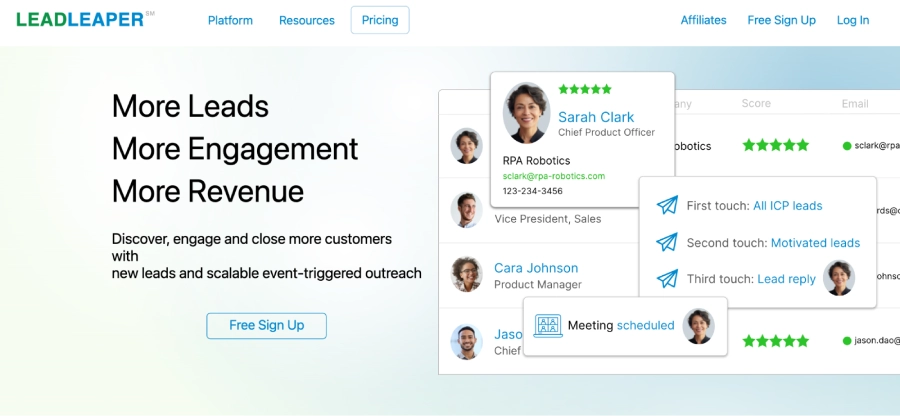
7- LeadLeaperLeadLeaper is a LinkedIn email finder and sales engagement platform that helps you discover verified B2B email addresses and phone numbers for millions of LinkedIn professionals.
What really makes LeadLeaper stand out is its Chrome extension for lead generation, which lets you capture contact details as you browse profiles. It also boasts around a 40% success rate for finding verified mobile numbers, using social signal analysis that cross-references social media and professional directories.
| ✓ Pros | ✗ Cons |
|---|---|
|
|
Best For: Cost-conscious sales teams and freelancers who need steady lead flow.
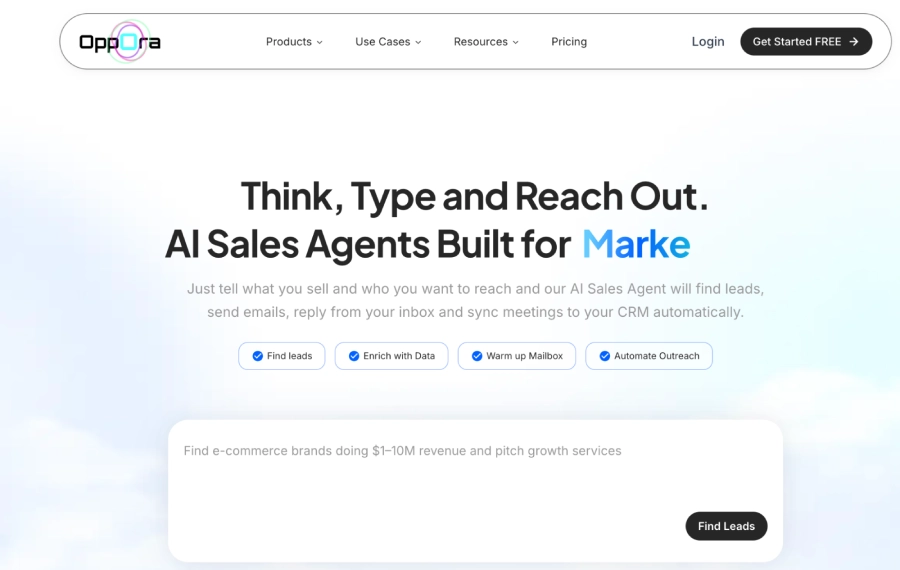
8- Oppora.ai
8- Oppora.aiIf the phrase "AI-powered" usually makes you roll your eyes, Oppora.ai might be the tool that changes your mind. Oppora's Chrome extension is all about:
- Smart discovery: Finding leads matching your ICP based on real behavior and criteria
- Automation: Pushing them into sequences and workflows with minimal manual tweaking
- Prioritization: Surfacing who's actually worth your time
Instead of scrolling endlessly hoping to "spot a good lead," Oppora.ai can help you cherry-pick the most promising profiles and websites, and start conversations faster.
| ✓ Pros | ✗ Cons |
|---|---|
|
|
Best For: Sales reps, B2B marketers, and business development teams wanting AI recommendations.
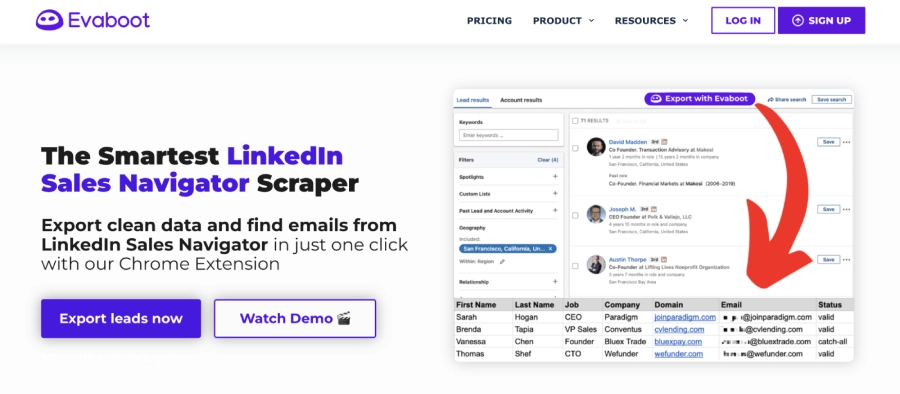
9- Evaboot
9- EvabootEvaboot is a smart LinkedIn Sales Navigator scraper that helps you turn messy exports into clean, ready-to-use lead lists. Using its Chrome extension, you can export leads and accounts from Sales Navigator with a single click, then automatically clean names, company fields, and job titles so your data is accurate before it ever touches your CRM.
Evaboot specializes in:
- Cleaning Sales Navigator exports
- Removing junk, duplicates, and irrelevant contacts
- Enriching and organizing the data into usable formats
In other words, Evaboot helps ensure you're not just generating leads, you're generating the right leads.
| ✓ Pros | ✗ Cons |
|---|---|
|
|
Best For: Sales teams and recruiters who need bulk lead extraction from LinkedIn Sales Navigator with automatic data cleaning.
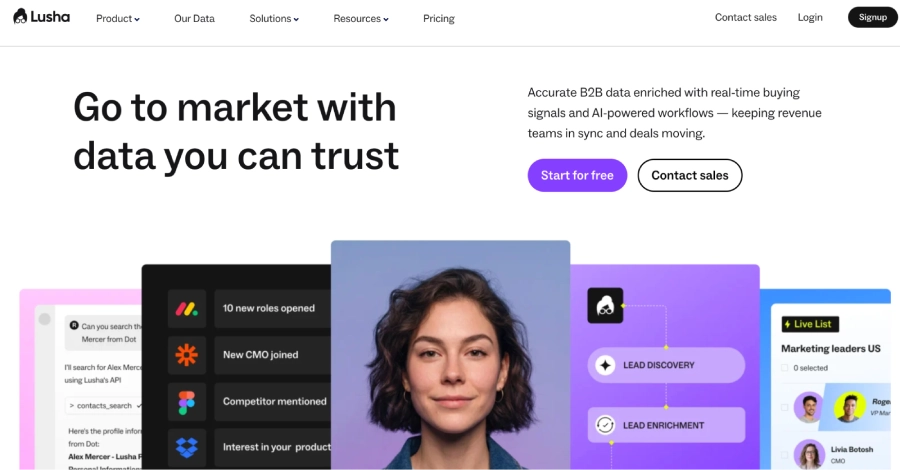
10- Lusha
10- LushaFor quick lookups and finders, there is absolutely no doubt that Lusha plays a pivotal role in their career. Lusha is a heavyweight in the B2B data world, and its Chrome extension brings that data right where you work.
With Lusha, you can:
- Discover and verify phone numbers and emails from LinkedIn and company sites
- Build lead lists and send them straight into your CRM
- Leverage solid data quality for outbound calls and email campaigns
If your team makes calls, books demos, or runs outbound sales, Lusha can be a reliable engine behind your contact data.
| ✓ Pros | ✗ Cons |
|---|---|
|
|
Best For: Teams targeting North American and European markets who need GDPR-compliant data.
11- Instant Data Scraper
11- Instant Data ScraperInstant Data Scraper is a free Chrome extension that lets you point and click on almost any web page, including Reddit, and instantly grab data. For Reddit threads and comment sections, you can quickly get usernames, profile URLs, post details, or engagement metrics in just a few clicks.
| ✓ Pros | ✗ Cons |
|---|---|
|
|
Best For: Marketers and founders doing outreach on Reddit, forums, or non-standard platforms.
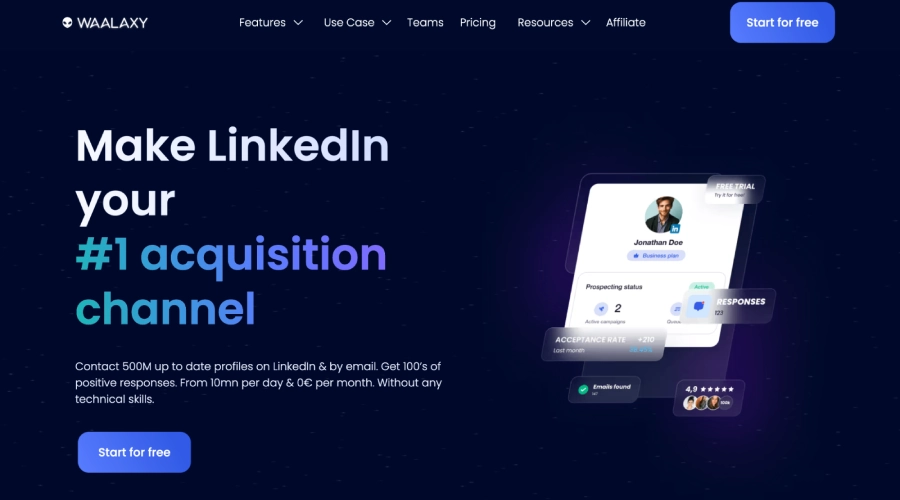
12- Waalaxy
12- WaalaxyYou may not have noticed this yet, but if you have a LinkedIn account, it can do much more than just capture connections. In fact, you could earn decent leads with it. All you need is a normal profile and mediocre to advanced skills to capture resonating prospects that could potentially spark teams' interest.
Waalaxy is built around LinkedIn automation, and its Chrome extension makes multi-step LinkedIn campaigns far less painful. With Waalaxy, you can:
- Automate connection requests, profile visits, and follow-ups
- Build drip-like LinkedIn sequences
- Segment your audience and pace outreach to stay under the radar
| ✓ Pros | ✗ Cons |
|---|---|
|
|
Best For: Sales teams and founders who run high-volume LinkedIn outreach.
13- Seamless.AI
13- Seamless.AIIf you've ever felt like you're this close to the right decision-makers but stuck digging through outdated databases, Seamless.AI will feel like a cheat code.
Seamless.AI positions itself as a real-time search engine for B2B contacts, and its Chrome extension brings that power right into the sites you already use, LinkedIn, company websites, and more. That's exactly why it's often mentioned among the best AI Chrome extensions for modern prospecting workflows. Instead of wrestling with clunky exports, you can:
- Reveal direct dials and emails from LinkedIn and company pages
- Build targeted prospect lists as you browse
- Sync contacts into your sales tools with just a few clicks
Where it really shines is in speed and freshness. You're not just pulling from a static list; you're tapping into constantly updated data, which means fewer dead numbers and more conversations that actually connect.

| ✓ Pros | ✗ Cons |
|---|---|
|
|
Best For: Sales teams looking for a comprehensive lead intelligence platform with a powerful Chrome extension.
14- Cognism
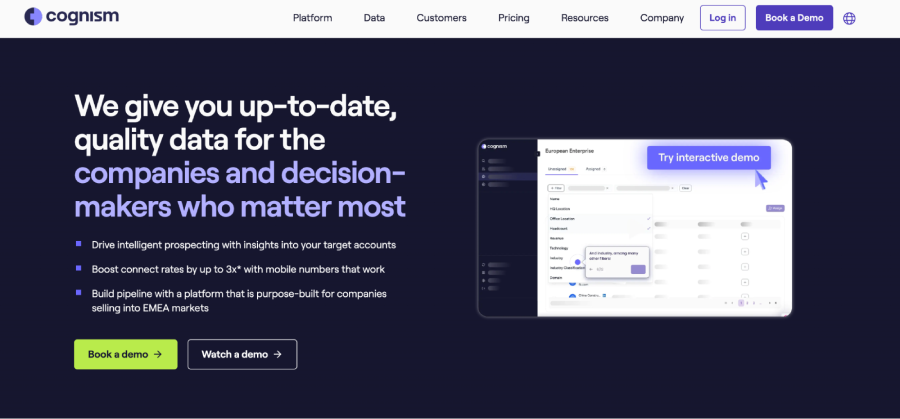
14- CognismCognism is for when "pretty good" data simply isn't good enough anymore.
If you're selling into Europe, or you care about compliance as much as you care about volume, Cognism's lead generation Chrome extension gives you GDPR-friendly B2B contact data without sacrificing power. With it, you can:
- Uncover verified emails and phone numbers from LinkedIn and company sites
- Tap into intent signals and firmographic filters to target buyers who are actually in-market
- Push contacts straight into your CRM and sequences, keeping your pipeline clean and consistent
Think of Cognism as that friend who not only introduces you to the right people, but also makes sure you're not breaking any rules in the process.
| ✓ Pros | ✗ Cons |
|---|---|
|
|
Best For: Enterprise sales teams needing predictive buyer intelligence.
15- Hunter.io
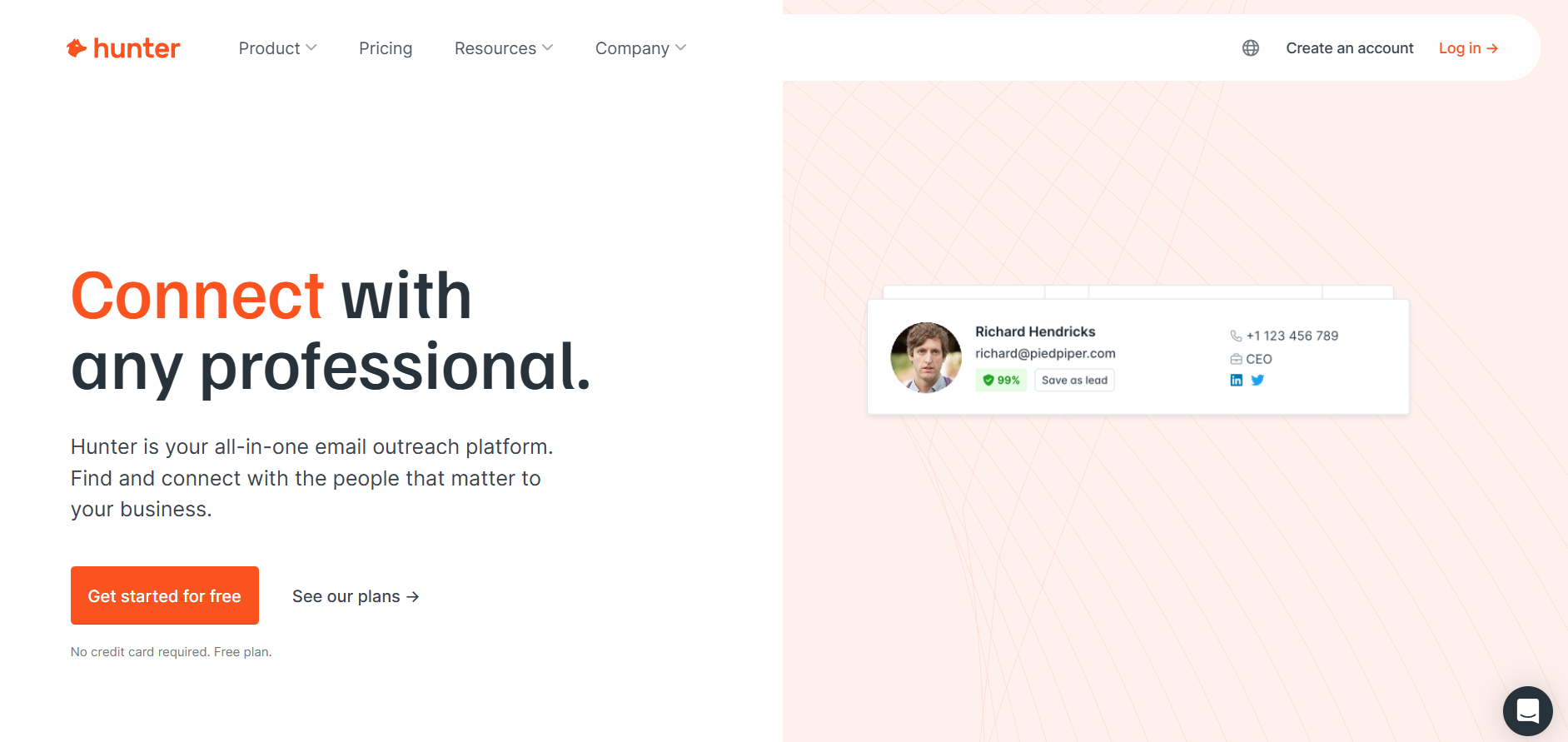
15- Hunter.ioHunter.io is one of the most established email finders online, and its Chrome extension surfaces verified business emails as you browse a company's website or LinkedIn. Open it on any domain and it lists the addresses tied to that company, each with a confidence score and sources, plus a built-in verifier to keep your bounce rates low.
With Hunter's extension you can:
- Find emails by domain or straight from a company website in one click
- Verify addresses in real time to protect your sender reputation
- Save leads to campaigns or export them to your CRM
| ✓ Pros | ✗ Cons |
|---|---|
|
|
Best For: Founders, marketers, and SDRs who want a fast, reliable email finder with strong verification.
16- RocketReach
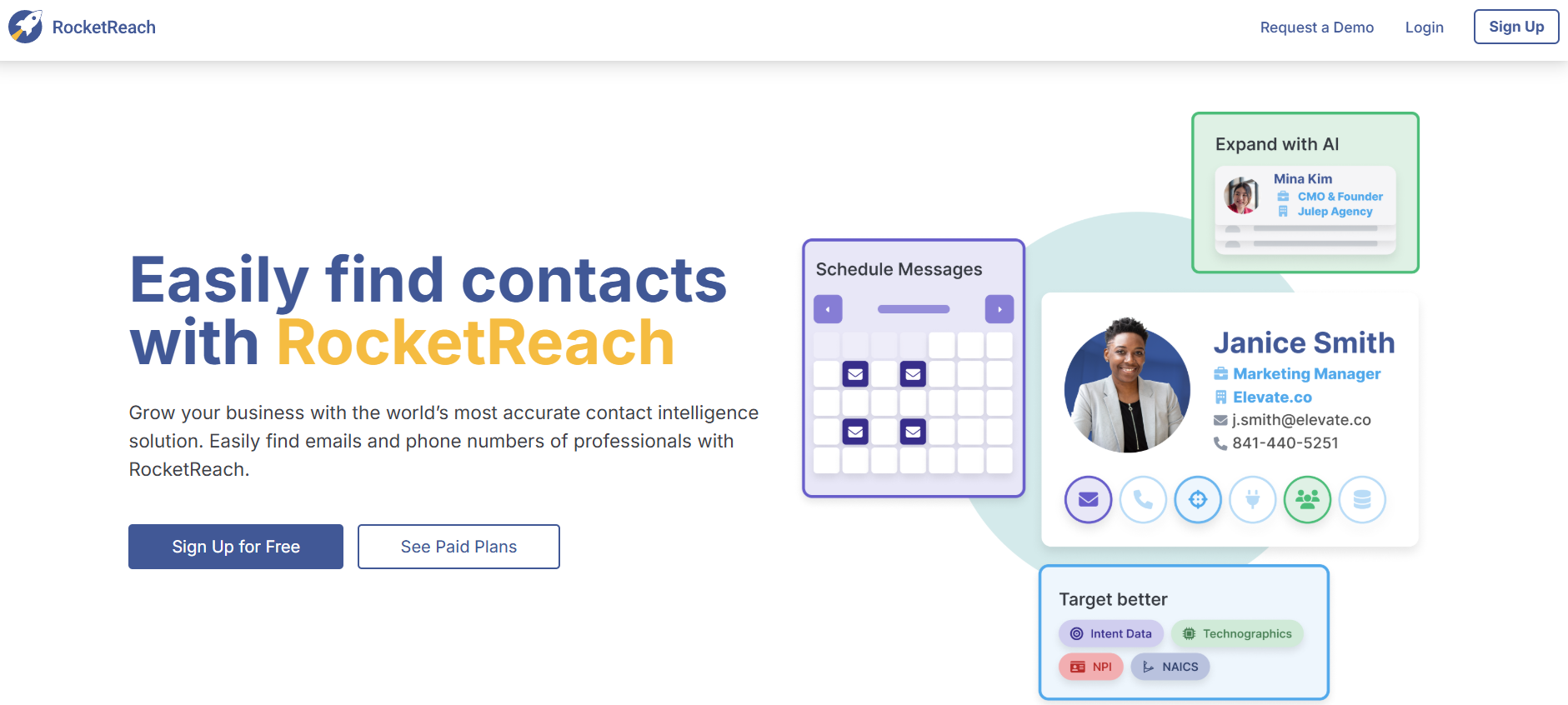
16- RocketReachRocketReach taps into a large database of professional contacts, and its Chrome extension pulls emails and phone numbers directly from LinkedIn profiles and company pages. It is a go-to when you need both work and personal details across a wide range of industries and regions.
RocketReach lets you:
- Reveal emails and phone numbers from LinkedIn and the web
- Build and export prospect lists as you browse
- Connect to your CRM and outreach tools
| ✓ Pros | ✗ Cons |
|---|---|
|
|
Best For: Sales and recruiting teams that need broad contact coverage, including phone numbers.
17- Wiza
17- WizaWiza turns LinkedIn and Sales Navigator searches into clean, exportable lead lists in a couple of clicks. Its Chrome extension finds and verifies emails, and often phone numbers, straight from your searches, so you skip the manual copy-paste and get a ready-to-import file for your sequences.
Wiza is known for:
- Exporting leads and emails from LinkedIn and Sales Navigator
- Real-time email verification to cut bounces
- Credit-based pricing, so you pay only for what you use

| ✓ Pros | ✗ Cons |
|---|---|
|
|
Best For: Sales teams that live in LinkedIn Sales Navigator and need bulk, verified exports.
How to Choose the Best Lead Generation Chrome Extension
With this many options, the right pick comes down to your channel, your budget, and where your leads actually live. A few questions make the choice simple:
- What is your main channel? LinkedIn-heavy teams want Kaspr, Lusha, or ContactOut; email-first teams want Hunter, Snov, or Apollo; and website outreach points to ContactID.
- Do you need phone numbers? RocketReach, Lusha, Cognism, and LeadLeaper are stronger on mobile and direct dials.
- How much do you scale? For Sales Navigator exports at volume, Evaboot and Wiza clean and export fast.
- Does compliance matter? Cognism and Lusha lead on GDPR-friendly data for European markets.
- What is your budget? Instant Data Scraper is free, most tools offer credits or trials, and ContactID only charges per successful form submission.
The honest truth is that the perfect tool does not exist. Start with one that fits your primary channel, test it against real campaigns, and add a second only when you hit its limits.
Conclusion
In this article, we explored 17 of the best Chrome extensions for lead generation that you should know if you want to scale your pipeline in 2026. And yes, I get it, choosing the right extension can be tricky. However, keep in mind that the "perfect tool" doesn't exist in reality. What matters most is finding an extension you feel comfortable with and one that genuinely applies to what you do.
We also discussed one of the best form-automation tools, ContactID, which helps you fill forms without any complexity. Whether you're a creator, agency, SaaS founder, or SDR, these tools transform your browser into a lead-generation machine.
So, what are you waiting for? Turn ignored websites into real conversations. Start using ContactID, an AI-powered contact form automation tool, and generate leads where your competitors aren't looking.
FAQs
Can I Use Lead Generation Chrome Extensions with a Free LinkedIn Account?
Absolutely, most lead generation Chrome extensions do work with a free LinkedIn account, but you'll have limited search filters and smaller data access.
Are Lead Scraper Chrome Extensions Legal?
Yes, as long as they extract publicly available data and follow GDPR/CCPA compliance.
Which Chrome Extension Works Best for Reddit Lead Generation?
Use Oppora.ai or Instant Data Scraper, both can pull structured Reddit data without messy scripts.
Do These Extensions Integrate with My CRM?
Totally. Most major tools sync seamlessly with CRMs like HubSpot, Salesforce, and Pipedrive.
What Is the Best Free Chrome Extension for Lead Generation?
It depends on the job. Instant Data Scraper is completely free for point-and-click scraping, while Hunter.io and Snov.io offer limited free tiers for finding and verifying emails. ContactID charges only per successful submission, so there is no wasted spend on missed messages.
What Is the Best Chrome Extension for LinkedIn Lead Generation?
For pulling contact data from LinkedIn, Kaspr, Lusha, ContactOut, and RocketReach are strong choices. For LinkedIn automation, Waalaxy leads, and for cleaning Sales Navigator exports at scale, Evaboot and Wiza are hard to beat.
Are Lead Generation Chrome Extensions Safe to Use?
Reputable ones are safe. Stick to well-reviewed extensions that pull publicly available data, respect each platform's usage limits, and comply with GDPR and CCPA. Avoid unknown scrapers that ask for excessive permissions or promise private data.
How Much Do Lead Generation Chrome Extensions Cost?
Pricing ranges from free to enterprise. Many tools use monthly plans or credit systems that scale with usage, a few offer free tiers, and ContactID uses pay-per-successful-submission so you only pay for outreach that actually lands.
 Summarize this article with: