
Mailshake Review 2026: What the Star Ratings Don't Tell You
Mailshake has been a fixture in the cold email world since the mid-2010s, and it earned its following by being the tool a brand-new rep could pick up and run in under an hour. In 2026, simplicity is still its selling point, but the ground has shifted underneath it. Pricing runs per user with mailbox caps on every tier; there is no free trial, and the platform leans on your own Gmail or Outlook account for sending, which means deliverability lives or dies on your setup rather than a built-in warm-up network.
This Mailshake review cuts through the marketing to show what you actually get in 2026: the Mailshake features that still hold up, the Mailshake pricing math that catches teams off guard, real user reviews, plus a clear Mailshake pros and cons breakdown. By the end, you will know whether one of the best cold email software options fits your mission better.
Key Takeaways
- Simplicity is the whole pitch. Mailshake is one of the fastest outbound sales software tools to learn, which is why small teams and first-time SDRs consistently choose it over more complex platforms.
- Pricing is per user with mailbox caps. Starter runs about $29/user/month, Email Outreach $59 ($49 annual), Sales Engagement $99. Each tier limits how many sending mailboxes a seat can connect.
- No free trial. Mailshake dropped its trial in favor of a 30-day money-back guarantee on annual plans, so you pay before you test.
- Deliverability depends on you. There is no native warm-up network. Sending runs through your own Gmail or Outlook, so DNS records and sending habits decide inbox placement.
- Match the alternative to the job. contactID for contact form outreach, Smartlead for unlimited mailboxes at volume, Reply.io for true multichannel, Woodpecker for clean per-prospect sending.
What Is Mailshake?
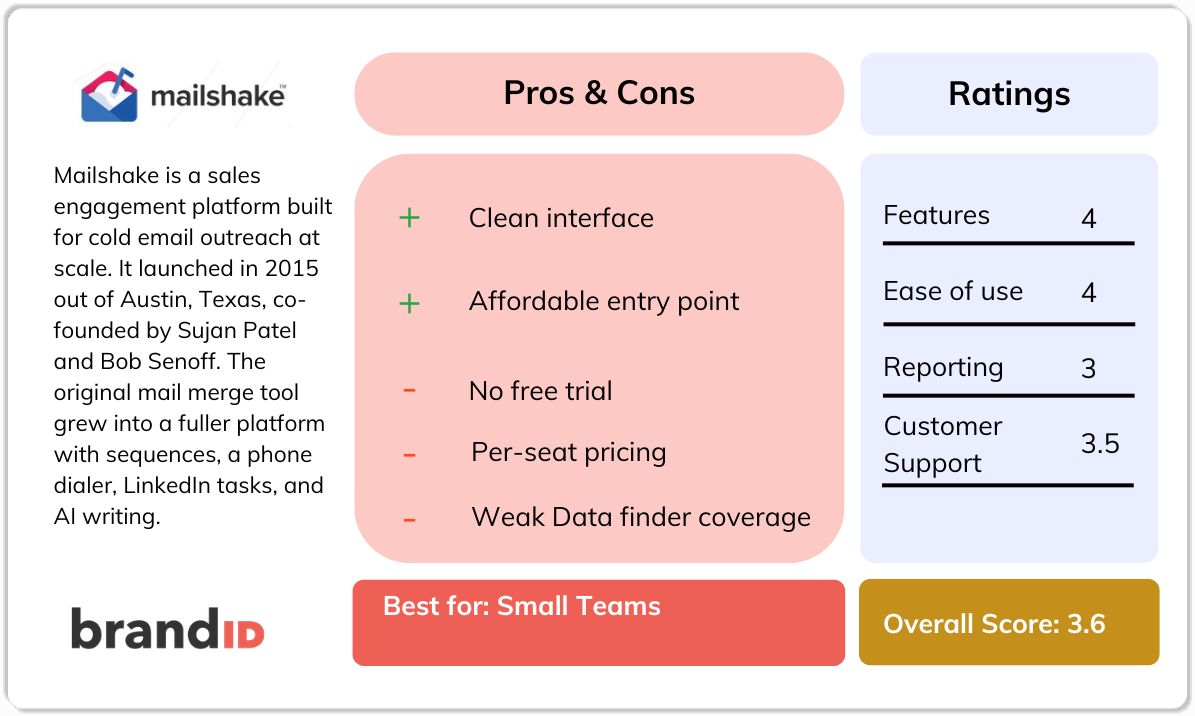
Mailshake is a sales engagement platform built for cold email outreach at scale. It launched in 2015 out of Austin, Texas, co-founded by Sujan Patel and Bob Senoff, and now reports more than 38,000 users. The original mail merge tool grew into a fuller platform with sequences, a phone dialer, LinkedIn tasks, and AI writing. Email still posts some of the strongest returns in marketing, which keeps outbound tools like this in demand (see the email marketing data on Statista).
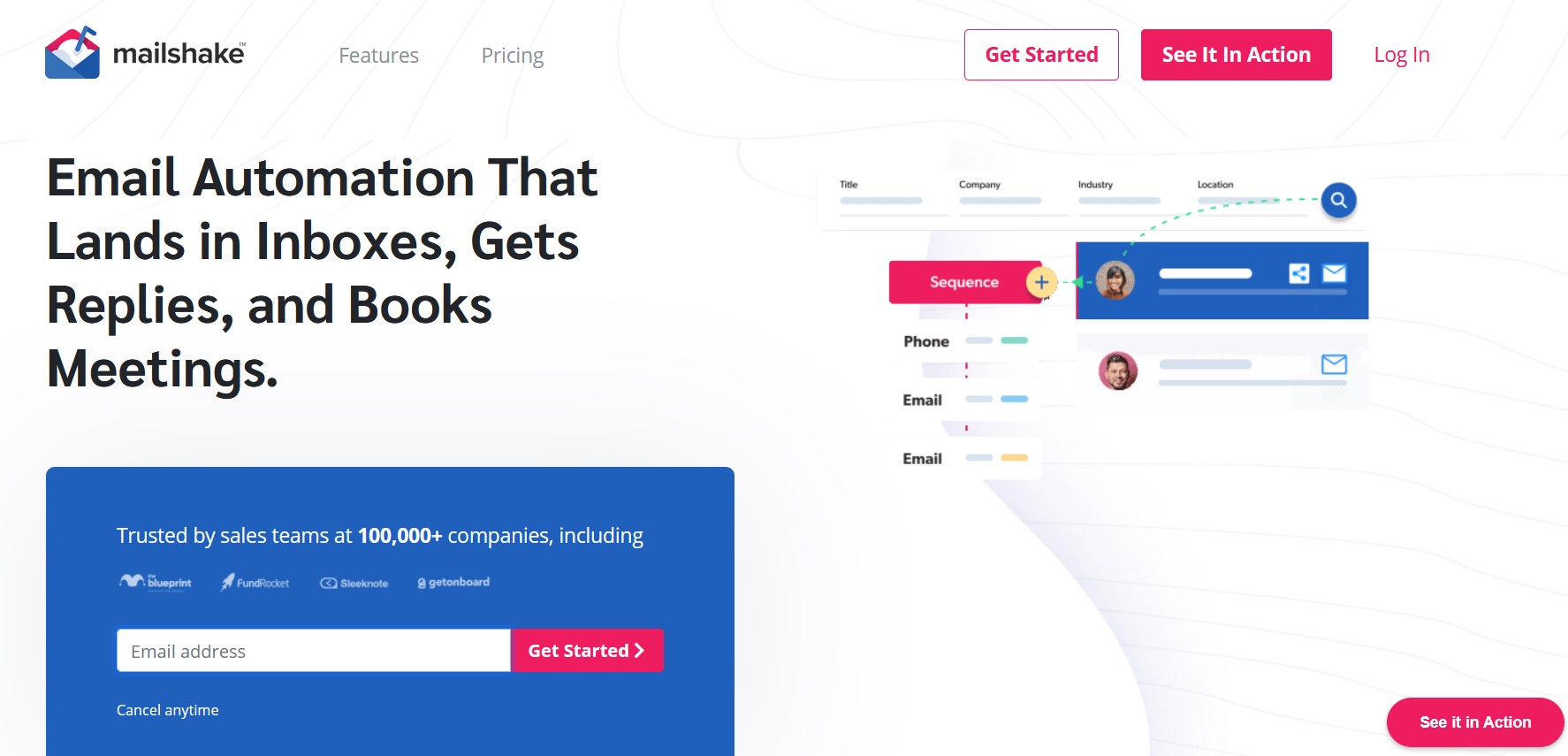
The way Mailshake works is worth understanding before you weigh the price. It does not send email from its own servers. Instead, it connects to your Gmail, Google Workspace, Office 365, or any SMTP and IMAP account, and tells that account to send. That design keeps cold email outreach tied to your own domain reputation, which is good for control and bad if your domain is not set up carefully.
What Mailshake is not: an unlimited-mailbox platform, a full data provider that replaces Apollo, or a tool with a built-in warm-up pool. It sits in the “simple and proven” lane, closer to Woodpecker than to the newer volume-first crowd. Knowing that upfront makes the per-seat model and mailbox caps far less surprising later.
Mailshake at a glance
- Launched in 2015 by Sujan Patel and Bob Senoff, based in Austin, Texas.
- Three main plans: Starter, Email Outreach, and Sales Engagement, plus custom enterprise.
- Per-seat pricing. Each seat connects a capped number of sending mailboxes.
- No free trial. A 30-day money-back guarantee applies on annual subscriptions.
- Ratings: G2 around 4.7/5, Capterra 4.6/5 across roughly 160 reviews, Trustpilot 4.8/5 on a small sample.
Mailshake Features
Almost every Mailshake review circles the same core Mailshake features. Here is what each one does in practice, and where the limits show up when you push it.
Email Sequences and Mail Merge
This is the heart of the product. You import a list, write a multi-step sequence with delays and conditions, and Mailshake sends personalized emails with automatic follow-ups. Anyone who replies is paused automatically so they never get the next scheduled touch. Personalization runs on mail merge text replacements, simple and reliable but plainer than the dynamic tricks some rivals use.
SHAKEspeare AI Writing Assistant
SHAKEspeare is Mailshake's built-in AI copy assistant. Feed it a short brief about your offer and audience, and it drafts subject lines and email bodies you can edit and drop into a sequence. It produces usable first drafts rather than finished copy, which is the right expectation for any AI writer in outbound sales software today.
Lead Catcher and Reply Management
Lead Catcher pulls replies into one place and lets you triage hot prospects, mark statuses, and hand off to the next step without hunting through your inbox. For a small team running several campaigns at once, this is the feature that keeps follow-ups from slipping through the cracks. It is straightforward rather than deep, which suits the audience.
A/B Testing and Analytics
On the Email Outreach plan and above, you can A/B test subject lines and body copy, then watch opens, clicks, replies, and bounces in a clean dashboard. A useful touch: you can edit a live campaign mid-send, so if a subject line is underperforming you can fix it before the rest of the list goes out. Reporting covers the essentials without the advanced pipeline analytics that enterprise platforms include.
Power Phone Dialer
The Sales Engagement plan bundles a built-in dialer with local presence numbers, voicemail drop, and call recording. You can slot call tasks between email steps so one sequence covers email plus phone. For teams doing multi-touch outreach, this removes the need for a separate calling tool, and it is the main reason to climb to the top tier.
LinkedIn Automation and Social Selling
Sales Engagement also adds LinkedIn tasks and social selling steps so you can mix profile visits, connection requests, and messages into a cadence. It works, though it is task-based rather than the heavy automation some dedicated LinkedIn outreach tools offer. If LinkedIn is a primary channel and not a supporting one, you will likely want a specialist alongside Mailshake.
Data Finder and List Cleaning
Data Finder lets you search for business contacts by role, location, or company, and list cleaning scrubs your import so bad addresses do not tank your bounce rate. These features are handy, but the data side is where Mailshake shows its limits. Reviewers describe coverage as thin and accuracy as inconsistent, so most serious teams still pair Mailshake with a dedicated data provider.
Mailshake Pricing
Mailshake pricing looks tidy on the page: three tiers, one number each. The real bill depends on how many seats you need and how many mailboxes each seat can connect to. Annual billing saves roughly 25 percent, and monthly adds about 30 percent, so the plan you compare matters as much as the tier.
The Three Main Plans
- Starter (around $29/user/month): Basic sequences with scheduling and follow-ups, mail merge personalization, Lead Catcher, and CRM integrations. One sending mailbox per seat and roughly 1,500 sends per month. Best for a solo sender testing outbound sales software.
- Email Outreach ($59/user/month, about $49 annual): Everything in Starter plus SHAKEspeare AI, A/B testing, advanced analytics, a sending calendar, and Zapier. Up to two mailboxes per seat and deeper Salesforce sync. This is the sweet spot for a dedicated cold email team.
- Sales Engagement ($99/user/month): Everything above plus the Power Phone Dialer, LinkedIn automation, Data Finder, unlimited list cleaning, up to 10 mailboxes per seat, and priority support. This is the multichannel tier most growing teams land on.
Mailshake User Reviews: What Real Customers Say
High ratings from a simple tool do not tell the whole story, and the critical reviews cluster around a handful of recurring problems.
Since those negatives are what most buyers want to pressure-test, here they are grouped together. Each point reflects patterns that show up repeatedly across review websites in 2025 and 2026.
Recurring Complaints
1. Mailboxes disconnect mid-campaign
The most frequent technical complaint: Gmail or Outlook accounts drop and need re-authentication, sometimes pausing a live sequence with no clear alert.
2. List cleaning is buggy, and the app lags
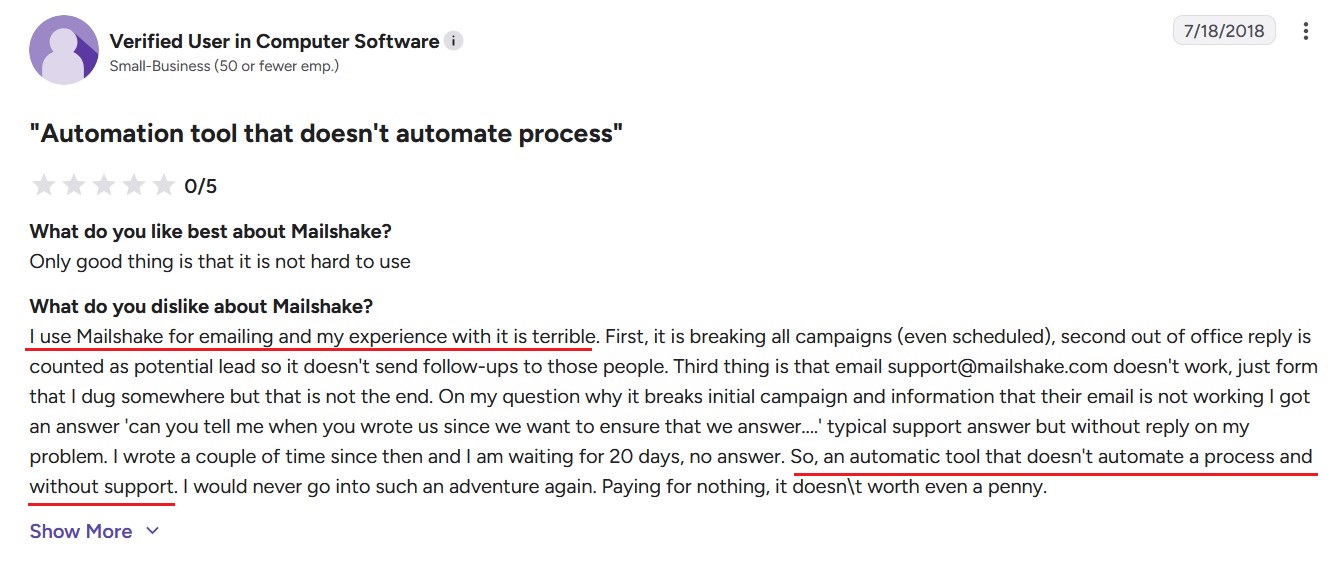
Josh flagged that the tool slows down and keeps getting redirected to the dashboard page when trying to set up an email campaign.
3. Poor customer support
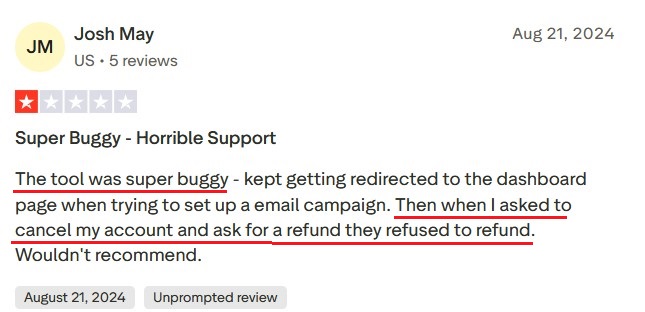
One of the most common complaints is about Mailshake customer support and how they won't respond to your questions and requests and if they do, they are not much of a help.
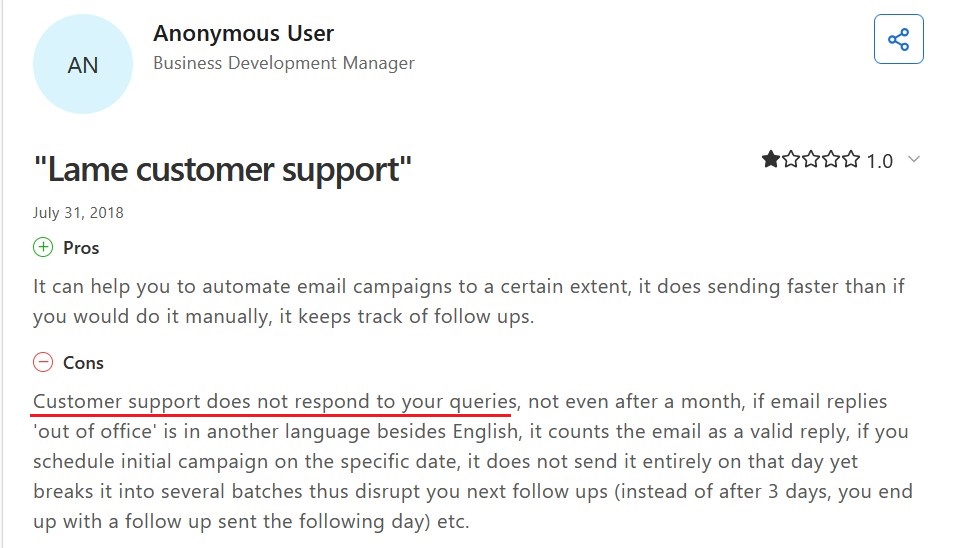
The main problems are mailboxes dropping, data quality, billing transparency, and deliverability that need babysitting. For a tool sold on simplicity, those are the areas where a buyer expects fewer surprises, not more.
Mailshake Pros and Cons
Here are the Mailshake pros and cons that actually move a purchase decision.
Mailshake Pros
- Fastest tool in the category to learn and launch
- Clean, uncluttered interface with few upsells
- Deep, reliable Salesforce and HubSpot sync
- Email, phone dialer, and LinkedIn in one tier
- Responsive, well-rated support and onboarding
- Affordable entry point for small teams
Mailshake Cons
- No free trial, only a money-back guarantee
- Per-seat pricing plus restrictive mailbox caps
- No built-in warm-up network
- Data Finder coverage and accuracy are weak
- Mailboxes disconnect and campaigns can stall
- Thin billing paper trail and basic reporting
contactID: The Best Mailshake Alternative for B2B Outreach
contactID leads the Mailshake alternatives because it changes the channel instead of just the price tag. Rather than fighting spam filters with warmed-up mailboxes and hoping your bulk sends land, it delivers your message through the one inbox nobody filters: your prospect's own website contact form.
contactID (formerly ContactUs AI) is brandID's entry in the category of AI contact form automation tools. Feed it up to 400 target domains, a sender profile, and a personalization prompt. The AI finds each form, maps the fields, solves any CAPTCHA, writes site-specific copy, and submits, with no mailboxes to warm.
contactID Features
AI form detection on any website
The engine crawls each target domain and locates the contact form, even when it hides behind a JavaScript modal, sits on a subpage, or uses a custom layout. Multilingual and custom-coded forms are handled by the same model.
Automatic field mapping with no setup
The AI reads field labels and slots your sender profile into the right places: name, email, company, phone, and message. Non-standard fields like “how did you hear about us” or “budget range” get filled contextually.
High CAPTCHA solve rate
reCAPTCHA v2, reCAPTCHA v3, hCaptcha, and image-based challenges are resolved automatically. You never see one, which is what lets bulk form outreach run at scale, a technique covered in the brandID guide on contact form marketing.
Per-site AI message personalization
For each domain, the AI reads the site's public pages and writes a message referencing what that business does and how your offer fits. Where Mailshake relies on text tokens, contactID writes fresh copy per target.
Bulk submission up to 400 domains per run
Paste a list or upload a CSV. contactID runs the batch and reports per-domain status: submitted, failed, or pending review. Run multiple batches a day when the list is bigger.
Automatic list cleaning before every run
contactID scrubs your imported list first, dropping invalid domains and any site with no contact form, so a batch never wastes effort on dead targets. Each campaign starts from a clean, submittable list.
Zero infrastructure to maintain
No domains to buy, no mailboxes to warm, no SPF, DKIM, or DMARC to configure, no accounts to re-authenticate. Pause the subscription, and nothing breaks.
Mailshake vs contactID
| Feature | Mailshake | contactID |
|---|---|---|
| Pricing model | $29 to $99/user/month + add-ons | Pay-per-success, no seats |
| Delivery channel | Cold email + phone + LinkedIn | Website contact form (unfiltered) |
| Inbox placement | Depends on your DNS and habits | 100% by design |
| Warm-up required | Yes, via a separate tool | No mailboxes needed |
| Free trial | None (money-back only) | Pay only for results |
| CAPTCHA handling | N/A (email-based) | Automatic across common types |
| Global reach | Yes, subject to sending limits | Any website, any language |
Other Mailshake Alternatives Worth Considering
Contact form outreach is not the right motion for every team. If your buyer still lives in the inbox or on LinkedIn, three tools stand out as the strongest Mailshake alternatives to shortlist next. Each gets a deeper breakdown in the brandID roundup of B2B sales tools.
1. Smartlead
Smartlead is the volume-first answer to Mailshake's mailbox caps. It ships unlimited sending mailboxes and unlimited warm-up on every paid plan, plus inbox rotation and a unified master inbox that pulls replies from all connected accounts into one view. For teams that outgrew per-seat limits, this is the obvious step. For more details, read our comprehensive Smartlead review.
- Best For: Agencies and founders scaling cold email past a few thousand contacts a month.
- Key Features: Unlimited mailboxes, built-in warm-up, inbox rotation, sub-sequence branching, API and webhooks, white-label workspaces.
- Pricing: Basic $39/month (2,000 contacts), Pro $94/month, then Unlimited tiers up to $379/month, with annual billing saving around 17 percent.
- Trade-off: No built-in dialer, plainer personalization than Mailshake, and the interface leans technical. You also budget mailboxes and domains separately.
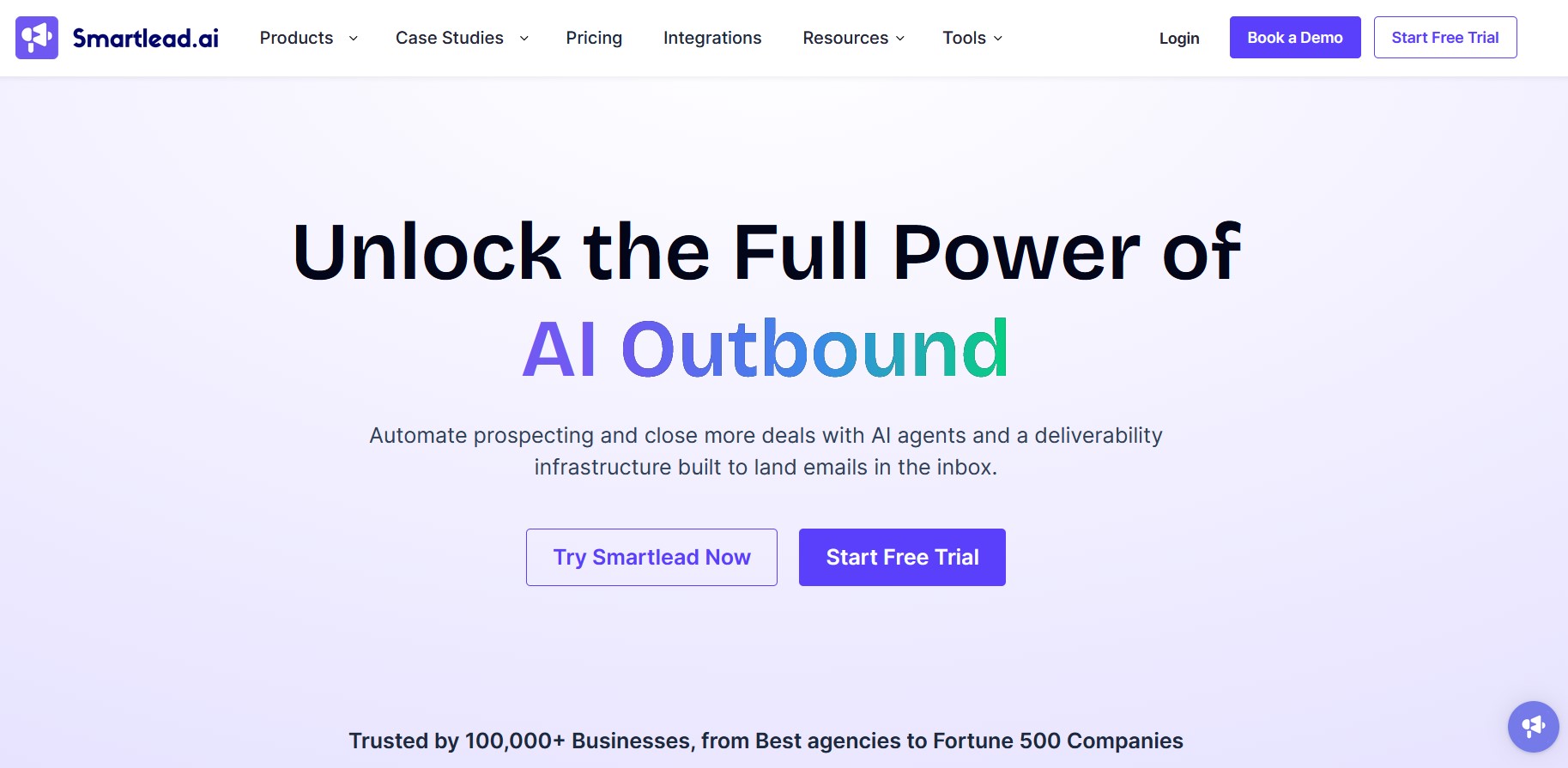
2. Reply.io
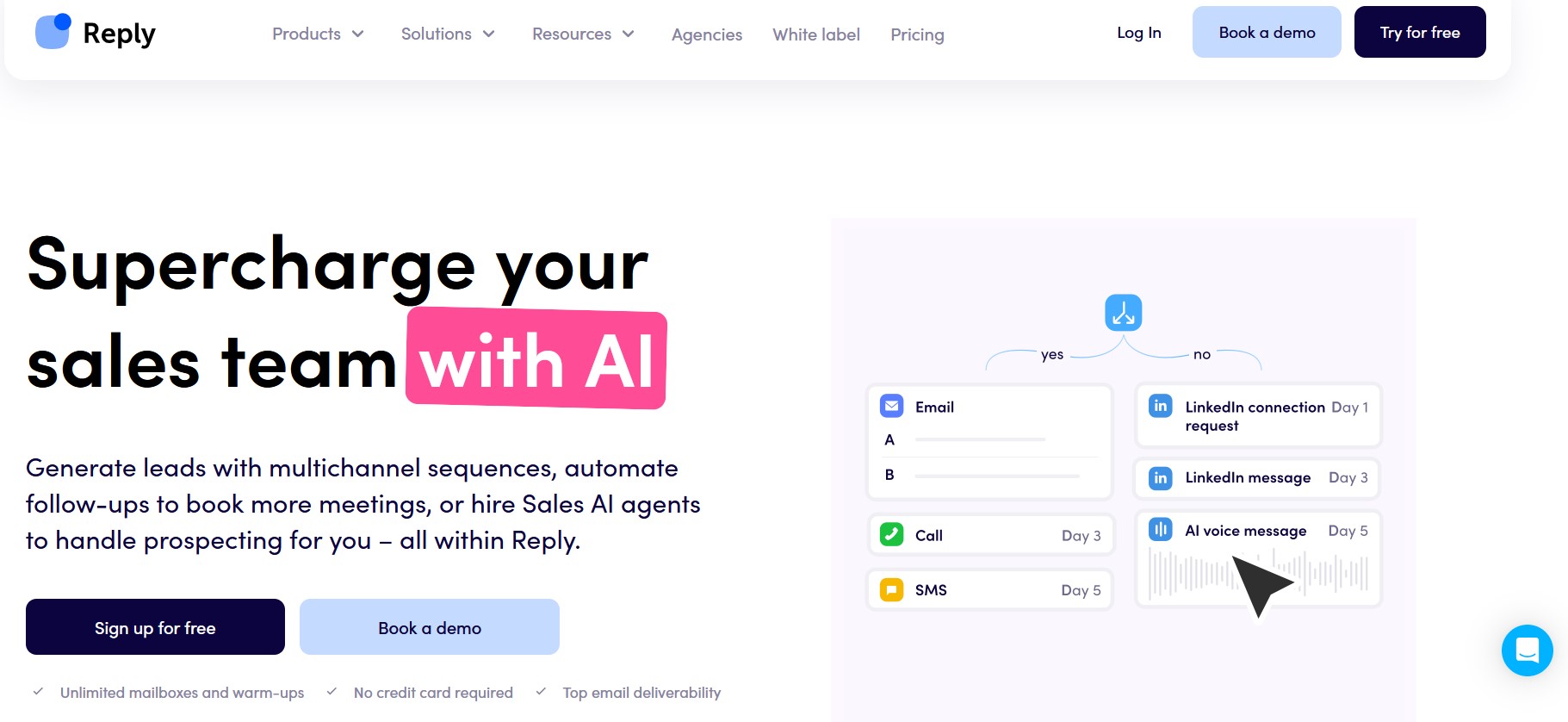
Reply.io is the true multichannel Mailshake alternative. It runs email, LinkedIn steps, calls, and SMS natively, with an AI agent (Jason) that handles first-touch qualification. If you are stitching together separate tools for email, LinkedIn, and dialing, Reply.io consolidates them into one subscription, which is where the pricing starts to make sense. Read our full Reply.io review for more details.
- Best For: Sales teams that genuinely use three or more outreach channels at once.
- Key Features: Multichannel sequences, AI SDR, native LinkedIn and calling, CRM integrations, reply intent detection.
- Pricing: Email Volume from $49/month (1,000 emails), Multichannel from $89/user/month. LinkedIn and calling are paid add-ons on top of the base plan.
- Trade-off: Expensive per email if you only send cold email, and Trustpilot reviews cluster on billing, cancellation, and AI output quality.
3. Woodpecker
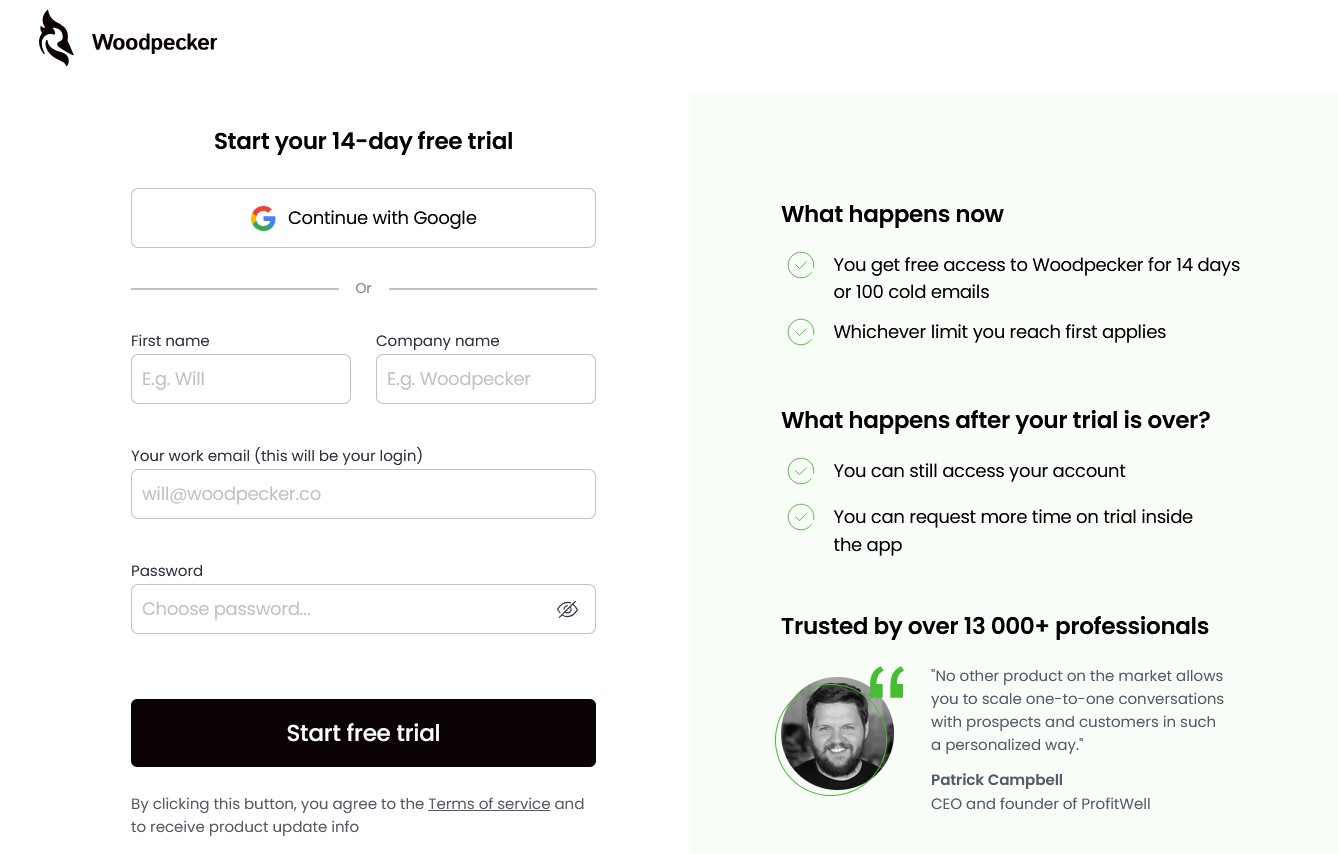
Woodpecker is the clean, deliverability-focused Mailshake alternative for teams that just want to send good cold emails. Founded in 2015 in Wroclaw, Poland, it built its reputation on a tidy sending engine and strong conditional sequence logic, with branching and A/B testing that work out of the box. It is priced by contacted prospects, not per seat.
- Best For: Solo reps and small teams running focused campaigns with heavy follow-up sequences.
- Key Features: Conditional sequences, A/B testing, deliverability monitoring, agency panel with branded client reports, and LinkedIn as an add-on.
- Pricing: Starts around $29 to $49/month for smaller prospect volumes, scaling to about $249/month at 5,000 prospects. Warm-up runs through a separate tool.
- Trade-off: The per-prospect model gets pricey at scale, and you must delete old prospects once you hit your slot limit, which complicates historical data.
Conclusion: Is Mailshake Worth It in 2026?
Mailshake is a solid, proven cold email tool. Its ease of use is real, the Salesforce integration is deeper than most rivals, and bundling email, phone, and LinkedIn into one Sales Engagement tier is genuinely convenient for a small SDR team. If you want a simple platform a new rep can run on day one, Mailshake still earns a place on the shortlist.
The catches are the ones the marketing does not lead with: no free trial, per-seat pricing with mailbox caps that punish multi-mailbox setups, no native warm-up, and deliverability you have to manage yourself. For most teams weighing whether Mailshake is worth it in 2026, the honest answer is that it fits small, email-led teams who value simplicity over scale. If you would rather skip the mailbox math entirely and still reach the same prospects, running the numbers on contact form outreach is the smarter first move.