
GMass Review 2026: Real Reviews, Pricing & Top Alternative
GMass has a simple pitch: turn Gmail into a mass email machine without making you learn a new platform. For solo founders and small teams running light outreach, that convenience is genuinely hard to beat. The catch is that convenience has a ceiling, and many users only discover this after their sender reputation has dropped or their Gmail account has been flagged.
This GMass software review breaks down what the tool actually does in 2026, what it costs after the January price increase, where real customers encounter trouble, and which options work better once you scale. If you are still shortlisting platforms, our guide to the best cold email software covers the wider field. Here, we go deep on this one tool.
Key Takeaways
- GMass is a Gmail-native mail merge and cold email tool. It fits best for personalized outreach under roughly 200 emails a day from a single inbox, not high-volume cold campaigns.
- 2026 pricing rose on January 1. On annual billing, Standard is about $20.75/mo, Premium is about $29.08/mo, and Professional is about $49/mo. The free plan was retired in December 2023.
- Gmail's caps are the real ceiling. You get 500 sends a day on personal accounts and 2,000 on Workspace, with no built-in warm-up to protect your domain.
- Trustpilot tells a harder story. GMass scores 4.8/5 on G2 but 2.3/5 on Trustpilot, where billing, support, and account-suspension complaints cluster.
- contactID is the strongest alternative for scaling. It delivers messages through website contact forms at near-100% deliverability, with no sending caps and pay-per-success pricing.
What Is GMass?
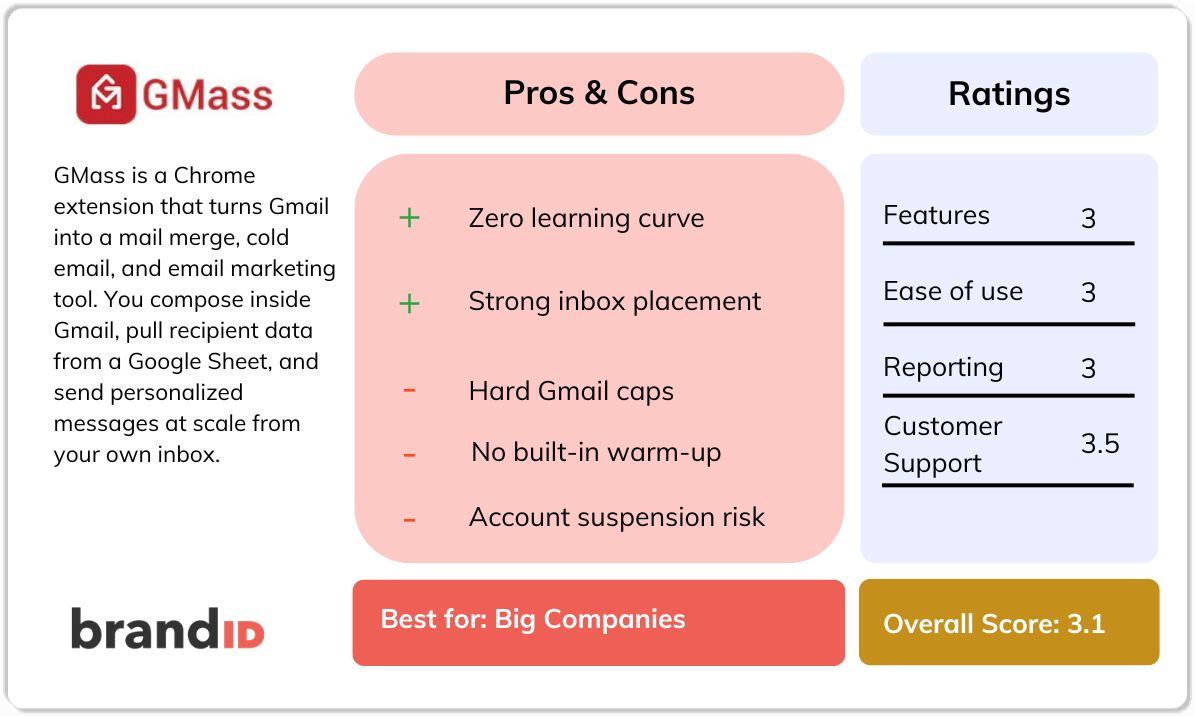
GMass is a Chrome extension that turns Gmail into a mail merge, cold email, and email marketing tool. You compose inside Gmail, pull recipient data from a Google Sheet, and send personalized messages at scale from your own inbox. Built by founder Ajay Goel, GMass has run for about a decade and reports more than 1.5 million users, which signals a stable, mature product rather than a here-today tool.
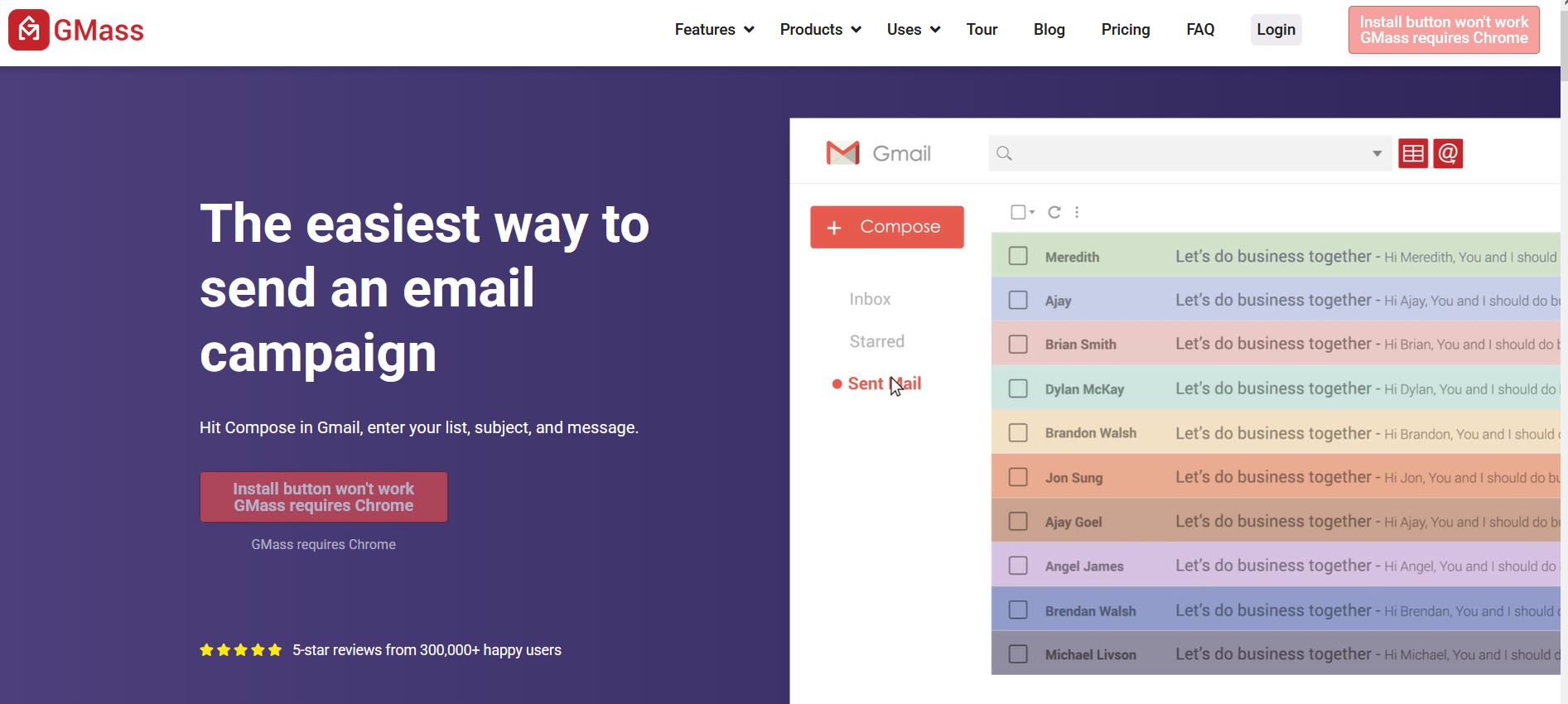
The appeal is a zero learning curve. There is no separate dashboard to log into and no new interface to memorize. Your campaigns are sent from your actual Gmail address, which helps inbox placement at low volumes because you are not fighting a “bulk sender” signal. GMass layers automated follow-ups, open and click tracking, scheduling, and an SMTP relay on top of that familiar Gmail experience.
GMass Features Worth Knowing
Here are the seven that show up repeatedly in real usage, each explained for what it does and where it helps.
Gmail-Native Sending
GMass sends directly from your Gmail account, so recipients see a normal email from a real person, not a marketing blast. This native approach is the single biggest reason GMass features feel simple to non-technical users, and it delivers strong inbox placement for personalized outreach at modest volume.
Mail Merge From Google Sheets
Link a Google Sheet and GMass personalizes each email using any column: first name, company, or a custom line. It also watches the sheet for new rows and emails them automatically, which suits ongoing lead generation and event registrations where your list keeps growing.
Automated Follow-Ups
GMass sends follow-up sequences until a recipient replies, then stops the thread for that person. Because most replies come from the second or third touch, this automation is where a lot of the tool's value lives for cold email users chasing more conversations without manual chasing.
Open, Click, and Reply Tracking
Real-time reports show opens, clicks, replies, and bounces right inside Gmail. Reply and bounce data matter more than opens, since open tracking has grown unreliable across most email tools, so read GMass analytics as a directional signal rather than a precise score.
Built-In Email Verification
GMass checks addresses before sending and bounces invalid ones, which protects your Gmail sender reputation from bounce-rate damage. Verification is not perfect, though, and some users still report reputation hits, so a clean list going in matters as much as the built-in check.
A/B Testing and Scheduling
You can split-test subject lines and message variants, then schedule sends for a future time or a recurring cadence. Fast A/B testing helps you find the hook that lands before you commit a whole list, which improves reply rates across a GMass campaign.
MultiSend and SMTP Relay
MultiSend rotates a campaign across several connected Gmail accounts, and an SMTP relay lets you route through services like SendGrid to push past Gmail's caps. Both help you scale, but both add risk, since spreading volume across inboxes is exactly where the worst GMass reviews start.
GMass Pricing
GMass pricing starts at about $20.75 per month on the Standard annual plan and climbs to Team plans in the hundreds per month. On January 1, 2026, GMass rolled out its third price increase in ten years, so the numbers below reflect the current rates rather than older screenshots you may still see floating around.
One caveat matters before you read the table. GMass advertises “unlimited emails,” which is true on its side but misleading in practice, because Gmail still caps you at 500 sends a day on personal accounts and 2,000 on Workspace. Treat those caps as your real budget, not the marketing line.
| Plan | Monthly | Annual (per month) | What You Get |
|---|---|---|---|
| Standard | $29.95 | $20.75 ($249/yr) | Core sending only. No follow-ups, scheduling, A/B testing, or API. |
| Premium | $39.95 | $29.08 ($349/yr) | Adds follow-up sequences, scheduling, and A/B testing. The realistic starting tier for cold email. |
| Professional | $59.95 | ~$49 ($599/yr) | Adds MultiSend inbox rotation, API access, and the full feature set. |
| Team (5 users) | $175 | $145/mo ($1,740/yr) | Professional features per seat. Scales up to 100-user plans. |
GMass discontinued its free plan in December 2023. New accounts get a 7-day free trial capped at 50 emails a day with no credit card required. The Standard plan is also a trap for cold email, since it strips out follow-ups, the feature most outreach depends on, so most senders end up on Premium or higher.
GMass Pros and Cons
Every tool involves trade-offs, and GMass pros and cons split cleanly along one line: it is excellent inside Gmail at low volume and strained everywhere else. Here is the honest balance.
Gmass Pros
- Zero learning curve inside Gmail
- Strong inbox placement at low volumes
- Google Sheets mail merge is simple and reliable
- Automated follow-ups until reply
- Low entry price versus dedicated platforms
Gmass Cons
- Hard Gmail caps (500 personal / 2,000 Workspace)
- No built-in warm-up since 2023
- Gmail-only, with no Outlook support
- Billing and support complaints on Trustpilot
- Account suspension risk when pushing volume
GMass Reviews: What Real Customers Say
GMass scores only 2.3/5 on Trustpilot. Happy users love the simplicity, while unhappy ones got burned by billing, support, or a suspended inbox.
This section focuses on the complaints you should weigh before you commit, drawn from verified reviews on Trustpilot, G2, and Capterra in 2026.
Recurring Complaints From Real Users
1. Gmail accounts getting suspended
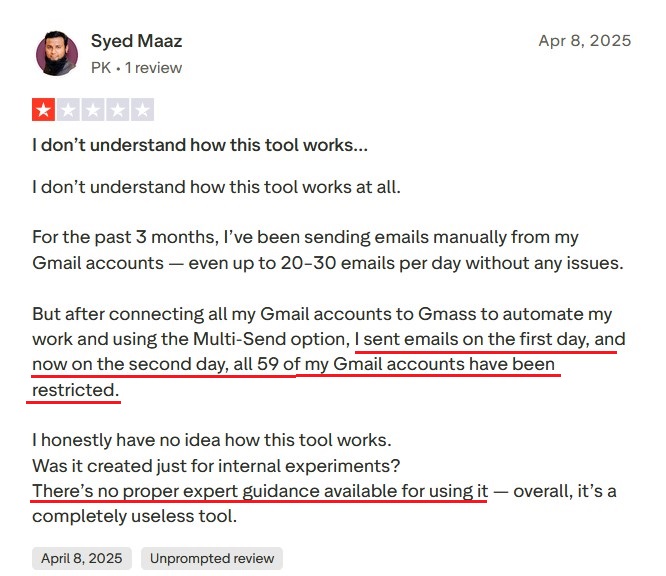
In a Gmass review, Syed Maaz connected 59 Gmail accounts, used MultiSend, and reported that all 59 were restricted by the second day. Another said GMass kept sending follow-ups to rejected addresses until Google disabled the account.
2. Billing that feels aggressive
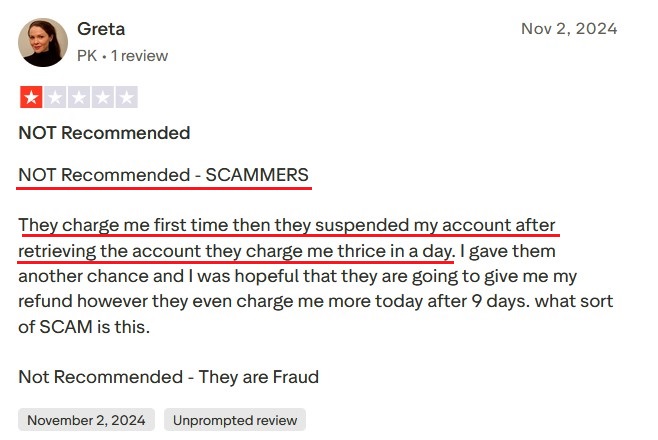
Multiple reviewers describe being charged after cancellation, “charged thrice in a day,” and being refused refunds even after they lost access to what they paid for.
3. Slow or absent support
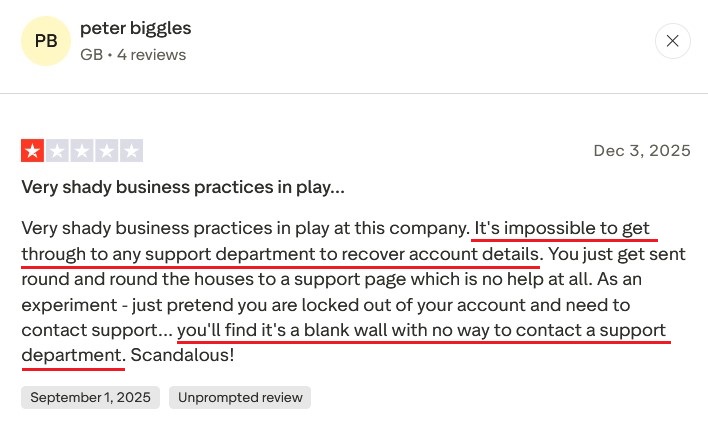
Users report average replies landing 2 to 7 days later, with many messages going unanswered, and Peter even calling it “impossible to get through to any support department.”
contactID: The Best GMass Alternative
contactID (formerly known as ContactUs AI) is brandID's AI-powered contact form submitter, and it is the strongest GMass alternative for teams that keep hitting the deliverability wall. Instead of sending a cold email, it finds, fills, and submits each prospect's own website contact form, so your pitch arrives as a normal inquiry in the inbox that a business actually monitors.
That single shift removes the problems that fill GMass reviews. There is no spam filter to beat, no domain to warm up, and no daily cap from Gmail. Because messages route through official forms, deliverability sits near 100%, which is why it works so well as the volume layer that contact form marketing is built around.
You upload a target list, the AI drafts a personalized message per company, and it handles form detection, field mapping, CAPTCHA solving, submission, and delivery tracking end-to-end. Here is what stands out.
Near-100% Deliverability
Messages land through the company's own form, reaching the primary business inbox instead of a spam folder. As a GMass alternative, this is the core advantage.
No Daily Sending Caps
There is no 500 or 2,000 a day ceiling, because you are not sending through Gmail. Scale from dozens of prospects to thousands of sites.
Zero Domain Warm-Up
No SPF, DKIM, or DMARC setup and no warm-up weeks. You skip the infrastructure GMass leaves you to manage yourself.
AI Personalization Per Company
The AI reads each site and drafts a message matched to that business, so scale does not flatten your outreach into generic templates.
Automatic CAPTCHA Solving
It clears reCAPTCHA, hCaptcha, and image challenges mid-submission at high accuracy, so campaigns keep flowing without manual pauses.
Automatic List Cleaning
The tool removes invalid domains and sites without a contact form before it runs, so you spend your budget only on reachable prospects.
The clearest way to see the difference is head-to-head. This table maps the two tools against the factors that decide whether outbound actually reaches a human.
GMass vs contactID
| Factor | GMass | contactID |
|---|---|---|
| Channel | Cold email via Gmail | Website contact forms |
| Deliverability | Subject to spam filters | Near 100%, lands in monitored inbox |
| Sending limits | 500/day personal, 2,000 Workspace | No daily caps |
| Domain warm-up | Needed, not built in | Not required |
| Suspension risk | Real (Gmail can flag accounts) | None (no bulk inbox sending) |
| Pricing model | Flat monthly subscription | Pay per attempt |
| Best for | Gmail mail merge, light outreach | Scaling B2B outbound to many sites |
contactID is the better pick the moment deliverability, volume, or account safety becomes the bottleneck, which is when most GMass complaints start.
Other GMass Alternatives to Consider
If email stays your main channel, several dedicated platforms handle scale better than GMass. Each of these GMass alternatives targets a specific weakness, from warm-up to multichannel outreach, so match the tool to the gap you feel most.
1. Saleshandy
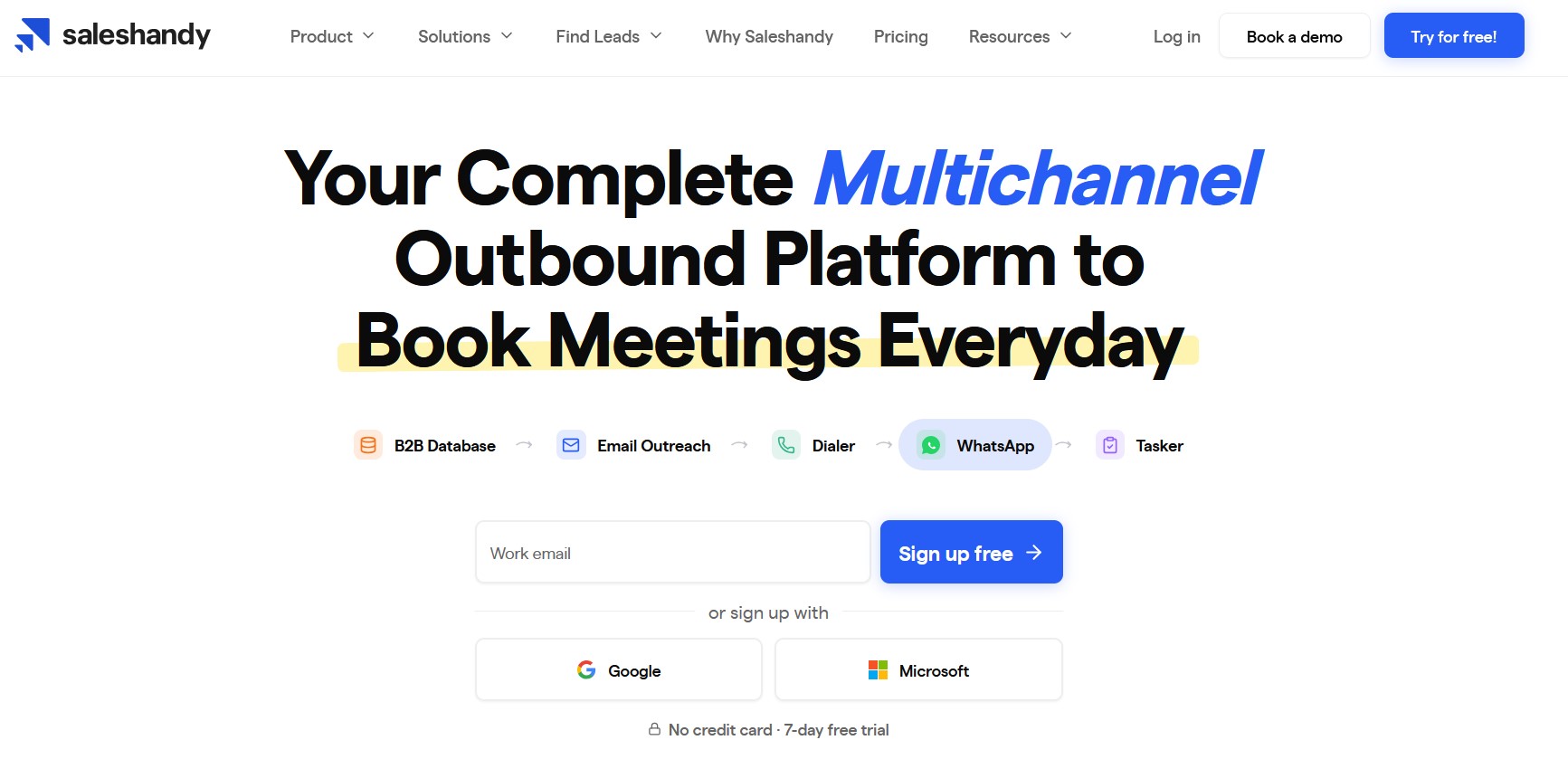
Saleshandy is an AI-powered multichannel outbound platform built to send at volume without wrecking deliverability. Where GMass ties you to one Gmail inbox, Saleshandy connects unlimited accounts and rotates sends across them automatically, and its email infrastructure add-on hands you pre-configured Workspace mailboxes with authentication already set up.
- Best for: Sales teams that need to scale cold email past Gmail's caps with real CRM integration.
2. Woodpecker
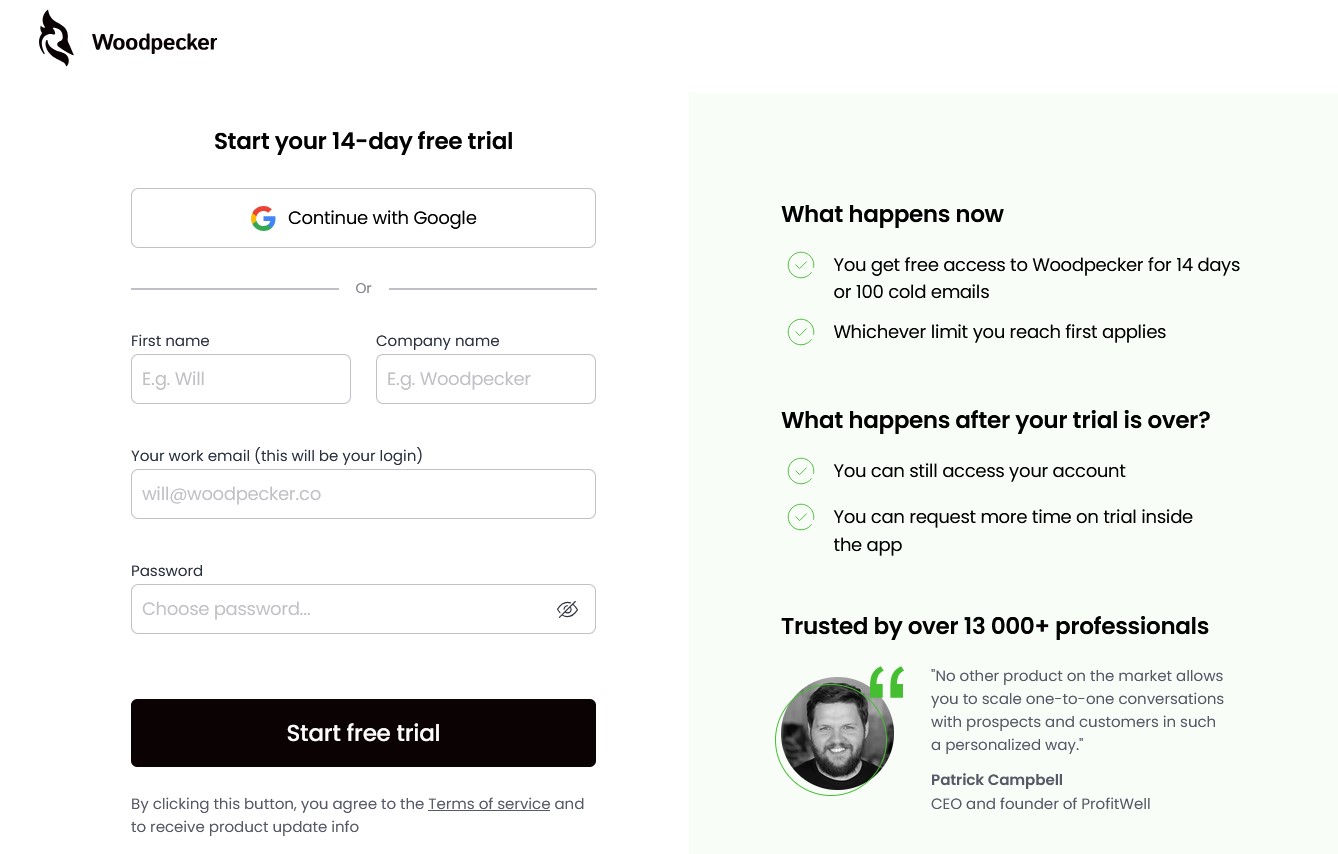
Woodpecker is the cheapest dedicated cold email tool on this shortlist and a solid GMass alternative for small teams. It offers unlimited mailboxes, built-in warm-up, and automatic domain rotation, with pricing based on the number of prospects you contact rather than the number of seats or accounts.
- Best for: Small teams running simple, clean outreach on a budget.
3. Reply.io
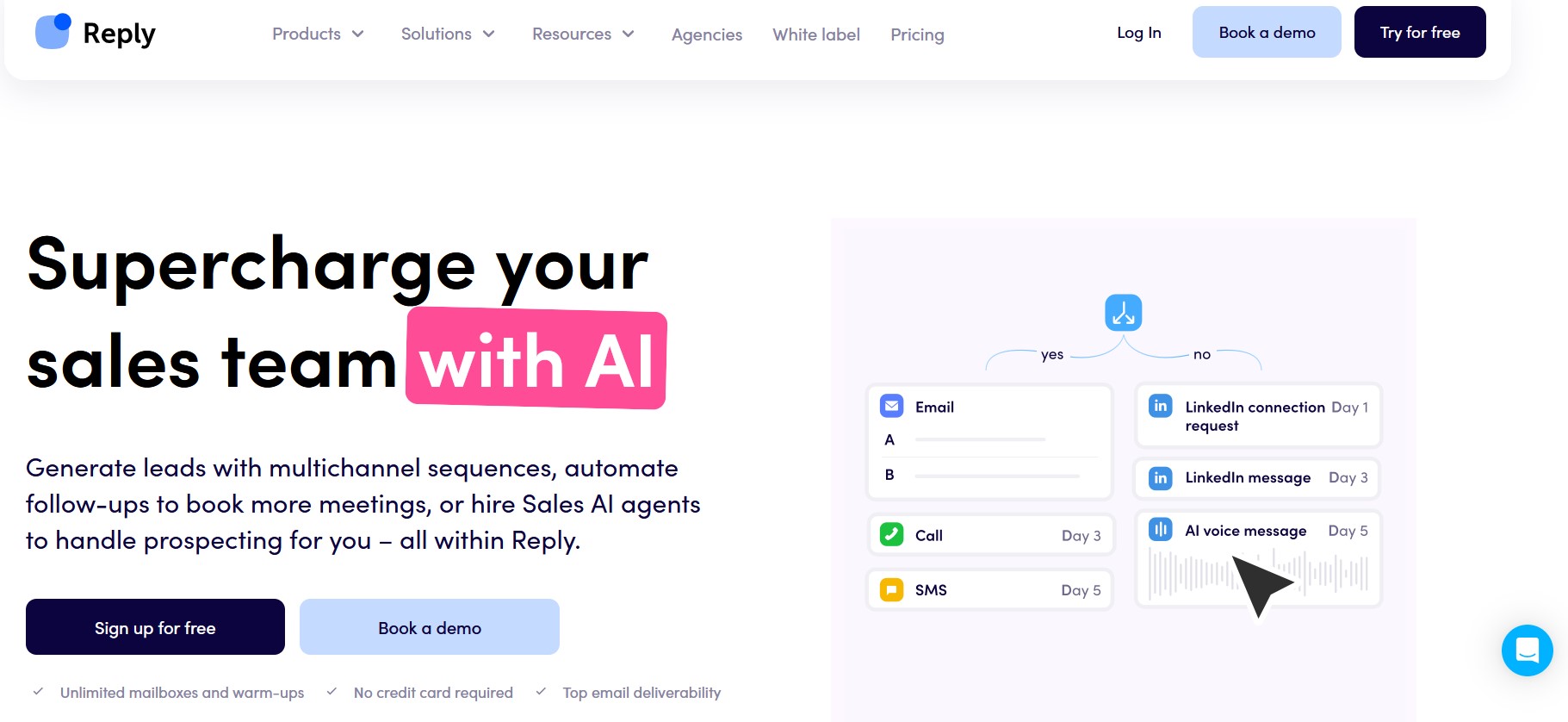
Reply.io is a structured, CRM-heavy outreach platform with native Salesforce and HubSpot sync that works in both directions. It adds LinkedIn and call steps on top of email, making it a fit for teams that want tracking and pipeline structure rather than a lightweight Gmail plugin.
- Best for: CRM-driven sales teams that want multichannel structure and reporting.
Whichever email tool you choose, pairing it with a second channel protects you from a slow month. For a broader stack view, see our roundup of the best B2B sales tools and how the strongest teams in 2026 run email, forms, and social together. Google publishes its own Gmail sending limits if you want to confirm the caps before you scale.
Conclusion: Is GMass Worth It in 2026?
If you send personalized outreach under a couple of hundred emails a day from one clean inbox, the low price, simple setup, and follow-up automation make GMass a yes.
The trouble starts at scale. Gmail's caps, the missing warm-up, and the billing and suspension complaints on Trustpilot mean that serious outbound teams outgrow GMass quickly. When that happens, the fix is not a faster email tool; it is a channel that skips the inbox war entirely.
That is where contactID fits. By delivering your message through each prospect's own contact form, it reaches decision-makers at near-100% deliverability with no caps and no domain warm-up, then bills you only for successful sends. Add it alongside your email and LinkedIn outreach tools, and your pipeline stops depending on whether Gmail feels generous this week. Try contactID and turn cold outreach into conversations that actually land.