
TikTok Automation
Connect TikTok comment-reply automation and Direct Message automation, set up Comment-to-DM, and see TikTok-specific limits.
🔒
Official TikTok Business Messaging API, no password requiredDMpro uses the official TikTok Business Messaging API for authentication and messaging. Authorization happens on TikTok’s own OAuth screen: your password is never shared with DMpro. You can revoke access any time from TikTok Business Center → Connected Apps.
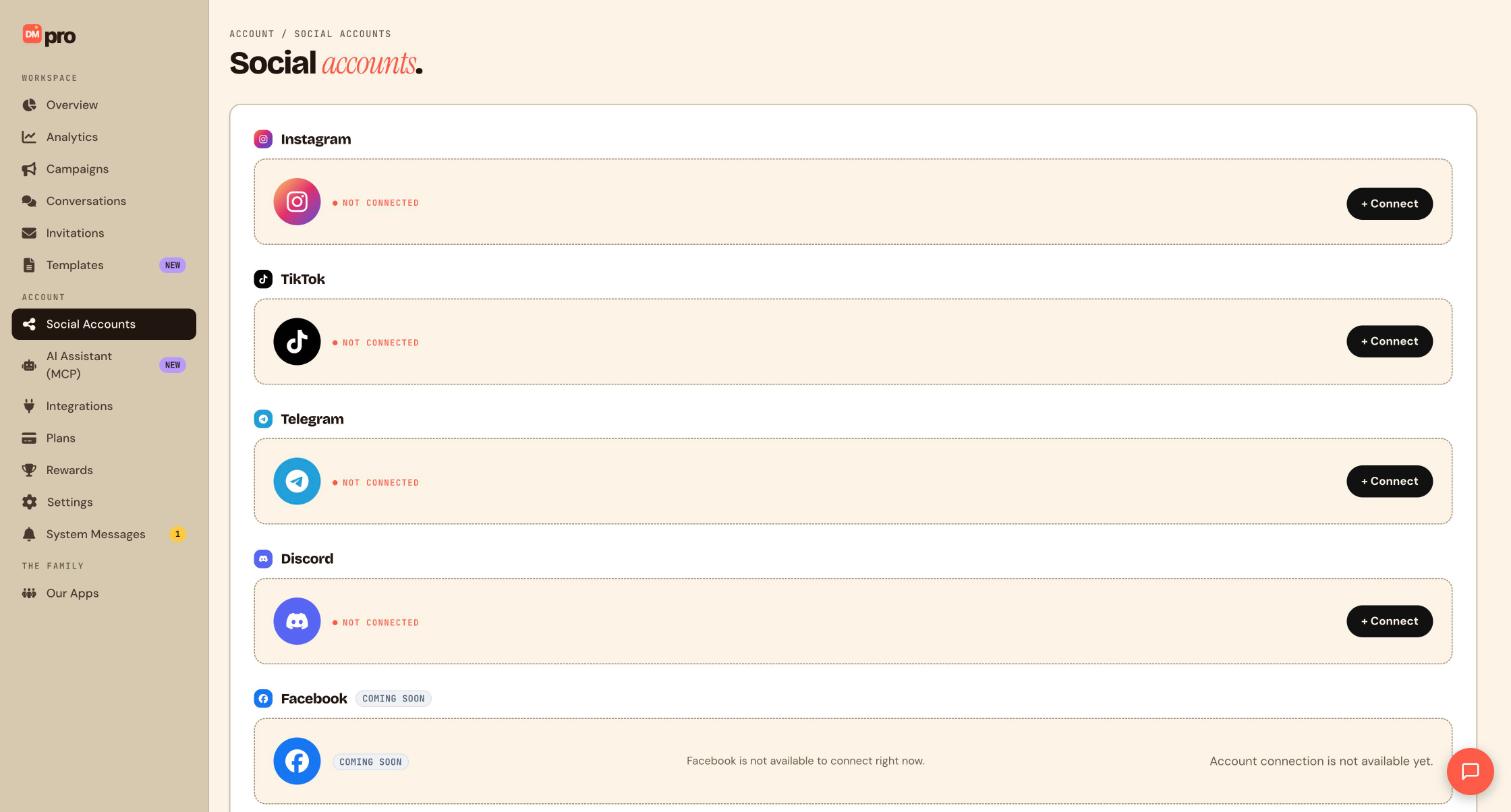
Connect TikTok
- Navigate to
/settings#accountsor/onboarding. - Click Connect with TikTok.
- Authorize TikTok’s Login Kit screen first (this unlocks comment reading and comment-reply automation), then complete the second Business Messaging authorization TikTok prompts for (this unlocks Direct Message triggers and Send DM). Both happen back-to-back in the same OAuth popup flow.
- Confirm account shows Connected with @handle.
Tip: if you only complete the first authorization step, comment-reply campaigns will work but Direct Message triggers and Send DM won’t show up in the builder. Reconnect via Connect with TikTok to finish the second step.
Create TikTok comment-reply campaign
- Open the campaign builder and choose TikTok.
- Set trigger to Comment on post: match a keyword (exact, contains, or any), optionally scoped to a specific video.
- Drag Reply on comment for a public reply, and/or Send DM to also deliver a private message when someone comments (Comment-to-DM).
- Optional: insert
{{affiliate_link}}for tracked URLs. - A campaign can use up to 3 Reply on comment steps.
Create TikTok DM campaign
- Open
/campaigns/tiktok/new. - Default trigger is Direct Message: set keyword (exact, contains, or any).
- Drag Send DM action, enter the message body.
- Optional: add Send attachment to include media, Send TikTok post to share one of your videos, or Send TikTok Q&A to send a Q&A / link card.
- Optional: insert
{{affiliate_link}}for tracked URLs. - Optional: add Call webhook for CRM integration.
- Add Delay or Frequency cap from Logic group if needed.
Limits
- DM messaging window: 48 hours: you can send a DM within 48 hours of the fan’s last message to your account.
- Max 10 consecutive outbound DMs without a reply from the fan.
- Max 3 Reply on comment steps per campaign.
- No cards or buttons: DMs support text, media attachments, shared TikTok videos (Send TikTok post), and Q&A / link cards (Send TikTok Q&A), but not custom buttons.
- No “must follow account” rule: TikTok doesn’t support gating replies on the fan following you first (unlike Instagram).
- Character limits follow TikTok’s own Business Messaging constraints, keep messages concise.
Publish and test
- Select connected TikTok account in builder header.
- Click Publish campaign.
- Send a test DM from a secondary TikTok account matching your keyword.
- Verify delivery in Conversations (
/conversations) and Live activity on Overview.
—
Still stuck? We’re happy to help.
Create your DMpro account, see pricing, or reach out to support directly.




