
Your best leads are sitting in your Instagram inbox right now, waiting on a reply you do not have time to send. Instagram DM automation closes that gap. It sends the right message the second someone comments, answers a Story, or types a keyword, so no interested follower gets ignored. Done well, it feels personal. Done wrong, it gets your account flagged.
This guide covers what actually works in 2026: how the system functions, the Meta rules you cannot break, the best tools ranked by real use case, and a setup you can copy today. If you only need quick answers to repeat questions, a simple Instagram auto reply setup may be enough. If you want to turn followers into buyers at scale, keep scrolling.
Key Takeaways
- Automation runs on triggers. Instagram automated messages fire when a user acts first (a comment, a Story reply, a keyword DM), never as cold outreach.
- Meta’s rules decide who survives. Stay inside the 24-hour messaging window, use the official API, and skip browser bots to avoid bans.
- The right tool depends on your job. Marketing funnels, ecommerce support, and outbound creator outreach each favor different platforms.
- Speed is the point. DMs convert three to five times better than a link in bio, so an unanswered message is lost revenue.
- Personalization beats blasting. A short, relevant Instagram auto DM outperforms a generic one every time.
Instagram DM Automation Tools At A Glance
Before the deep dives, here is a fast comparison of the platforms covered in this guide. Every pick connects through Meta’s official API, so the differences come down to focus, AI quality, and price. Use this as a shortlist, then read the full breakdowns below.
| Tool | Best For | Standout Feature | Starting Price (2026) |
|---|---|---|---|
| DMpro | Comment-to-DM funnels | All-in-one + bio-link | $19 mo flat |
| ManyChat | Marketing funnels | Comment-to-DM flows | Free / $14 mo |
| Spur | Ecommerce stores | Shopify and WhatsApp sync | Free trial |
| Chatfuel | AI sales chats | Built-in GPT replies | $39 mo |
| Inro | High-volume creators | AI comment moderation | Paid plans |
| CreatorFlow | Budget-conscious creators | Flat-rate pricing | $15 mo |
What Is Instagram DM Automation?
Instagram DM automation is a system that sends direct messages on its own when a follower takes a specific action, such as commenting a keyword, replying to a Story, or messaging your business first. It uses Meta’s official API to catch that trigger and deliver a pre-written or AI-generated reply in seconds.
The goal is not to spam people. It is to answer the predictable questions (“price?”, “link?”, “how do I join?”) instantly, then hand the warm ones to a human. As of 2026, Instagram passed two billion monthly active users, and a growing share of buying decisions now begins in the inbox instead of the comments. That makes the DM your storefront, and Instagram messaging automation the person who staffs it around the clock.
Most creators pair automation with a wider stack of Instagram chatbots and reply tools. The core idea stays the same: react to a real action, send something useful, and keep the conversation moving.
How Instagram DM Automation Works
Every automated message follows the same three-step path: a trigger fires, the API and a webhook process it, and a message goes out within a few seconds. Understanding this flow is what separates safe automation from the risky bots that get accounts banned.
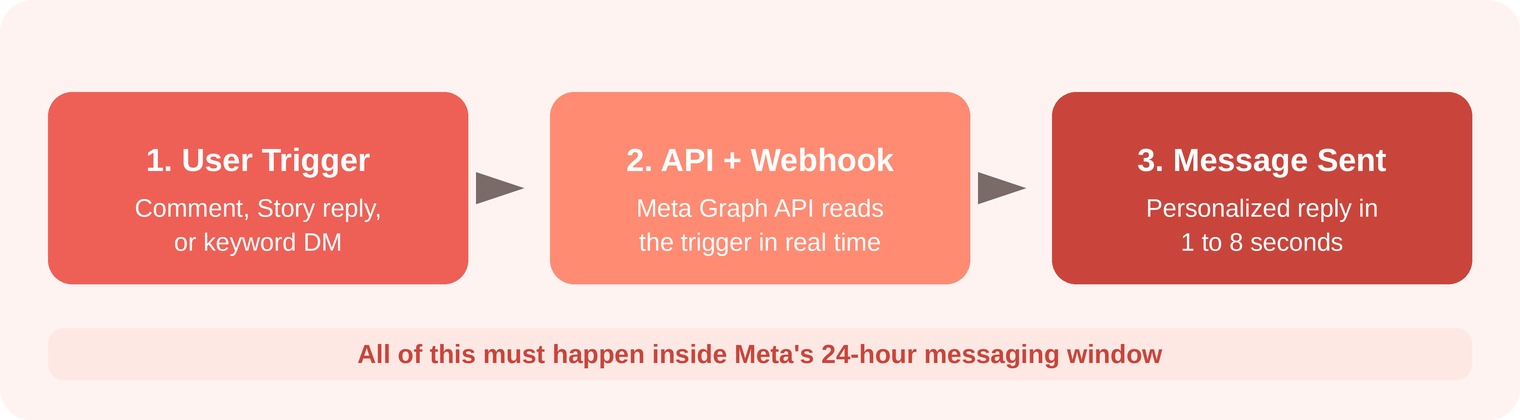
How Instagram DM automation works, from a user’s trigger to the automated reply inside Meta’s 24-hour window.
The trigger matters most. Meta only allows an automated reply after the user does something first. That is why cold blasting followers is off-limits, while answering a comment or a keyword DM is fully supported. An Instagram DM bot that skips this step and mimics human clicks is exactly the kind Meta detects and blocks.
Meta’s Instagram DM Automation Rules In 2026
Instagram DM automation is safe when you use Meta’s official API, respond only to user-initiated triggers, and respect the messaging window. Break those and the risk is not a warning, it is losing your account’s ability to message at all. Here are the rules that matter in 2026.
The 24-Hour Messaging Window
When a user messages or interacts with you, a 24-hour clock starts. Inside that window you can send free-form and promotional Instagram automated messages. Once it closes, you cannot casually follow up. You either wait for them to message again or use an approved message type, such as a One-Time Notification the user opted into. DMpro’s help center covers connecting an account and the Meta limits for Instagram automation flows.
Rate Limits And Comment-to-DM Caps
Most tools pace automated sends at roughly 200 DMs per hour per account. That number is a safety convention rather than a hard Meta figure (the published API limits are per second, around 300 messages per second for text). For comment-to-DM, Meta allows one automated private reply per comment, sent within seven days. Treat comment triggers as the first message in a funnel, not an open chat channel. If you run these plays often, study proven Instagram auto comment tools before scaling.
Safe Versus Risky Automation
- Official Graph API through a Meta partner
- Replies triggered by a user action
- Messages kept inside the 24-hour window
- Browser extensions and password-sharing bots
- Cold DMs to followers who never engaged
- Any tool promising “unlimited” auto DMs
For the exact permissions and message tags, check Meta’s official Instagram Platform documentation, which is the only source that stays current as policies shift. Note that older event-update message tags were retired in April 2026 in favor of utility templates, so tool choice affects what you can legally send outside the window.
The Best Instagram DM Automation Tools In 2026
The “best” tool depends on the job you are hiring it for. A creator chasing leads needs different features than a store handling support. Each option below is API-safe and covers a distinct use case, with honest trade-offs so you can pick fast.
DMpro
DMpro is brandID’s comment-to-DM app for Instagram, and it tops this list as an all-in-one option. You set a trigger keyword, and when a follower comments it on a post or Reel (or sends it as a DM), DMpro replies automatically in their inbox with your link, offer, or answer. Everything runs through Meta’s official API, so your keyword replies and DM sequences stay account-safe.
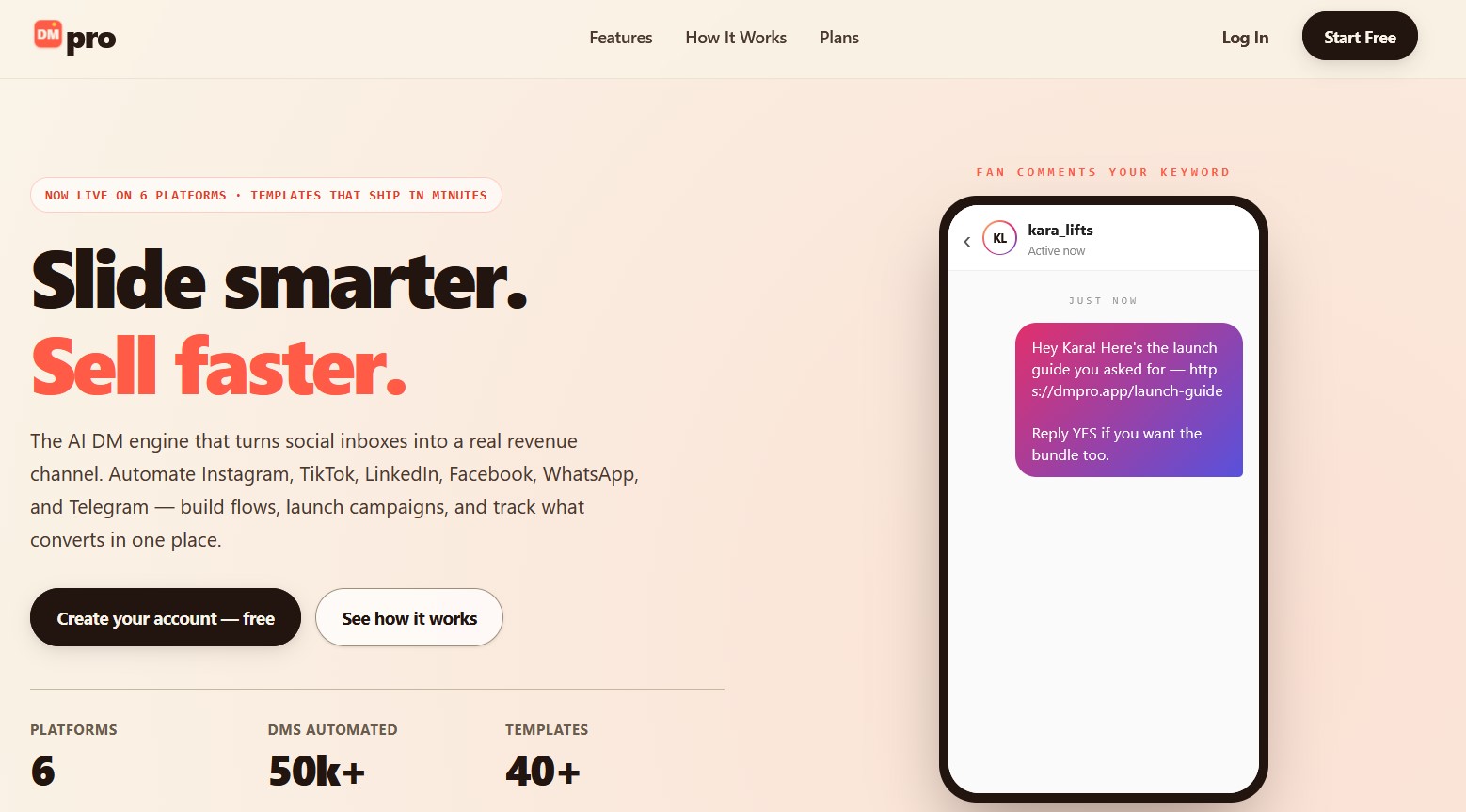
Best For: Creators and small businesses that want comment-to-DM automation plus a bio-link page in one flat-priced dashboard.
DMpro Key Features:
- Comment-to-DM automation on posts and Reels
- Keyword-triggered DM auto-replies
- Story reply triggers
- Automatic link and offer delivery in the DM
- Email and lead capture
- Built-in bio-link page and DM analytics
- All-in-one: comment-to-DM plus bio-link page
- Flat price with no per-contact scaling
- Runs on Meta’s official API, account-safe
- Instagram-focused, not a multi-channel suite
- Leaner template library than the largest flow builders
DMpro Pricing: A flat rate of around $19 per month in 2026, bundling comment-to-DM, keyword auto-replies, and the bio-link page into one dashboard with no per-contact scaling.
DMpro Recommendation: The first pick if you want reliable comment-to-DM automation and a shoppable bio-link page from one tool, at a price that does not climb with your follower count. Read our full DMpro review for screenshots and limits.
ManyChat
ManyChat is the most widely used platform for Instagram messaging automation, and it pioneered the comment-to-DM play that most creators now rely on. Set a keyword, and it posts a public comment reply plus an automatic DM with your link or lead magnet.
Best For: Marketers running lead funnels across Instagram, Messenger, and WhatsApp from one dashboard.
ManyChat Key Features:
- Comment-to-DM triggers
- Visual flow builder
- Shopify integration
- A/B testing
- Multi-channel broadcasts
- Largest community and template library
- Reliable comment-to-DM funnels
- Contact-based billing climbs fast
- AI replies cost extra on top
ManyChat Pricing: After the March 2026 overhaul, Free covers 25 contacts, Essential is $14 per month, Pro is $29, and Business is $69, all scaling with active contacts.
ManyChat Recommendation: The default first pick if you need flow-based Instagram automated messages and already work across Meta’s channels.
Spur
Spur is an official Meta partner built for ecommerce, so its Instagram auto reply flows tie directly into orders, carts, and product questions. It shines when a store needs to answer buyers on Instagram and WhatsApp without a live agent on every message.
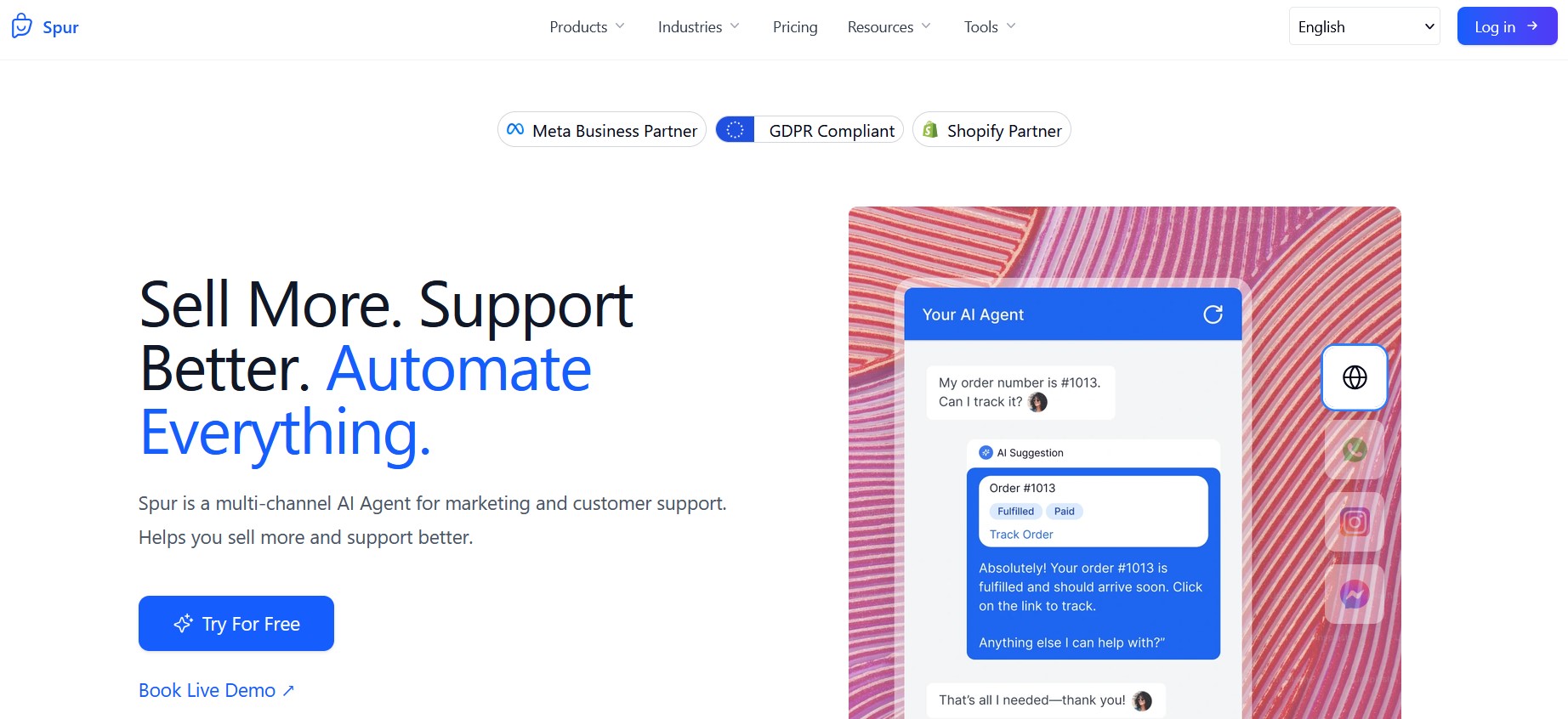
Best For: Shopify and DTC stores that sell through DMs and want support plus recovery in one place.
Spur Key Features:
- Comment-to-DM automation
- Abandoned-cart recovery
- WhatsApp sync
- Shared team inbox
- Strong ecommerce and WhatsApp features
- Compliance handled by design
- Overkill for non-store creators
- WhatsApp adds per-message fees
Spur Pricing: Free trial available, with paid plans that scale by conversation and order volume.
Spur Recommendation: The obvious choice if your Instagram DMs are really a sales and support channel for a store.
Chatfuel
Chatfuel leans into AI. Its built-in GPT-based replies let an Instagram DM bot hold a natural back-and-forth instead of a rigid keyword tree, which suits businesses that field varied, unscripted questions.
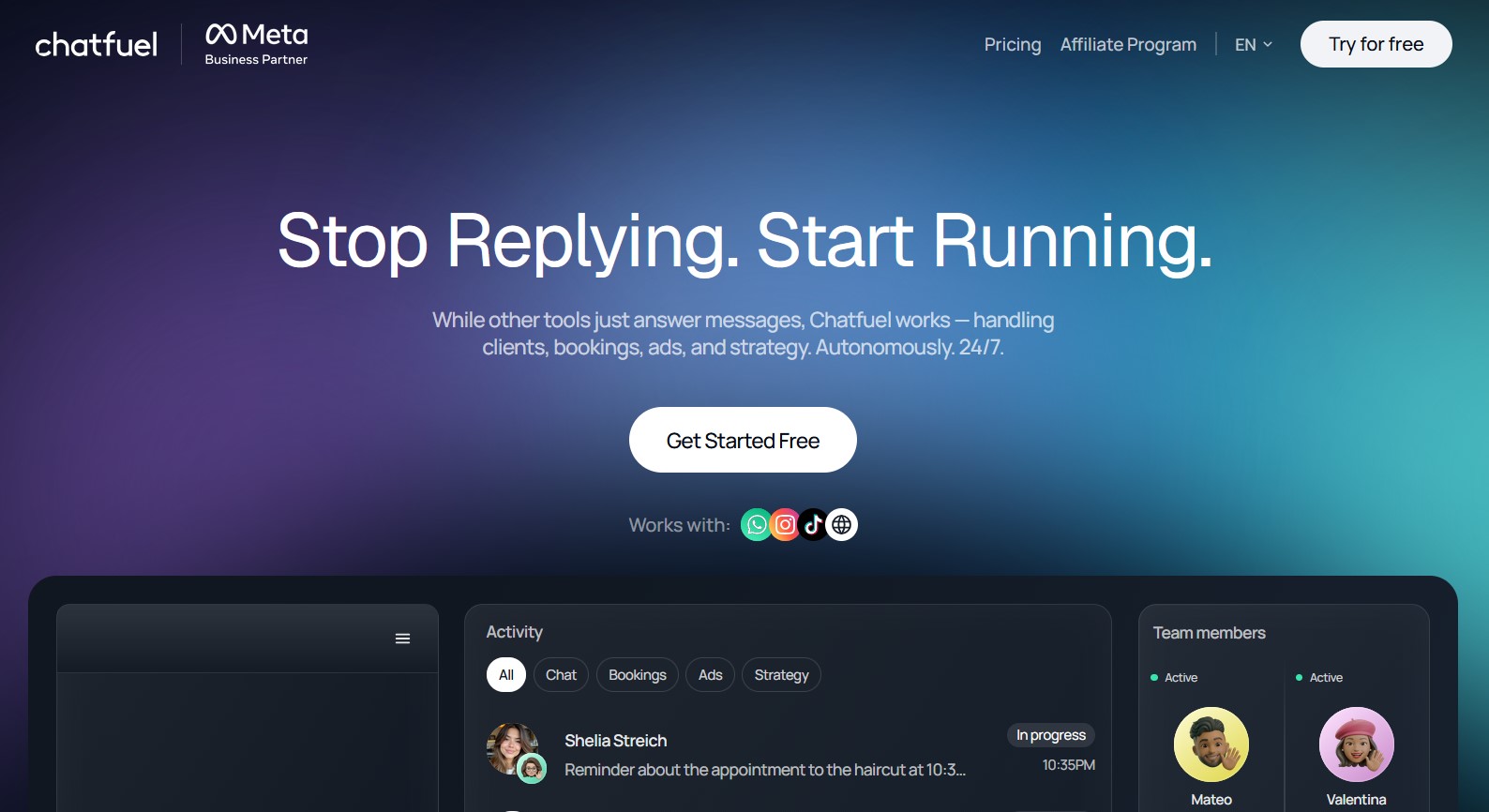
Best For: Brands that want conversational AI sales chats rather than fixed flows.
Chatfuel Key Features:
- Native GPT replies
- Comment-to-DM automation
- Strong Messenger support
- No-code bot building
- AI conversations out of the box
- Easy entry point for beginners
- No permanent free plan
- Costs rise sharply with contacts
Chatfuel Pricing: No free tier, only a 7-day trial. Paid plans start around $39 per month, with GPT-heavy tiers costing more.
Chatfuel Recommendation: Pick it when the quality of the AI conversation matters more than raw price.
Inro
Inro is built for creators drowning in comments. It uses AI to read intent, hide spam in real time, and route genuine buyers into a DM funnel, so your Instagram messaging automation stays clean even on a viral post.
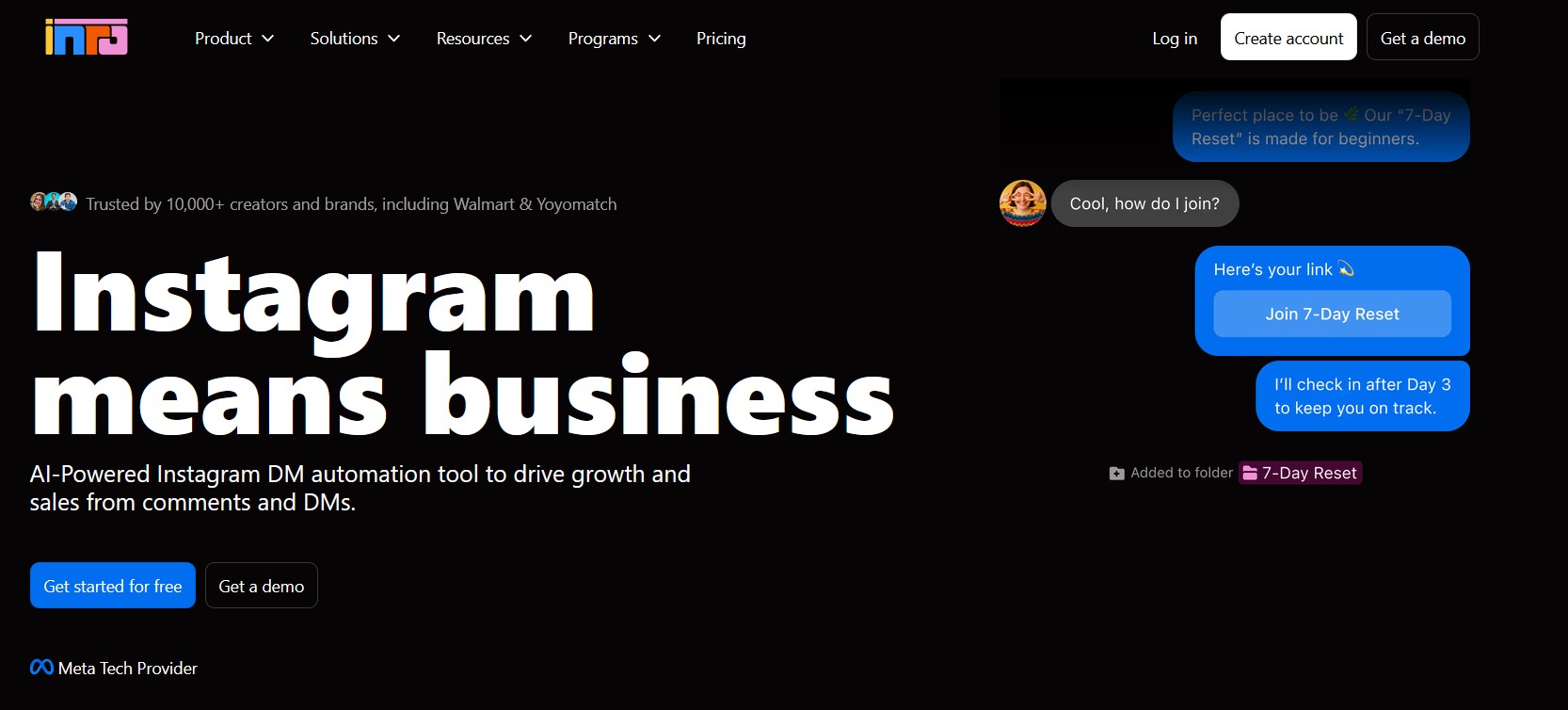
Best For: High-volume creators who need moderation and DM capture working together.
Inro Key Features:
- AI comment moderation
- In-window DM campaigns
- Intent detection
- Opt-in re-engagement
- Excellent at spam control
- Compliant DM campaigns by design
- Narrower than a full marketing suite
- Best value only at high volume
Inro Pricing: Paid plans, typically priced for creators with heavy comment and DM traffic.
Inro Recommendation: Worth it when comment volume, not flow-building, is your real bottleneck.
CreatorFlow
CreatorFlow is a Meta-Approved Tech Provider built for creators who want predictable costs. It runs comment-to-DM and keyword auto-reply flows on the official API, but with flat-rate pricing, so your bill does not climb as your audience grows, a common pain with contact-based Instagram DM automation tools.
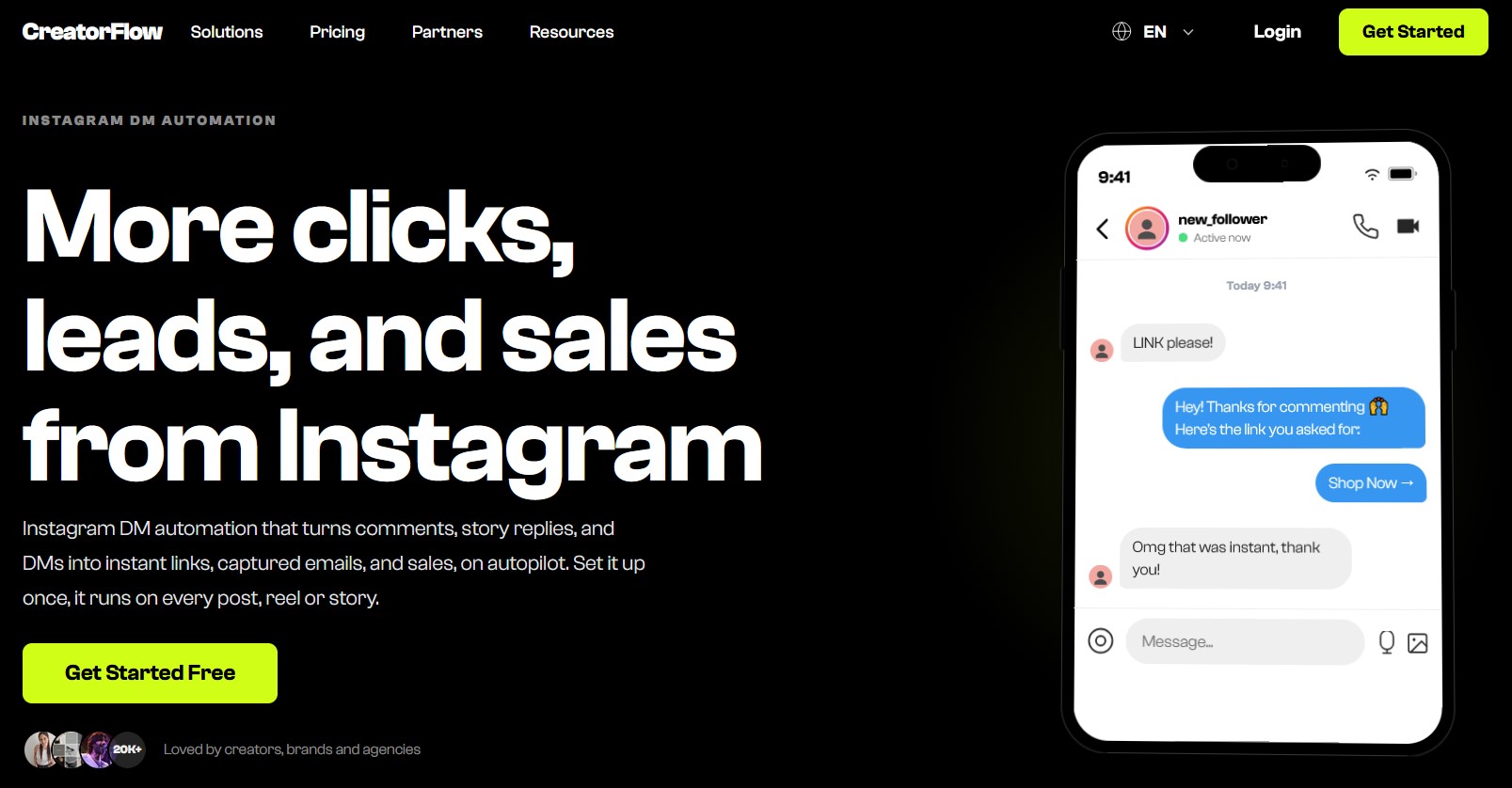
Best For: Budget-conscious creators who want compliant comment-to-DM automation without contact-based billing surprises.
CreatorFlow Key Features:
- Comment-to-DM automation
- Keyword-triggered auto replies
- Flat-rate pricing with no contact scaling
- Meta-Approved Tech Provider on the official API
- DM link delivery and analytics
- Flat, predictable monthly price
- Official Meta Tech Provider, low ban risk
- Instagram-focused, fewer channels than ManyChat
- Lighter on advanced marketing flows
CreatorFlow Pricing: A flat rate of around $15 per month in 2026, with no contact-based scaling as your following grows.
CreatorFlow Recommendation: A smart pick when you want compliant comment-to-DM automation and hate watching your bill rise with every new follower.
How To Set Up Instagram DM Automation Step By Step
You can launch a working flow in under 30 minutes. Start with one trigger, measure the results, then expand. Here is the exact sequence that keeps you compliant from message one.
Automation runs through the Graph API, which only works with business or creator accounts. Convert yours in settings first.
Pick a platform from the list above and authorize it through OAuth. Never share your password with a browser extension.
Start with a single keyword or comment-to-DM trigger. Write three messages: a warm opener, the answer or link, and a soft call to action. DMpro can chain messages, buttons, branches, replies and delays into a multi-step campaign flow.
Route complex questions to a human or to your live chat software. Track reply rate, click rate, and booked calls, then tune the copy that underperforms.
Instagram DM Automation Best Practices And Mistakes To Avoid
The gap between an automation that converts and one that annoys comes down to a few habits. Speed wins here: with around 75% of consumers in 2026 expecting a reply within a day, and on social the real standard being minutes, an instant Instagram auto reply is a competitive edge.
Think of it as two routes for the same Instagram DM automation setup. One earns replies and followers, the other earns an action block. The infographic below maps both.
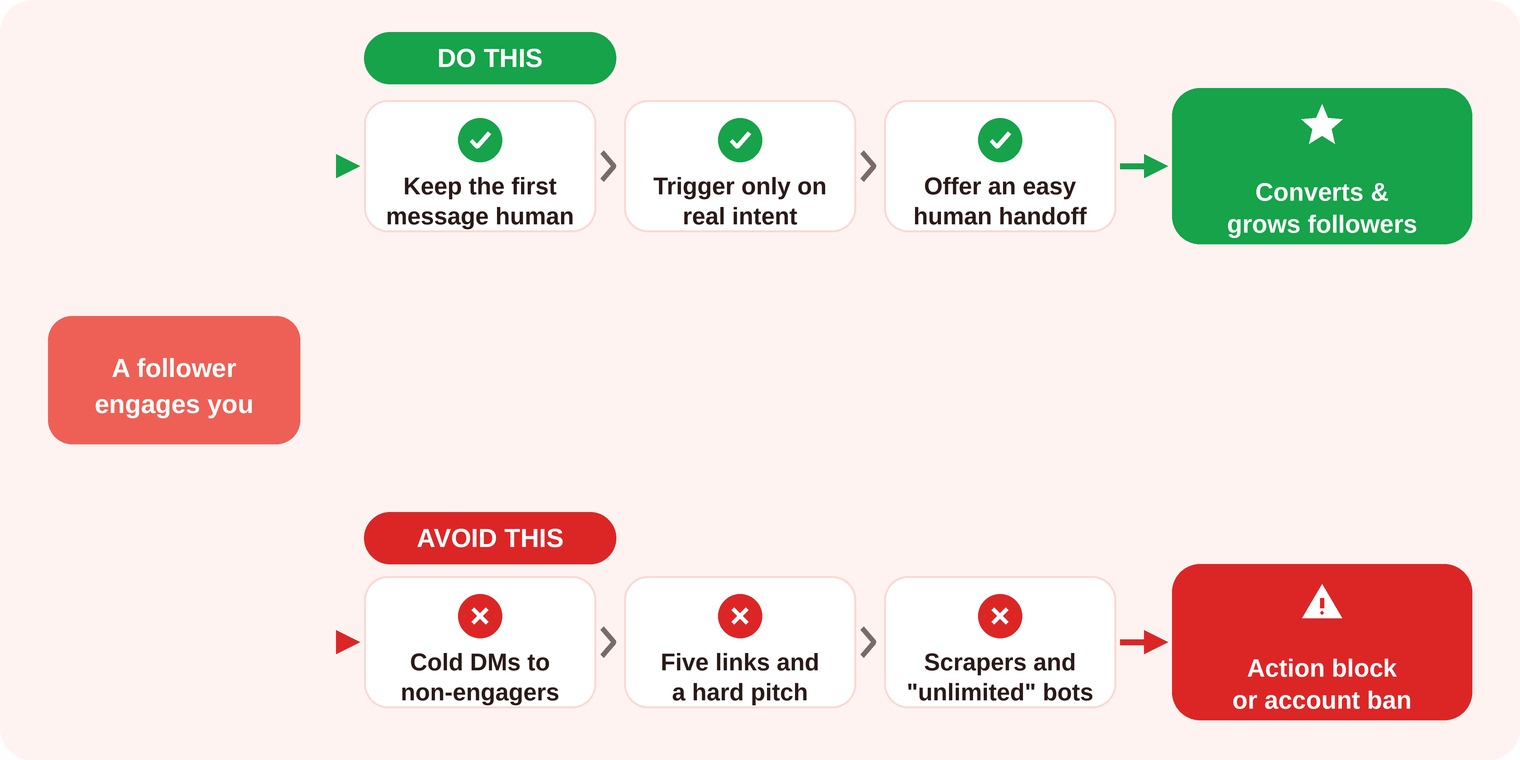
The two outcomes of Instagram DM automation: best practices convert and grow your audience, while the common mistakes get accounts flagged.
Do This
Keep the first message short and human. Trigger only on real intent, so buyers get answers and browsers are left alone. Personalize with the person’s context, not just a mail-merge name. Always give an easy way to reach a real person, and use automation to grow your Instagram following by making every reply useful enough to screenshot.
Avoid This
Do not send cold DMs to people who never engaged, the single fastest route to an action block. Do not stuff a flow with five links and a hard pitch in message one. Do not rely on scrapers or “unlimited DM” bots, and do not automate without checking the numbers, since a broken flow can burn goodwill at scale. When in doubt, pair automation with proper social media management tools so nothing slips.
Conclusion
Instagram DM automation is no longer a growth hack, it is basic infrastructure for anyone who sells or grows through the inbox. The winning formula is consistent: react to a real trigger, reply fast with something genuinely helpful, stay inside Meta’s rules, and hand the warm leads to a human at the right moment.
Start small with a single comment-to-DM or keyword flow, watch your reply and click rates for a week, then expand what works. The tools differ in focus, but the goal is the same for all of them, which is turning quiet followers into real conversations. Get the speed and the personalization right, and your DMs stop being a chore and start being your most reliable sales channel.
Frequently Asked Questions
Is Instagram DM automation allowed by Meta?
How many DMs can I send per hour?
Can I use a free Instagram DM bot?
What is comment-to-DM automation?
 Summarize this article with:









