Carrd is one of the quietly beloved tools in the maker economy. Nineteen dollars a year for a Pro Standard plan, a design system that respects taste, and enough constraints to keep you from over-engineering something that should have been a page in the first place. That’s why so many indie hackers, freelancers, and side-project runners default to it. The question is not whether Carrd is good. The Carrd review covers that in depth. The question this article answers is when you outgrow it, and what comes next.
The 8 Carrd alternatives below sit at different points along the spectrum from “still simple, more capable” to “full web design suite for people who need one.” Some are cheaper monthly, some are more expensive, and one is free if you already run your life inside Notion. Each pick clears a specific Carrd ceiling: monetization, design freedom, Notion-native workflow, multi-page publishing, or professional web design.
Key Takeaways
- The best Carrd alternatives depend on why you’re leaving. Need built-in monetization? brandID. Need design freedom? Framer. Already in Notion? Notion Sites. Need a full multi-page site? Squarespace or Webflow.
- brandID replaces Carrd for creators who monetize. Same one-page-feeling home for your links, bio, and content, but with digital products, tips, memberships, and affiliate marketplace built in rather than requiring Stripe embeds.
- Framer is the closest alternative to Carrd for design-driven makers. Same “build a page” simplicity with far more visual capability. Free tier supports one site with Framer branding.
- Nothing beats Carrd on price for what it does. Leave Carrd for capability gains, not cost savings.
- The Carrd ceiling arrives when you need multi-page structure or native ecommerce. Below that ceiling, Carrd usually still wins.
The Carrd Ceiling: When Simple Stops Being Enough
Carrd is designed around a specific constraint: one page. That constraint is why it works so well for landing pages, personal sites, product launches, portfolios, and “about me” hubs. It’s also why creators leave. Three specific moments trigger the switch:
1- When You Need A Second Page
Carrd Pro Standard tops out at three sites, each single-page. The moment you need a real blog, a case-studies section, a portfolio with individual project pages, or a legitimate multi-section presence, Carrd forces you to fake it with anchor scrolls or link out. Some creators live inside those constraints happily for years. Others hit the wall fast.
2- When You Start Selling More Than One Thing
Selling a single product with a Stripe button embedded in Carrd works fine. Selling five products, offering tips, running memberships, and adding affiliate links means embedding five different tools, none of which integrate cleanly with each other or with Carrd’s analytics. At that point, a platform designed for creator monetization from the start (brandID, Squarespace with Commerce) removes the tool-stitching entirely.
3- When Your Brand Deserves More Than A Template
Carrd’s templates are tasteful but recognizable. Designers who spend time on Product Hunt or Layers can spot a Carrd page instantly. For a personal brand that’s meant to feel proprietary and distinct, moving to Framer or Webflow (which give you real design surface) usually delivers a visible upgrade audiences actually notice.
8 Best Carrd Alternatives To Try In 2026
Eight picks, chosen because each one clears a specific Carrd ceiling: monetization, design freedom, Notion-native workflow, multi-page publishing, full web design capability, general-purpose multi-page building, creator monetization, or Carrd-adjacent modern editing.
1- brandID
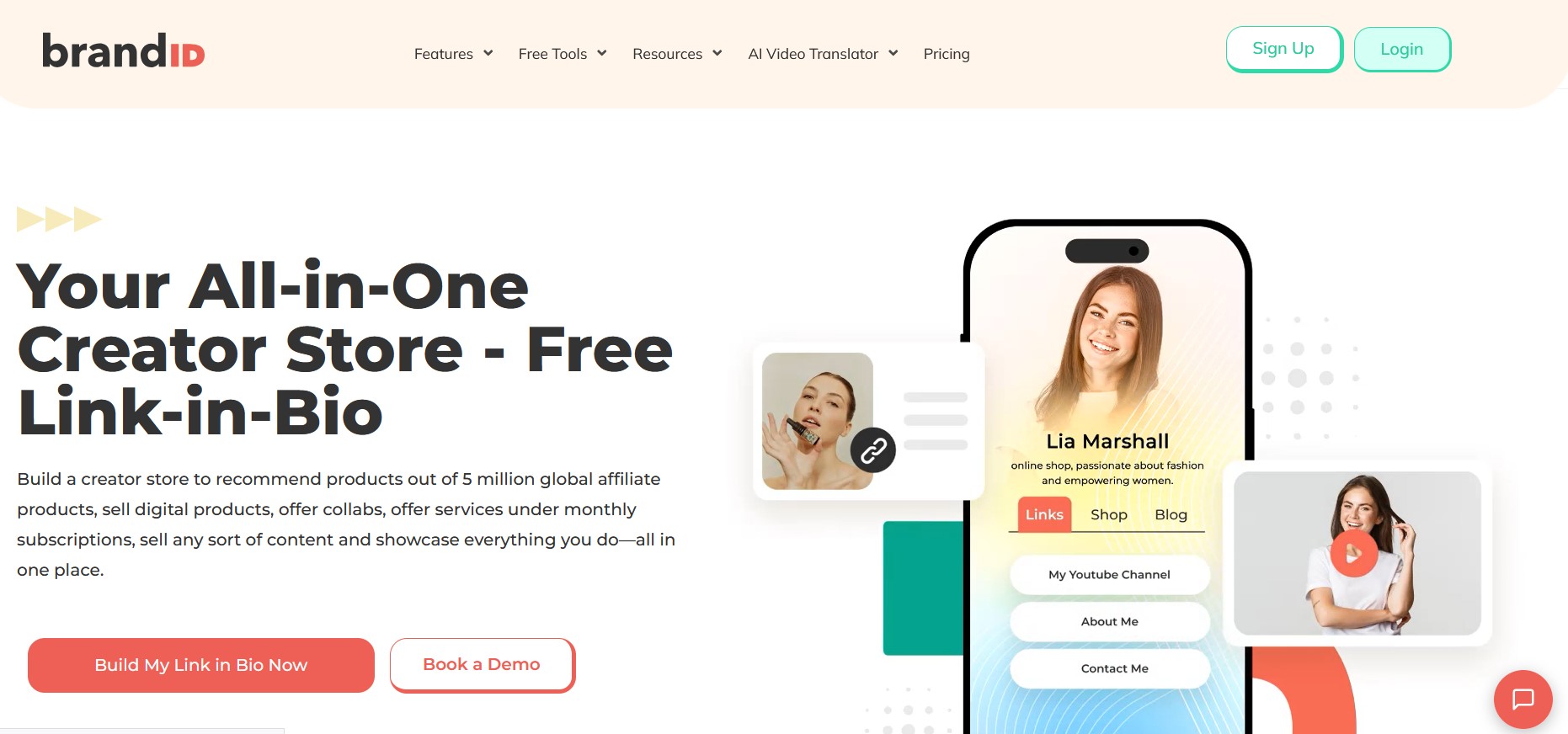
brandID is the Carrd alternative for creators who use their page to make money. Where Carrd expects you to embed Stripe buttons, Gumroad widgets, or Calendly links to handle any commerce, brandID includes digital product sales, tips, memberships, paid bookings, and an affiliate marketplace (5 million+ products, 2,000+ brands) natively.
The design philosophy stays close to Carrd’s spirit: one clean page, hundreds of templates, real customization without asking you to become a designer. What changes is that your commerce lives inside the platform instead of being sewn onto it. Free plan takes 5% on transactions with your own Stripe. Creator at $9/month drops that to 0%. Creators whose main product is physical merch rather than digital or subscription revenue often find better fit in the Fourthwall alternatives roundup, which covers dedicated creator storefronts with built-in print-on-demand.
Design philosophy: One-page creator storefront with hundreds of templates and native monetization built in.
Pricing: Free (5% fee, own gateway), Creator $9/month (0% fee), Turbo Creator for teams.
Best for: Creators using their page to sell products, collect tips, take bookings, or run memberships without embedding external checkout tools.
2- Framer
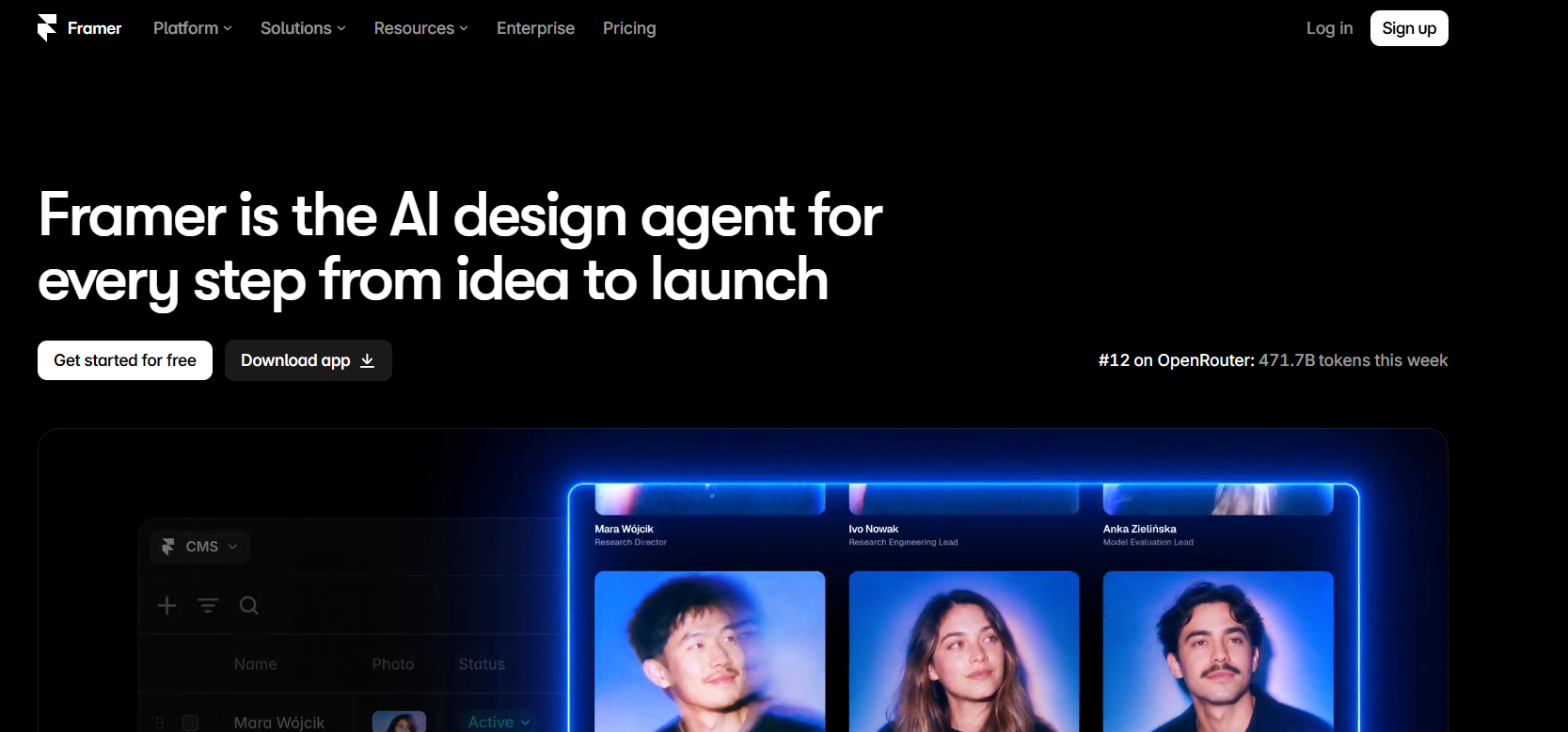
Framer is the design-driven Carrd alternative that looks like what Carrd would be if built by designers wanting more visual capability. The interface is a hybrid of a modern site builder and a design tool, with layout freedom that Carrd’s template system deliberately doesn’t offer. You can build one-page landing sites in an afternoon or multi-page brand sites in a week, and everything looks polished enough to survive a design portfolio critique.
Framer’s free plan supports one site with Framer branding in the corner. Mini plans start at $5/month per site (or $10/month billed monthly), which puts a proper site at roughly $60/year, three times Carrd’s cost. What you get for that premium is genuine design freedom, animations, custom components, and CMS support for blog posts or portfolio entries.
Design philosophy: Modern site builder with design-tool DNA. More freedom than Carrd, less friction than Webflow.
Pricing: Free (1 site, Framer branding), Mini $5/month, Basic $15/month, Pro $30/month per site.
Best for: Designers, freelancers, and brand-conscious makers who want visible design upgrades over Carrd.
3- Notion Sites
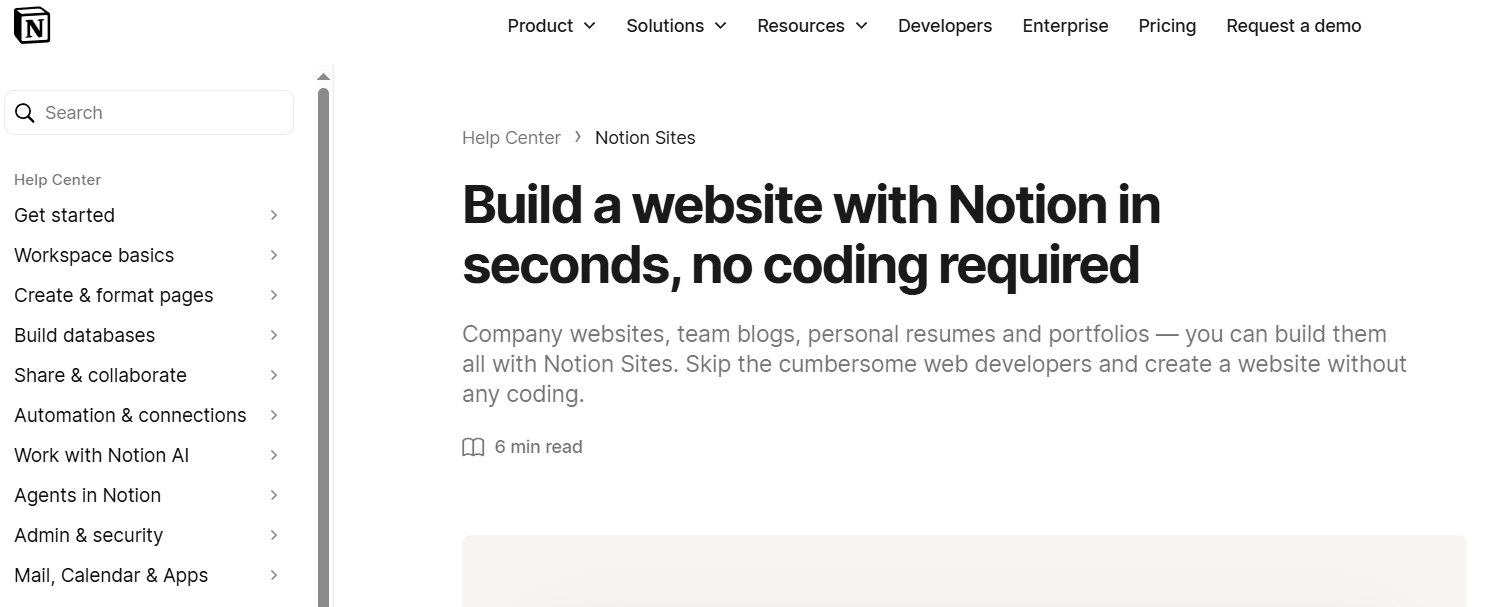
Notion Sites publishes any Notion page as a website. For anyone already running their life inside Notion (documents, project management, personal wiki), this is the closest thing to free web publishing that respects your existing workflow. Design it in Notion, hit publish, share the URL.
The obvious limitation is that everything looks like Notion. Fonts, layout, spacing all inherit Notion’s design DNA, which is opinionated in specific ways some creators love and others hate. For personal sites, resumes, launched projects, or documentation, that’s fine. For a professional brand landing page, Framer or Squarespace will look more polished. Notion Sites is included with all Notion plans (including the free tier) so it’s genuinely free for existing Notion users.
Design philosophy: Notion pages as public websites, with Notion’s aesthetic baked in.
Pricing: Free with any Notion plan (Free, Plus $10/month, Business $18/month).
Best for: Notion power users who want to publish existing content as a site with zero migration effort.
4- Squarespace

Squarespace is the multi-page Carrd alternative for creators who need a real website with blog, portfolio, and ecommerce sections all working together. The template quality is famously high, the built-in Commerce features rival dedicated storefronts, and the multi-page structure is a genuine upgrade from Carrd’s one-page constraint.
The tradeoff is monthly cost. Squarespace Personal starts at $16/month (a full year subscription), which is more than Carrd Pro Standard for the whole year. For creators who genuinely need multi-page structure, blog CMS, and native ecommerce, Squarespace usually pays for itself. For creators still working in a landing-page-plus-links workflow, that price is excessive. Course creators specifically will find a better fit in the Podia alternatives guide, since Squarespace’s course tools handle basic lessons but not community, drip content, or serious learning workflows.
Design philosophy: Professional multi-page website builder with high-quality templates and native ecommerce.
Pricing: Personal $16/month, Business $23/month, Commerce Basic $27/month, Commerce Advanced $49/month.
Best for: Creators needing a real multi-page site with blog CMS and native ecommerce built in.
5- Webflow
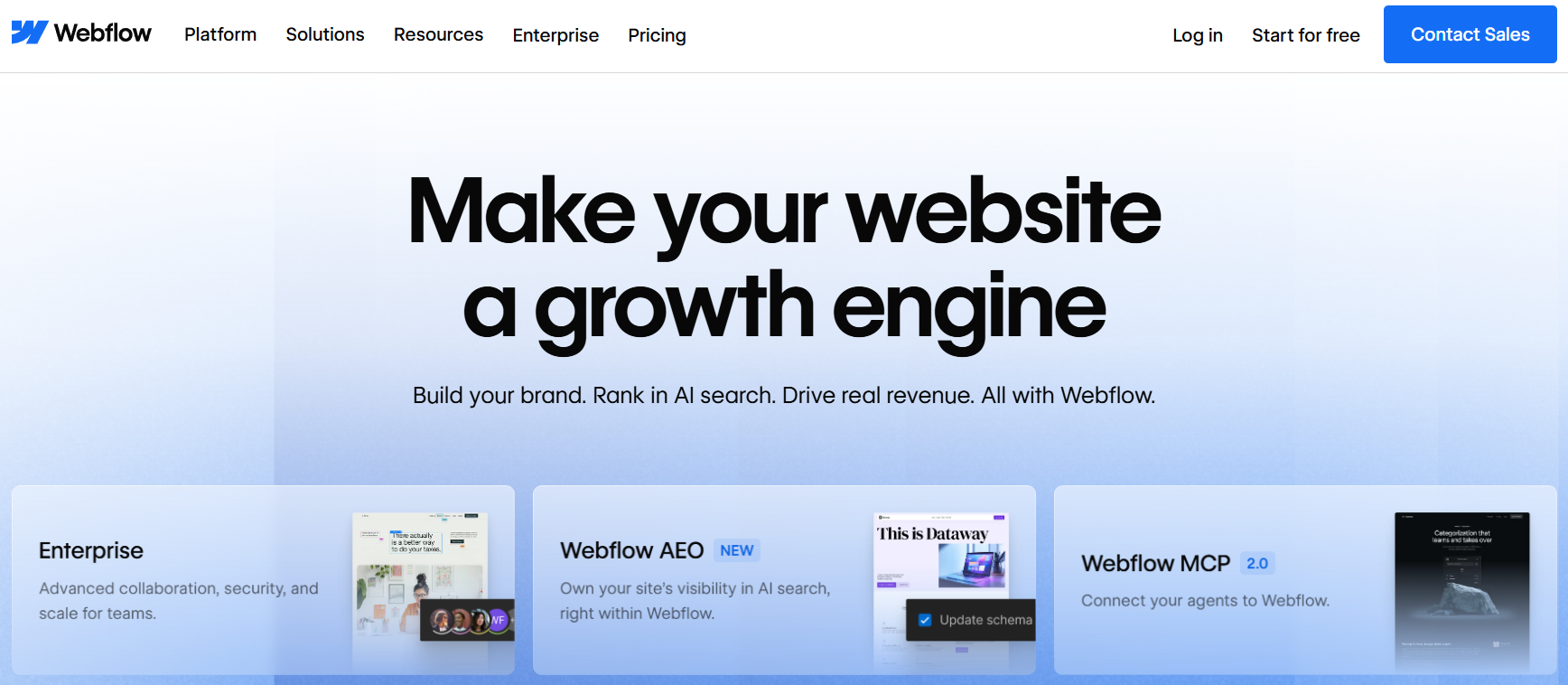
Webflow is the professional-grade Carrd alternative for creators who have outgrown site builders entirely and want something close to code-level control without writing code. Custom CSS, custom interactions, custom animations, CMS structure, and hosting-grade infrastructure. It’s what agencies build client sites with when Squarespace would embarrass them.
Webflow has a real learning curve. The interface expects you to understand box models, flexbox, and CSS specificity even though you’re not writing raw code. Pricing runs from a free Starter plan (webflow.io subdomain) to Basic at $14/month (custom domain, static site) to CMS at $23/month and higher tiers for ecommerce and business sites. For creators who value design quality above all else and are willing to invest a week learning the tool, Webflow is the top of the Carrd-alternatives ladder.
Design philosophy: Professional web design tool for pixel-perfect custom sites without hand-coding.
Pricing: Free Starter, Basic $14/month, CMS $23/month, Business $39/month, Ecommerce plans from $29/month.
Best for: Designers, developers, and agencies building custom brand sites where design polish is the product.
6- Wix
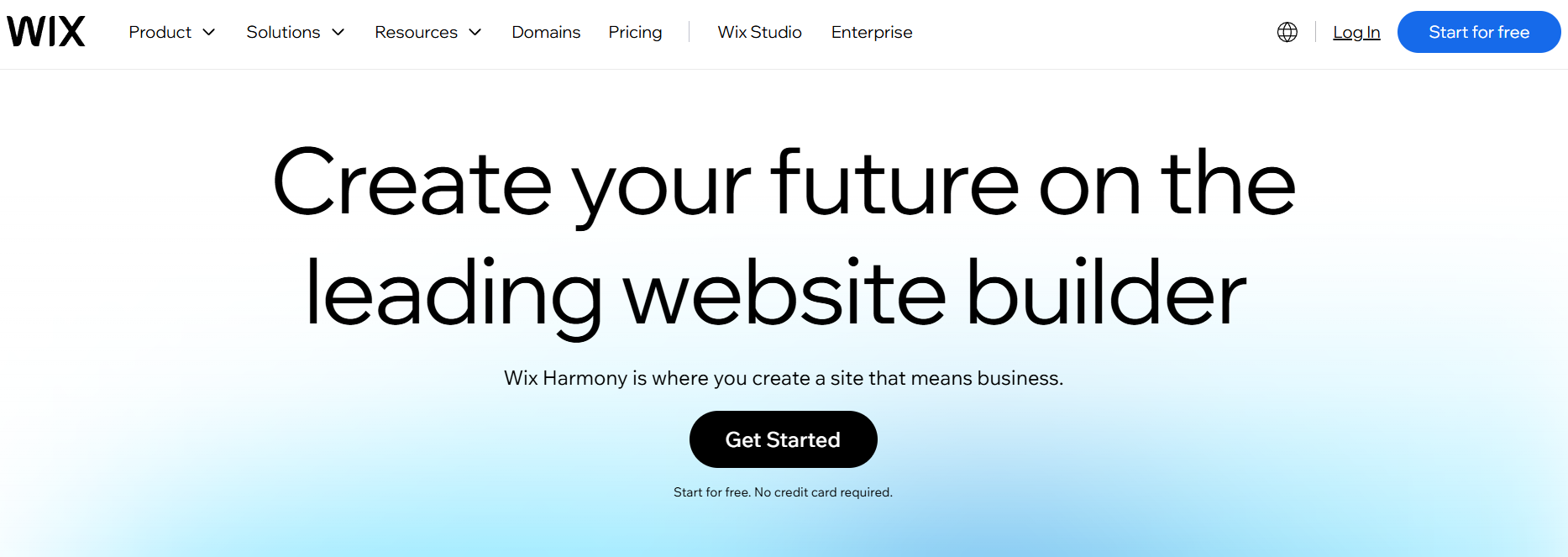
Wix is the mainstream multi-page site builder that shows up in every “Carrd alternative” list for one reason: it’s the only major builder with a truly permanent free plan that includes the full editor. Trade-off is a Wix subdomain and Wix branding in the corner. Beyond that, Wix ships with 900+ templates, a working AI website builder (drafts a first pass from a prompt in about a minute), and an app marketplace deeper than any competitor on this list.
Paid plans start at Light ($17/month) for a custom domain, Core ($29/month) for basic ecommerce, Business ($36/month) for advanced ecommerce, and Business Elite ($159/month) for scale. For creators who want a real website with blog, bookings, store, and email in one place without a design-tool learning curve, Wix is the safe choice, if not the most distinctive.
Design philosophy: Full multi-page site builder with the largest template library and AI-generated first drafts.
Pricing: Free (Wix subdomain), Light $17/month, Core $29/month, Business $36/month, Business Elite $159/month.
Best for: Beginners who want the biggest template library, AI-drafted first pass, and a truly free plan with the full editor.
7- Beacons
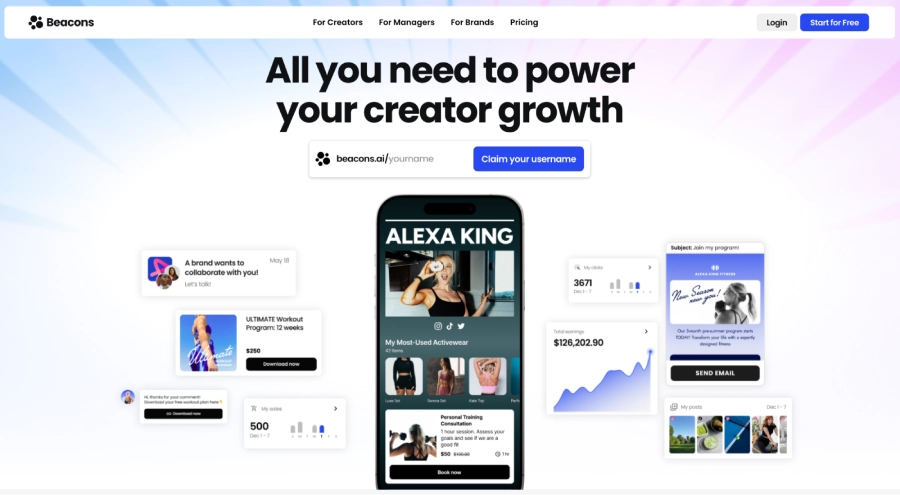
Beacons sits at the intersection of link-in-bio and creator storefront. If you’re using Carrd today as a “here are my links and one product” landing page, Beacons is designed for exactly that pattern but with AI-powered store setup, media kit builder, email marketing, and brand outreach tools built in. For creators whose Carrd site is really trying to be a creator hub, Beacons removes the tool-stitching entirely.
Free plan is real but limited. Creator Pro at $30/month opens up the AI features and full monetization suite. That’s significantly more than Carrd’s $19/year, so the switch is a commitment. For the full Beacons breakdown before deciding, the Beacons AI review covers the platform in depth, and if Beacons itself is not the right pick, the Beacons alternatives roundup compares eight competitors.
Design philosophy: Creator-first link-in-bio with AI-powered storefront and brand-outreach tools built in.
Pricing: Free (limited), Creator $8/month, Creator Pro $30/month, VIP $90/month.
Best for: Creators whose Carrd page is really trying to be a creator hub with monetization built in.
8- Typedream
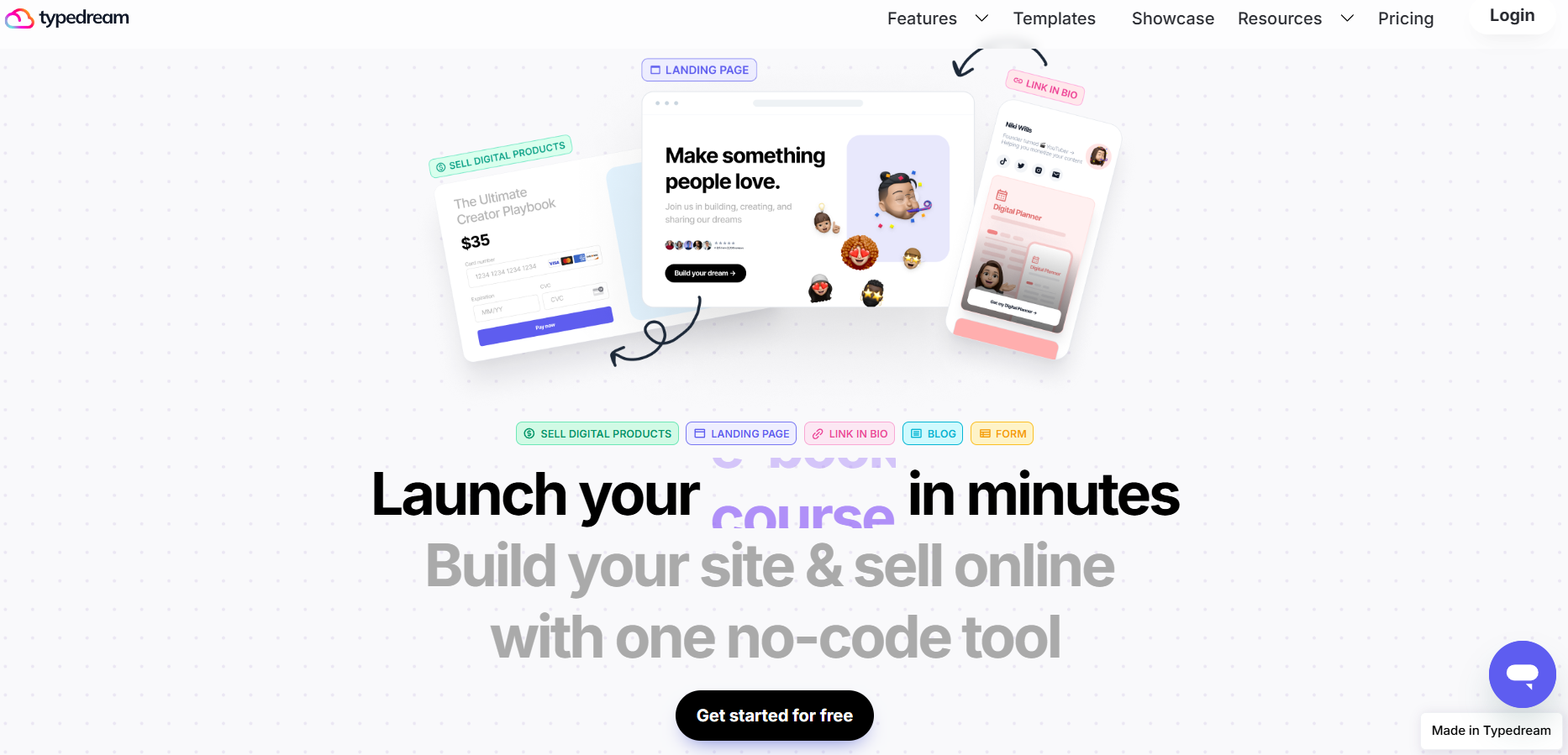
Typedream is the closest modern Carrd alternative for makers who love Carrd’s simplicity but want a slightly fresher editor, better multi-page support, and Notion-style content blocks. The interface is closer to what Notion users already know than what Carrd’s drag-and-drop feels like, which shortens the learning curve if you already write in Notion daily.
Free plan supports one site with Typedream branding. Launch at $12/month adds custom domain and removes branding, Grow at $24/month adds CMS support, Custom at $60/month adds AI features and higher limits. For indie makers who outgrew Carrd’s design system but still want something under an hour to set up, Typedream splits the difference between Carrd and Framer.
Design philosophy: Notion-style site builder with better multi-page support than Carrd and shorter learning curve than Framer.
Pricing: Free (Typedream branding), Launch $12/month, Grow $24/month, Custom $60/month.
Best for: Notion users and indie makers who outgrew Carrd’s editor but want familiar block-style building.
Carrd Alternatives Side By Side
All 5 picks with Carrd for reference, sorted from lowest to highest starting cost:
| Platform | Multi-Page | Native Commerce | Starting Cost |
|---|---|---|---|
| brandID | One-page storefront | Yes (native) | Free |
| Notion Sites | Yes (via Notion pages) | No | Free with Notion |
| Framer | Yes | Via integrations | Free / $5/month |
| Webflow | Yes | Yes (Ecommerce plans) | Free / $14/month |
| Squarespace | Yes | Yes (Commerce plans) | $16/month |
| Typedream | Yes | Via integrations | Free / $12/month |
| Beacons | One-page storefront | Yes (native) | Free / $8/month |
| Wix | Yes | Yes (Core plan and above) | Free / $17/month |
| Carrd (for reference) | One page only | Via embeds | $19/year |
Which Carrd Alternative Actually Fits You?
Quick decision guide by primary reason for leaving Carrd:
- You want to sell products, take tips, or run memberships: brandID. Native monetization removes the need for Stripe or Gumroad embeds.
- You already run everything in Notion: Notion Sites. Publish existing pages with zero migration.
- You want more design freedom without becoming a developer: Framer. Design-tool DNA in a site builder.
- You need a real multi-page site with blog and shop: Squarespace. Templates polished enough that most people never need to leave.
- You want full control over every pixel: Webflow. Professional web design without writing raw code.
- You want a beginner-friendly full site with the biggest template library: Wix. AI-drafted first pass and real free plan.
- You want a creator hub with monetization built in: Beacons. AI storefront and brand outreach tools Carrd cannot match.
- You want Carrd-style simplicity with a modern editor: Typedream. Notion-style blocks with better multi-page support.
FAQs
1- What is the best Carrd alternative?
For creators who want a one-page-style site with real monetization built in (products, tips, memberships, affiliate marketplace), brandID is the strongest Carrd alternative. For design-driven freelancers wanting more visual freedom than Carrd, Framer offers Carrd’s simplicity with modern web design capabilities. For makers who already live in Notion, Notion Sites publishes any Notion page as a website with minimal setup.
2- Why would I leave Carrd?
The three most common reasons: (1) one page stops being enough for a growing project or portfolio, (2) you need built-in ecommerce or monetization tools instead of embedding Stripe or Gumroad, (3) you outgrow Carrd’s template-driven design system and want tools closer to actual web design. Carrd remains excellent for what it does; most people leave because their needs shifted, not because Carrd failed.
3- Is there a Carrd alternative with built-in ecommerce?
Yes. brandID includes native digital product sales, tips, memberships, and affiliate marketplace on a one-page-style creator storefront, with 0% platform fees on the Creator plan. Squarespace has full ecommerce built into every website. Both remove Carrd’s need to embed external checkout tools like Stripe buttons or Gumroad widgets, which never quite feel native inside a Carrd page.
4- What is the cheapest Carrd alternative?
Carrd itself is genuinely hard to beat on price at $19/year for Pro Standard. brandID’s free plan is the closest zero-cost alternative with more features (link-in-bio, digital products, tips). Notion Sites is free if you already pay for Notion. Framer’s free tier supports one site with Framer branding. Webflow and Squarespace both cost significantly more monthly, so switch for capabilities rather than to save money.
 Summarize this article with: