Instagram runs on conversations now, not just posts. Every comment, Story reply, and DM is a chance to capture a lead or close a sale, and doing all of it by hand stops working the moment your account grows. Instagram automation tools handle the repetitive part (the first reply, the keyword trigger, the scheduled post) so your time goes to the work that needs a human. This 2026 guide compares the nine options actually worth paying for.
The trade-off is real, though. Pick the wrong platform and you either overpay as your audience grows or risk a ban from software that breaks Instagram’s rules. The setups that pay off tend to start with one job done well, like turning every keyword comment into an automated DM, then grow from there. Below you will find nine tools worth paying for, what each does best, current pricing, and how to match one to your goal.
Key Takeaways
- Automation splits into two jobs. Conversation tools (DMs, comments, Story replies) and publishing tools (scheduling, planning). Most creators need one of each, not a single do-everything app.
- Comment-to-DM is the highest-return feature. Auto-DMing anyone who comments a keyword converts 3 to 10 times better than a plain link-in-bio call to action.
- Only Meta-approved software is safe. Browser-emulation bots get accounts banned. Every pick here respects Instagram’s official API and its 200-DMs-per-hour limit.
- Pricing models matter more than sticker price. Flat-rate Instagram automation software stays predictable. Per-contact plans quietly climb as your audience grows.
- Pair automation with a place to sell. A tool that ends a conversation on a monetized bio page turns replies into commissions, tips, and product sales.
What Are Instagram Automation Tools?
Instagram automation tools are software that runs repetitive Instagram tasks for you: replying to DMs and comments, sending keyword-triggered messages, scheduling posts, and reporting on results. They connect to your account through approved channels, then act on rules or AI so you are not glued to the app all day.
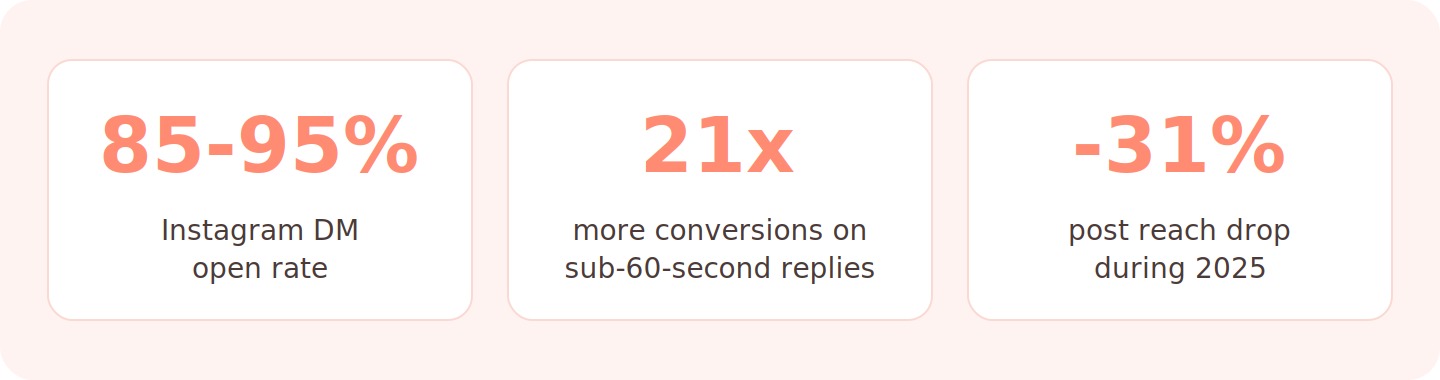
The reason they have taken off is simple math. Attention has moved into private chats, where an Instagram Messaging API message reaches almost everyone who receives it. Platform data summarized by Inrō in 2026 puts Instagram DM open rates at 85 to 95 percent, while overall post reach fell 31 percent in 2025. When fewer people see your feed, owned conversations carry more of the load.
The Main Types Of Instagram Automation
Not every task belongs to the same tool, so it helps to sort the market before you shop. Conversation automation covers DMs, comment replies, and Story interactions, and it is where comment-to-DM lives. Publishing automation covers scheduling, visual planning, and analytics. A few platforms blend both, but specialists usually win inside their lane.
Speed is the reason conversation tools matter most. Industry data from January 2026 shows automated replies sent within 60 seconds earn a 21x higher conversion rate than replies after 30 minutes. No human answers 50 comments in a minute, but an Instagram automation platform does it every time.
Best Instagram Automation Tools Compared
Start with the quick view below, then read the full breakdowns. This table shows what job each tool is built for, the entry price in 2026, and whether it runs on Instagram’s official API (the single biggest safety signal).
| Tool | Type | Starting Price (2026) | Best For |
|---|---|---|---|
| DMpro | Comment-to-DM + bio link | Free, from $19/mo | Trigger-word DMs + selling |
| ManyChat | DM + comment | Free, from $15/mo | Solo creators |
| Chatfuel | DM + AI sales | From $19.99/mo | IG + Messenger stores |
| Inrō | AI DM automation | Free trial, usage-based | AI moderation + analytics |
| LinkDM | Comment-to-DM | Free, from $19/mo | Budget lead magnets |
| InstantDM | Comment-to-DM | From $9.99/mo | Viral, high-volume posts |
| Later | Scheduling | Free, from $18.75/mo | Visual planning |
| Buffer | Scheduling | Free, from $6/mo per channel | Simple, low cost |
| Hootsuite | Management suite | From $99/mo | Larger teams |
The 9 Best Instagram Automation Tools In 2026
Each tool below is scored on four things that decide outcomes: account safety, feature depth, pricing clarity, and how well it fits a specific job. Read the recommendation line first if you are short on time, then work back up.
DMpro
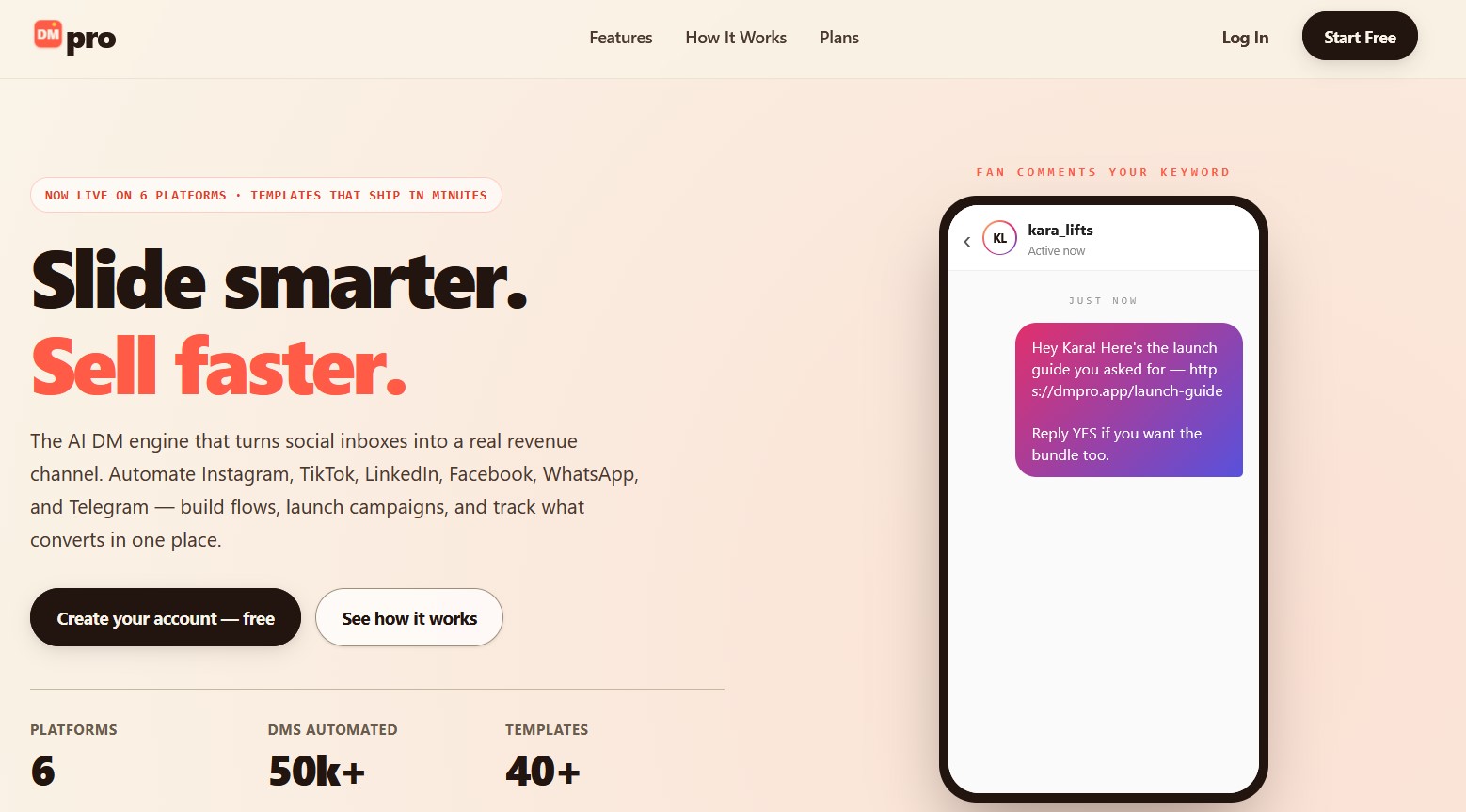
DMpro is an all-in-one Instagram DM automation app that turns a trigger word into an instant DM. Set a keyword like “LINK” or “PRICE”, and when someone comments it or messages it, DMpro replies in their inbox automatically through Meta’s official API. It pairs that comment-to-DM engine with a built-in link-in-bio storefront, so the conversation ends on a page where people can actually buy.
Best For: Creators and brands who want keyword-triggered DMs and a monetized bio page in one Instagram automation platform.
DMpro Key Features:
- Keyword comment-to-DM triggers
- Instant auto-DM replies on Meta’s official API
- Story reply and DM keyword automation
- AI-assisted response options
- Built-in link-in-bio storefront
- Click and conversion analytics
- Meta-API safe, no browser bots
- Automation plus bio link in one app
- Fast, no-code keyword setup
- Newer, so a smaller template library than long-established tools
DMpro Pricing: Free to start, then flat plans from $19/mo with no per-contact climb.
DMpro Recommendation: Pick DMpro when you want trigger-word DMs and a built-in shoppable bio page working together, instead of paying for two separate tools.
ManyChat
ManyChat is the most widely used Instagram automation software in the world, with more than a million creators and brands on it. It runs on Meta’s official API and ships a clean visual flow builder with comment triggers, Story replies, DM keywords, and broadcasts. Most listicles rank it near the top because its comment-to-DM flow is reliable, well documented, and cheap at the entry tier.
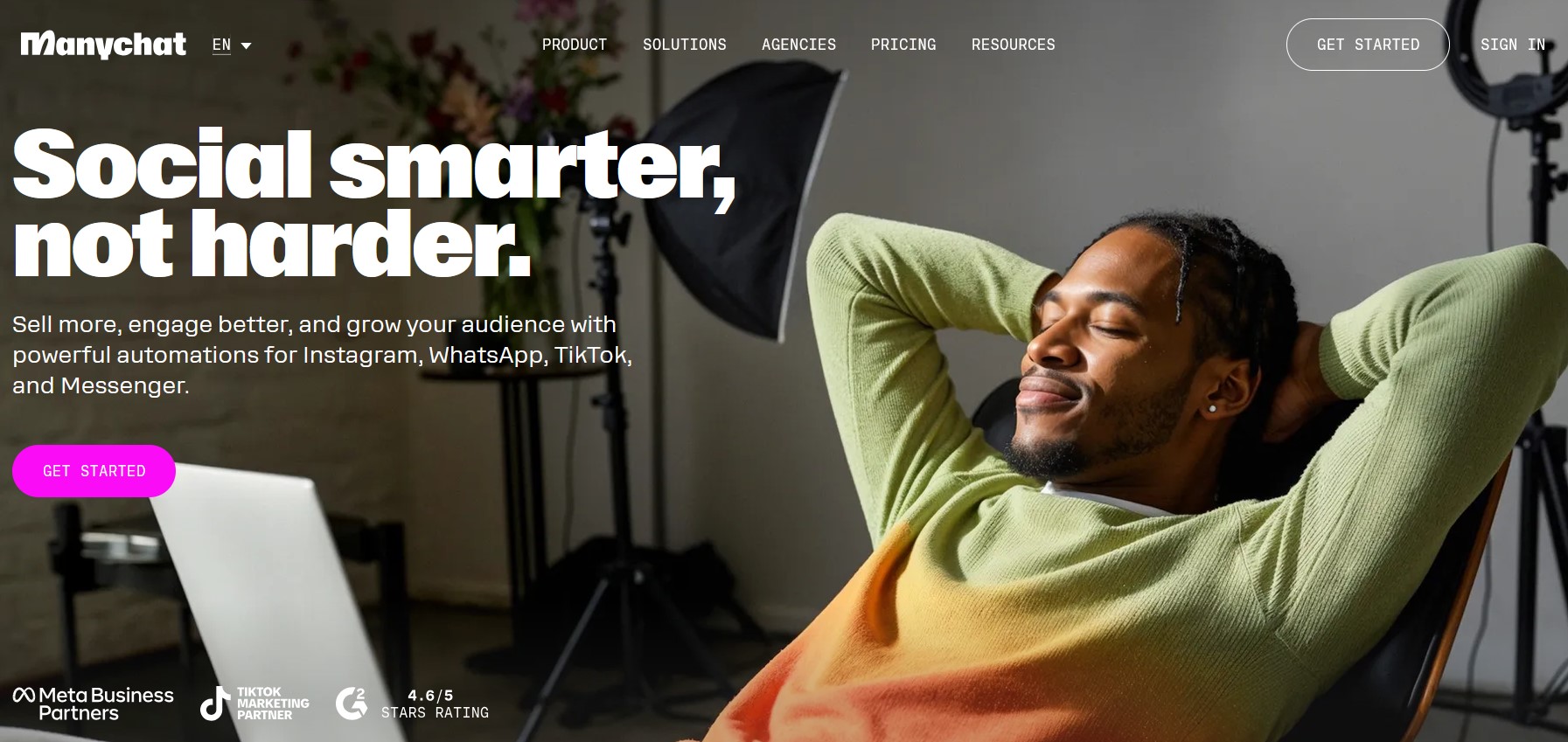
Best For: Solo creators and small teams that want a polished builder without a learning curve.
ManyChat Key Features:
- Drag-and-drop flow builder
- Comment-to-DM
- Story mention triggers
- A/B testing
- Native Shopify, Klaviyo, and Google Sheets integrations
- Largest template library
- Reliable native IG features
- Cheap entry plan
- Pricing scales with contact count
- AI add-on uses generic models
- One subscription per IG account
ManyChat Pricing: Free tier for testing, Essential from $15/mo, Pro at $29/mo, rising toward $139/mo at agency volume.
ManyChat Recommendation: The safest, best-documented entry into Instagram DM automation if you do not yet need AI you would pay extra for.
Chatfuel
Chatfuel is one of the oldest no-code builders, born on Messenger and now a strong Instagram automation platform in its own right. It pairs visual flows with AI-assisted reply blocks that go beyond keyword matching, and as a Meta Business Partner it connects cleanly to Shopify, Stripe, and Calendly. Conversation-based pricing keeps small accounts cheap.
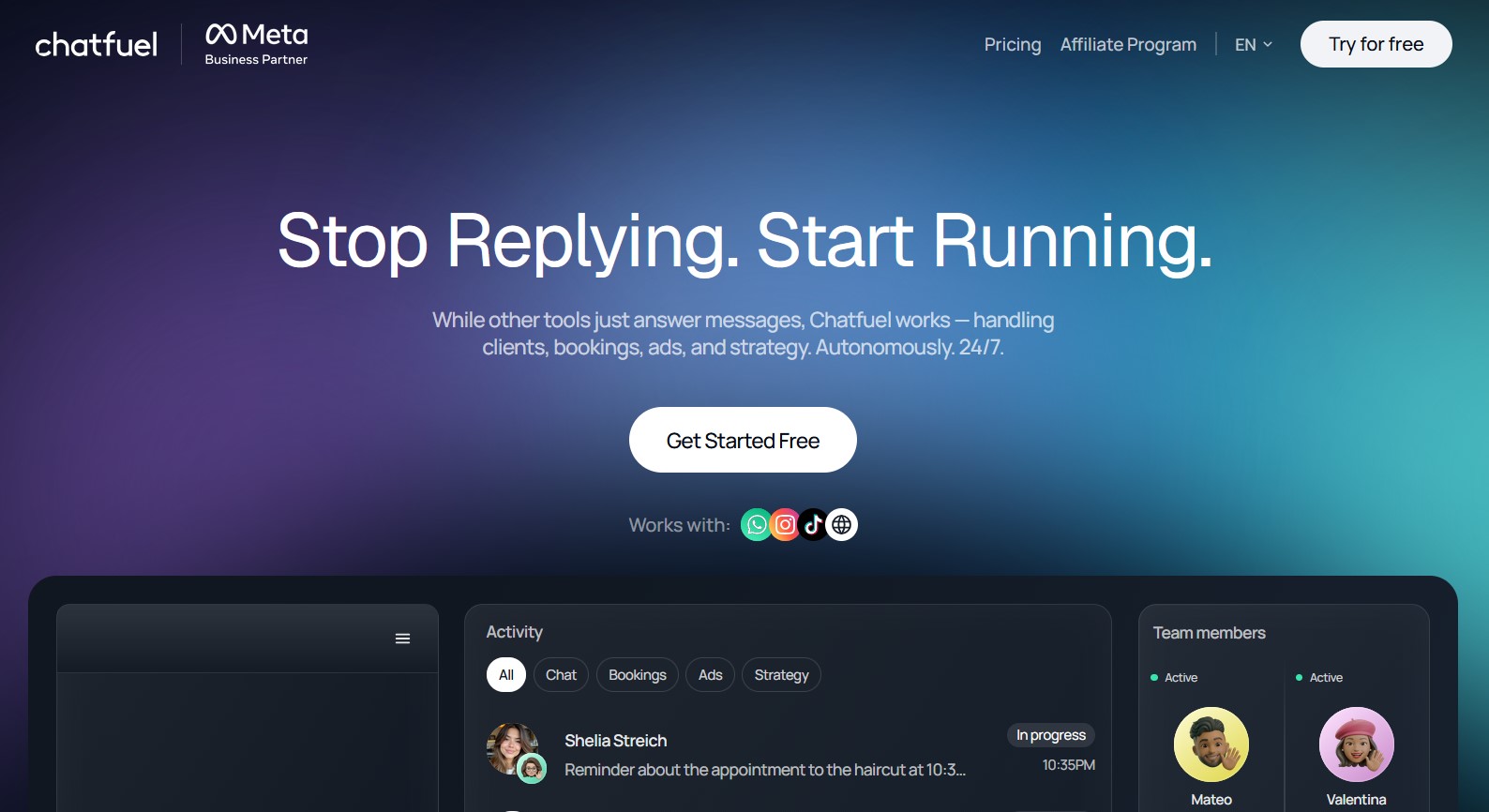
Best For: Small e-commerce stores and creators who want rule-based flows plus AI replies in one tool.
Chatfuel Key Features:
- Comment-to-DM
- Story mention automation
- AI reply blocks
- Shared inbox
- Shopify product lookups
- Policy-safe broadcasts
- Mature and stable platform
- Native Shopify integration
- AI replies, not only keywords
- Messenger remains the stronger product
- Costs spike on viral conversation days
- Free plan was retired
Chatfuel Pricing: The Instagram plan starts at $19.99/mo for up to 1,000 conversations, with higher tiers for volume.
Chatfuel Recommendation: Choose Chatfuel when your audience lives on both Instagram and Messenger and you want one tool to run both.
Inrō
Inrō is an AI-first Instagram DM automation tool built around moderation and measurement. It answers comments and DMs in natural language, filters spam, and reports open rate, click rate, reply rate, and conversion per flow so you always know which lever to pull. For accounts that treat DMs as a funnel rather than an inbox, that analytics depth is the draw.
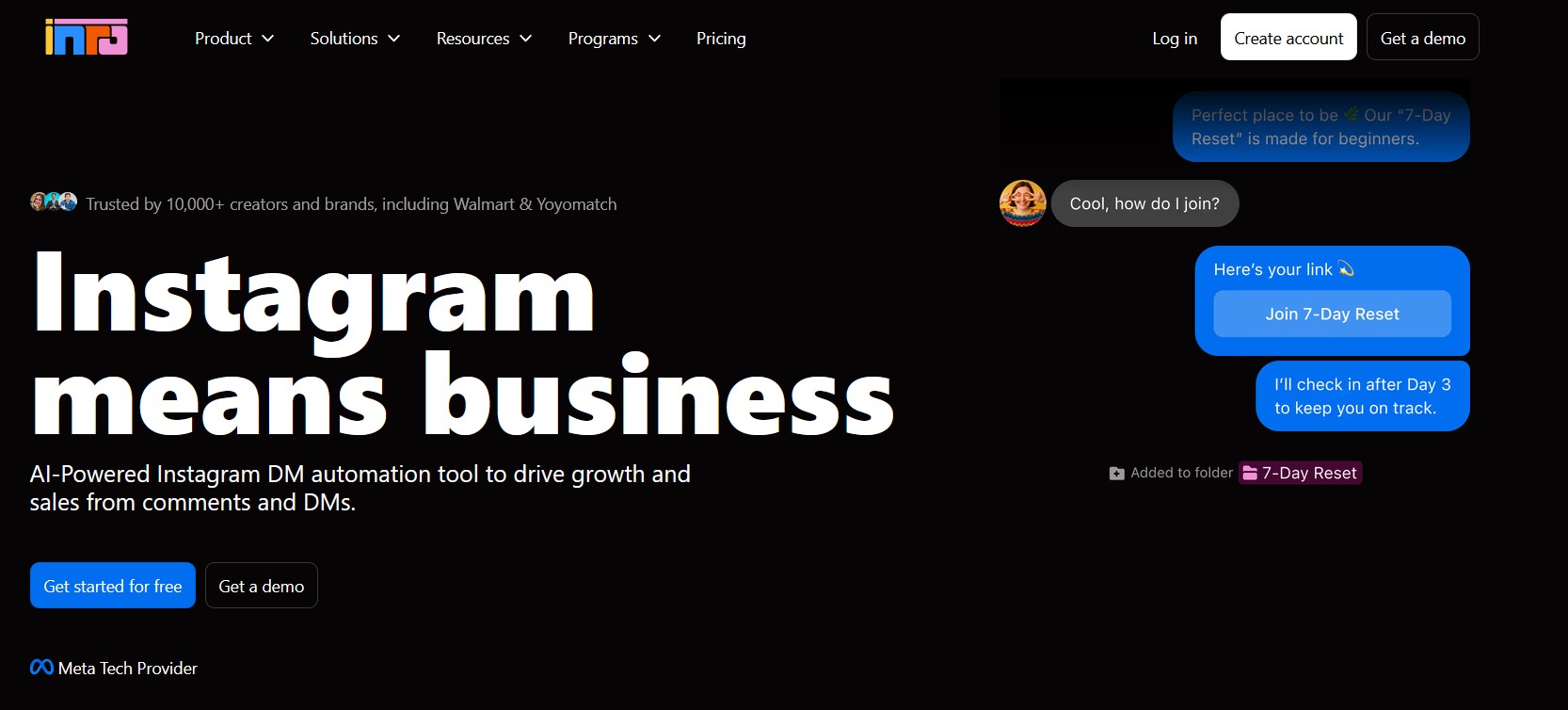
Best For: Data-minded creators and brands that want AI replies with real per-flow reporting.
Inrō Key Features:
- Natural-language AI responses
- Comment-to-DM
- Analytics dashboard for open and conversion metrics
- Spam moderation
- Human handoff
- Strong per-flow analytics
- Conversational AI, not rigid menus
- Solid moderation controls
- Instagram-focused, thin on other channels
- Usage-based cost can climb
- Newer, smaller community
Inrō Pricing: Free trial to start, then paid tiers that scale with message volume.
Inrō Recommendation: Reach for Inrō when you want to run DM automation like a measurable channel, not a set-and-forget bot.
LinkDM
LinkDM is a lean comment-to-DM tool for creators who want one job done well: send the promised link when someone comments a keyword. Among the best Instagram automation tools for lead magnets, it stands out for a genuinely useful free tier and flat pricing that does not punish a viral post. Setup takes minutes and the flows stay simple on purpose.
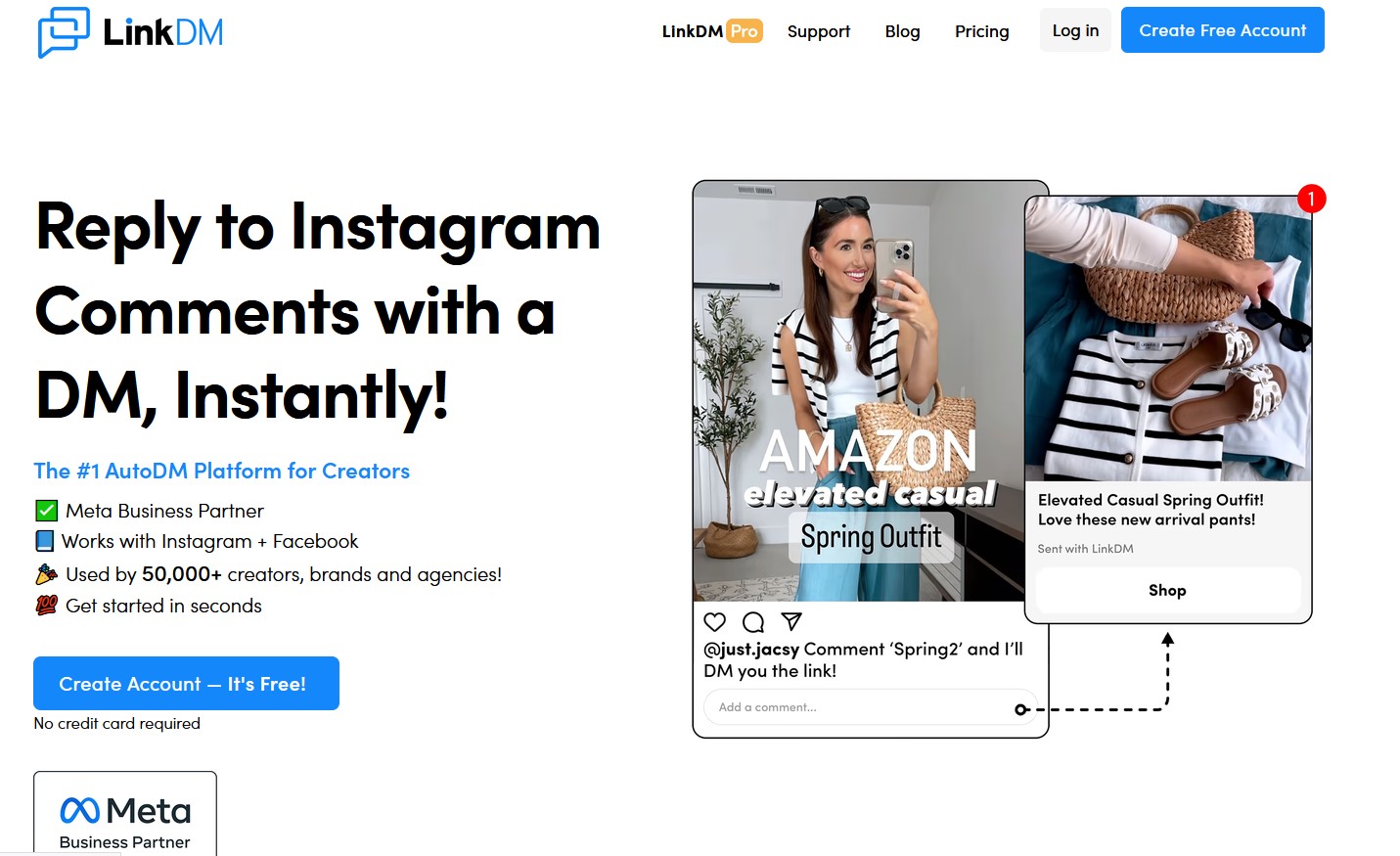
Best For: Creators delivering lead magnets and discount codes on a tight budget.
LinkDM Key Features:
- Keyword comment triggers
- Auto-DM link delivery
- Story reply automation
- Link click tracking
- Email capture inside the DM
- Free plan covers 1,000 DMs a month
- Flat, predictable pricing
- Fast, no-code setup
- Narrow feature set
- No built-in CRM
- Single-platform focus
LinkDM Pricing: Free for 1,000 DMs a month, paid from $19/mo at a flat rate.
LinkDM Recommendation: A smart first pick if all you need is reliable keyword-to-link delivery without paying for features you will not open.
InstantDM
InstantDM does one thing exceptionally well: safe, high-volume comment-to-DM. Among Instagram automation software, it has the best reputation for protecting accounts that post Reels drawing hundreds of comments. Tools like a DM queue, a slow-send mode, and a flood controller spread outbound messages across hours so you stay under the rate limit.
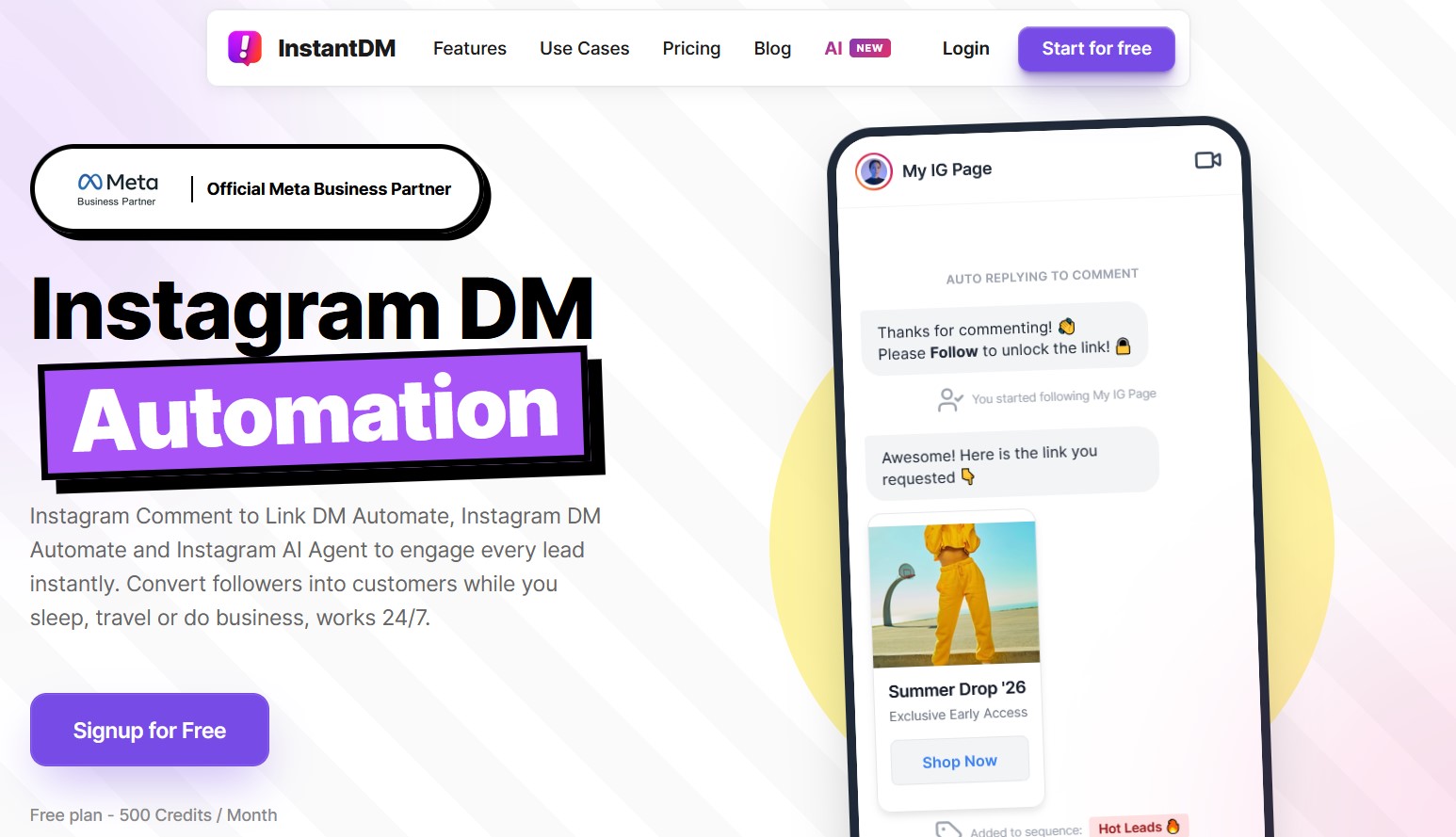
Best For: High-volume creators and viral accounts that value rate-limit safety over fancy AI chats.
InstantDM Key Features:
- Comment-to-DM with anti-spam safeguards
- Rolling rate-limit handling
- Drag-and-drop builder
- Link tracking
- Email capture
- Industry-leading safety controls
- Affordable flat pricing
- Simple, fast setup
- Narrow feature set
- No native CRM
- Limited multi-channel support
InstantDM Pricing: From $9.99/mo with unlimited contacts, rising to about $29/mo for advanced safety features.
InstantDM Recommendation: The safest choice when a single Reel can drive 500-plus comments and an action block would cost you real money.
Later
Later is the publishing side of Instagram automation, built from the ground up around visual content. It handles scheduling, a drag-and-drop visual planner, a social inbox, and AI features like smart scheduling that pick your best posting times. If Instagram and TikTok are your core channels, few schedulers fit better.
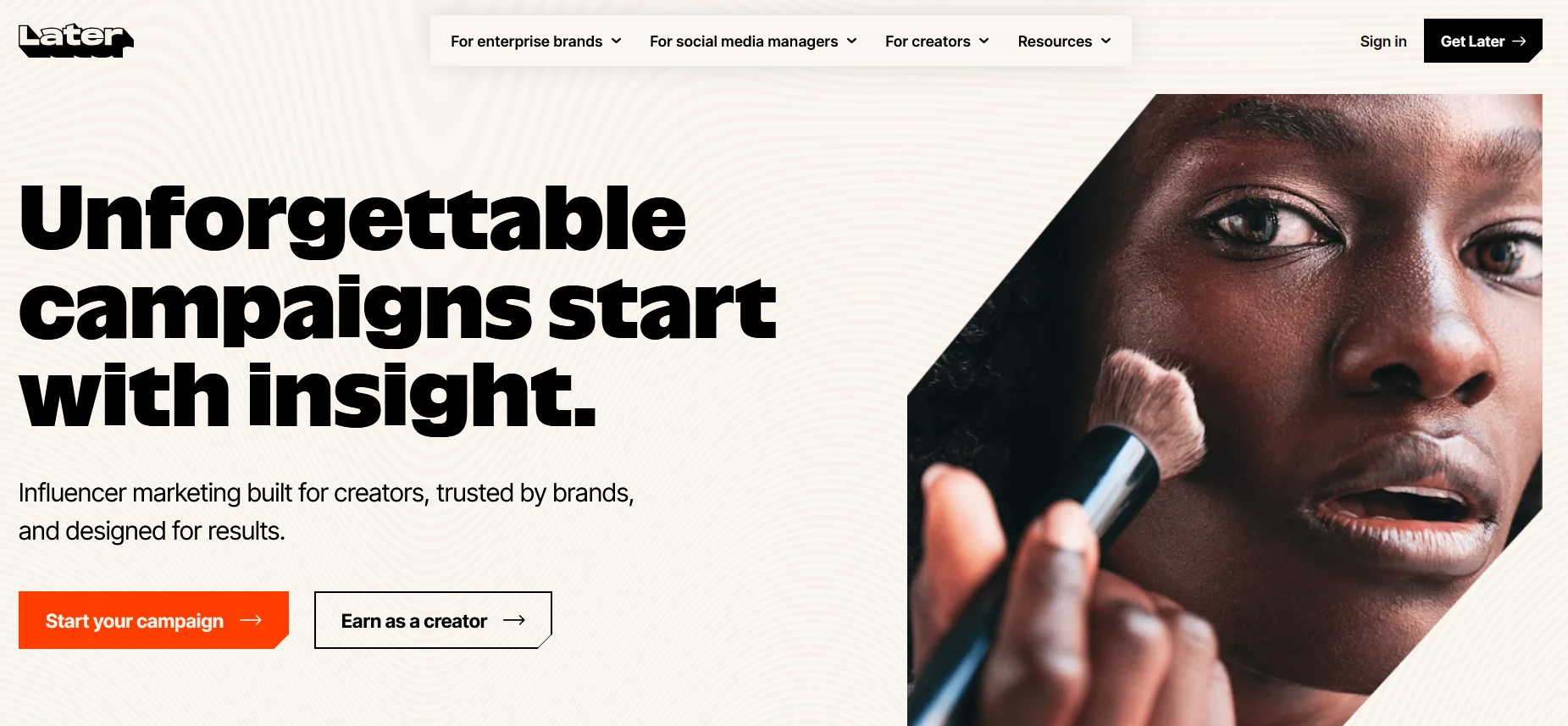
Best For: Creators and small brands who plan visual feeds and want scheduling plus a link-in-bio in one place.
Later Key Features:
- Visual content calendar
- Best-time scheduling
- Reels and Story scheduling
- Social inbox
- Canva integration
- Analytics across eight platforms
- Best-in-class visual planning
- Free plan to test
- Instagram and TikTok first
- No DM or comment automation
- Free plan caps posts tightly
- Analytics locked to higher tiers
Later Pricing: Free plan for 30 posts a month, with paid plans from $18.75/mo billed annually.
Later Recommendation: Pair Later with a DM tool from earlier in this list, and you cover both publishing and conversations for one Instagram account.
Buffer
Buffer is the simplest way to schedule Instagram posts without a heavy dashboard. It keeps the interface clean, adds an AI assistant for captions, and includes a link-in-bio Start Page. As an Instagram automation platform it does not touch DMs, but for consistent publishing on a small budget it is hard to beat.
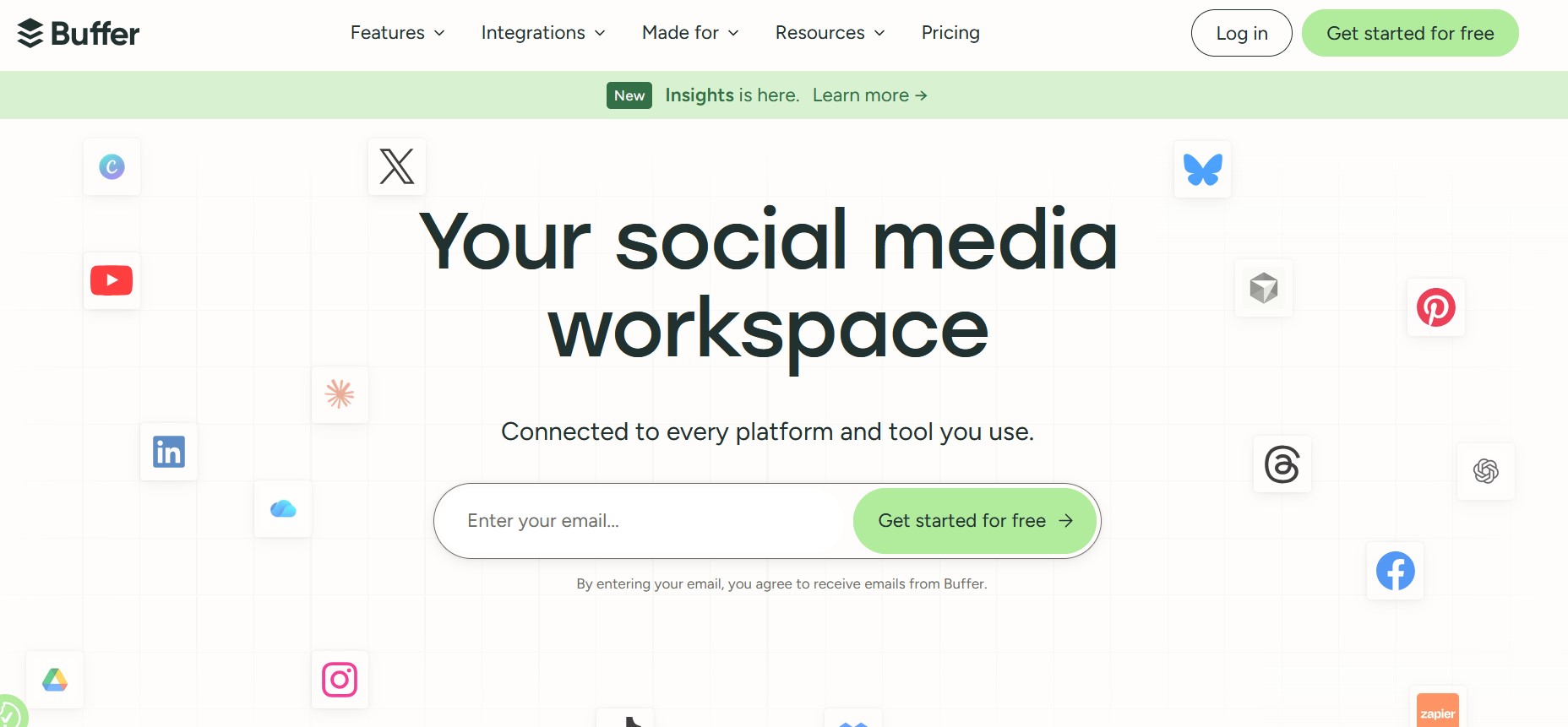
Best For: Solo creators and small businesses who want no-fuss scheduling across a few channels.
Buffer Key Features:
- Simple scheduling
- AI caption assistant
- Link-in-bio Start Page
- Basic analytics
- Channel-by-channel pricing
- Very easy to learn
- Generous free plan
- Low cost per channel
- No DM or comment automation
- Light analytics
- Per-channel cost adds up
Buffer Pricing: Free plan for three channels, then Essentials at $6/mo per channel and Team at $12/mo per channel.
Buffer Recommendation: The right scheduler when you want to post reliably and spend your budget on conversation tools instead.
Hootsuite
Hootsuite is the all-in-one management suite for teams that run many accounts from one dashboard. It bundles bulk scheduling, a unified inbox, 150-plus app integrations, and social listening. As an Instagram automation platform it leans enterprise, and the price reflects that, but larger teams get real value from its reporting and compliance features.
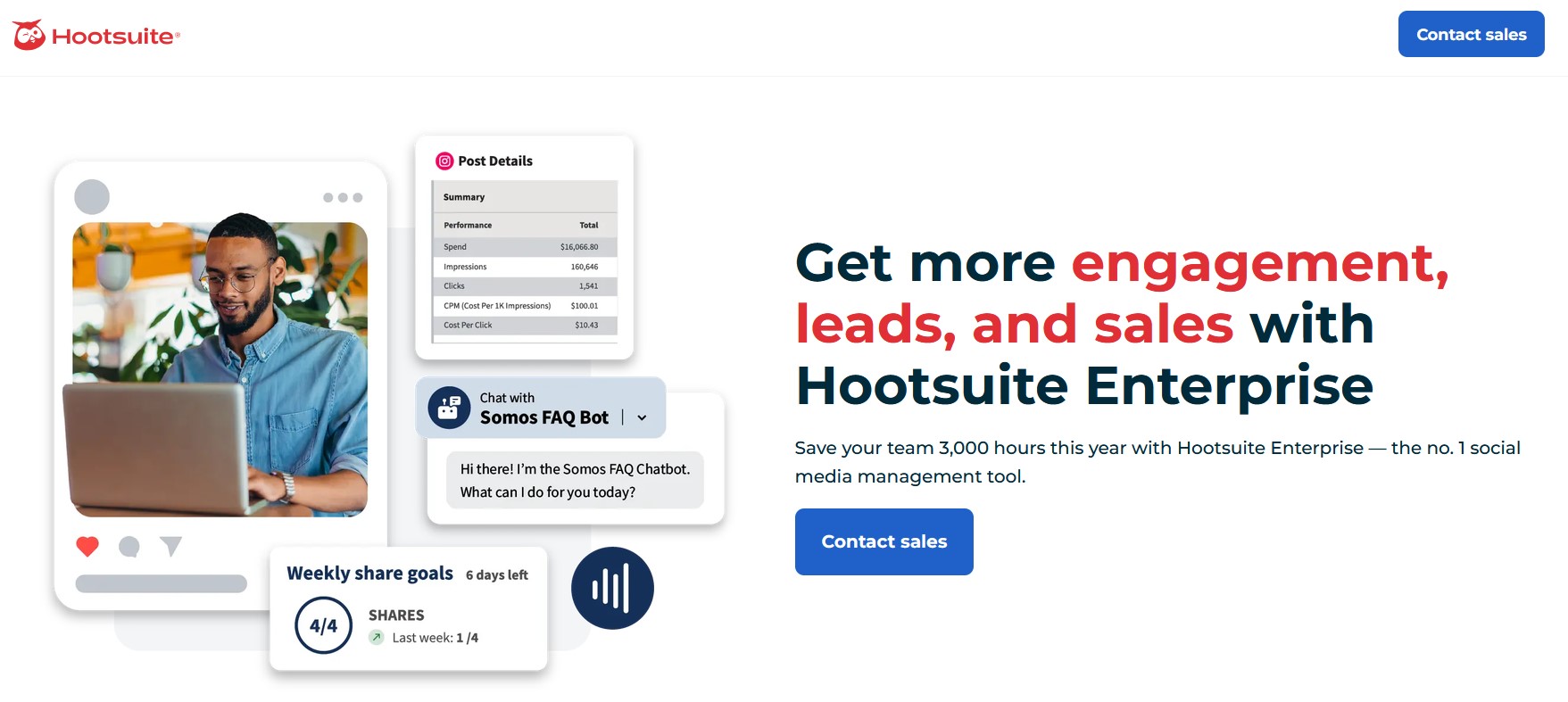
Best For: Larger teams and regulated industries that need control, approvals, and deep reporting.
Hootsuite Key Features:
- Bulk scheduling
- Unified social inbox
- 150-plus integrations
- Social listening add-ons
- Team permissions
- Audit logs
- One dashboard for many profiles
- Strong enterprise reporting
- Broad integration library
- No free plan
- Steep price for small teams
- Dense interface, longer onboarding
Hootsuite Pricing: Professional from $99/mo (one user, ten accounts), Team from $249/mo, Enterprise custom.
Hootsuite Recommendation: Worth it once you manage many accounts and need approvals and reporting more than a low monthly bill.
How To Choose The Right Instagram Automation Tool
Most Instagram automation tools look alike on a feature list. The choice sharpens when you score them against the criteria that move outcomes. Answer the questions in this checklist, and two or three names will fall away before you sign up for a single trial.
The funnel below shows the order to apply those filters, narrowing the whole market down to a shortlist you can actually trial.
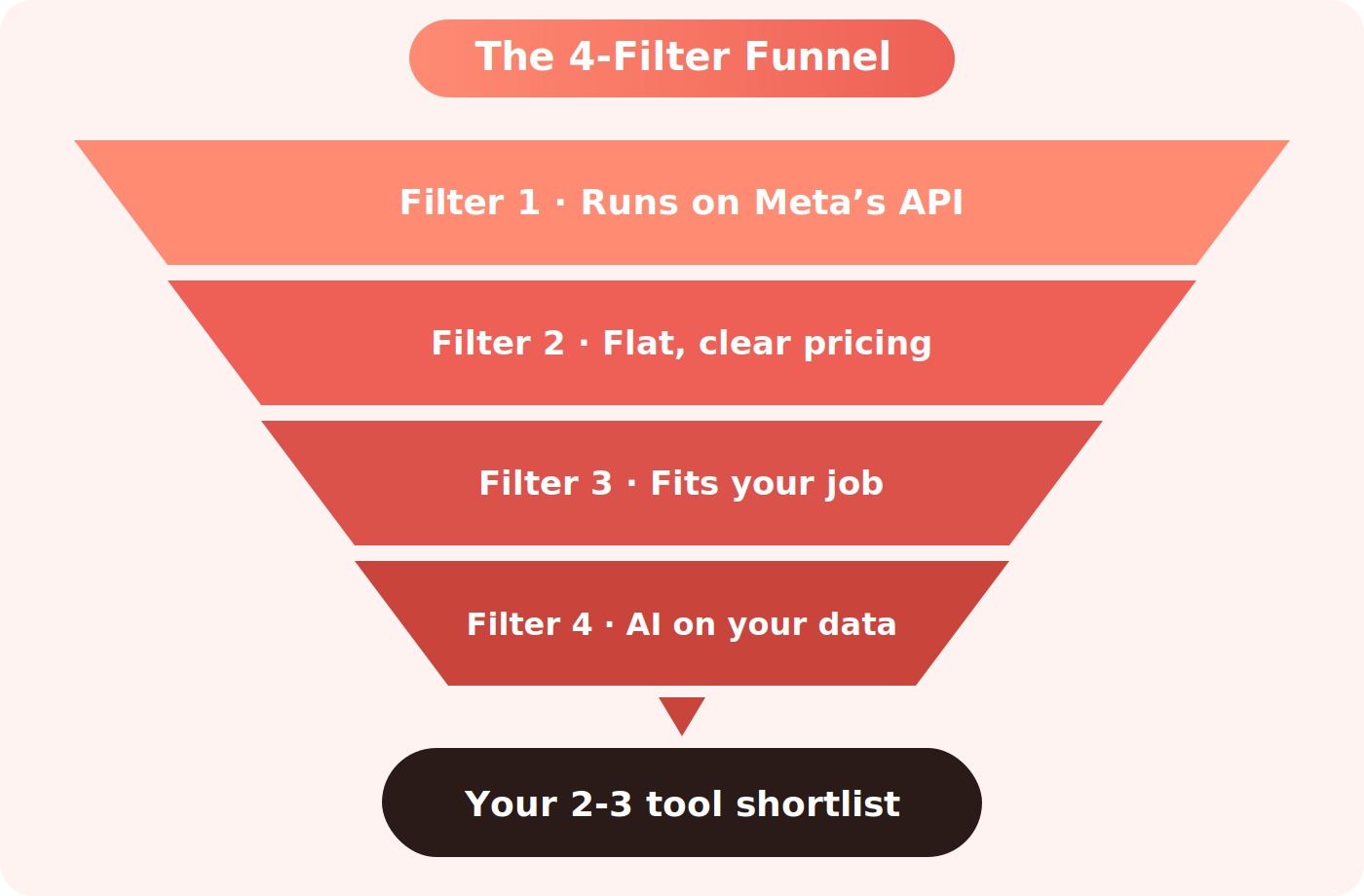
- Is it on Meta’s official API? Look for the Business Partner badge. Anything using browser emulation risks a ban, no matter how good the demo looks.
- What is the pricing model? Flat-rate software stays predictable. Per-contact plans can climb from $15 to $200-plus as your audience grows, with no new features.
- Does it match your job? Conversation, publishing, or both. Buying a scheduler when you need comment-to-DM wastes money and time.
- Does the AI train on your data? Brand-trained replies convert several times better than generic templates in 2026 benchmarks.
- Where do conversations end? The best setup drops people on a monetized page, so building an email list or a sale happens inside the flow.
If you want deeper help on the publishing side, our guide to the best social media management tools breaks down schedulers by team size and budget.
How To Stay Safe And Avoid Instagram Bans
Safety is the one area where cheap Instagram automation software costs you the most. Meta’s API only lets you send free-form messages within a 24-hour window after a user interacts with you, and it caps outbound DMs near 200 per hour. Tools that promise cold mass DMs to strangers are breaking those rules, and the penalty is an action block or a permanent ban.
Three habits keep accounts healthy. Switch to a Professional account so the API works at all. Stick to platforms with the Meta Business Partner badge. Then throttle your sending: queues and slow modes exist precisely because a single viral Reel can push you past the hourly limit in minutes. For a hands-on walkthrough, see how to set up an Instagram auto-reply the compliant way.
Your automation brings people in. Your bio page closes them. The brandID affiliate marketplace gives creators access to over 5 million products from more than 2,000 brands, with average commissions up to 65 percent (some pay even higher). Pick products in your niche, build a free storefront in minutes, and link every post straight to what you recommend, so each DM becomes a chance to earn.
Start Earning With brandIDFinal Thoughts On Instagram Automation Tools
The best Instagram automation tools are not the ones with the longest feature list. They are the ones that match a specific job, run on Meta’s official API, and price in a way that survives your growth. Conversation tools like DMpro, ManyChat, and Inrō win on speed and replies. Schedulers like Later, Buffer, and Hootsuite win on consistency.
A useful rule for 2026: pick one conversation tool and one publishing tool, wire them around a single comment-to-DM trigger, and tag every link so you know what earns. Speed and consistency compound, and once your flows are running, growing your reach and revenue stops depending on being online every waking hour. From there, the next step is knowing which Instagram niches earn fastest so your automation points at the right audience.
Frequently Asked Questions
Are Instagram automation tools safe to use?
Yes, as long as the tool connects through Meta’s official Instagram API and holds Business Partner status. Every pick in this guide qualifies. What gets accounts banned is browser-emulation software that fakes sessions or mass-DMs strangers. Stay on API-based tools, respect the roughly 200-DMs-per-hour cap, and your account stays healthy.
Do any Instagram automation tools work for free?
Several do. ManyChat, LinkDM, and Buffer all ship free tiers, and Later offers 30 posts a month at no cost. Free plans are fine for testing and light use, but they cap contacts, DMs, or posts. Once a flow starts driving real revenue, the paid tier usually pays for itself within a month.
Can these tools DM people who have not messaged me first?
Not through the standard API. Meta only allows free-form messages inside a 24-hour window after a user comments, replies to a Story, or clicks an ad. That is why compliant tools focus on comment and keyword triggers: a comment counts as the user reaching out first, which opens the window legitimately. Blunt mass-DM bots that skip that step are what trigger bans.
What is the best Instagram DM automation tool for creators?
It depends on volume. Solo creators do well with flat-rate tools like LinkDM or CreatorFlow that will not spike as followers grow. For an all-in-one option, DMpro pairs trigger-word DMs with a built-in bio-link storefront. Whatever you pick, end each conversation on a monetized bio page so replies turn into income, not just chatter.
 Summarize this article with: