Finding the best OnlyFans search engine tools is harder than it should be, because OnlyFans does not have a built-in search function. This is by design. The platform was built on strict privacy protocols to protect its creators, which means there is no native way to browse, filter, or discover accounts from within the app itself.
That gap has created a large secondary market of third-party discovery tools, each taking a different approach. Some scrape public metadata, some organize creators into niche categories, and some use reverse image search to connect profiles across platforms. With over 2.5 million active creators on OnlyFans, finding the right one without a dedicated search engine is like looking for a needle in a haystack.
This guide breaks down the 7 best OnlyFans search engine tools available right now, covering how each one works, who it is best suited for, and where it falls short.
Top 7 OnlyFans Search Engine Tools
Each tool below was selected based on how well it actually performs for discovery, not how much it spends on self-promotion.
1. OnlyFinder (The Industry Standard for Database Search)
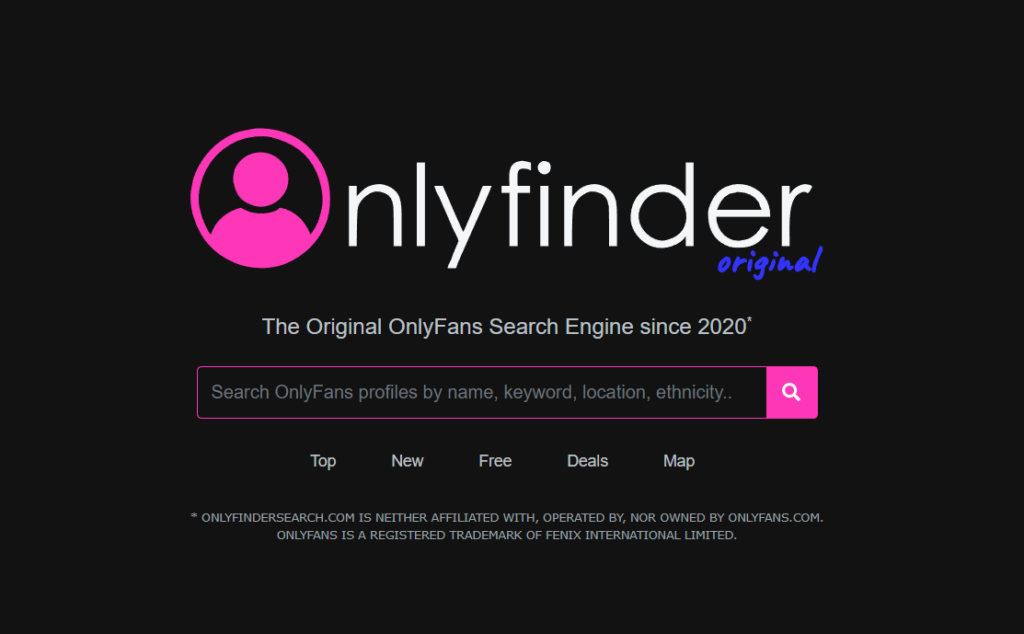
OnlyFinder is one of the longest-standing best OnlyFans search engine tools available, and it remains the go-to starting point for most users. It works as a free, web-based scraper that continuously indexes public profiles and their metadata.
How It Works
You can search by username, real name, or keywords pulled directly from a creator’s bio. The results are pulled from a constantly updated index, so most active public profiles will show up with a current snapshot of their page.
The Standout Feature: Location Search
OnlyFinder has a built-in map that plots creators geographically, based on location data they have voluntarily linked to their profile or connected social accounts. For brands running localized campaigns or looking for best OnlyFans creators in a specific city, this is genuinely useful and not something most competing tools offer.
The Catch: OnlyFinder only indexes publicly visible profiles. If a creator has restricted their profile, changed their username, or removed location data, the results will either be missing or show outdated cached information with broken links.
2. FansCompass (The Best for Niche Categorization)
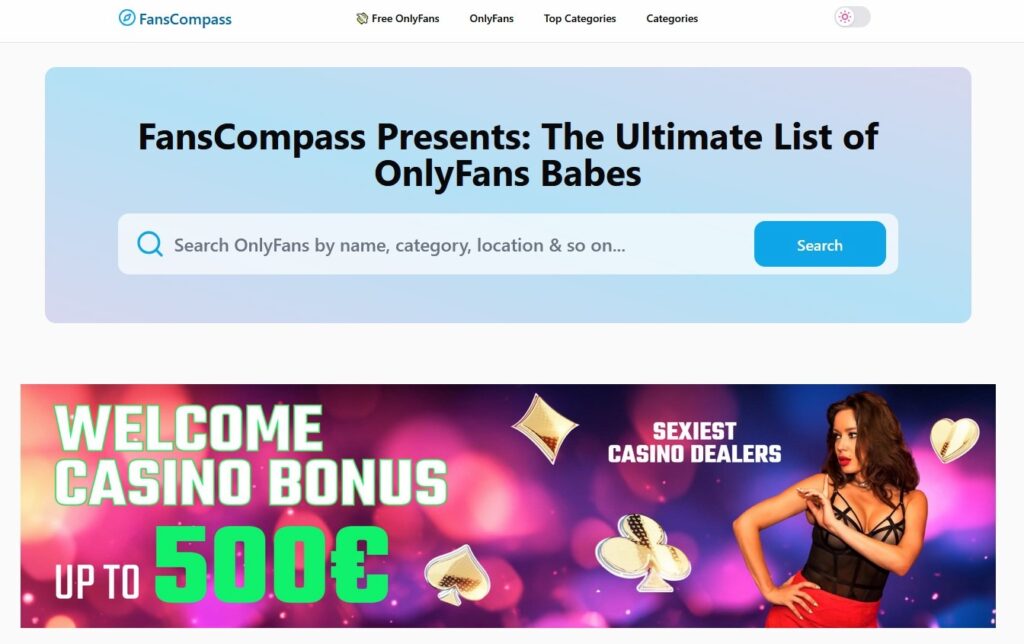
FansCompass is a creator directory that skips the raw search bar approach entirely and organizes profiles into clearly defined content categories instead. Think of it less as an OnlyFans search engine and more as a structured browsing experience.
How It Works
Rather than returning thousands of loosely matched results for a keyword, FansCompass sorts creators into specific niches like Fitness, ASMR, Cosplay, Travel, and Alt-Fashion. You browse by category and then narrow down from there.
Why It Works Well
The platform offers a multi-tier filtering system that lets you sort by tags, active promotion windows, and verified popularity metrics. This makes it a strong option when you have a target audience or content type in mind but do not have a specific creator name to search for.
The Catch: The top spots in most categories are heavily occupied by agency-managed accounts with the budget to maintain premium visibility. Independent creators tend to get buried, which means the most prominent results are not always the most authentic ones.
3. OnlyAccounts.io (The Largest Indexed Database)
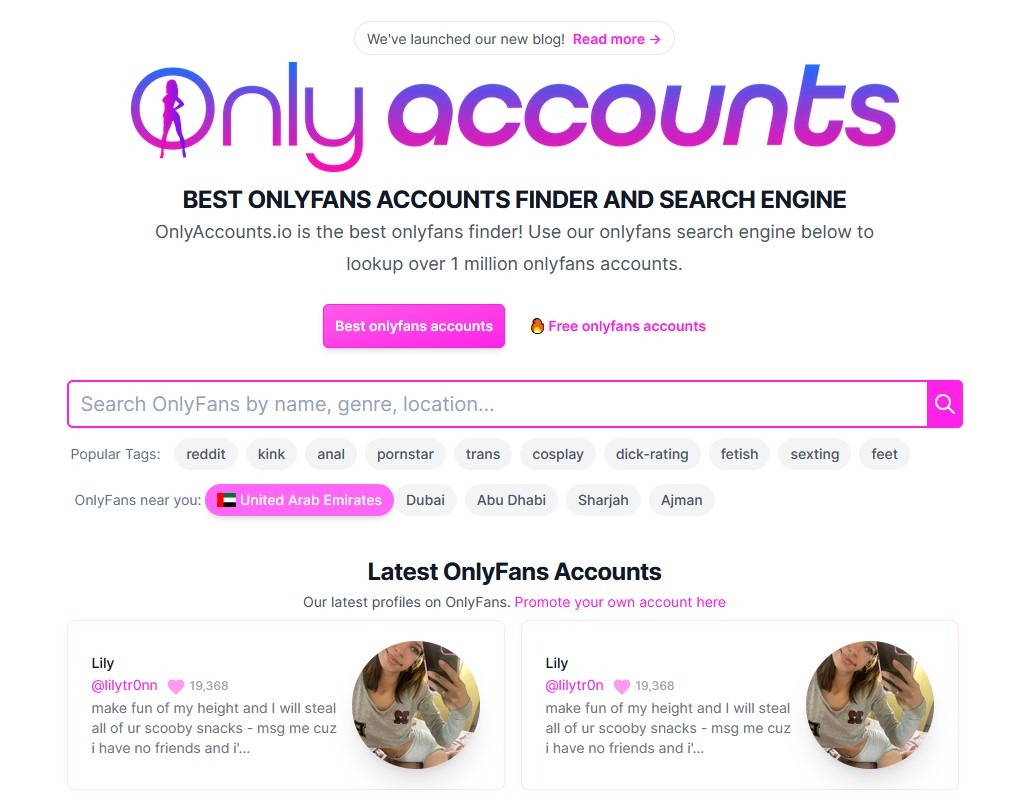
Among the best OnlyFans search engine tools focused purely on volume, OnlyAccounts.io stands out for the size of its index, claiming to track over one million active accounts with no paywalls or sign-up required.
How It Works
The interface is intentionally minimal, a clean database filter with no heavy graphics or extra features slowing it down. You can segment results by content genre, subscription price tier, regional location, and how recently a creator has posted.
Who It Is Best For
OnlyAccounts.io is most useful for market researchers, data analysts, and agencies trying to map trends across the creator economy rather than find one specific person. It gives you the broadest, most unfiltered data pull of any tool on this list.
The Catch: The bare-bones interface means there is no qualitative layer to the results. You get volume, but no real way to assess creator quality, authenticity, or audience engagement from within the platform.
4. Yandex Images (The Reverse Image Search OSINT Hack)
Yandex Images is not a dedicated OnlyFans search engine tool in the traditional sense, but it is one of the most effective methods for cross-platform creator discovery available right now. Its reverse image search is widely regarded as the most accurate on the market, consistently outperforming Google Images and TinEye when matching faces and reused promotional photos across platforms.
How It Works
This is an OSINT (Open Source Intelligence) approach rather than a traditional directory. Creators often avoid linking directly to their OnlyFans from Instagram, TikTok, or X due to shadowbanning concerns, which makes them nearly impossible to find through standard keyword searches.
The workaround is simple. Take a promotional photo or profile picture from their public social media and upload it directly into Yandex Images. Because creators typically reuse their best-performing visuals across multiple platforms, Yandex’s computer vision AI will locate the other pages where that same image appears, usually surfacing their OnlyFans URL or Linktree link within seconds.
The Catch: This method only works if you already have an image to start with. It is a cross-referencing tool rather than a broad discovery tool, so it is most effective when you know who you are looking for but cannot find where they are.
5. FansPedia (The UI-Driven, TikTok-Style Discovery Engine)
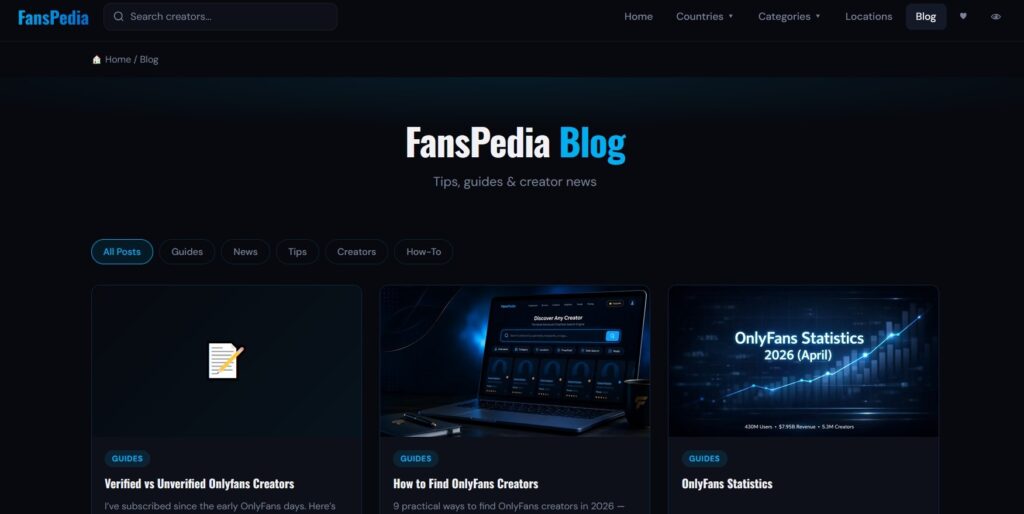
FansPedia takes a different approach from most OnlyFans search engine tools on this list. Rather than leading with a search bar and a wall of profile results, it is built around a visual-first browsing experience designed around how people actually consume content in 2026.
How It Works
The platform includes a standard keyword search bar, but its main feature is a vertical swipe feed that mimics the TikTok or YouTube Shorts experience. You scroll through creator previews rather than static profile cards, which makes the discovery process feel more intuitive and less like filtering a spreadsheet.
The Visual Advantage
FansPedia heavily prioritizes creators who upload teaser video content, which works in the user’s favor. If you are a brand evaluating a creator before reaching out, you can quickly get a read on their on-camera presence, editing style, and overall content quality without leaving the discovery page. That saves a significant amount of back-and-forth time.
The Catch: The platform naturally favors creators with strong video production setups. Creators who rely on photo content or written posts are underrepresented in the feed, which means the results skew toward a specific content type regardless of what you are actually looking for.
6. Reddit (The Unfiltered, Community-Driven Search Engine)
Reddit is not a conventional OnlyFans search engine tool, but it is one of the most reliable places to find independent, unmanaged creators who actually run their own accounts. Unlike paid directories where agency-backed profiles dominate the top spots, Reddit surfaces real people posting in real communities.
How It Works
Skip Reddit’s native search bar entirely. It is clunky and will not give you useful results. Instead, use Google Search Operators to target Reddit directly. The formula looks like this:
site:reddit.com “OnlyFans” + “[Your Target Niche]”
For example: site:reddit.com “OnlyFans” + “athleisure fashion”
Why It Works
This query bypasses every paid directory and takes you straight into niche subreddits where independent creators self-promote, share proof of identity, and engage directly with their audience. There are no chatbots, no agency filters, and no inflated popularity scores. What you find is what it is.
The Catch: This method requires more manual effort than a standard search tool. You will need to sift through threads, verify profiles yourself, and piece together contact information. It is time-consuming, but the quality and authenticity of what you find tends to be significantly higher than anything a directory will surface.
7. FansList (The Best for Creator Analytics and Verified Data)
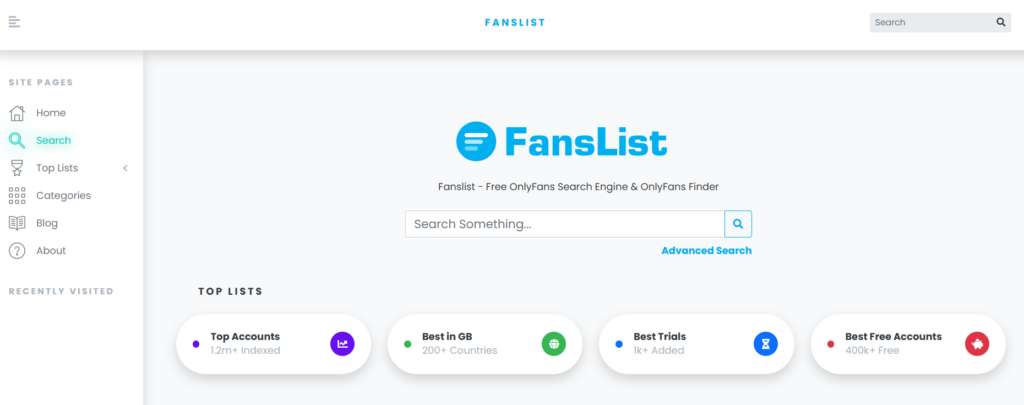
FansList is one of the newer entries among the best OnlyFans search engine tools in 2026, but it has quickly become a standout for users who need more than just a list of profiles. It boasts an enormous index of creator profiles and delivers fast, relevant results across a wide range of categories. What separates it from the rest is the layer of analytics sitting on top of that data.
How It Works
FansList combines standard keyword and category search with real creator performance data, including engagement metrics, pricing history, and activity frequency. Instead of guessing whether a profile is worth your time, you can evaluate it before clicking through.
Who It Is Best For
FansList combines search power, creator analytics, curated discovery, and a clean user experience in a way that makes it particularly valuable for brands and media buyers who need to qualify creators quickly rather than spend hours vetting profiles manually.
The Catch: The analytics focus means it works best for research and vetting rather than casual browsing. If you just want to explore creators without a specific goal in mind, the data-heavy interface can feel like more than you need.
Strategic Comparison: 2026 OnlyFans Discovery Tools
To help you choose the right path for your specific operational goals, here is a breakdown of how these top tools stack up against each other:
| Search Tool | Primary Discovery Method | Ideal User Persona | Major Advantage | Key Limitation |
| OnlyFinder | Metadata & Location Scraping | Consumers & Event Planners | Advanced Map Search feature | Indexes public profiles only; high rate of broken links |
| FansCompass | Taxonomic Niche Tagging | Casual Browsers | Exceptional categorical filtering | Heavily saturated by premium agency accounts |
| OnlyAccounts.io | Database Filtering | Market Researchers & Data Analysts | Massive index size; completely free to use | Basic interface; no qualitative verification |
| Yandex Images | Computer Vision / Reverse Image | OSINT Investigators & Brands | Unmatched face-recognition cross-referencing | Requires an initial media asset to begin search |
| FansPedia | Short-form Vertical Video Swipe | Media buyers looking for video talent | High visual engagement; immediate style audit | Biased towards creators with heavy video setups |
| Organic Community Sourcing | Brands seeking raw authenticity | Bypasses corporate agency filters completely | Requires manual scraping and knowledge of search operators | |
| FansList | Creator Analytics and Verified Data | Brands and media buyers | Performance data and engagement metrics alongside search | Analytics-heavy interface; less suited for casual browsing |
Conclusion
The best OnlyFans search engine tools available in 2026 are more capable than most people realize, but they each serve a different purpose. OnlyFinder and OnlyAccounts.io are built for volume and broad discovery. FansCompass and FansPedia work better when you want to browse by niche or evaluate content style. Yandex Images and Reddit fill the gaps that traditional directories miss entirely. FansList adds an analytics layer that makes creator vetting significantly faster for brands and media buyers.
The key is matching the tool to your actual objective. If you are a casual user trying to locate a specific creator, one or two of these tools will get you there quickly. If you are a brand trying to build structured, scalable influencer partnerships, the directory approach will only take you so far. At that point, the more productive step is moving to a verified marketplace where the infrastructure does the heavy lifting for you.
No. OnlyFans does not offer a public internal search engine for discovering creators. Users typically rely on third-party OnflyFans search engines, directories, and social media platforms to find creators.
OnlyFinder offers a map-based search feature that displays creators who have publicly associated their profiles with a geographic location. This can be useful for finding creators in specific cities or regions.
Yes. Reverse image search tools such as Yandex Images can help locate a creator’s OnlyFans profile by matching images used across social media platforms and websites.
Most OnlyFans search tools rely on web scraping and cached public data. If a creator changes their username, removes public information, or restricts profile visibility, search results may contain outdated information or broken links.
 Summarize this article with: